The best VSL host for sales videos
Ranked on autoplay, retention, sale attribution and price.
Search "best video hosting" and you get Wistia and Vimeo. They are good products, but they are built for content libraries and brand video. A VSL is a different job: a stranger on cold paid traffic has to watch, believe and buy in one sitting. A VSL host for that job is ranked on autoplay, retention, whether the sale is tied to the play, and price.
I'd judge a host for a sales video by two things before any feature list: whether it reports which plays bought, and what it costs for your own traffic. I would settle the billing model only after running your numbers, because a bandwidth plan that looks cheap gets expensive fast on a long video, as Cloudflare's own pricing documentation makes plain and as marketers in Reddit vendor threads keep warning about Wistia and Vimeo.
Course creators ask a version of the same question. If you are looking for video hosting for online courses, the lessons and the video that sells the course need different hosts, and our course picks name one for each.
We do not run these tools on live campaigns. We read what long-term users report, work through each vendor's own documentation and pricing, and verify the numbers before a verdict goes live. The ranking below is ordinal: a numbered order with one clear pick per situation, not a score we then have to defend cell by cell.
Quick answer
TrackPlay is the pick if you need a VSL host that ties every paid-traffic play to the sale. Vidalytics is the pick if you want a proven conversion player and can live with play-based pricing. Wistia and Vimeo make sense only when the video's job is content marketing.
At a glance
How the hosts compare
The billing model, and whether the sale is tied to the play, decide what you pay and whether the ad account can learn from a purchase.
| Host | Best for | From | Billing | Sale attribution |
|---|---|---|---|---|
| TrackPlay | Paid-traffic VSLs | $29/mo | Per play | Server-side postbacks |
| Vidalytics | Direct response | $19/mo | Plays per month | Conversion tracking |
| Panda Video | Courses + VSL | $17.90/mo | Flat + bandwidth | Tracking pixels |
| Voomly | Creation + hosting | $9/mo | Flat tiers | None |
| Wistia | B2B content | $79/mo | Storage + seats | Tags CRM contacts by how much they watched, with no sales tracking |
| Adilo | Unlimited streaming | See adilo.com | Storage-based | Ad pixels only |
| Vimeo | General hosting | $12/mo annual | Subscription | None |
| Bunny Stream | Developers building their own player | $1/mo minimum | Usage-based | None built in |
| Cloudflare Stream | Teams already on Cloudflare | $5/mo minimum | Usage-based | None built in |
| Mux | Developers shipping video in-product | Free; Launch is $20/month | Usage-based | None built in |
| Presto Player | WordPress sales pages | $79/year | Annual plugin license plus separate video hosting | Page analytics only |
| VdoCipher | DRM for premium video | $149/year | Annual bandwidth credits | None built in |
| Vidyard | B2B sales outreach video | $59/seat/month billed annually | Per seat, monthly or annual | None built in. CRM sync starts on Teams. |
| Gumlet | Bundled bandwidth with marketing tools | $6/mo billed annually | Plan with 3,000 GB bundled, then per GB | Google and Meta pixels, no sale tracking |
| Spotlightr | Encrypted course video with funnel gates | $13/mo billed annually | Plan with bandwidth allowance, then per GB | CRM tags by percent watched, no sale tracking |
| SproutVideo | Locked-down business video with marketer CTAs | $12/mo billed annually | Plan with bandwidth allowance, then per GB | Lead capture and CRM sync, no sale tracking |
The ranking
The best video hosts for VSLs, ranked
1.TrackPlay — best for
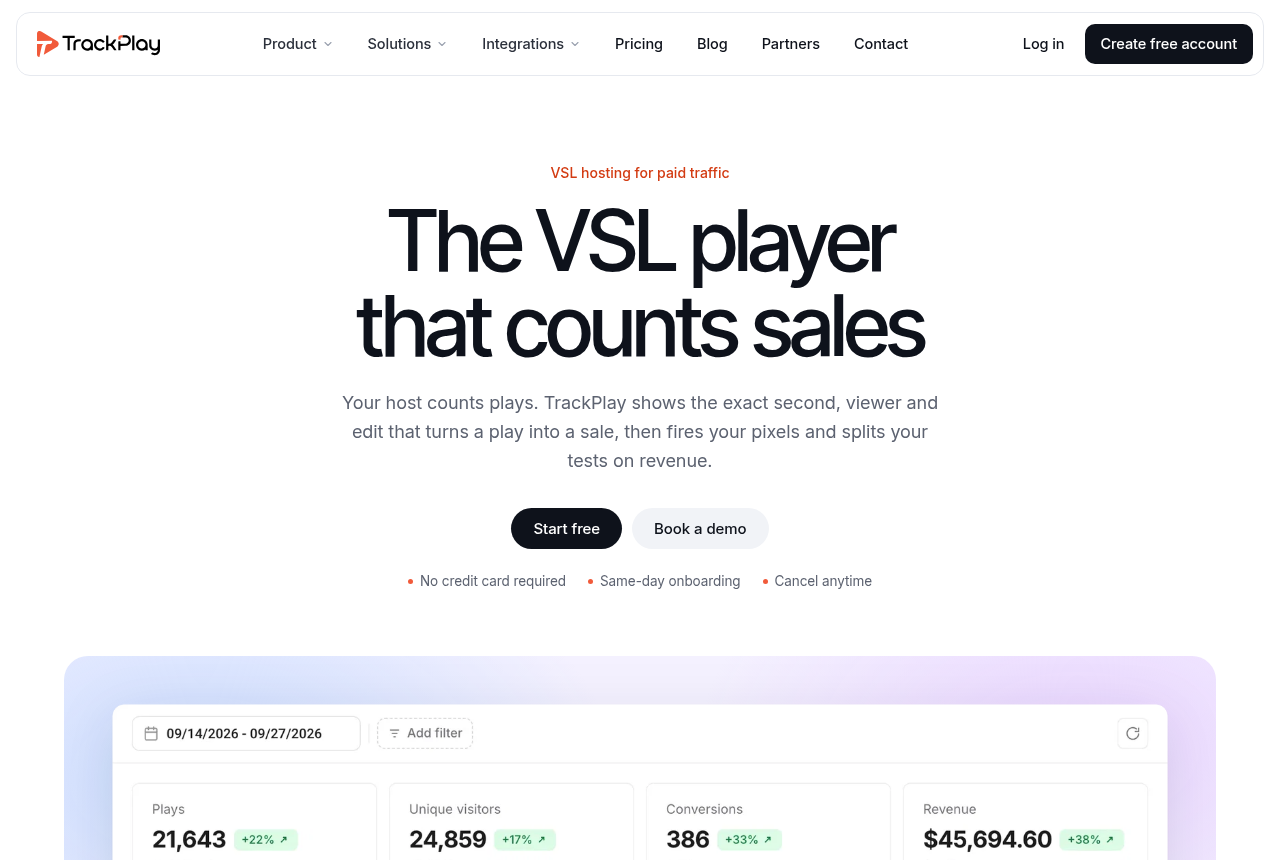
TrackPlay is the pick if you run paid traffic to a VSL and need every play tied to the actual sale.
Strengths
- Split tests are settled on the cart-verified sale, with a p-value and confidence interval, and variants run under one embed, so your ad links and campaign learning never reset.
- Conversions post back to Meta, TikTok and GA4 server-side on the watch-time milestone you choose, so the ad platform optimizes on real sales instead of a page-load pixel.
- Per-second retention is split into buyers and non-buyers, with hook rate, hold rate and revenue per play, so you can see the exact seconds to cut or protect.
- Every feature is on every plan and the bill is metered on plays alone. The free plan is 1,000 plays a month with no card, and paid plans start at $29.
Watch-outs
- It is narrow by design: built for paid-traffic VSL conversion, not general hosting, so it lacks the channels, SEO pages and webinar tooling of a Wistia. If the video's purpose is content marketing, a general host is the better fit. For a cold-traffic VSL you still get the full player, per-second retention and sale attribution it is built around.
- It is very new, so outside proof is thin: the testimonials are on-site, there is little third-party review footprint yet, and signup is invite-only right now. That is what you would expect of a platform this recent, and the free plan lets you judge it on your own numbers before you spend on traffic.
2.Vidalytics — best for
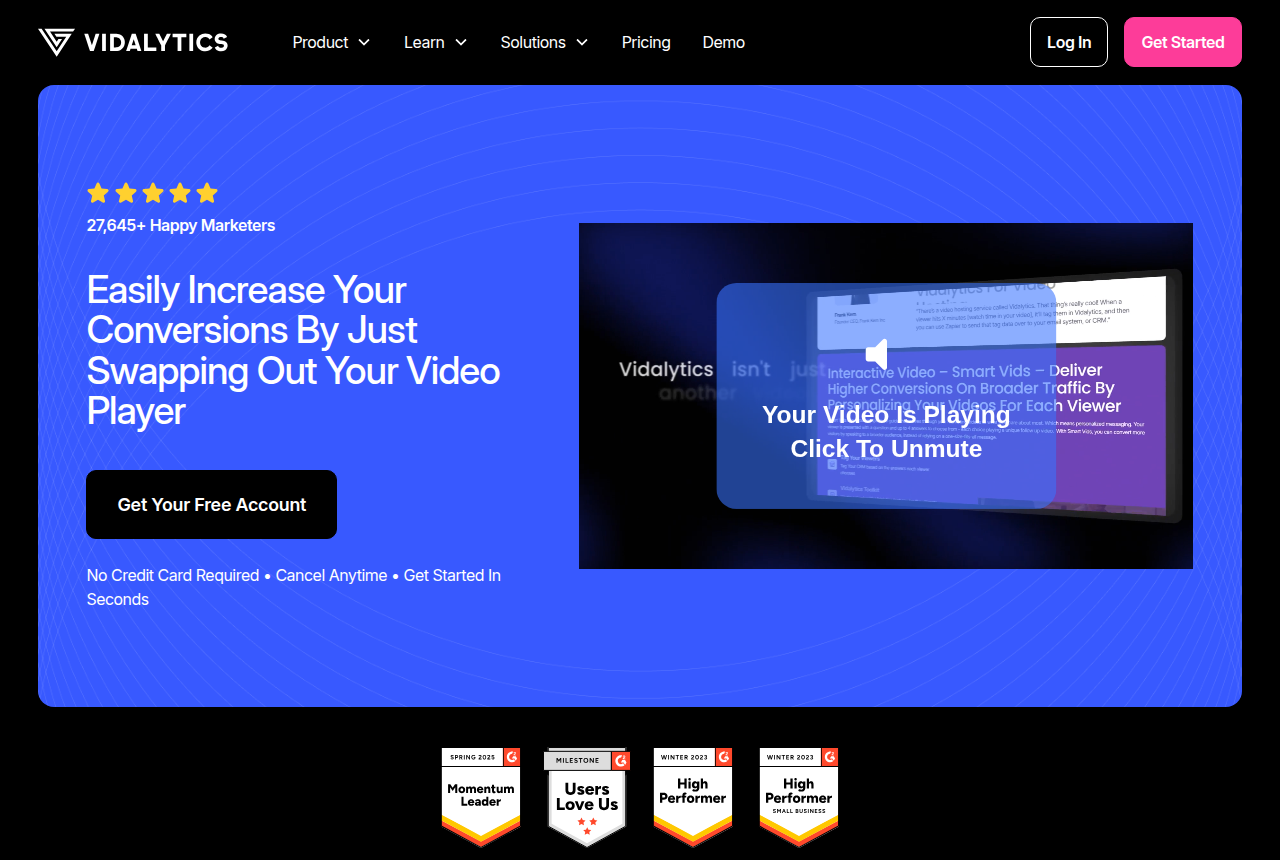
Vidalytics is the pick if you want a proven direct-response player with deep conversion analytics and can live with play-based pricing.
Strengths
- Video conversion tracking pins the exact second a viewer converted, and heatmaps plus buyers-versus-non-buyers segments show where attention drops.
- Smart Autoplay starts muted when the browser blocks sound, then plays the opening again with sound on the first click. Users credit that with the biggest conversion lifts.
- A large direct-response customer base, and years on the market, give it a track record newer players do not have yet.
Watch-outs
- Plans meter plays per month. On the paid annual plans, each play past the allowance is an extra charge, and going past the allowance does not turn the player off.
- Attribution covers conversion tracking and CRM tags. The cart-verified sale is never sent from its server to the ad platforms.
3.Panda Video — best for
Panda Video is the pick if you sell courses or run affiliate offers and want VSL features with serious anti-piracy.
Strengths
- Real VSL features (Smart Autoplay, A/B tests, a dummy progress bar, tracking pixels, a video funnel) sit alongside the strongest anti-piracy in this set: DRM, watermarking and anti-download.
- It runs on an AWS content network for fast global delivery, and imports from Vimeo in minutes with a Chrome extension.
- AI tooling is deep for course sellers, with an in-video tutor and dubbing into more than 30 languages.
Watch-outs
- Its pixels fire in the browser, and the numbers stay in Panda's own dashboard. A cart-verified sale posted from a server to the ad account sits outside these pixels.
- It serves courses and affiliates as much as VSLs, so its conversion analytics are lighter than a dedicated direct-response player's, and its metered bandwidth can run up overages on a long VSL served to heavy cold traffic.
4.Voomly — best for
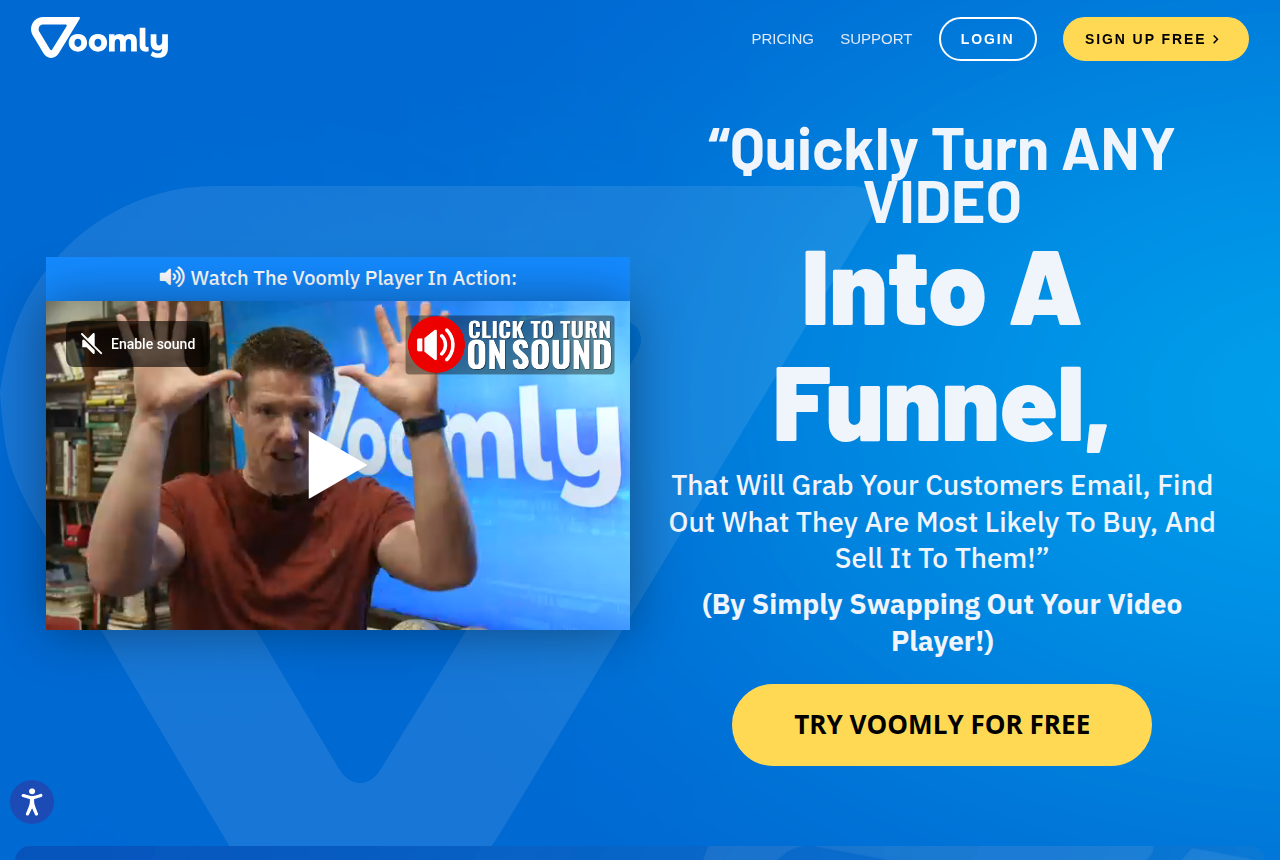
Voomly is the pick if you want interactive funnels in the player and the creation apps on the Cloud plan, with the bandwidth cap removed on Plus.
Strengths
- Plus removes the bandwidth cap, so a long sales video with heavy traffic has a flat monthly fee. Basic keeps a monthly bandwidth cap.
- The Cloud plan bundles Standard versions of Doodly, Toonly and Talkia with hosting, for people who also make the videos.
- Basic is the entry paid plan.
Watch-outs
- It is a creation suite first. Its analytics are engagement graphs and heatmaps, with no sale-level attribution or pixel postbacks.
- The player's conversion features are basic next to Vidalytics or TrackPlay.
5.Wistia — best for
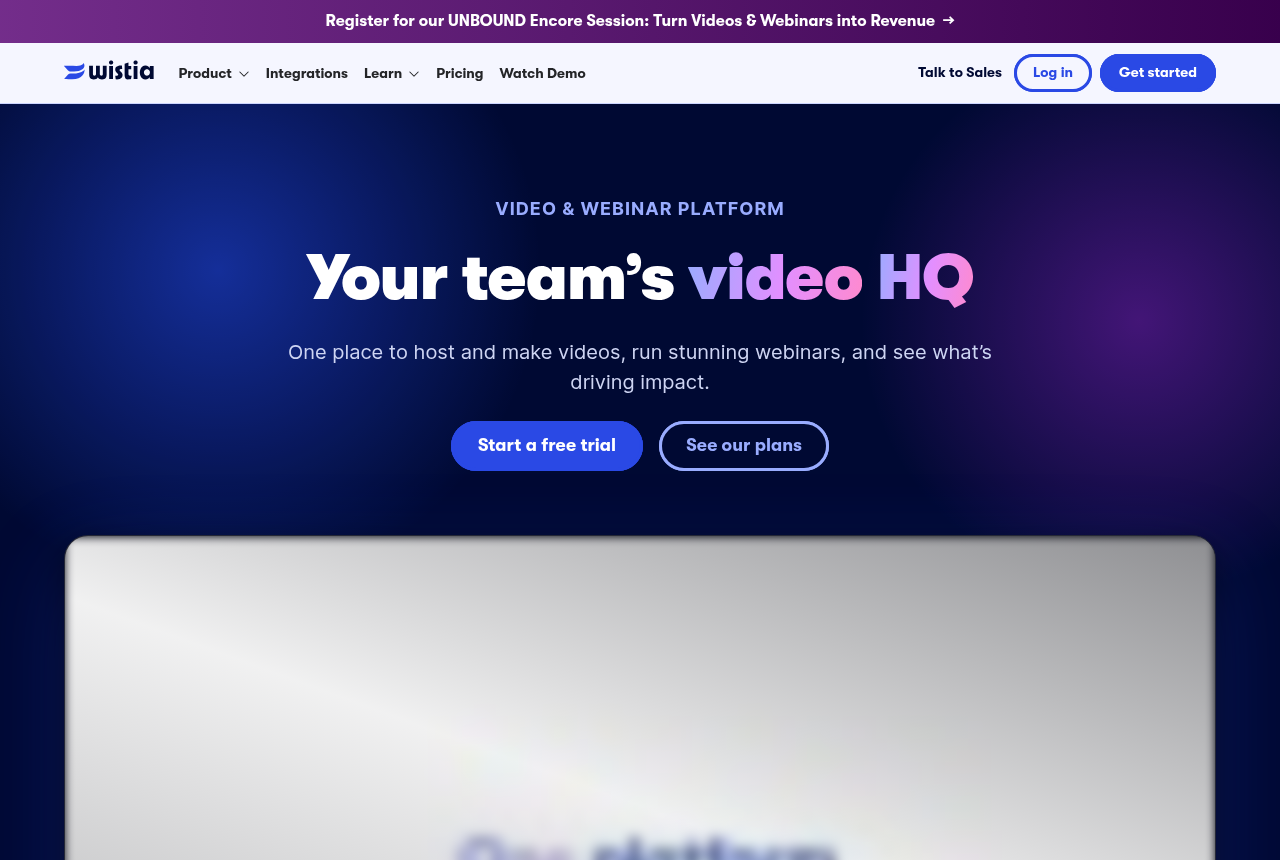
Wistia is the pick if your video's job is B2B content marketing and lead capture.
Strengths
- A polished, fast, ad-free player with heatmaps, A/B testing and, on the Signals tier, real marketing automation: lead scoring and HubSpot or Marketo sync.
- More than 440,000 customers and a long track record make it the safe choice for a B2B content library.
Watch-outs
- It is built for content marketing. Its player lacks sound-first unmute-restart autoplay, and its attribution stops short of the cart-level sale.
- The marketing-automation tier jumps to $329 a month, and extra seats are $25 each.
6.Adilo — best for
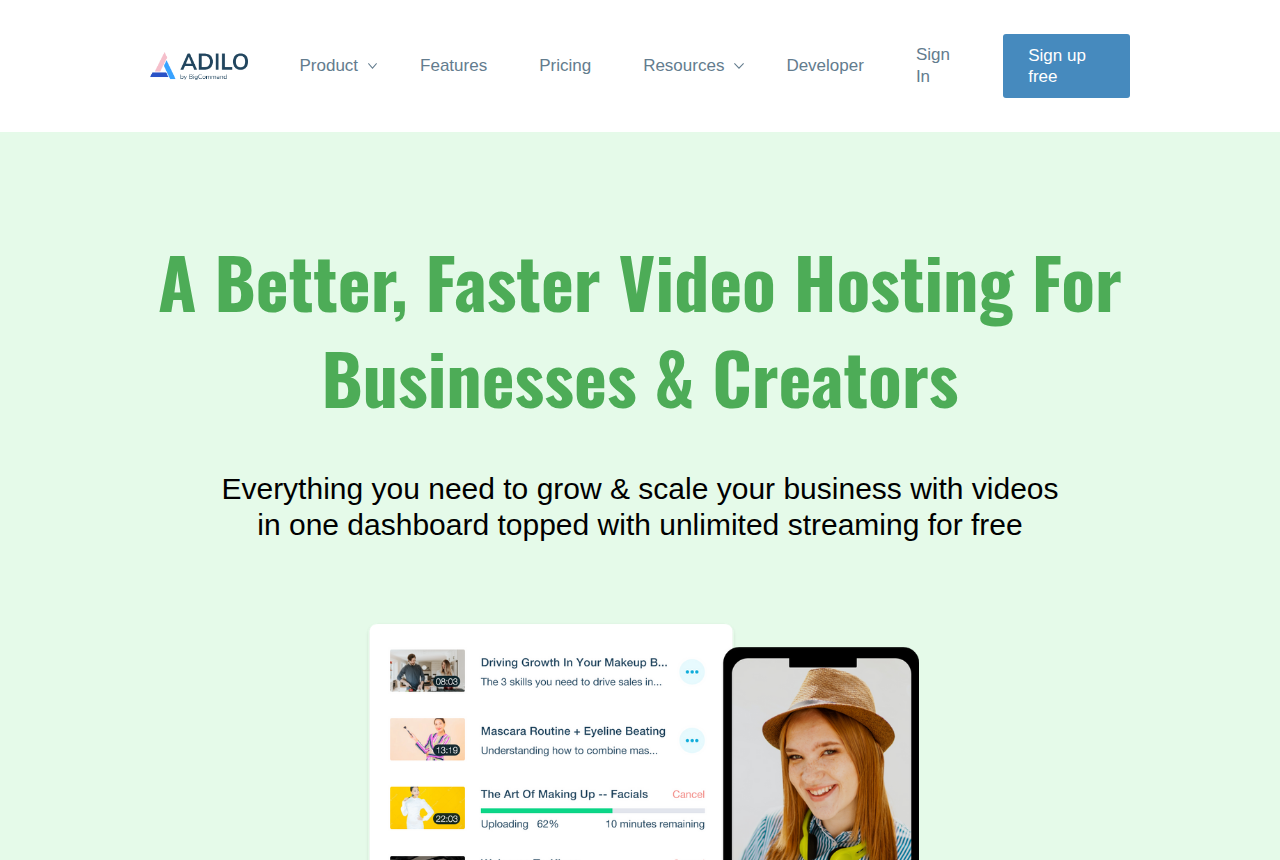
Adilo is the pick if you want hosting with unlimited streaming, a built-in recorder and in-video marketing tools in one place, and you can live with a platform that still has rough edges.
Strengths
- Unlimited streaming and bandwidth on every plan, including the free one, so a long VSL on heavy cold traffic never runs up an overage bill. Storage is the only thing metered on the paid plan.
- A real marketing layer sits inside the player: in-video buy buttons, lead and email capture forms, callout banners, countdown timers and Facebook and Google retargeting pixels, plus A/B video split testing and engagement heatmaps.
- One tool covers a lot of ground: ad-free 4K hosting, a built-in screen and camera recorder, branded channel pages, AI subtitles in 31 languages, and DRM with per-viewer watermarking as a security add-on.
Watch-outs
- Users across review sites call the platform buggy and slow, with pages that need reloading and videos that sometimes fail to process, and support can be slow to resolve those problems.
- Attribution stops at retargeting pixels. Adilo fires a Facebook or Google pixel on a view, but no server-to-server sale reaches the ad platforms, so you still cannot see which play earned the purchase.
7.Vimeo — best for
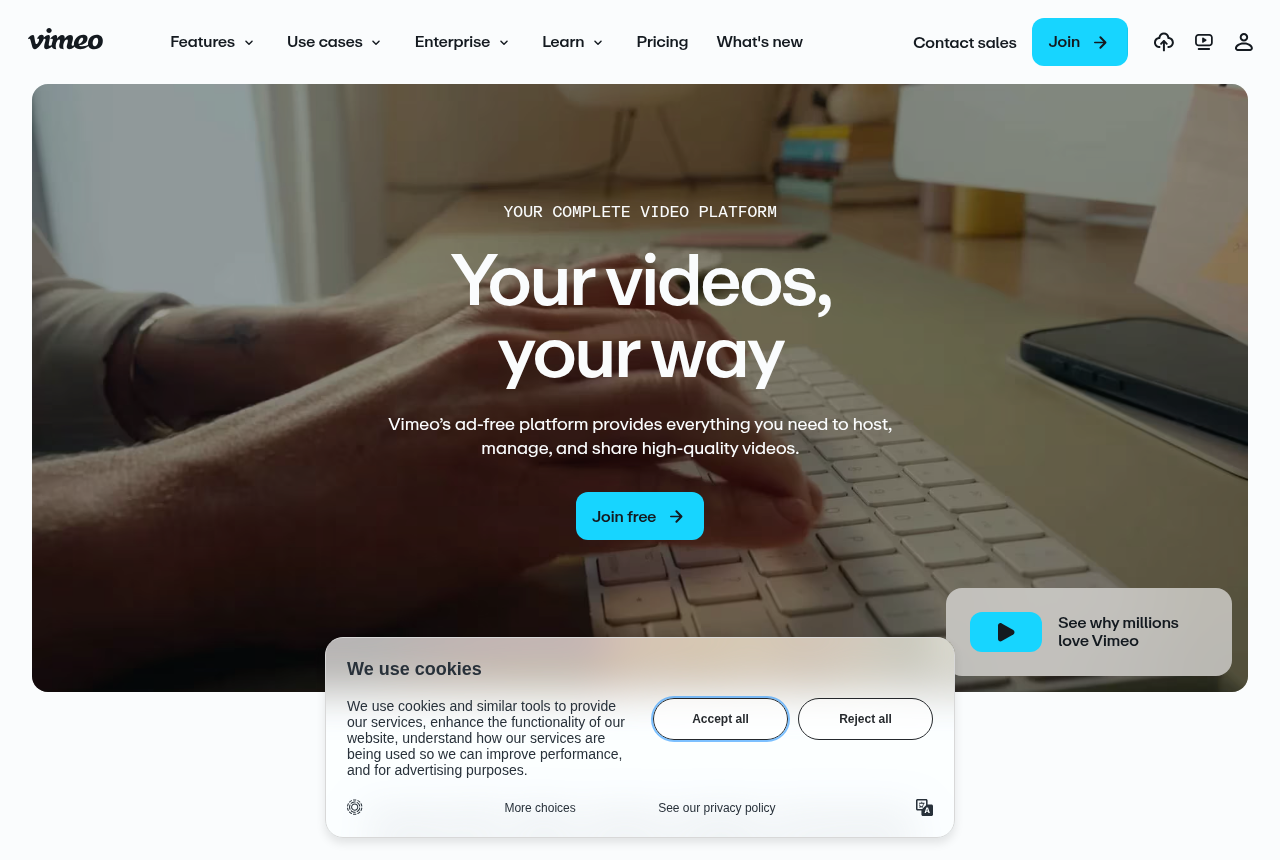
Vimeo is the pick if you need dependable general-purpose hosting and creation, but not paid-traffic conversion features.
Strengths
- Reliable, well-known general-purpose hosting and creation, with a clean player and broad app support.
- A reasonable home for a content library or brand video.
Watch-outs
- This is a general-purpose host. A sales page does not get sound-on autoplay, a chart separating buyers from everyone else, or a link from the view to the sale.
- Direct-response users keep reporting bandwidth bills they did not expect, and some leave for players with conversion tracking.
8.Bunny Stream — best for
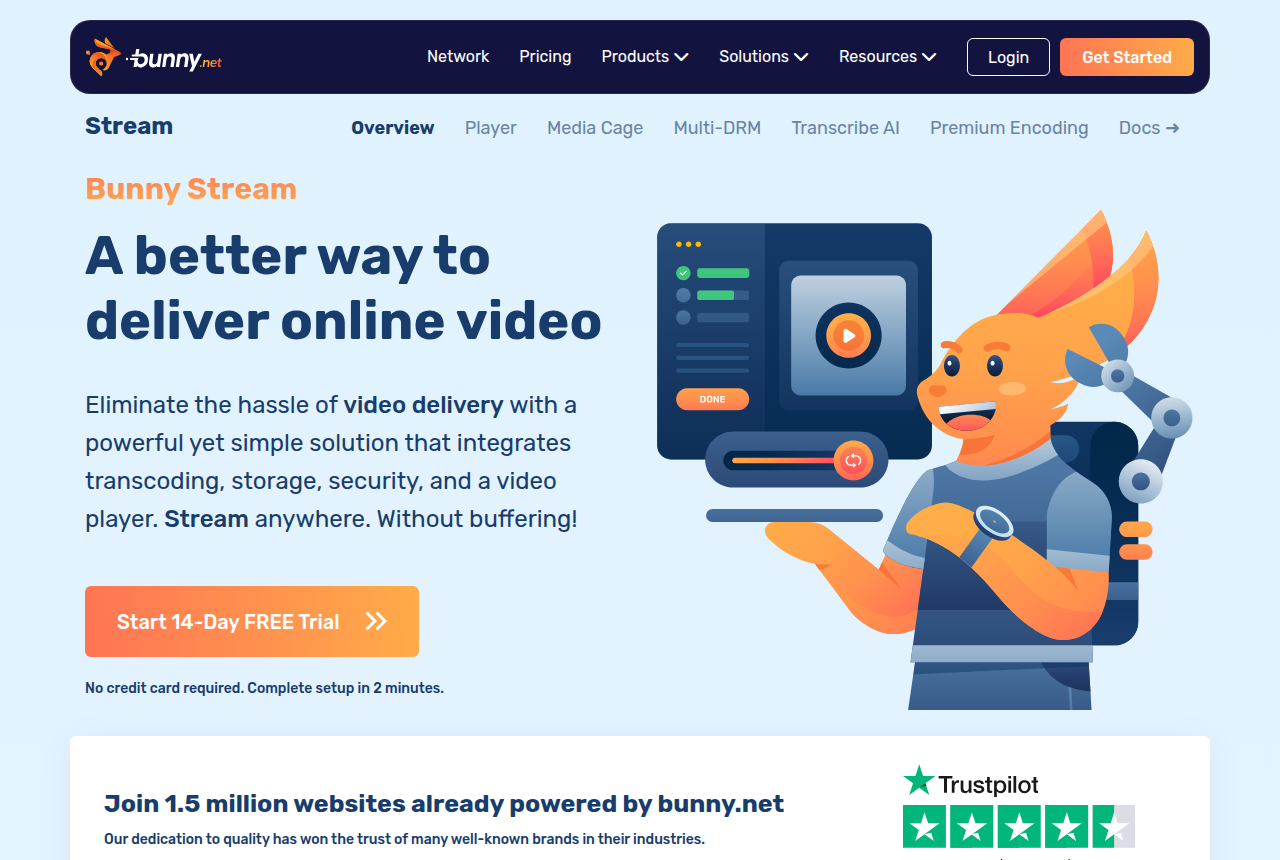
Bunny Stream is the pick if you have a developer and want cheap, fast, protected video delivery, and you are willing to build the VSL conversion layer yourself. It is not a sales-video player out of the box.
Strengths
- Cheap and fast. It bills on usage with a $1 monthly minimum: encoding and the player are free, storage is $0.01 per GB in the default region, standard delivery in Europe and North America is $0.01 per GB, and the volume network is $0.005 per GB. Reviewers and long-term users single out value and playback speed above everything else.
- A capable player and real content protection. You can restyle the player with your own CSS, add chapters, captions, adjustable speed and a watch-time retention graph, and lock videos down with Media Cage multi-DRM, token authentication, watermarking and hotlinking protection.
- Built for developers. It is API-first, with resumable TUS uploads, webhooks and clear code examples, so it drops cleanly into an existing stack and you own the whole delivery layer.
Watch-outs
- It has no VSL conversion layer. Sound-first autoplay that restarts on unmute, timed in-video CTAs, lead capture, split testing and sales attribution are all yours to build on top of Bunny's API.
- Reliability and support are recurring risks. Most users call it reliable. A minority report outages where assets fail to load, slow and unhelpful support, and accounts suspended by automated anti-fraud with no notice. When an outage hits, the video will not load.
- Non-technical buyers struggle with it. They hit poor documentation and a dashboard built for engineers, with no point-and-click, WordPress-native setup.
9.Cloudflare Stream — best for
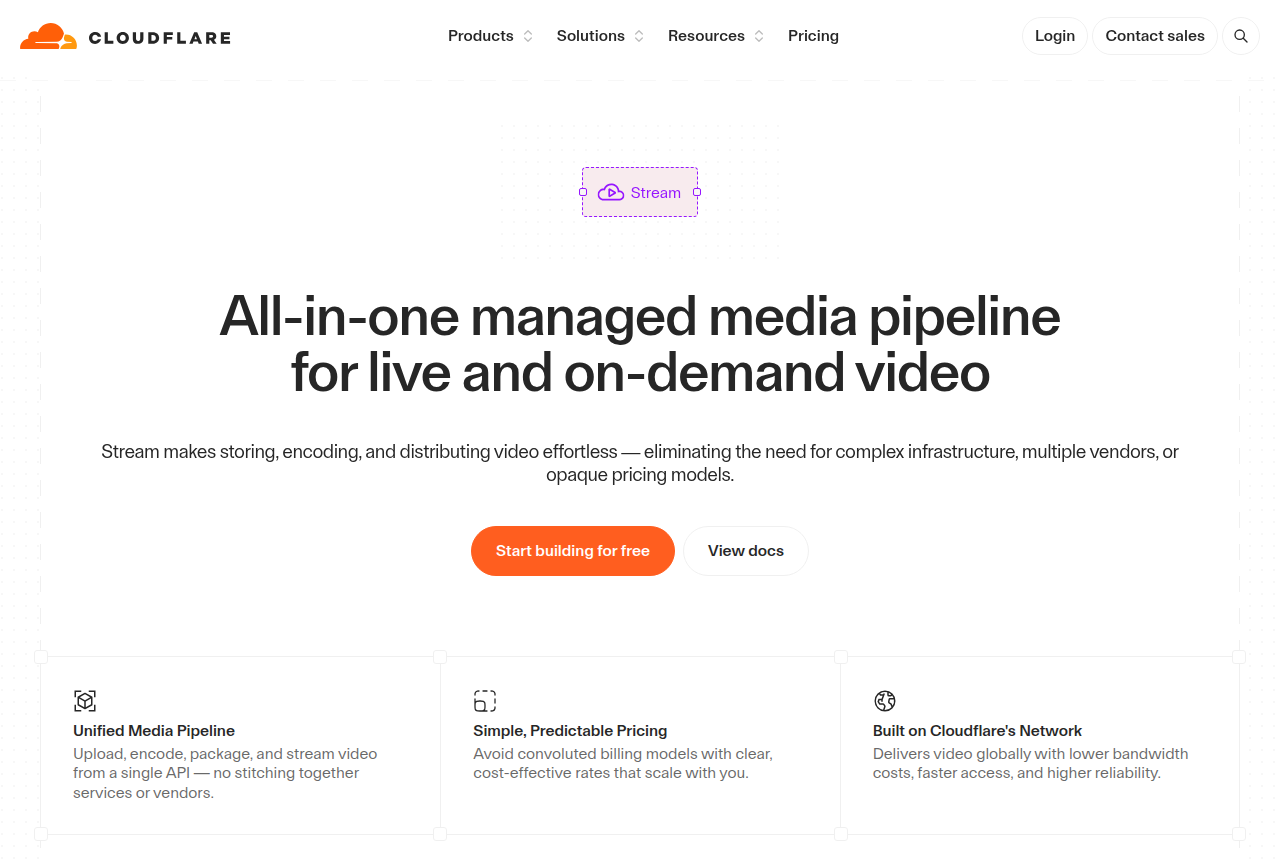
Cloudflare Stream is the pick if you have a developer and want cheap, predictable, global video delivery on a network that will not buckle under load, and you are ready to build the VSL conversion layer yourself. It is not a sales-video player out of the box.
Strengths
- Dead-simple, predictable pricing. You pay on two dimensions only, $5 per 1,000 minutes stored and $1 per 1,000 minutes delivered, with encoding, adaptive-bitrate packaging and bandwidth included and no separate egress fees. Reviewers single out the value.
- Runs on Cloudflare's own global network, the same infrastructure the company says sits in front of about a fifth of the web, so delivery is fast and holds up under load. One API covers upload, encoding, storage, delivery and live RTMP or SRT ingest.
- A capable built-in player and sensible access control. Adaptive quality switching, captions and thumbnails work out of the box. You can also swap in your own player against the HLS or DASH manifests, and signed URLs plus token authentication stop casual hotlinking.
Watch-outs
- It has no VSL conversion layer. Everything that makes a sales video convert, from sound-first autoplay that restarts on unmute to timed CTAs, lead capture, split testing on sales and cart-verified attribution, is yours to build with Stream's API.
- Analytics are thin and there is no studio-grade DRM. The dashboard reports delivery but leaves out drop-off points, heatmaps and per-viewer completion, and protection stops at signed URLs, with no Widevine or FairPlay support and no dynamic watermarking.
- No hard spending cap, and support is slow below enterprise. Post-paid delivery can run up an uncapped bill on a traffic spike or a leaked URL, and budget alerts only notify after the fact. Users also report long waits on support tickets. The failure mode when it goes wrong is a video that will not load or a bill that will not stop.
10.Mux — best for
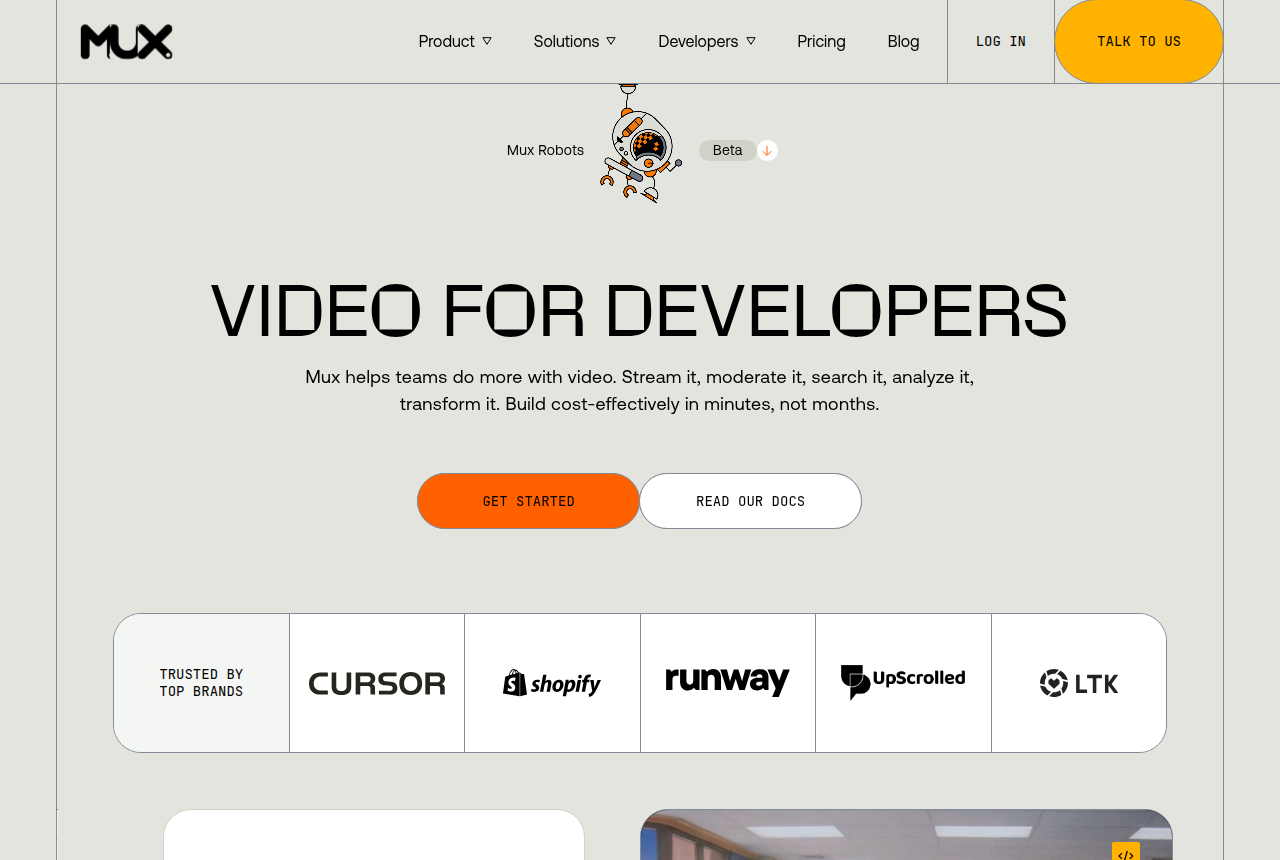
Mux is the pick if you have a developer and want included quality-of-experience analytics, optional DRM and fast just-in-time publishing, and you will build autoplay, calls to action and attribution yourself.
Strengths
- The API covers upload, encoding, storage, on-demand and live delivery, with RTMP and SRT ingest. Developers get one managed video pipeline instead of stitching together an encoder, object storage, a CDN and a player.
- Mux Player and Mux Data advanced engagement analytics are included. That gives a product team playback and quality-of-experience data without a separate analytics subscription.
- The free tier is large enough for a prototype: 100,000 monthly delivery minutes, 100,000 Robots units and up to ten stored on-demand videos, with no card required.
- Just-in-time encoding shortens upload-to-play time. Mux says three-quarters of uploaded videos become playable within five seconds.
- Media-grade DRM is available for protected content, while signed URLs and domain restriction are included without the DRM add-on.
Watch-outs
- There is no finished VSL conversion kit. Sound-first autoplay, timed calls to action, lead gates, sales experiments and cart-verified attribution all need application work around the player.
- Usage billing can climb with a long video and a large cold audience. Delivered minutes are the cost driver after the free allowance, and user reports specifically warn that Mux can get expensive at scale.
- A developer is required to get the value. The API removes video-infrastructure work, while your team still owns playback behavior, funnel events, identity and checkout integrations.
- Support reports are thin. One verified reviewer quoted on a G2 comparison page says a response might take days, and there is no standalone Mux review saying the same.
11.Presto Player — best for
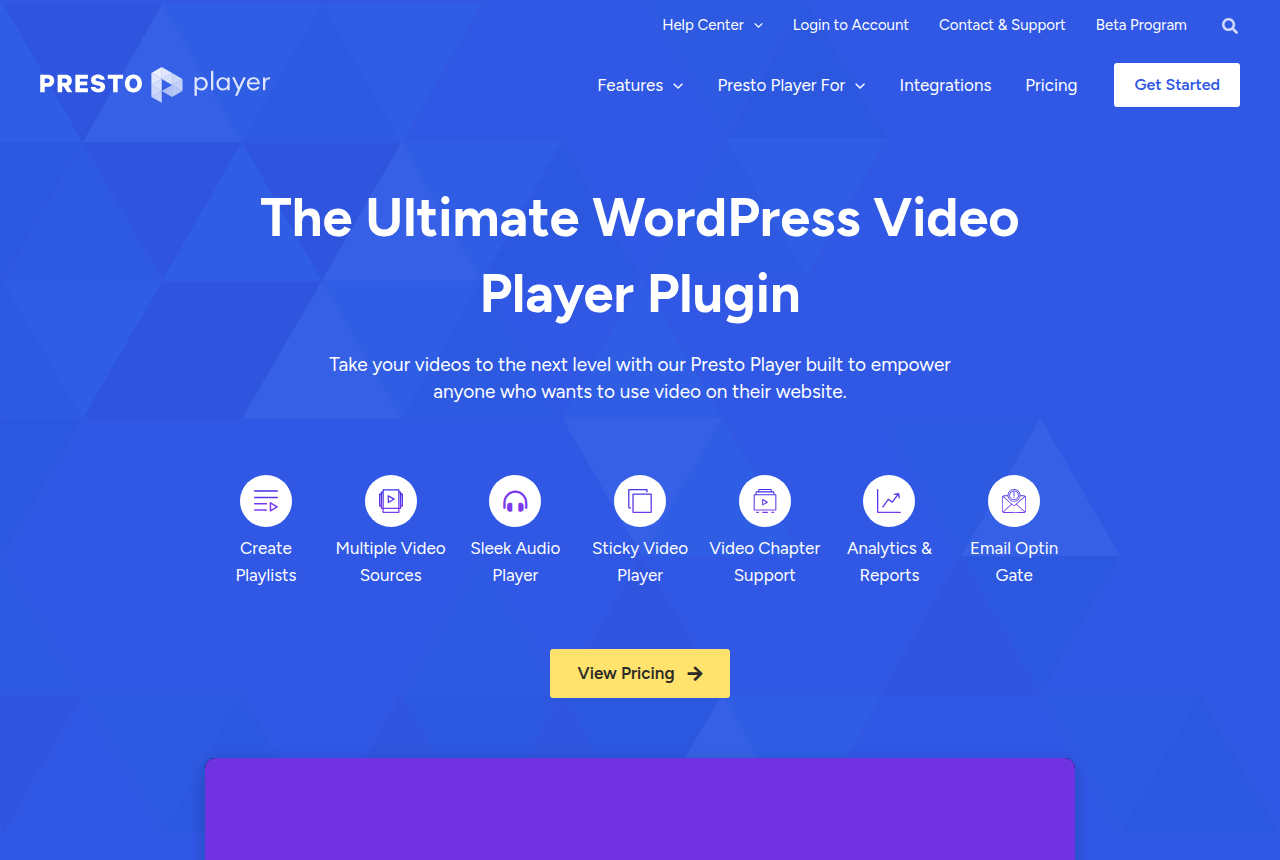
Presto Player is a credible WordPress video layer for branded sales pages, timed calls to action and lead capture. Budget for a separate video host, and choose a dedicated VSL platform if sale attribution or experiments judged on sales matter most to you.
Strengths
- WordPress-native conversion controls include muted autoplay, timed calls to action, sticky playback and optional or mandatory email capture.
- It works with Bunny Stream, Vimeo, YouTube, self-hosted files and public links, so the player does not lock you into one video backend.
- WordPress.org lists more than 100,000 active installations and strong user ratings, while recent reviewers praise responsive support.
- A free plugin and a lifetime license option give WordPress owners more ways to pay than a subscription-only player.
Watch-outs
- It does not connect viewing behavior to a cart-verified sale or run split tests scored on revenue, which limits paid-traffic attribution work.
- Performance needs active tuning. Version 3 drew PageSpeed complaints, although some users fixed slow loads with the Extreme page-load preset.
- The player and video host are separate services, so a blank LearnDash or Bunny embed can require debugging across both vendors.
- Annual prices are introductory and renew at the higher standard rate. Hosting and bandwidth are separate costs.
- It only fits WordPress sites. A funnel on another platform needs a different player.
12.VdoCipher — best for
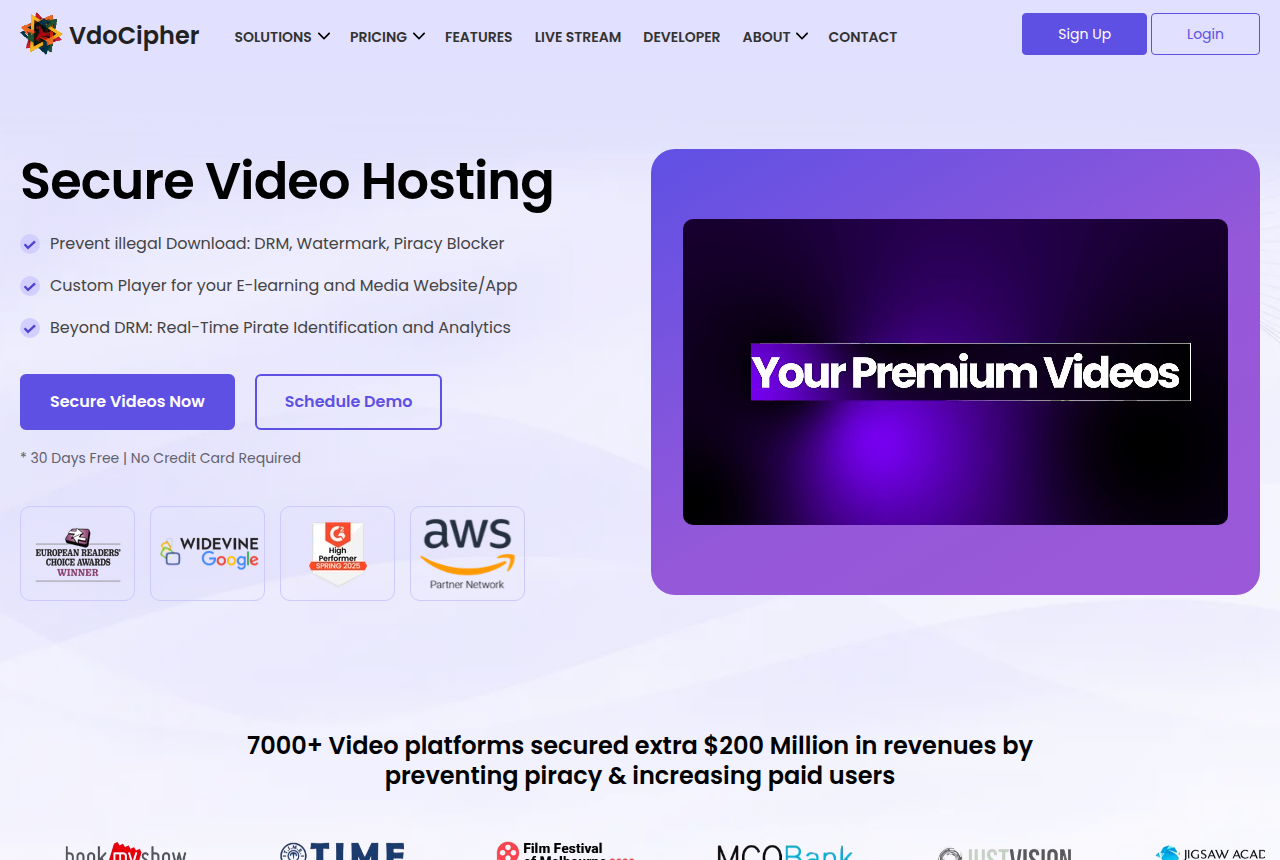
VdoCipher is the pick if you sell lessons or premium video behind a login where a leaked download would cost you real sales, and the video does not have to win over cold traffic by itself.
Strengths
- Each video is encrypted with Google Widevine and Apple FairPlay DRM during encoding and decrypts only inside VdoCipher's player, so a browser download tool pulls an unplayable file.
- A dynamic watermark runs on major browsers and Android apps, and the vendor adds piracy analytics it says detect DRM breaches and password sharing.
- WordPress and Moodle plugins cover the usual course stacks, and a REST API with mobile SDKs covers custom apps. One Trustpilot reviewer singled out the documentation for a custom build.
- Plans prepay a year of bandwidth with no monthly limits. A small catalog on Starter gets 1,000 GB of bandwidth and 100 GB of storage for $149 a year.
- The 30-day trial needs no card and allows four videos with 5 GB of bandwidth, which is enough to test DRM playback on your own site and devices.
Watch-outs
- Selling tools sit outside the product. Sound-first autoplay, timed sales calls to action, split testing and cart-verified attribution are missing, which matters only when the same video also has to sell.
- Screen recording is blocked in mobile apps and Safari. On desktop Chrome and Firefox the defence is the watermark, and one Trustpilot reviewer claims zooming out in the browser defeats it.
- Accounted storage usually runs two to five times what you upload because of encrypted renditions, so a large library fills a plan's storage faster than the raw file sizes suggest.
- The plan ends as soon as the year's bandwidth runs out, even if that happens in month eight. A rewatch-heavy course launch draws that credit down faster than a library watched once.
- Live streams are delivered without DRM, so protection covers the on-demand library only.
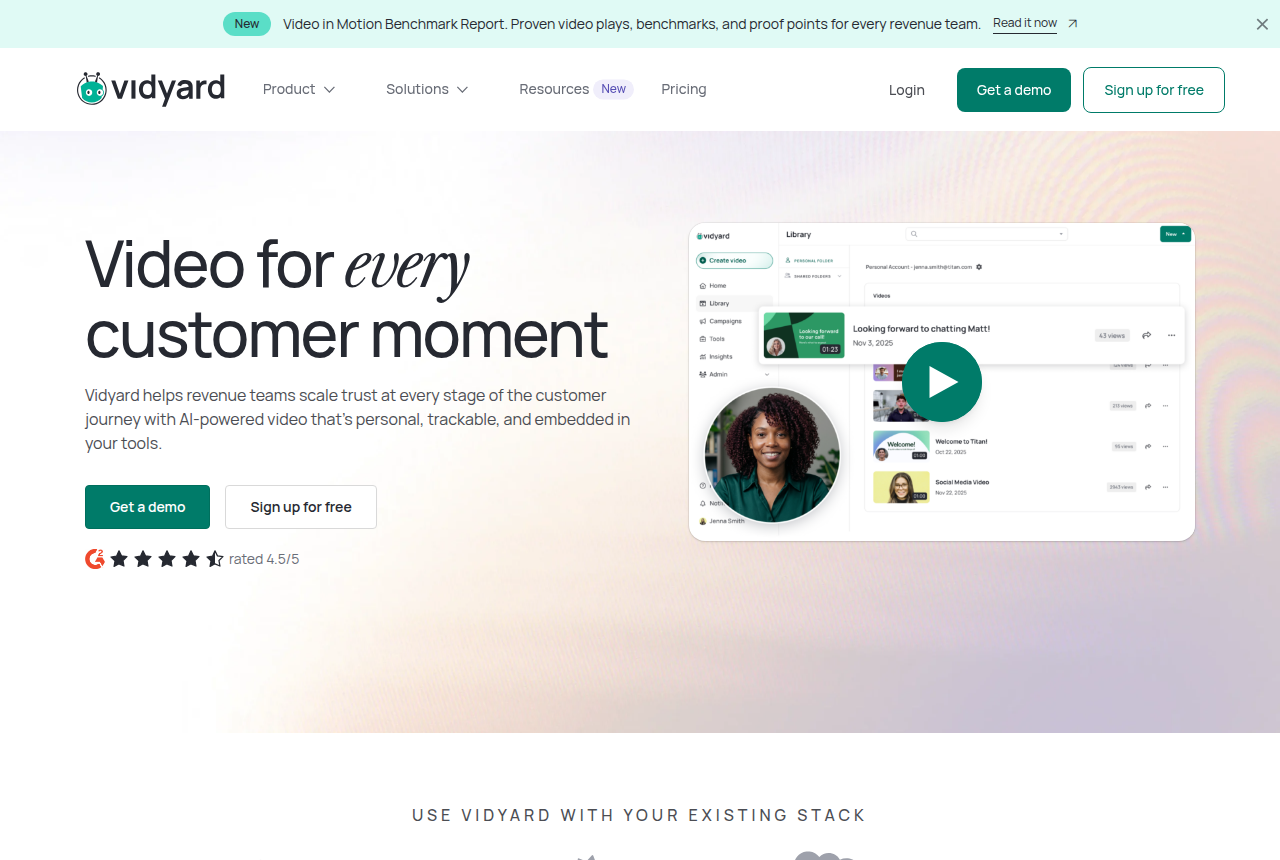
13.Vidyard — best for
Vidyard is the pick if you run a B2B sales or customer success team that sends short personal videos to prospects and wants to see who watched, inside the tools your reps already use.
Strengths
- Reps can record a personal clip from the browser extension or the desktop app and send it in minutes. G2 reviewers single out how much faster that is than typing the same explanation.
- Starter adds an ad-free hosted player with chapters, in-video calls to action, playback up to 4K and viewing analytics, so marketing video can live on the same account as rep outreach.
- The free plan needs no card and covers five recorded videos a month at up to 30 minutes each, which is enough for one rep to try the outreach workflow.
- Vidyard says its hosting has no library size or bandwidth caps and sets that against Wistia's bandwidth limits, so a growing library does not change the bill by itself.
- Video Agent sends personalised follow-up automatically when a buyer takes an action. On Starter it costs $24 or $29 per seat per month as an add-on, the lower figure on annual billing.
Watch-outs
- CRM and marketing-automation sync, fully customisable calls to action, Video Hubs and domain playback restrictions all start on Teams, which has no public price. A Starter seat records and hosts but sends nothing to HubSpot or Salesforce.
- Every rep is a seat at $59 a month on annual Starter, so the bill grows with headcount. A third-party roundup quotes one reviewer saying the model “punishes you for scaling.”
- There is no VSL conversion layer: no sound-first autoplay, no split tests that pick a winner by sales and no cart-verified attribution. That limit bites only when a video has to sell to cold ad traffic on its own.
- Users on r/sales report the browser extension cutting recordings short or failing to record. The desktop app is the workaround other commenters suggest.
- Corporate firewalls block playback for some prospects. One SDR team blamed that for a pilot with poor returns, which matters most when you sell into large, locked-down companies.
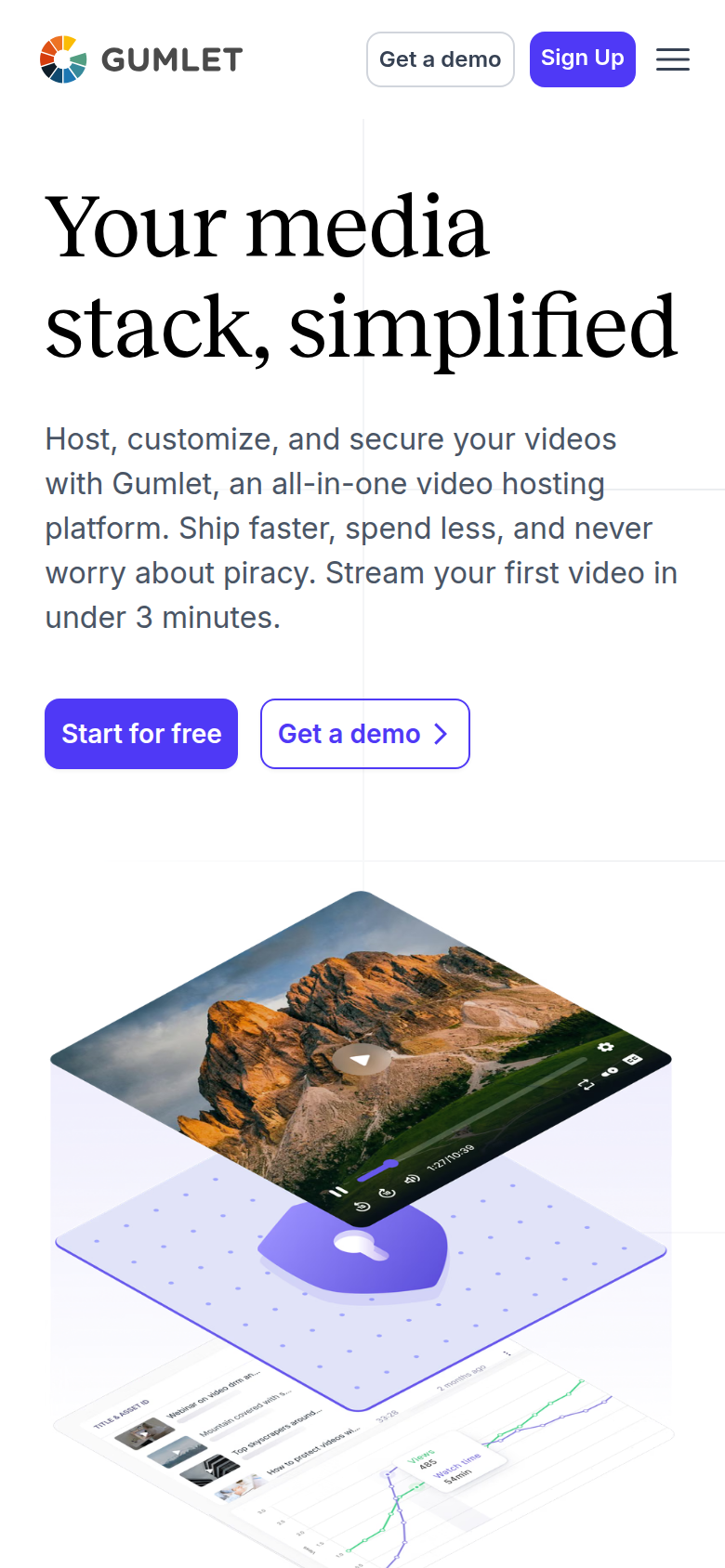
14.Gumlet — best for
Gumlet is the pick if you want a hosted player with in-video CTAs, ad pixels and optional DRM at a bundled bandwidth price, and you do not need the host to tie a play to the sale.
Strengths
- Every paid plan bundles 3,000 GB of streaming a month, so Creator covers one 20-minute sales video seen by 5,000 visitors who watch a quarter of it, with most of the allowance left over.
- In-player CTA buttons with your own link and timing, in-video lead forms, and Google and Meta pixel tracking from Creator up, all set in the dashboard with no API work.
- Widevine and FairPlay DRM can be added to any plan, with 100,000 views included, and password, geo and domain locks come with the plans themselves.
- A Reddit user leaving Vimeo over bandwidth charges said Gumlet's migration tool kept their embed codes working, so they did not have to edit every page that plays a video.
- The free plan gives 100 GB of streaming and 60 storage minutes, enough to embed a test video on your own sales page before paying anything.
Watch-outs
- Gumlet's own pages list no VSL conversion layer: no sound-first autoplay or unmute restart, no split tests decided on sales, no cart-verified postbacks. Pixels and CTAs still work on the page, but the ad platform is never told which play earned an order.
- The allowance is 3,000 GB on Creator, Growth and Business alike. A long VSL on heavy traffic goes past it, and the overage then costs several times what Bunny Stream charges for the same delivery, even at Business's lower rate of $0.06 a GB.
- Two separate reports describe every embed failing at once, one after a backend change on migrated videos and one where embeds showed a dashboard-only message. On a sales page, that leaves paid visitors looking at a blank player.
- DRM is a separate monthly line on top of the plan, and dynamic watermarking comes only with Business.
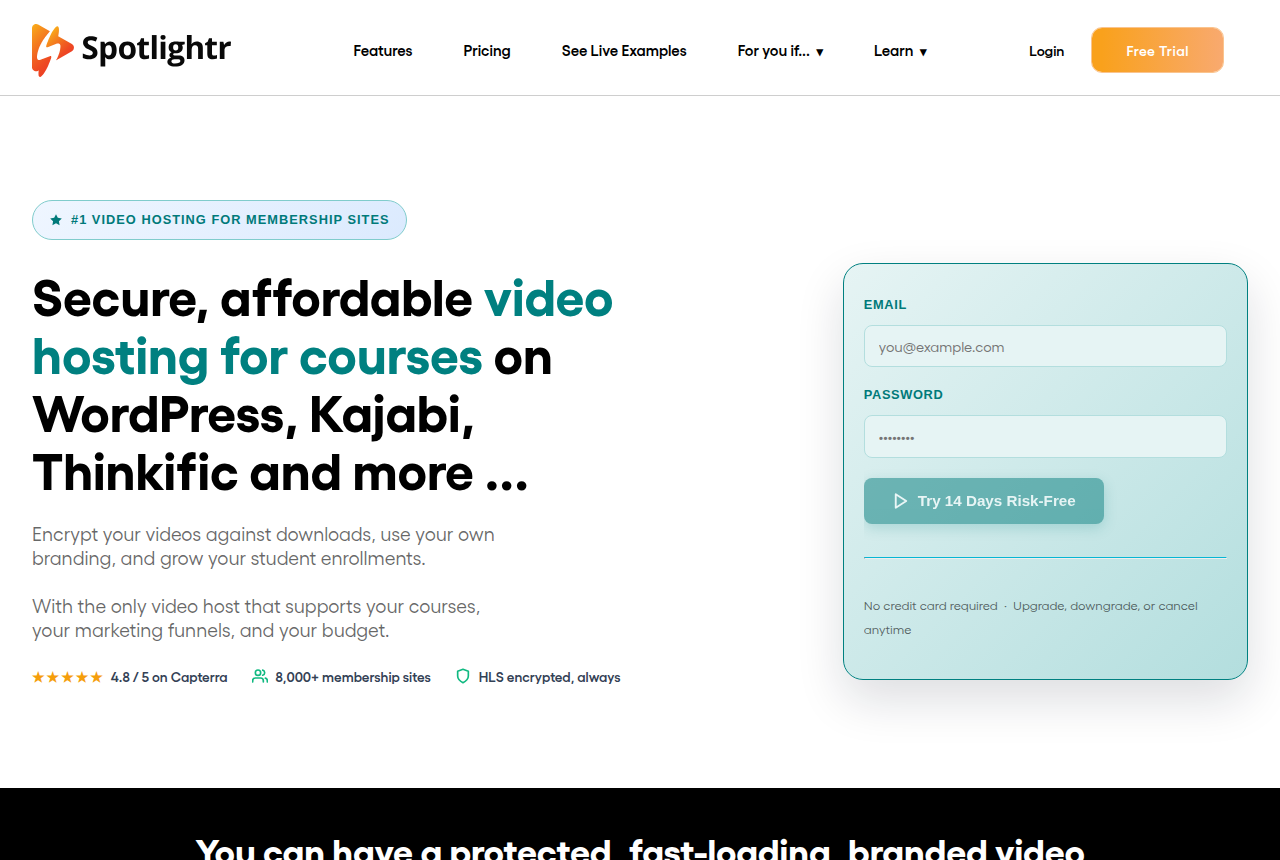
15.Spotlightr — best for
Spotlightr is the pick if you sell a course or membership through funnels, want every video encrypted and gated in a branded player on plans that start at $13 a month, and do not need the host to tie a play to a sale.
Strengths
- Every upload is HLS encrypted on every plan, so the $13 Light account already encrypts lessons against downloads.
- Email or phone gates at the start or at a timestamp, Stripe pay gates and scheduled playback that runs a replay like a live webinar all come from one dashboard.
- Hybrid hosting plays files kept on YouTube or S3 through Spotlightr's branded player without touching Spotlightr bandwidth, which keeps long replays off the meter.
- Viewers can be segmented by the percentage they watched and sent to HubSpot, ActiveCampaign or other tools through Zapier, so a follow-up email can depend on how much of the video someone saw.
- A free WordPress plugin and a LearnDash integration drop videos into a course site, and long-term users on Reddit single out the support team.
- Going past the monthly bandwidth does not stop playback. Each extra gigabyte is billed at $0.05, so a traffic spike costs money and the sales page keeps working.
Watch-outs
- Light caps you at 25 videos and 200 GB of bandwidth a month. One 20-minute VSL that 5,000 visitors watch for a quarter of its length uses about 625 GB, and the extra 425 GB adds about $21 to the plan.
- No sale attribution. Spotlightr's pages mention no split testing judged on sales and no cart-verified conversions sent to ad platforms. Gates, CTAs and CRM tags still work, but Meta or Google never learns which play earned an order.
- Reporting draws complaints. A G2 reviewer asked for better tracking metrics and reports, which matters if you cut a VSL by its retention curve.
- Reviews of the dashboard are mixed. One Capterra reviewer called it a “confusing and terrible user experience”, while others on the same listing describe smooth playback.
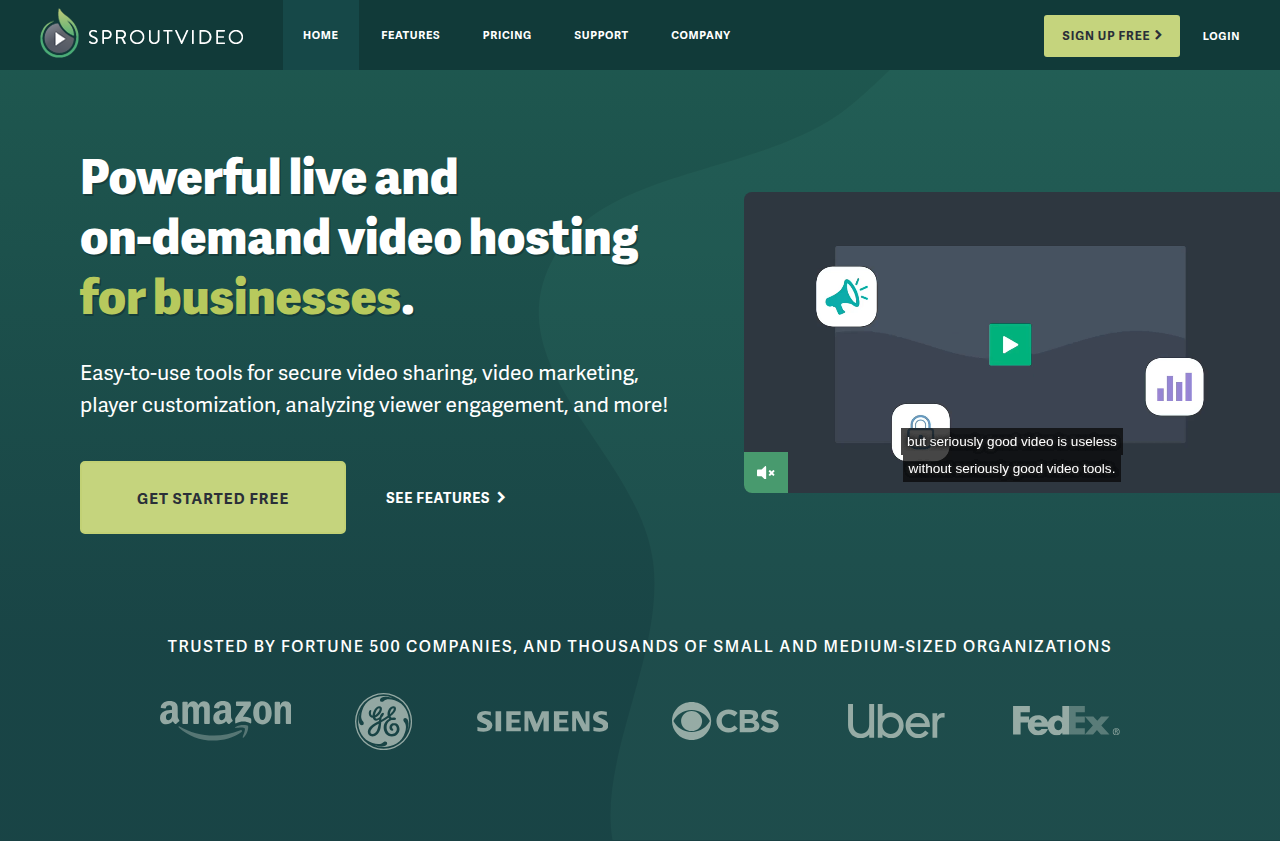
16.SproutVideo — best for
SproutVideo is the pick if you need private business or training video locked to your own sites and named viewers, with CTAs and lead capture built in, and you do not need the host to tie a play to a sale.
Strengths
- A 30-day trial of every feature needs no credit card, so you can lock down a real video and read its analytics before paying.
- Access control goes deep: passwords and a domain whitelist, viewer login from Sprout, dynamic watermarks with the viewer's email and session ID from Tree, and country or IP rules on Forest.
- In-player calls to action, lead capture forms, post-play screens and HubSpot, Mailchimp and Zapier links come with Seed, so a gated demo needs no upgrade.
- Engagement heatmaps and per-viewer records show where a video loses people and which named viewer finished it, with CSV export.
- Live streams and on-demand video share one account and one white-label, ad-free player.
- Capterra reviewers single out the support team and describe the product as easy to set up.
Watch-outs
- Bandwidth is metered. Seed's 1,800 GB a year averages about 150 GB a month, and one 20-minute VSL that 5,000 visitors watch for a quarter of its length uses about 625 GB, which adds roughly $119 a month at $0.25 per extra gigabyte. Tree's larger allowance absorbs that video.
- No sale attribution. SproutVideo does not offer sound-first autoplay that restarts on unmute, split tests judged on sales, or cart-verified conversions sent to ad platforms. Gates, CTAs and CRM sync still work for lead capture.
- Encryption stops at AES-128 delivery, without Widevine or FairPlay DRM, so a course seller fighting lesson piracy relies on logins and watermarks to deter leaks.
- The optional bandwidth cap can slip. SproutVideo's FAQ says it cannot guarantee zero overage during very fast streaming, and a few Trustpilot reviews describe disputes over billing credits.
Winners by situation
Which one is right for you
Running paid traffic and optimizing on sales: TrackPlay wins, with Vidalytics the runner-up. TrackPlay ties the cart-verified sale to the exact play and posts it back to Meta, TikTok and GA4 server-side. Vidalytics gets you conversion tracking and heatmaps without that server-side postback.
A proven player on a budget: Vidalytics wins, with Panda Video close behind. Both restart with sound on unmute and show where attention drops; Panda adds heavy anti-piracy for course sellers.
Course creators: Panda Video is the pick for the lesson library, with a watermark and anti-download on a creator plan, and Bunny Stream is the runner-up when a developer signs the embed. Secure video hosting for paid courses sets the watermark, the domain list and studio DRM side by side. The video that sells the seat is a separate pick, just below.
B2B content marketing: Wistia wins, with Vimeo the runner-up. A content library and lead forms matter more here than a sales player, which makes this the one case on the page where a content host is the right tool.
Video hosting for online courses
A course creator usually needs two kinds of video, and most lists treat them as one. The first is the lesson library: dozens or hundreds of videos that paying students watch, rewatch and might try to rip. The second is the enrollment video, the launch or webinar replay that has to turn a stranger from an ad into a student. A host that is excellent at one is often ordinary at the other, so we pick a winner for each and name a runner-up.
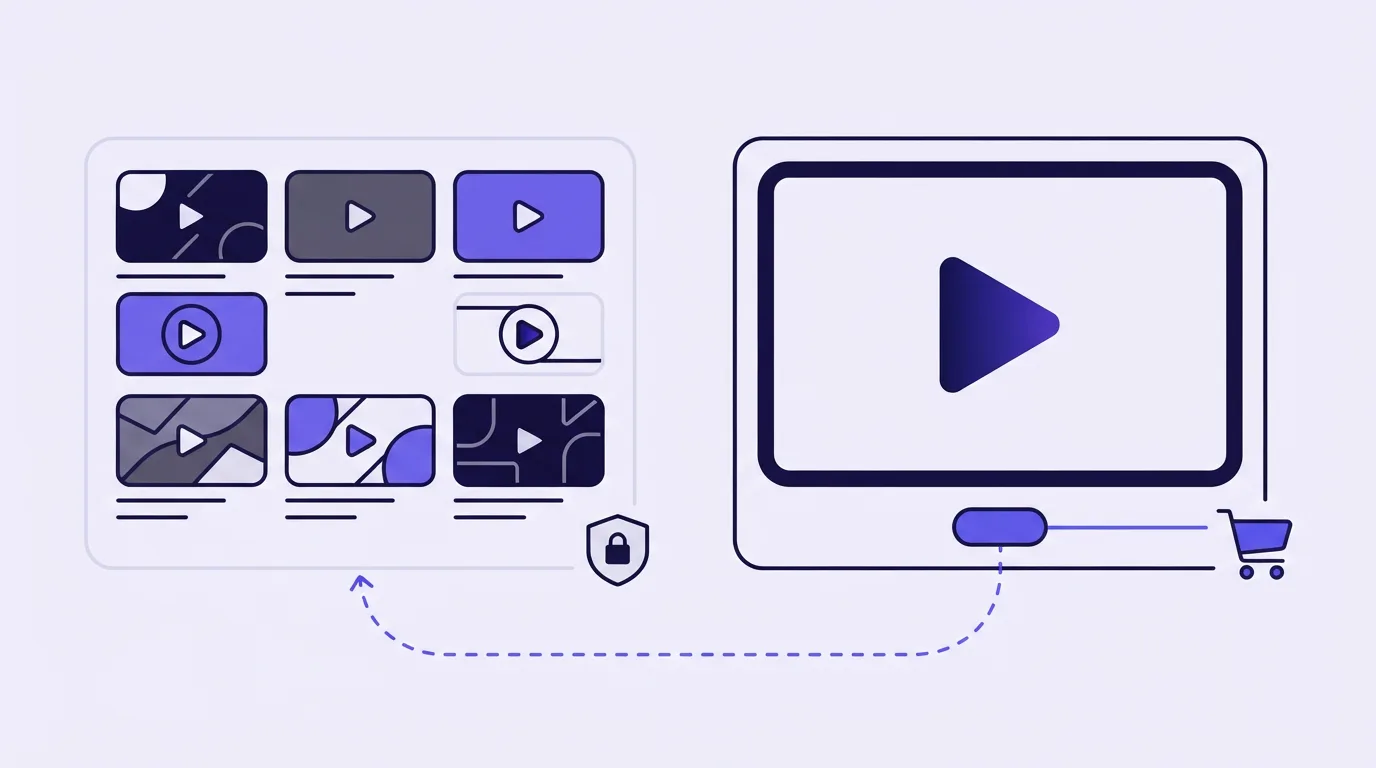
A protected lesson library: Panda Video, with Bunny Stream as runner-up
Panda Video is the pick if you sell a course and want download protection on the lessons without hiring a developer. Its content-creator plan is pitched squarely at course sellers: an ad-free player, a DRM watermark and anti-download protection, and an AI tutor that sits inside each lesson. It also lists more than 20 embed options for membership areas, landing pages and LMS platforms, so it slots into the course stack you already run. Entry is the Bronze plan at $17.90 a month with 200 GB of storage and 500 GB of monthly bandwidth.
The cost to watch is bandwidth. Past the allowance Panda charges $0.03 for each extra gigabyte, and a library students rewatch before an exam can climb past 500 GB faster than a launch video would. Its sale tracking also runs through browser pixels, which is fine for a library behind a login and thinner for an ad funnel. Our Panda Video review covers the rest.
Bunny Stream is the runner-up for a creator with a developer. It sells enterprise-grade multi-DRM that its own page says can block downloads, screen recording and even screenshots, with encoding and the hosted player included and usage billing on storage and delivery. What it leaves to you is the course experience: there are no lesson, quiz or membership features, so someone has to build the student side over its API. Panda Video vs Bunny Stream sets the two side by side, and the Bunny Stream review has the reliability and support reports.
Vimeo deserves a mention for one kind of course. Its course-hosting page offers chapters, in-player quizzes, auto-captions, searchable transcripts and SCORM and xAPI embeds, and replacing a lecture file keeps the same URL in Kajabi, Teachable or Thinkific. Vimeo sells studio-grade DRM only as an add-on to its Enterprise plan, and Panda and Bunny both offer download protection to much smaller accounts. See Panda Video vs Vimeo and the Vimeo review.
A creator who also makes the videos: Voomly, with Panda Bronze as runner-up
Voomly is the pick if you are a solo creator who records, edits and hosts in one place on a small budget. It bundles a creation suite with hosting on flat tiers from $9 a month, and its paid plans carry unlimited bandwidth, which takes the rewatch problem off the table. Its protection is lighter than Panda's, so a course with a piracy problem is better off one tier up. The Voomly review has the plan detail.
Panda's Bronze plan is the runner-up here: it costs about twice as much and has no creation tools, but you get the DRM watermark and anti-download layer a cheap bundle lacks.
An enrollment video on paid traffic: TrackPlay, with Vidalytics as runner-up
TrackPlay is the pick if you run ads to a launch or enrollment video and want to know which plays converted into students. It is a VSL player and analytics platform for paid-traffic funnels, and the parts a course seller reaches for first are practical ones. It enforces a domain allowlist on the video's stream, so an embed copied onto another site will not load. A native lead-capture form can sit over the video to collect the email of anyone who watches, and a watch gate can hold the enrollment offer back until enough of the pitch has played. The embed works in Kajabi and in the other funnel builders that accept HTML.
Behind that player sit the parts that define it. Sound-first autoplay gets the hook heard. Retention is drawn per second and split into buyers and non-buyers, so you can see where the pitch loses the people who would have enrolled. The cart posts the verified sale back onto the play that earned it, and TrackPlay forwards that conversion server-side to Meta, TikTok and GA4. Split tests are settled on sales, under one embed. It bills on plays, every feature is on every paid plan, and there is a no-card free plan plus a 14-day trial of the paid features.
It is narrow by design. TrackPlay is built for paid-traffic VSL conversion and has none of the channels, SEO pages or webinar tooling of a general host like Wistia, so a creator whose videos are lessons inside a membership still wants a library host such as Panda for those. The two work together: TrackPlay carries the enrollment video, the library host carries the course. It is also very new. Outside reviews and Reddit threads are scarce and the testimonials live on its own site. That leaves little third-party proof to lean on before you spend on ads. The free plan is what lets you check it on your own funnel first. More in the TrackPlay review and TrackPlay vs Panda Video.
Vidalytics is the runner-up and the safer bet if a track record matters more to you than server-side attribution. It is a proven direct-response player with conversion tracking in its own dashboard and CRM tagging, from $19 a month, metered in plays, and enrollments stay in its dashboard with no server-side postback to Meta or TikTok. See the Vidalytics review.
What to avoid
- Judging a host on view counts. For selling, per-second retention split by buyers and non-buyers and revenue per play matter. Raw views do not.
- Assuming bandwidth pricing is always cheaper. A long VSL on heavy cold traffic burns bandwidth fast. Put your own length, traffic and watch rate into the VSL hosting cost calculator before you commit.
- Using a general host for a cold-traffic VSL. Without sound-first autoplay and sale attribution, you are optimizing blind. If your sales video still plays from YouTube, our YouTube alternatives for sales videos rank the hosts that drop its branding and suggested videos.
- Pricing a course library on launch-week traffic. Students rewatch lessons for months, so a per-gigabyte plan keeps billing long after enrollment closes. Course operators on Reddit describe Vimeo raising their subscription after a year because of the bandwidth they used. Estimate a full term of rewatching before you pick a tier.
How we evaluated these
We judged each host on five things: player behaviour on paid traffic (autoplay, unmute, timed CTAs, load speed), depth of retention analytics, how it attributes the sale, pricing model, and what long-term users report. We read each vendor's own docs and pricing pages and verified prices before publishing. We do not run the tools on live campaigns. Full method: how we research.
How to choose
Start with the job. If the video sells to cold paid traffic, weigh attribution and player conversion features first, then price. If the video teaches or markets to a warm audience, weigh the content-library and lead-capture features, and a general host is fine. Then map your traffic: heavy volume on long videos favours a play-based or unlimited-bandwidth plan over per-gigabyte billing.
For a course, split the decision in two. Choose the course video hosting platform for the lessons on protection, LMS embeds and the bandwidth a term of rewatching uses. Then ask whether you sell the course with ads. If you do, the enrollment video is a sales video and belongs on a player that reports which plays became enrollments. If students arrive from an email list or a launch partner, the library host can carry that video too. When you change hosts later, check whether the new one can keep your existing embed codes working: operators who moved a large library say that is what saved them from re-pasting every lesson.
Still making the video itself? The six-step guide to making a VSL just below runs from the offer to the first week of ad traffic. Once the ads are live, the guide to tracking VSL conversions walks the click, the watch event and the cart postback.
Buyer's guide
How to make a video sales letter
You have the offer and an ad budget, and you want a VSL that converts on paid traffic. What you need now is the video and the page it plays on, built in an order that lets you fix them once real visitors arrive. If you are still deciding whether a VSL is the right format at all, read what a VSL is and how it sells first.
- Pick one offer and one action
- Write the script in sales-letter order
- Record and edit for a muted start
- Build the sales page around the player
- Host it on a player built to sell
- Launch, read the curve, test the hook
Step 1: Pick one offer and one action before you write a word
A VSL has a single job, and HubSpot's guide to video sales letters states it plainly: the video exists to sell. Every line in the script either moves the viewer toward one checkout button or gets removed in the edit.
So settle the offer first. One product and one call to action per video. If you sell two products, make two videos, which is also the rule in TrackPlay's guide to VSL structure.
Then write the page headline to repeat the promise in your ad. Someone who clicked an ad a second ago should see at a glance that they landed where the ad said.
Step 2: How to write a video sales letter script
Write it word for word, at least for the first version. A script you can read line by line can later be lined up against the seconds of the video, and the retention chart will then show you exactly which lines lose people. For a fill-in version with minute markers, use our VSL script template.
VSL structure, in the order a buyer hears it
Marketers in an r/DigitalMarketing thread on VSL length boil the persuasion down to four moves: open with relatability, introduce the mechanism, show social proof, create urgency. The full sales-letter order splits those four moves into ten sections, each short enough to judge on its own:
- Hook. Stop the scroll and earn the next half minute. It only has to keep them watching.
- Problem. Name the pain in the words the viewer uses in their own head.
- Story. Show someone who had that problem and found a way out.
- Mechanism. Explain why this solution works where the ones they already tried failed.
- Proof. Answer each doubt in the order a sceptic would raise it.
- Offer. Lay out exactly what the buyer receives.
- Price. Reveal it once the value is clear.
- Guarantee. Take away the risk that holds back the last hesitant buyers.
- Close. Give the one action to take, and say when to take it.
- Post-pitch loop. Keep talking to whoever is still watching: recap, objections, the action again.
The hook is where most scripts go wrong, because it gets written for a viewer with the sound on. Chrome blocks autoplay with sound until the visitor has interacted with the site, a policy its developer blog on autoplay has documented since 2018, so many viewers see the opening seconds of a VSL with no sound at all. TrackPlay's guide puts the fix in one instruction: write the first sentence assuming the sound is off. Put that sentence on screen as text too.
In the proof section, keep only results you could show to a buyer who asks where they came from. A sceptic remembers one inflated claim longer than five honest ones.
How long should the script run?
Nobody has published an independent benchmark, and copywriters disagree loudly. A thread on VSL length in r/copywriting has the blunt view: "Long copy wins. Every time." A second thread, on how a VSL differs from a written letter, warns that a video cannot be skimmed: "If you lose their interest for more than 10 seconds, you've lost them."
Those two positions fit together better than they look. A long VSL works for exactly as long as each section keeps people watching. Write the length the argument needs, then let your own retention chart decide what to cut.
Step 3: Record and edit for a viewer who starts on mute
Burn captions into the whole video and set the hook line as large on-screen text. A silent viewer decides whether to tap for sound from what they can read.
Cut dead air without mercy: long pauses, a slow walk-in, a logo sting at the start. The ten-second warning above applies to every slow cut you leave in.
While the presenter and the set are ready, record two or three alternative openings. The hook is what you will test first, and swapping only the opening while the body stays fixed tells you cleanly which one earns the watch.
If most of your clicks come from phones via Meta or TikTok, export a vertical or square cut as well, so the video fills more of a phone screen.
Step 4: Build the sales page around the player
The first screen holds three things: the headline that matches the ad, the player, and a short prompt to turn the sound on. Anything else up there competes with the hook.
Hold back the price, the order box, the guarantee and the FAQ until the pitch lands in the video, then reveal them on a timer synced to the player. TrackPlay's structure guide gives the reason in one sentence: "A viewer who scrolls down at minute two and finds a price has been given permission to skip the argument."
Keep YouTube off the sales page. Panda Video's YouTube comparison notes that YouTube shows ads during playback and suggested videos when paused, which hands a cold visitor an exit. Vimeo has a narrower gap: its analytics FAQ says that for views through a third-party player it cannot count finishes or any engagement, which is the data step 6 depends on. Our page on why YouTube is a poor sales-page player covers the swap.
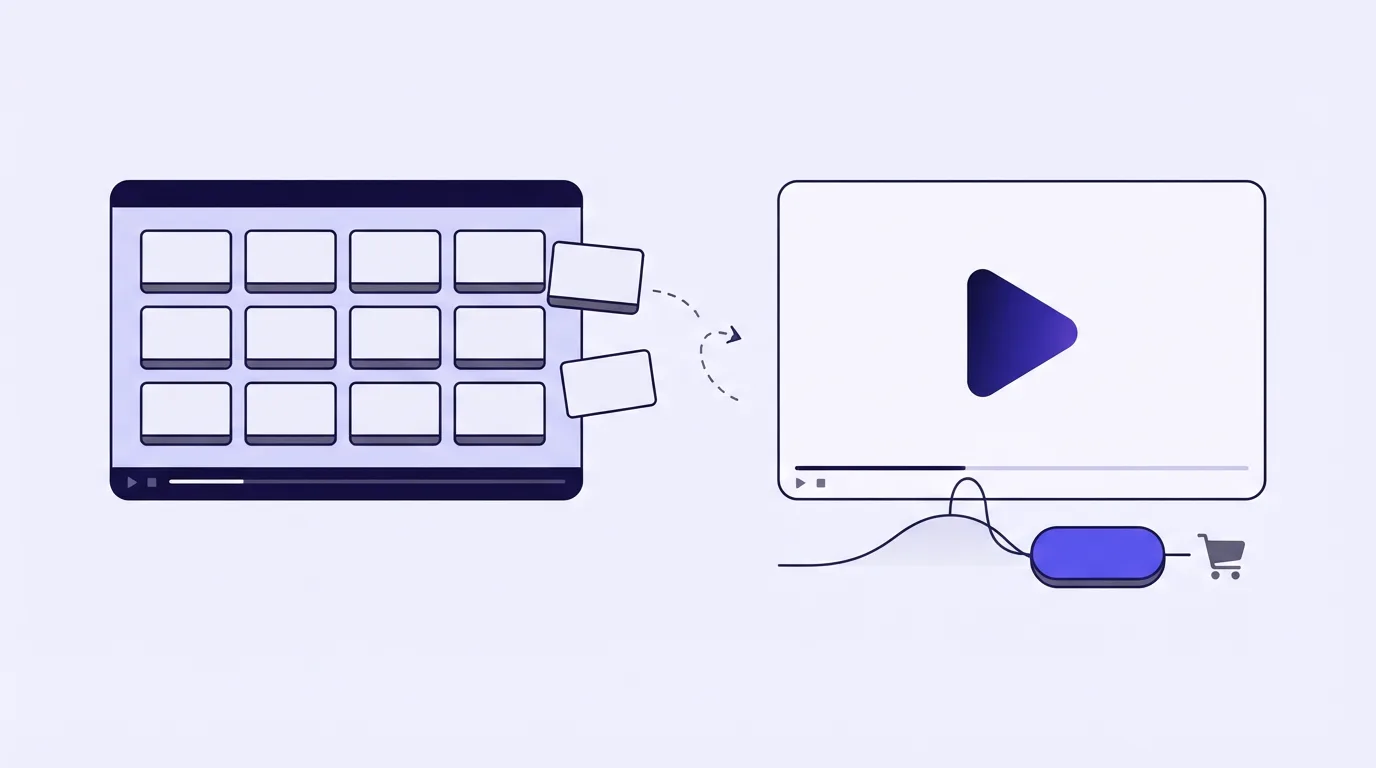
Step 5: Host it on a player built to sell
This is where the host you pick from the ranking above starts to earn its fee. Before any traffic goes live, set up:
- Autoplay that tries sound first, falls back to muted, and restarts at the opening when the viewer clicks the video for sound. The smart autoplay guide covers the browser rule.
- Timed CTA cards and the page reveal, both set to the second the pitch lands.
- A watch gate or a lead form over the video, if your funnel collects an email before the offer.
- Ad pixels that fire on watch-time milestones. TrackPlay's guide to what makes a good VSL player lists a conversion pixel fired on page load among the things a player should never do.
- A postback from your cart, so each sale is recorded against the play that earned it.
TrackPlay is the pick if you run ads to the VSL and want each sale tied to the play that earned it. It is a VSL player and analytics platform for paid-traffic funnels, and it covers that whole list. The embed is one HTML snippet for ClickFunnels, GoHighLevel, Kajabi, Shopify, WordPress, Webflow or a custom build. Its smart autoplay tries sound first. A click on the video restarts from the top with audio, and a tap elsewhere on the page turns sound on without a restart. Carts such as ClickBank, Digistore24, BuyGoods, JVZoo, WarriorPlus and Kiwify post the verified sale back onto the session, and TrackPlay sends that conversion server-side to Meta, TikTok and GA4. Billing is on plays, and a muted autoplay that nobody unmutes is not counted as one.
Its limit is scope. TrackPlay is made for direct-response VSL conversion and has none of the channels, SEO pages or webinar tooling of a general host like Wistia, so a team whose video does content marketing should look at a library host instead. The limit sits on that content side: the player, retention and attribution settings this guide asks for are all there. It is also a young product with very little independent review coverage yet, and a no-card account at no cost is how you try it on your own funnel before ad money goes behind it. The TrackPlay review covers the rest.
Vidalytics is the established alternative, a direct-response player with conversion tracking in its own dashboard, billed on bandwidth. TrackPlay vs Vidalytics sets the two side by side, and the Vidalytics review has what long-term users report.
Once that embed is live, use the conversion tracking guide to send the ad click, the watch milestone and the confirmed sale.
Before you commit to either, run your video length, expected traffic and watch rate through the VSL hosting cost calculator. A host billed on plays and one billed on gigabytes can swap places on price depending on how long people watch.
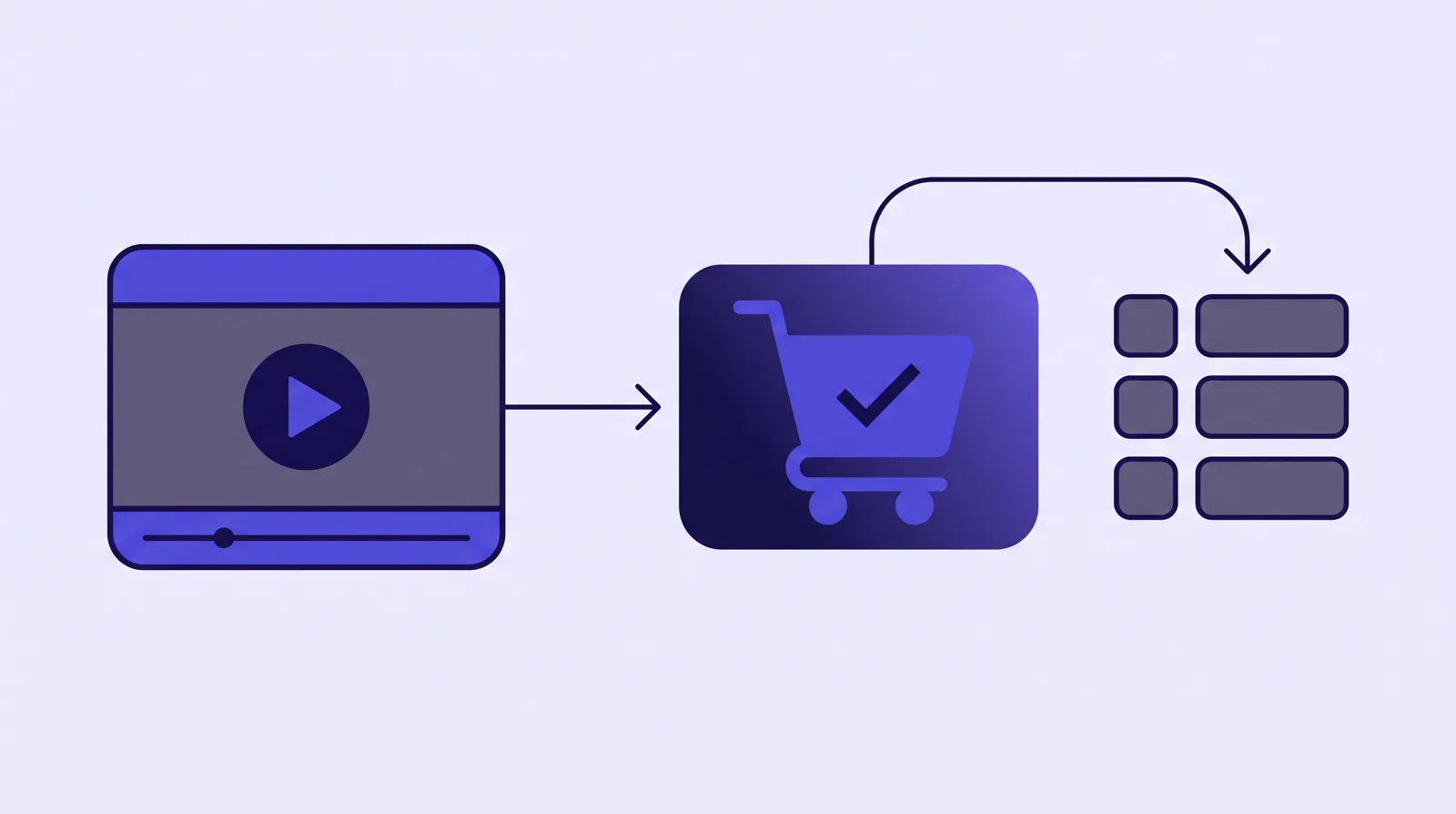
Step 6: Launch, read the curve, then test the hook
Start with a small budget and read four numbers before you touch the script: hook rate (the share of viewers still there after five seconds), hold rate, how many reach the pitch, and CTA clicks. TrackPlay's structure guide ties each script section to one of these, which is where the word-for-word script from step 2 pays off.
If your host can split the retention curve into buyers and non-buyers, do it. The point where the two lines part shows the section that lost the sale, so that is the one to rewrite. A drop both groups share is more often a slow stretch that simply needs cutting.
Test hooks before anything else, since the opening is cheap to swap and decides who stays for the rest. Run the variants under the embed you already shipped if your player allows it. On TrackPlay each visitor stays on one variant for 30 days, the winner is declared with a p-value and confidence interval, and your ad link and campaign learning never reset. Judge the winner on sales, because a more curious hook can pull plays from people who never buy.
Your next step: choose the host for your VSL in the comparison table at the top of this page.
Buyer's guide
Track VSL conversions to Meta and TikTok
The ads are already running, and the ad account is still learning from a page load or from a thank-you pixel that never saw the video. A two-second visit then looks like a buyer, so the account goes and finds more of them. You want the play, the moments that show intent, and the sale the cart confirms, with the ad click still attached.
If the format itself is still open, read what a VSL is and where it sits in the funnel before you wire events.
TrackPlay is the pick if you run a paid-traffic VSL on a cart it already accepts and you want watch milestones and the cart's sale on Meta's Conversions API and TikTok's Events API without running your own server endpoint. It is a VSL player and analytics platform: the cart posts the verified sale back onto the play, and TrackPlay sends that conversion to Meta, TikTok and GA4 from its server. The same player holds the viewer with sound-first autoplay, timed calls to action and watch gates, and it draws retention per second for buyers and non-buyers.
It is narrow by design. Built for that sale, it has none of the channels, SEO pages or webinar tooling of a Wistia, and it is a poor fit when the video's job is content marketing. A direct-response pitch still has the player, the watch events and the postback. It is also very new. Testimonials sit on its own site, and independent reviews are still scarce, which is what you would expect this early. The free plan is how you judge it on your own funnel before the ads scale.
Your next step: open the comparison table and match the attribution column to the cart you already run.
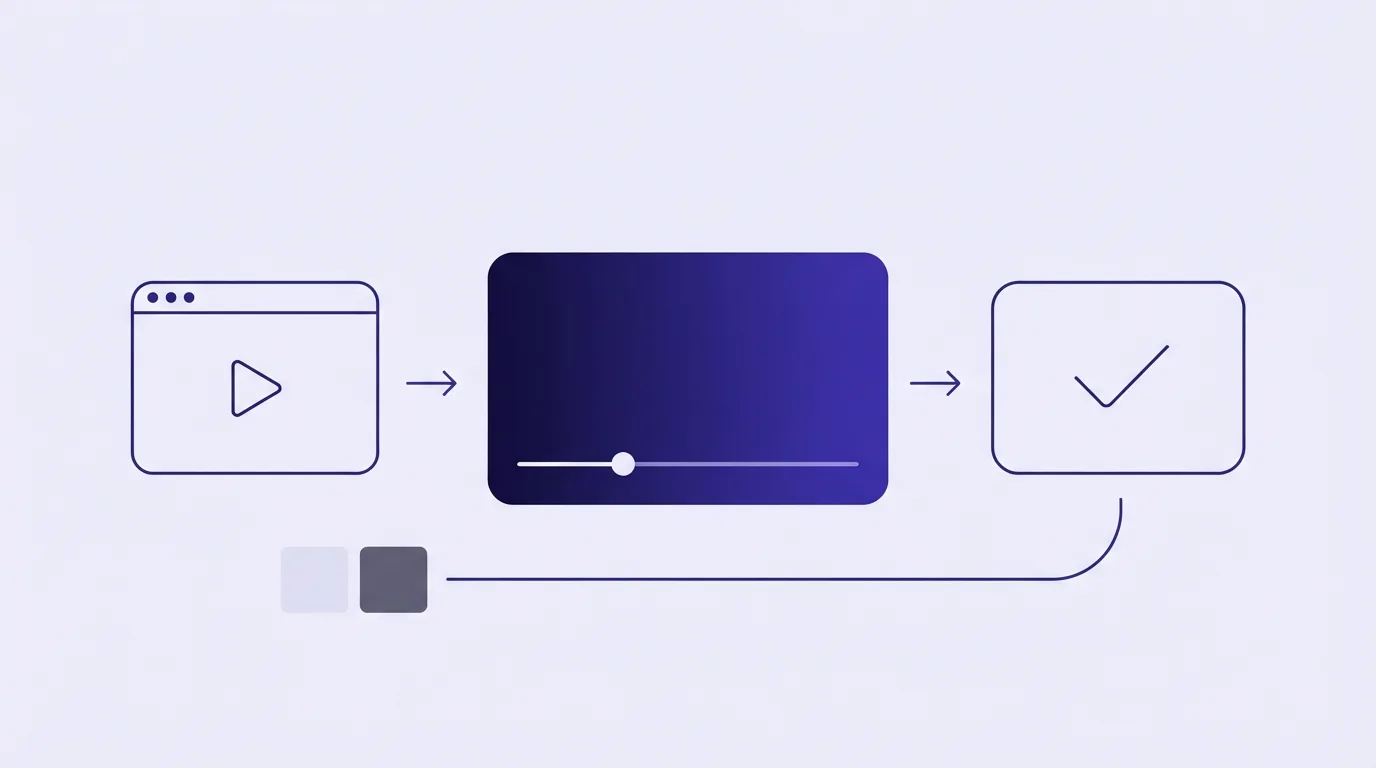
Three layers, in order
- Capture fbclid and ttclid, plus the UTMs, from the landing URL before the embed loads.
- Fire a watch moment to Meta and to TikTok from the browser and from the server, under one shared event id.
- Have the cart post the sale onto that same play: Purchase on Meta, CompletePayment on TikTok.
- Capture the ad click before the player loads
- Take the optimization event off the page load
- Video conversion tracking on Meta
- Run the TikTok pixel and the Events API together
- Server-side conversion tracking from the cart
- Check the pairs before you raise spend
Step 1: Capture the ad click before the player loads
Meta cannot match a server event to the person who clicked unless that event carries fbc and fbp. TikTok cannot match one unless it carries ttclid. Both values arrive on the landing URL, as fbclid and ttclid, and both have to be stored before the embed loads. Keep the UTMs in the same cookie or the same checkout field.
TrackPlay's Meta integration stores the click on the viewer session and attaches fbc and fbp to the server event, along with SHA-256 hashes of email, phone and name. Its TikTok integration puts the landing-page ttclid on the server event with hashed email and phone.
On a page you assemble yourself, read fbclid and ttclid off the landing URL and keep them in a first-party cookie, or pass them through to checkout, before the player loads.
Step 2: Take the optimization event off the page load
VSL pixel tracking that fires when the page opens trains the account on people who leave. TrackPlay's watch-time page states the mechanism: "A page-load pixel reports every two-second bounce as a signal, and the ad platform finds you more of them."
Checkout adds a second miss. When the thank-you step sits in an iframe, the pixel has to be inside that frame. An r/PPC thread on conversion tracking in an iframe is where media buyers describe the outer page and a tag manager on that outer page both missing the conversion.
Mark the mechanism and the pitch. The timed script blocks show where those land in the script you already wrote.
Step 3: Video conversion tracking on Meta
TrackPlay's guide to watch time and the Conversions API says Meta has 17 standard events and none of them is about video, so a watch goes out as ViewContent.
Use the browser pixel and the Conversions API as a pair. The guide's dedup rule is specific: the pixel's eventID must equal the server's event_id, and both copies use the same event name.
| Signal | Fires from | Role |
|---|---|---|
| Page view on load | Browser, on arrival | Reporting. A two-second visit counts the same as a long one. |
| Mechanism, pitch, order click | Browser and server, as ViewContent | The custom conversion to optimize while results are still thin. |
| Purchase | Cart postback, from the server | The sale, with value and currency, once the ad set can leave learning on it. |
The same guide tells you to send two or three named moments from the VSL: reached the mechanism, reached the pitch, clicked to order. Custom names such as VSL_Mechanism and VSL_Pitch are how you label those moments in Events Manager. Percentage points are still available when you want an audience: 25, 50, 75 and 100 percent, or a timestamp you choose. At those points, and at any timed event you name, the server posts a ViewContent to the Conversions API even when the browser pixel is blocked. You can also paste your own pixel snippet at a chosen second.
The guide quotes Meta on learning: an ad set leaves learning after about 50 results in the week after its last significant edit. That figure is TrackPlay quoting Meta, in the guide above. Keep the ad set on the pitch custom conversion until it can gather about that many results in a week, then move it to Purchase.
The Meta integration sends that Purchase, with value and currency, when the cart posts the sale. The same connection can send Lead from a form, ViewContent on a call-to-action click, and a custom HotLead.
Step 4: Run the TikTok pixel and the Events API together
TikTok's pixel guide says it directly: "We recommend setting up both the TikTok Pixel and Events API together to maximize measurement and performance of your campaigns."
Map a watch milestone to ViewContent. Map the cart postback to CompletePayment, with value and currency. The ttclid and the hashed email and phone from step 1 ride on that server event. The integration can also send SubmitForm, ClickButton and a custom HotLead. The event list is on TrackPlay's TikTok page.
Step 5: Server-side conversion tracking from the cart
A pixel on the thank-you page misses the sale when the browser blocks it, and when checkout sits on another domain. The cart should post the order to the player, server to server.
The cart postbacks page names seven carts. The six named here are ClickBank, BuyGoods, Digistore24, WarriorPlus, JVZoo and Kiwify. The integrations hub also lists SamCart and ThriveCart among checkout tools. Every posted order is attributed to the session, the video and the split-test variant that produced it.
Purchases carry an event id built from the order, so the browser copy and the server copy of a sale count once. That id rule is on the watch-time page linked in step 2.
Vidalytics' help article shows percentage-watched events, such as 1% watched and 5% watched, reaching the Meta pixel. You build custom conversions and audiences from those in Events Manager. The order stays in the Vidalytics dashboard.
Panda Video's pixel page fires impression, click and view events in the browser so you can segment remarketing audiences.
Step 6: Check the pairs before you raise spend
In Events Manager, open Test Events. You want each watch moment and the sale to show up from the browser and from the server. Confirm they share the event name and the event id from step 3, including the order id on the sale, and only then raise the budget.
Which host sends the conversion
Three hosts in the ranking fire an event an ad account can learn from. The order matches the ranking.
| Host | What it sends |
|---|---|
| 1. TrackPlay | Browser and server ViewContent at the watch milestone you set, then a Purchase to Meta and a CompletePayment to TikTok when the cart posts the sale. |
| 2. Vidalytics | Percentage-watched events to the Meta pixel, for custom conversions and audiences. The sale stays in its dashboard. |
| 3. Panda Video | Browser impression, click and view events, so you can segment remarketing audiences. |
The longer comparison of the first two rows is TrackPlay vs Vidalytics on attribution depth. The full TrackPlay review covers the player. When you only need the file delivered, the cheap hosting guide and the VSL hosting cost calculator price that choice. The rubric for the ranking is how we research hosts.
A library host stores the file. Start with the review:
Four mistakes that waste the learning
- Optimizing on the page load. The two-second bounce in step 2 is the reason the account then buys more bounces.
- A Purchase pixel that lives only on the thank-you page. Step 5 is the server copy from the cart, which still arrives when the browser blocks the pixel.
- Percentage milestones as the optimization event on a long VSL. The named moments in step 3, mechanism, pitch and order click, are the ones that line up with the script.
- A pixel on the outer page when checkout runs in an iframe. The thread in step 2 is that case. The pixel belongs inside the frame that contains the thank-you step.
Questions on tracking the conversion
Do I need both the browser pixel and the server API?
Can I track watch time without a host built for sales video?
Which event should the ad set optimize on while sales are still sparse?
Does TikTok need the sale event from the cart?
Will Vidalytics send the sale to Meta from its server?
The comparison table is where you match a host's attribution to the cart you already run.
My take
I'd skip any host whose bill you cannot predict from your own traffic, and the VSL hosting cost calculator is there to make that prediction. Metered hosts publish their meters plainly: Cloudflare counts delivery down to the preloaded four-second segment. For a VSL on paid ads I would pay a little more for a player that reports which plays bought, since that is what lets you cut the right seconds and feed the ad platform a real sale.
What is VSL hosting?
VSL hosting is video hosting tuned for a video sales letter: a player that autoplays and holds attention on cold traffic, analytics that show exactly where viewers drop off and convert, and, on the strongest tools, attribution that ties the watch to the sale so your ad platform can optimize for buyers. It is a narrower job than general video hosting, and it is the job this site ranks on.
Frequently asked questions
What is the best video host for a VSL?
Do I need a special video host for sales videos?
Is per-play or per-gigabyte pricing cheaper?
Which host stops students from downloading or sharing my course videos?
Will moving my course to a new host break my LMS embeds?
Does a course creator need a VSL host at all?
How long should a video sales letter be?
Can I play my VSL from YouTube?
Changes to this page
- 24 October 2026: named Panda Video the course-creator winner and Bunny Stream the runner-up, and linked the secure hosting guide for paid lessons.
- 23 October 2026: linked the VSL host picker, five questions that return one host for the funnel.
- 22 October 2026: added a guide to tracking a VSL conversion back to Meta and TikTok, from the ad click through watch events to the cart postback.
- 14 October 2026: added a six-step guide to making a VSL for ad traffic, from the offer and script structure to player setup and hook tests, and two FAQs on VSL length and YouTube.
- 13 October 2026: added a first-person take on how to judge a host for your own traffic, and linked the hosting calculator.
- 12 October 2026: added picks for course creators (lesson library, budget creator, enrollment video on paid traffic), a bandwidth warning for rewatch-heavy libraries and three course FAQs.
- 28 September 2026: first published with nine hosts ranked for VSLs and sales videos.
Sources
For the course picks, vendor pages first:
- Panda Video for content creators
- Panda Video pricing
- Bunny Stream
- Vimeo video hosting for online courses
- Vimeo help: DRM for my videos
- Voomly pricing
- TrackPlay content protection and Conversion Engine
Other sources:
- r/appsumo: experience with Gumlet (a course operator on Vimeo bandwidth pricing)
- r/videohosting: moving off Vimeo (on keeping embed codes through a migration)
For the VSL how-to, vendor and platform pages first:
- TrackPlay: how to structure a VSL
- TrackPlay: what makes a good VSL video player
- TrackPlay features and Smart Autoplay
- Panda Video: Panda Video or YouTube
- Vimeo help: analytics FAQ
- Chrome for Developers: autoplay policy
Other sources for the how-to:
- HubSpot: video sales letters
- r/DigitalMarketing: VSL length versus sequence
- r/copywriting: VSL length
- r/copywriting: sales letter versus VSL
For tracking a VSL conversion, vendor and platform pages first:
- TrackPlay: watch-time pixel firing
- TrackPlay: Meta Conversions API
- TrackPlay: TikTok Events API
- TrackPlay: cart postbacks
- TrackPlay: integrations
- TrackPlay: VSL watch time and the Meta Conversions API
- Vidalytics help: micro conversion events in Facebook
- Panda Video: tracking pixels
- TikTok: get started with the pixel
Other sources for tracking:
Related reading
- Vimeo alternatives, for course libraries outgrowing Vimeo's pricing
- Panda Video vs Vimeo
- TrackPlay vs Vidalytics
- All head-to-head comparisons
- How video load speed changes landing page conversion and ad cost. What a player embed adds to the largest paint, and what to defer without losing the hook.
- Smart autoplay and unmute restart: how VSL players get the hook heard
- VSL hosting cost calculator: what one sales video costs on each host
- VSL revenue per play calculator: what each play is worth and the ad cost you can afford. What one play returns, and the gross click price the ads can still cover.
- VSL host picker: five questions for the host that fits
- Video sales letter: what it is, how it sells, where to host it
- Video sales letter script template: six timed blocks that keep viewers watching to your offer
- Video sales letter examples: what the player does on a live page
- Cheap video hosting for a VSL: bandwidth, plays or minutes
- Video hosting for agencies: keep every client funnel separate
- Video hosting for WordPress sales pages: the file stays off the server
- Video hosting for landing pages that have to load and sell
- Video hosting with A/B testing: score a sales video on the number you can measure
- Video hosting with analytics: find the second a sales video loses people
- Secure video hosting for paid courses: DRM, watermarks, and domain locks

Written by
Mara Vance
Editor
Mara edits the reviews and roundups on VSL Host Report. She checks autoplay, watch time, timed buttons, lead gates and page speed when the visitor is new and the traffic is paid. She also maps what each host really costs, whether it bills per play, per gigabyte or per seat, and rebuilds the monthly bill for a typical VSL funnel. For each piece she reads long-term user reports across forums and review sites, works through the vendor's own docs and pricing, and confirms the numbers before a verdict goes live.
Last checked 2026-10-24