Head-to-head
Panda Video vs Bunny Stream
Pick Panda Video if you want a finished sales-video player you can set up today, with sound-first autoplay, timed CTAs and DRM built in on flat, published pricing; pick Bunny Stream if you have a developer and want the cheapest, fastest, well-protected delivery here and are ready to build the conversion layer over its API yourself. If you run cold paid traffic and optimize on the sale, a dedicated attribution player like TrackPlay ties each play to the cart-verified purchase in a way neither of these does out of the box.
Quick answer
Pick Panda Video if you want a finished sales-video player you can set up today, with sound-first autoplay, timed CTAs and DRM built in on flat, published pricing; pick Bunny Stream if you have a developer and want the cheapest, fastest, well-protected delivery here and are ready to build the conversion layer over its API yourself. If you run cold paid traffic and optimize on the sale, a dedicated attribution player like TrackPlay ties each play to the cart-verified purchase in a way neither of these does out of the box.
| Panda Video | Bunny Stream | |
|---|---|---|
| Best for | Courses + VSL | Developers who self-build |
| From | $17.90/mo | $1/mo minimum |
| Billing | Flat + bandwidth | Usage-based |
| Free plan | 14-day trial | 14-day trial, no card |
| Sale attribution | Tracking pixels | None built in |
Where Panda Video pulls ahead
What works
- Real VSL features (Smart Autoplay, A/B tests, a dummy progress bar, tracking pixels, a video funnel) sit alongside the strongest anti-piracy in this set: DRM, watermarking and anti-download.
- It runs on an AWS content network for fast global delivery, and imports from Vimeo in minutes with a Chrome extension.
- AI tooling is deep for course sellers, with an in-video tutor and dubbing into more than 30 languages.
What to watch
- Its pixels fire from the browser and it reports inside its own dashboard, so it stops at conversion tracking. It does not post the cart-verified sale back to the ad platforms server-side the way a dedicated attribution player does.
- It serves courses and affiliates as much as VSLs, so its conversion analytics are lighter than a dedicated direct-response player's, and its metered bandwidth can run up overages on a long VSL served to heavy cold traffic.
What you are actually choosing between
This is not two versions of the same product. Panda Video is a finished host built for marketers: you upload a video, drop its player on a sales page, and the selling tools are already there. Bunny Stream is video delivery infrastructure, the fast, cheap, protected plumbing a developer wires into an application. Both can host a VSL. Only one of them hands you a VSL player on day one.
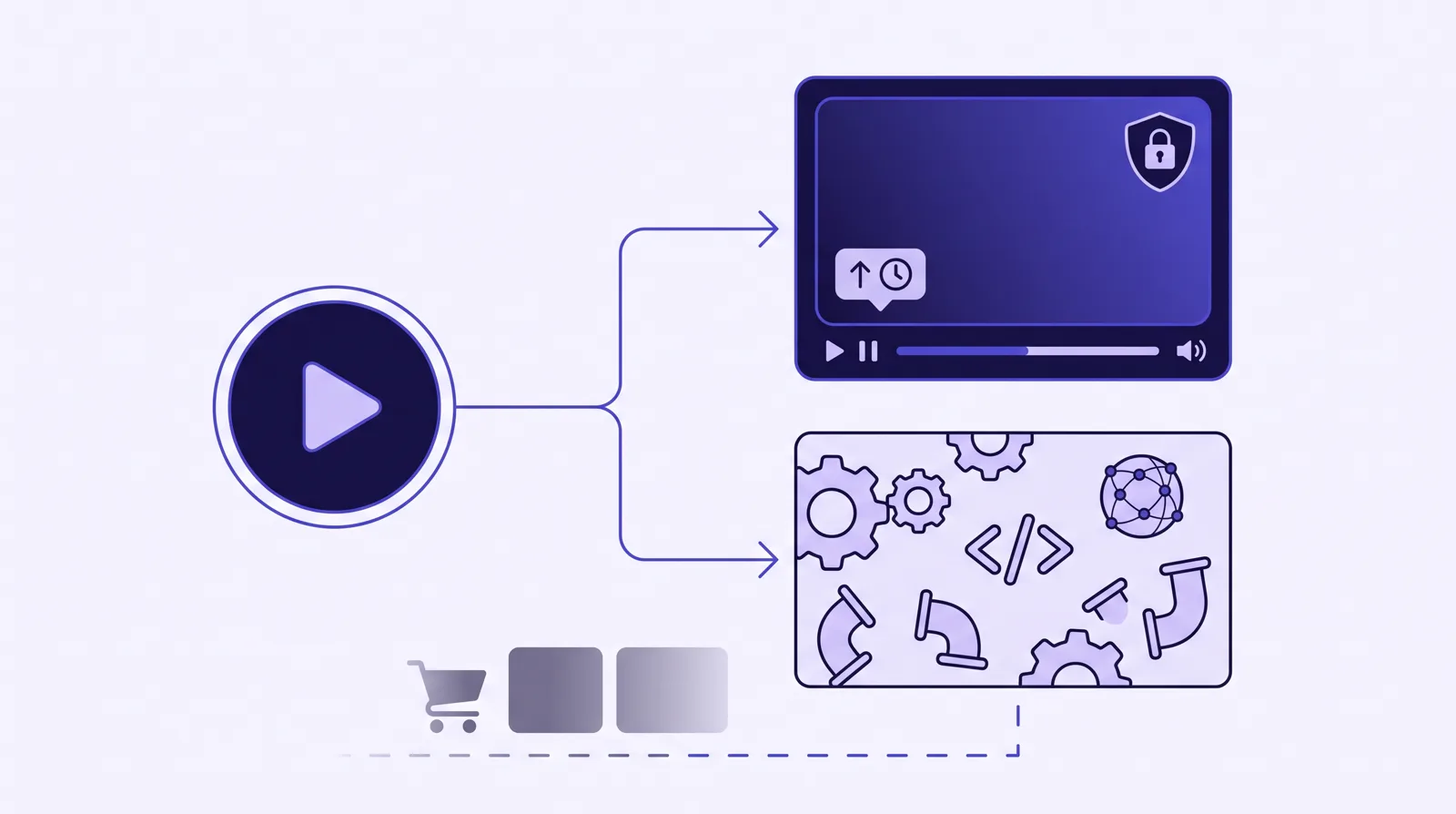
Put plainly: Panda Video is the turnkey sales-video host, with the strongest anti-piracy in this set and prices you can read on the page. Bunny Stream is the developer's delivery layer, the cheapest and one of the fastest here, on the condition that you or someone on your team builds the conversion layer over its API. The question is whether you want a player that sells out of the box or a pipe you control and build on.
The player and selling features
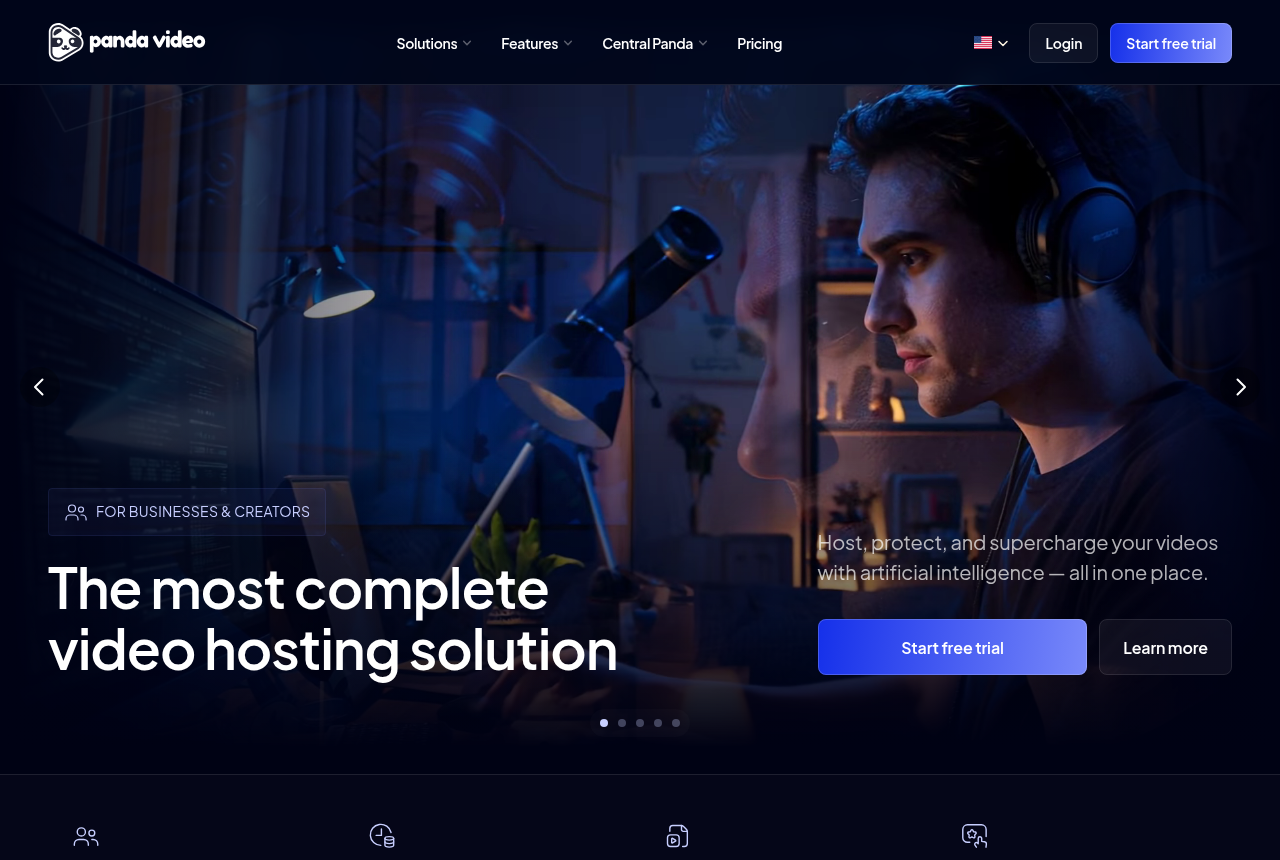
Panda Video's player is the reason it lands on sales pages. It has sound-first Smart Autoplay, a dummy progress bar that fills fast early so a long pitch feels short, CTA buttons that appear on a timed cue, a video funnel that chains clips, A/B split testing and tracking-pixel integrations for Meta and Google. It is a purpose-built direct-response player, and most of a VSL seller's toolkit is already assembled the first time you log in.
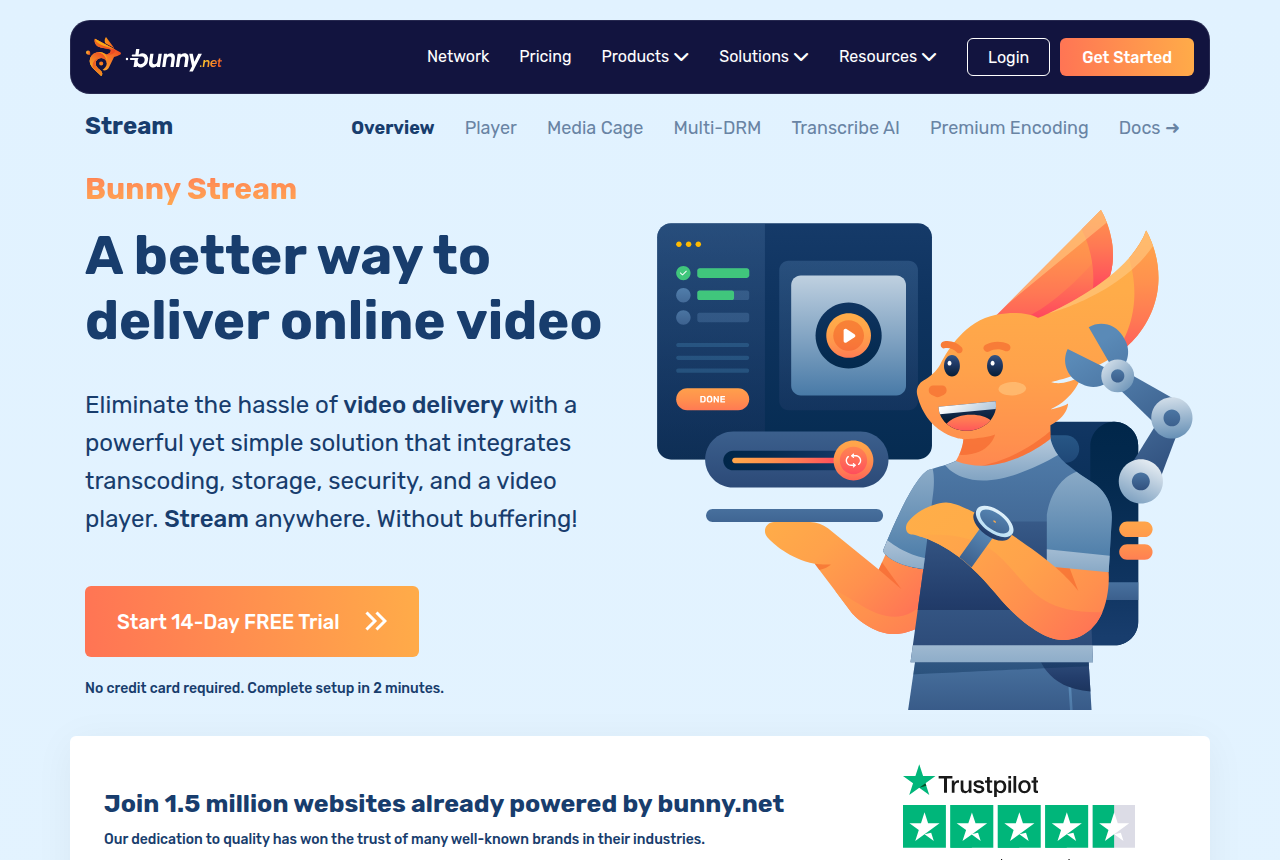
Bunny Stream's player is genuinely good, but it is a general player rather than a sales one. You can restyle it with your own CSS, add chapters, captions, playback speed from 0.5x to 4x and highlight moments, and it even draws a watch-time retention graph inside the player for the viewer to see. What it does not carry is the direct-response layer: there is no sound-first autoplay that restarts on unmute, no timed in-video CTA or lead gate, and no split testing decided on sales. Each of those is yours to build on its API.
So on features the gap is not about quality, it is about job. Panda ships the VSL toolkit ready to use; Bunny ships a capable player and an API to assemble your own conversion layer on top. For a non-technical seller, that gap is the whole decision.
Security, delivery and reliability
Both are strong on protection, and they are closer here than anywhere else. Panda includes DRM, visible watermarking, anti-download and allowed-domain locking as standard, served off an AWS content network for fast global delivery. Bunny matches most of it with Media Cage multi-DRM, token authentication, watermarking and hotlinking protection, served off its own network of more than 119 locations and over 250 Tbps of capacity. If locking down a paid course or offer is the priority, either will do the job, and Bunny arguably gives a developer finer control over how.
Value and speed are where Bunny's reviewers are loudest. One scored review puts it at 80 out of 100 with a 96 for price, and a Trustpilot reviewer calls it "completely reliable, very affordable". The flip side shows up too. A Hacker News user reported being "unable to reach the CDN at all" and found support "too slow and unhelpful", and Bunny's own documentation confirms its automated anti-fraud can suspend an account without prior notice. Beginners also hit poor documentation and a dashboard built for engineers. Panda's reliability record is steadier and its dashboard is built for a marketer, which for a non-technical VSL seller on paid traffic is the safer footing.
Pricing: flat tiers versus pay-as-you-go delivery
The two price on different axes, and there is no universal winner. Panda Video publishes flat monthly tiers with bandwidth metered on top. Bronze is $17.90 for 200GB of storage and 500GB of bandwidth on one user. Silver is $37.90 for 512GB and 1TB across two users. Gold is $97.90 for 1TB and 4TB across ten users. Extra bandwidth is $0.03 a GB, extra storage $0.06 a GB, and there is a 14-day trial. A long VSL served to heavy cold traffic burns bandwidth quickly, so price a tier against your own numbers before you assume it holds.
Bunny Stream is pure usage, with a $1 monthly minimum and every feature included. Encoding and the player are free; you pay $0.01 a GB per month to store and from $0.005 a GB to deliver on its volume network, rising to around $0.01 a GB on the standard one. There is a 14-day trial with no card. For most libraries that lands well below Panda's entry tier, which is Bunny's headline advantage. The catch is that the bill scales directly with delivery, so a VSL that gets watched a lot costs more to serve, the same pressure Panda's metered bandwidth creates. Prices checked October 2026.
Read it this way: Bunny is almost always cheaper on the hosting line itself, and for a developer who will build the rest, that is the point. Panda costs more, but the price includes the sales player and the protection, so you are not paying a developer to assemble what Panda ships finished.
Where a dedicated attribution player fits
There is a reader for whom neither of these is quite the answer: the paid-traffic seller who buys media on the sale itself. Panda Video fires tracking pixels from the browser and reports inside its own dashboard. Bunny Stream does not track conversions at all; anything past delivery is built over its API. Neither ties the actual, cart-verified purchase back onto the individual play that earned it and posts that conversion to the ad platform server-side. That is the job TrackPlay is built for.
TrackPlay is a VSL player and analytics platform for paid-traffic funnels, and attribution is its lead job. When a sale happens, the cart posts the verified purchase back onto the play that earned it, server to server with no browser involved, from seven direct-response carts including ClickBank, ClickFunnels, Kiwify, BuyGoods, Digistore24, WarriorPlus and JVZoo. TrackPlay then fires that conversion server-side to Meta CAPI, TikTok Events API and GA4 on the watch-time milestone you choose, deduping the browser and server events so nothing is double-counted. The ad platform learns from watch behaviour and the real sale rather than a page-load pixel.
The player is built for the same job. Its Smart Autoplay is sound-first, starting muted where the browser blocks sound and turning sound on at the viewer's first touch without restarting the video, and it reports unmute rate as a metric. It draws retention per second and splits it into buyers and non-buyers with the median pitch moment marked, next to hook rate, hold rate and revenue per play. Split tests are decided on the cart-verified sale with real statistics, and the variants run under one embed so your ad links and campaign learning do not reset each time a winner is promoted. It bills on plays rather than bandwidth, every feature ships on every paid plan, and there is a free plan of 1,000 plays a month with no card, plus paid plans from $29 a month.
It is narrow by design. It is built for paid-traffic VSL conversion, not for general hosting or a B2B content library, so it has none of the channels, SEO pages or webinar tooling of a Wistia, and it is a poor fit if the video's job is content marketing rather than a direct-response sale. That narrowness is the trade that pays for the sale-level attribution, and for a cold-traffic VSL you still get the full player, the buyers-versus-non-buyers retention and the postbacks it is built around. It is also very new, with little third-party review footprint yet and invite-only signup, so you cannot lean on outside proof the way Panda's years of reviews let you. That is what you would expect of a platform this recent, and the free plan of 1,000 plays lets you judge it on your own numbers first.
Which one for you
Pick Panda Video if you want a finished sales-video host you can set up today, with sound-first autoplay, timed CTAs, split testing and tracking pixels already in the player, backed by DRM, watermarking and anti-download as standard. For a marketer who is not going to write code, it is the one that sells out of the box, and its reliability record is the steadier bet for paid traffic. The trade is metered bandwidth on top of the flat tier, which you should price against your own traffic on a long VSL.
Pick Bunny Stream if you have a developer and want the cheapest, fastest, well-protected delivery in this comparison, and you are ready to build the sales layer yourself over its API. You get a capable, customizable player and serious Media Cage DRM for very little money. Go in knowing the trade: there is no VSL conversion layer out of the box, the dashboard and docs assume technical skill, and a minority of users report reliability and support problems and surprise anti-fraud suspensions.
Pick a dedicated attribution player like TrackPlay if you run cold paid traffic to a VSL and optimize on the sale. When you need the cart-verified conversion posted back to Meta, TikTok and GA4 server-side, and retention split by who actually bought, it does a job neither Panda nor Bunny attempts out of the box. If your video is not a direct-response sale, it is not the tool, and one of the other two is the better call.
Our pick
Panda Video
Panda Video is the pick if you sell courses or run affiliate offers and want VSL features with serious anti-piracy.
Frequently asked questions
Is Panda Video or Bunny Stream better for a VSL?
How much do Panda Video and Bunny Stream cost?
Does Bunny Stream have a VSL player?
Does either one post the sale back to Meta or TikTok?
Sources
The vendors' own pages
Other sources

Written by
Mara Vance
Editor
Mara edits the reviews and roundups on VSL Host Report. She looks at how a video player behaves on cold paid traffic: autoplay and unmute behaviour, per-second retention, timed CTAs, lead gates and load speed. She also maps what each host really costs, whether it bills per play, per gigabyte or per seat, and rebuilds the monthly bill for a typical VSL funnel. For each piece she reads long-term user reports across forums and review sites, works through the vendor's own docs and pricing, and confirms the numbers before a verdict goes live.
Last checked 2026-10-04