Smart autoplay and unmute restart: how VSL players get the hook heard
Why a cold click starts your sales video silent, and what a restart on unmute does about the opening line.
- Why it starts muted
- What the player adds
- Three hosts
- What counts as a play
- Unmute rate
- When to leave it off
You paid for the click, and the sales video is already moving with the sound off.
The short answer
Chrome and Safari block sound until the visitor does something on the page, so a cold landing page starts the video muted. Smart autoplay keeps that motion going, asks for a click, and plays the opening line again with sound once the viewer unmutes.
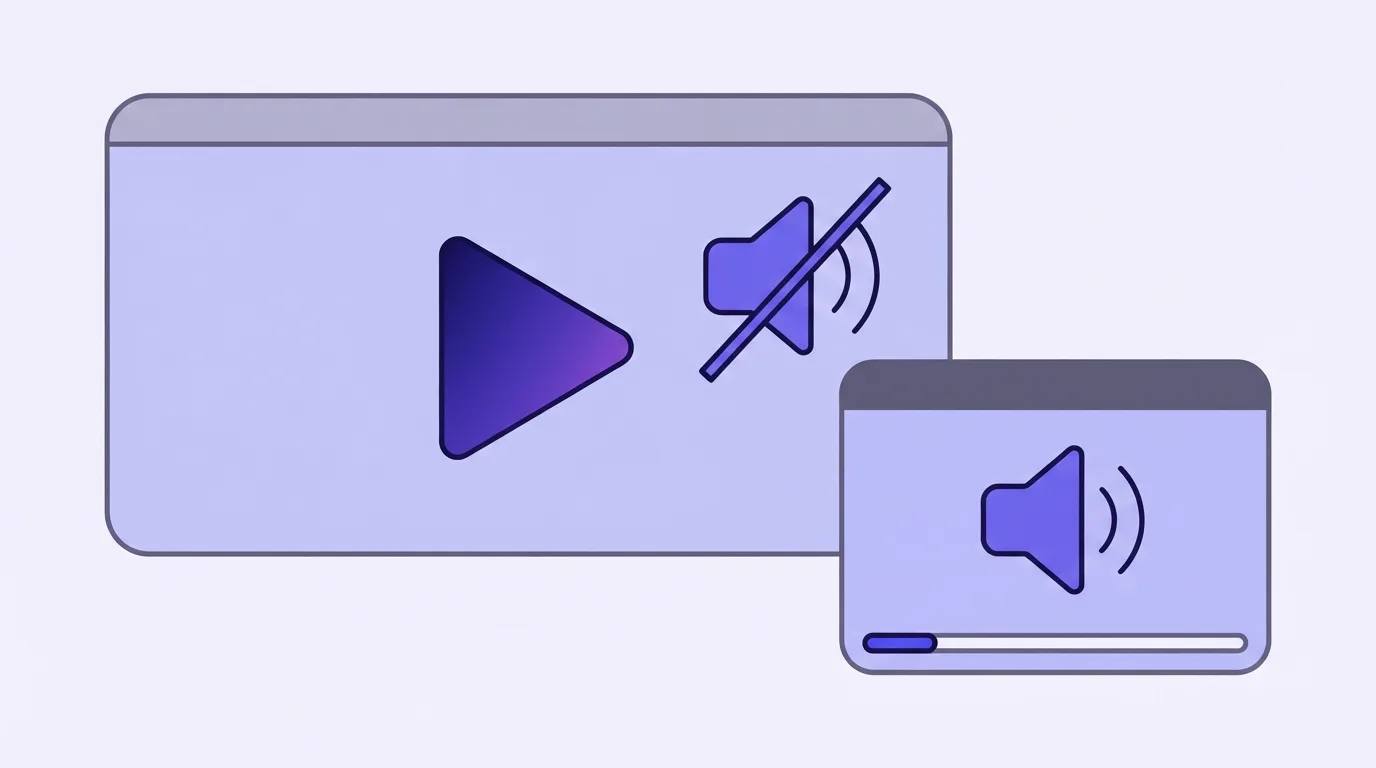
Why a sales video starts muted
A paid click is usually a first visit to that domain. The browser will not start audio for a stranger on its own.
Chrome's autoplay post states the rule in five words: "Muted autoplay is always allowed." Sound on that same visit needs a prior gesture on the domain, a high enough Media Engagement Index on desktop, or an install to the home screen.
Mozilla's media guide draws the line on the element itself. Autoplay blocking is skipped when the file has no audio track, or when that track is muted. A sales video has an audio track, so the reliable path on a new visit is to mute it.
Safari, from macOS High Sierra onward, uses an inference engine to block media with sound on most sites. WebKit's note tells developers to handle a rejected play() call, because the start is not something a script can assume.
Practitioners land in the same place. In an r/marketing thread, one reply treats a muted file as the condition for autoplay at all.
That browser policy on muted video autoplay is why the first frames on a new sales page have no audio.
What the player adds beyond a muted embed
A file that is only muted will keep playing. The opening is the part at risk. Another reply in that same thread makes the practical point: if the viewer cannot go backwards, people miss some of the video.
Chrome's guidance for a page in that spot is a muted start plus a control the visitor uses to unmute. A VSL player wraps that control in a short sequence.
- The page loads and the player tries audio.
- If the browser blocks it, the video plays muted and shows an overlay.
- The viewer clicks.
- Sound comes on, and the opening can be played again.
Vidalytics' help article documents that sequence for its own player. It tries autoplay with sound when the browser allows it. When sound is blocked, the video plays muted behind an overlay. The default overlay text is "Your Video is Playing, Click to Unmute."
Autoplay with sound on a VSL is that first try. The browser either allows it or the player drops to silence and waits.
The opening block in the VSL script template is the line a later click has to recover. Live player examples show that moment on a sales page.
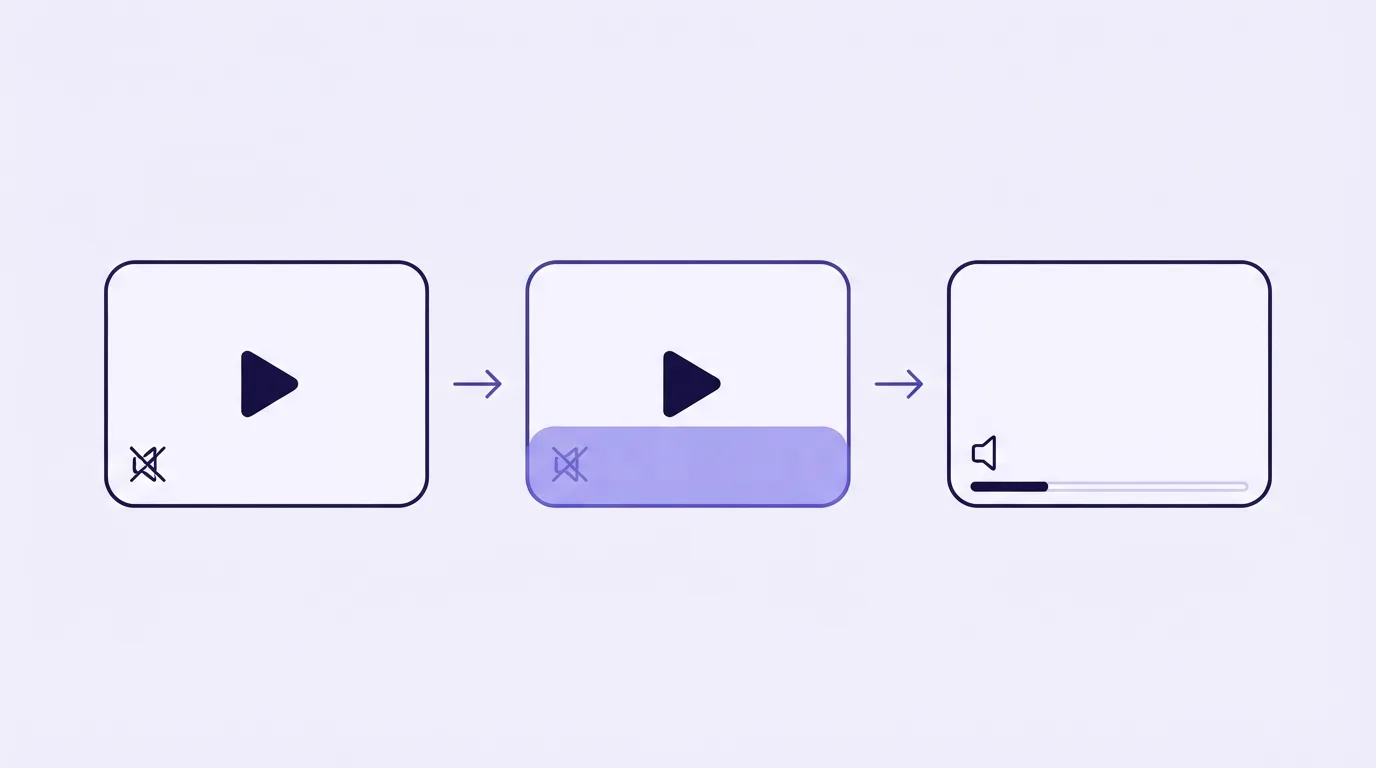
How each host restarts on unmute
These three players can restart from the opening when the viewer unmutes, and the click that does it is different on each.
Vidalytics restarts on a click anywhere
On Vidalytics, a click anywhere on a muted autoplay restarts the video and unmutes it. Its smart autoplay page describes that as immediate. Playback settings also include Unmute & Restart, which begins again at the opening frame and brings the audio on.
TrackPlay restarts when the viewer clicks the video
TrackPlay begins with audio when the browser allows it, and it starts silent only on the visits the browser blocks. The default click is on the video itself. That click restarts from the top with audio, which is how the spoken hook gets heard. A tap on the rest of the page enables audio and leaves the playhead where it is. The setting can be switched so the video click unmutes in place as well.
Panda Video restarts from the first frame
Panda Video restarts playback when the lead clicks the video, and its feature page says playback then begins from the very start so the full message is delivered.
I'd match the click target to the script. A hook that must be heard from the first word needs the player to rewind when the viewer clicks to unmute. If people tap the headline before they tap the player, you need to know which tap rewinds and which only enables audio.
How you are billed, and how a sale is tied to a play, are compared in TrackPlay vs Vidalytics.
When a muted start counts as a play
Scroll-past traffic is the case to price before you turn this on for every ad click.
On Vidalytics, each time the video autoplays muted as the page loads, that view is a play, including when the viewer never unmutes. The plays article says so directly. If the viewer then unmutes and the video restarts while autoplay is still on, the count stays at one.
On TrackPlay, a muted start that nobody unmutes is not a play. The pricing page treats the unmute as the moment that view joins the meter.
Put your visitor count through the VSL hosting cost calculator before you treat those two meters as one bill.
Unmute rate, and the test worth running
I'd read unmute rate beside raw plays. A silent page load and a viewer who heard the hook are different events on these meters.
Vidalytics defines the rate from the overlay. A click on the overlay counts the viewer as unmuted. So does a video the browser allowed to start with audio. No interaction leaves that viewer out of the rate. Pro plans and above can pick Unmute Rate as the only success metric inside Experiments.
TrackPlay reports an unmute rate per video from the views that turned audio on.
Video hosting with A/B testing is where scoring a sales video on one number is covered.
One practitioner at Conversion Gods split autoplay against click-to-play on a client sales video, and the click-to-play arm won on engagement. The post's advice is to test it on your own traffic.
When to leave autoplay off
Wistia's landing-page guide tells content marketers not to force autoplay. A muted start is the fallback it allows when the page still needs motion before a click.
I'd follow that on a B2B library or an explainer. The guide to video hosting for landing pages covers that embed in more detail. On a paid-traffic sales video, the restart is there so the first spoken promise is heard after the click. The page on what a video sales letter is describes that sales job.
On a YouTube embed, and on Presto Player, Bunny Stream or Cloudflare Stream, autoplay behaviour is yours to build.
We read vendor documentation and public threads, and we do not run these players on live campaigns.
Sources
- Chrome: autoplay policy
- MDN: autoplay guide
- WebKit: autoplay policy on macOS
- Vidalytics: smart autoplay
- Vidalytics help: how smart autoplay works
- Vidalytics help: how plays are calculated
- Vidalytics help: how table metrics are calculated
- Vidalytics help: Experiments
- TrackPlay: smart autoplay
- TrackPlay: pricing
- Panda Video: smart autoplay
- Wistia: video on landing pages
- r/marketing: autoplay and mute
- r/marketing: missing the opening while muted
- Conversion Gods: autoplay revisited
Related reading
Changes to this page
- 23 October 2026: first published.

Written by
Mara Vance
Editor
Mara edits the reviews and roundups on VSL Host Report. She checks autoplay, watch time, timed buttons, lead gates and page speed when the visitor is new and the traffic is paid. She also maps what each host really costs, whether it bills per play, per gigabyte or per seat, and rebuilds the monthly bill for a typical VSL funnel. For each piece she reads long-term user reports across forums and review sites, works through the vendor's own docs and pricing, and confirms the numbers before a verdict goes live.
Last checked 2026-10-23
Comments
No comments yet. Questions and your own experience are welcome.
Thank you. Your comment will appear once it has been reviewed.