Video hosting for landing pages that have to load and sell
The page has to be ready to use, and the player still has to deliver the pitch.
The funnel page is up, the video is supposed to do the selling, and the embed is what makes the whole thing feel heavy. The offer still has to wait until the pitch reaches it.
The short answer
Keep YouTube off the page that asks for the sale. When the video itself sells, use a player that can reveal the offer on a timer and fire ad events after a set amount of watch time. When the video only supports the copy, a CDN embed that waits to load is enough.
We read vendor help pages and one public PageSpeed report. We do not run these players on live funnels. The methodology page explains how the research is done.
What the landing page needs from a host
A sales page asks the host for three things at once. It has to reach a usable state quickly. The player has to follow the script so the offer stays hidden until the timestamp you set. Analytics have to show how long people watched, because an event on arrival only tells the ad platform that someone landed.
Wistia's landing-page guide says to keep load time under about two seconds, and to host the file on a professional platform. If the script is still unwritten, the guide to what a VSL is covers the structure to follow.
What slows a fast-loading video embed
A Reddit post reports a YouTube iframe dropping a mobile PageSpeed score from 56 to 22, and a desktop score from 93 to 70. That is one page's test. ClickFunnels' performance guide describes the same kind of weight in general: heavy iframes hurt speed because each one loads its own HTML, CSS and JavaScript.
The builder around the iframe can cost more than the player. Vidalytics' help article names ClickFunnels, GoHighLevel, Elementor and Shopify as platforms that ship large scripts and CSS you cannot fully remove, and says those usually affect startup more than a video embed does.
The same article separates a lab score from the wait a visitor actually has. The metric it highlights in GTmetrix and Pingdom is Onload time, which marks when the page finishes loading. Streaming after that runs in the background, and the article says it does not change that load.
When the lab score has to stay presentable and the sales video has to stay on the page, that article recommends a facade. A static thumbnail loads the full player only after a click. It says this can improve LCP, TTI and Speed Index. TrackPlay's features page documents a lazy click-to-load embed for a page that carries many videos.
Best video player for a landing page
When the video is the pitch, getting it to play is the easy part. The player has to keep the order box hidden until the call to action, and it has to send watch-time events to the ad platform. Three hosts document that kind of control. The one you pick depends on the control you need. The six-block script says when those buttons should appear.
Vidalytics
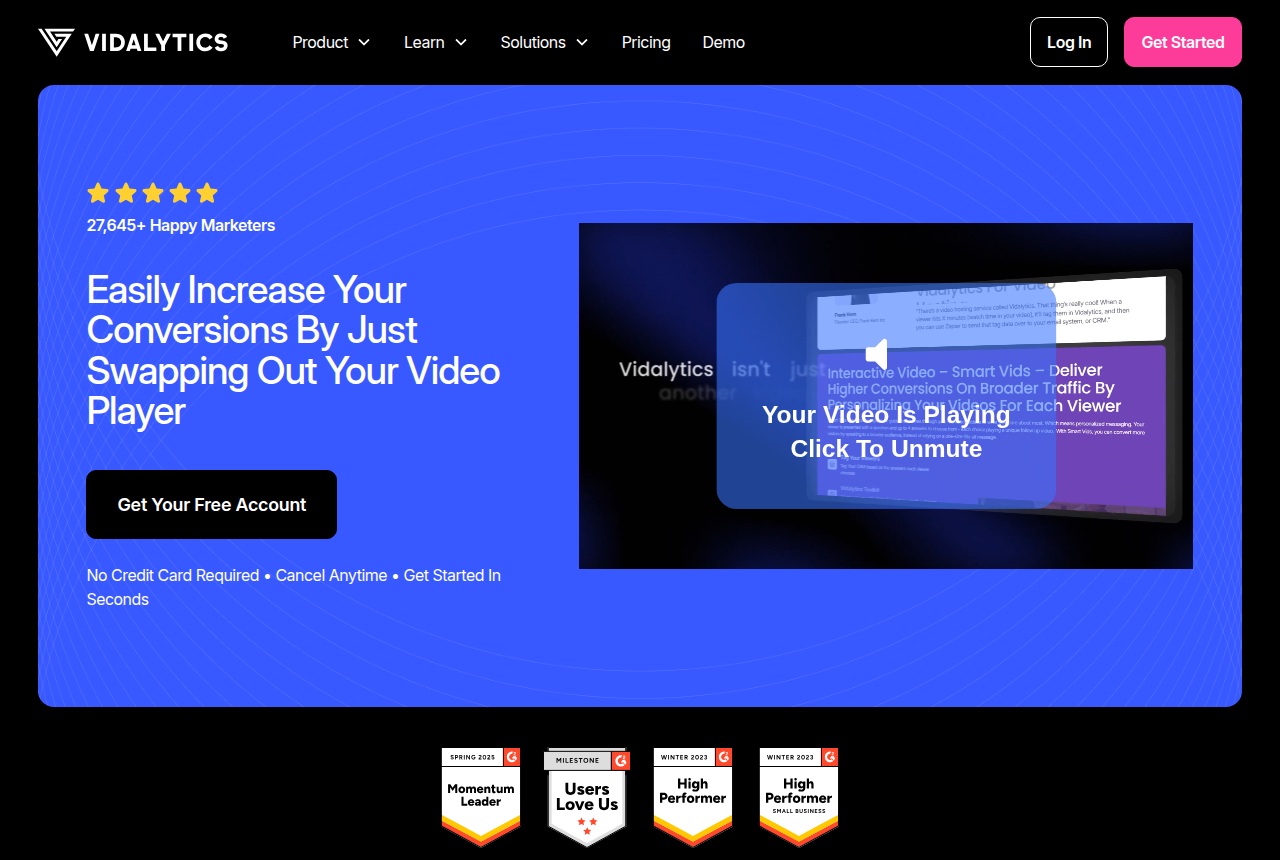
Vidalytics uses per-title encoding, a CDN chosen for that file, and one shared script so several videos on the page do not each load the player again.
TrackPlay
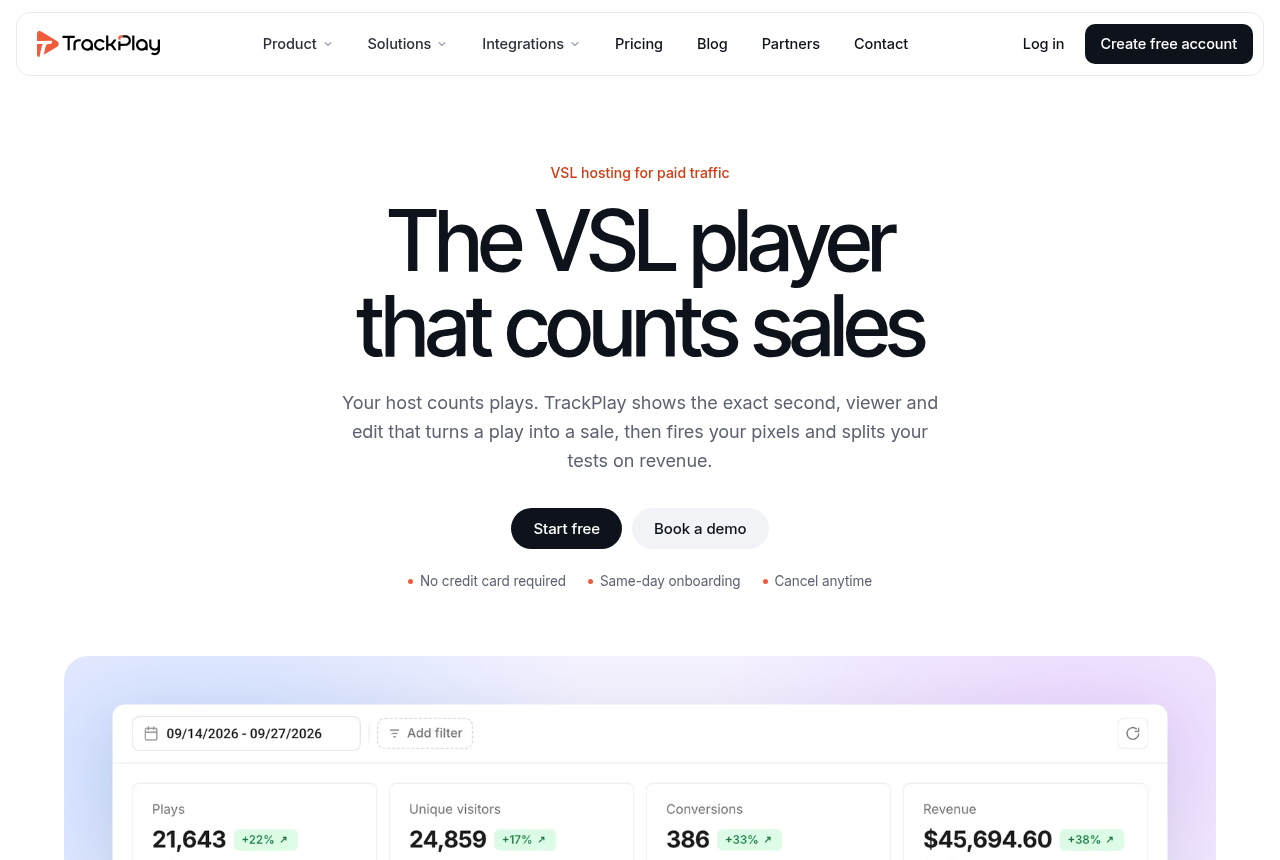
The order box, guarantee or FAQ can appear at a timestamp you set, with no code added to the page.
Panda Video
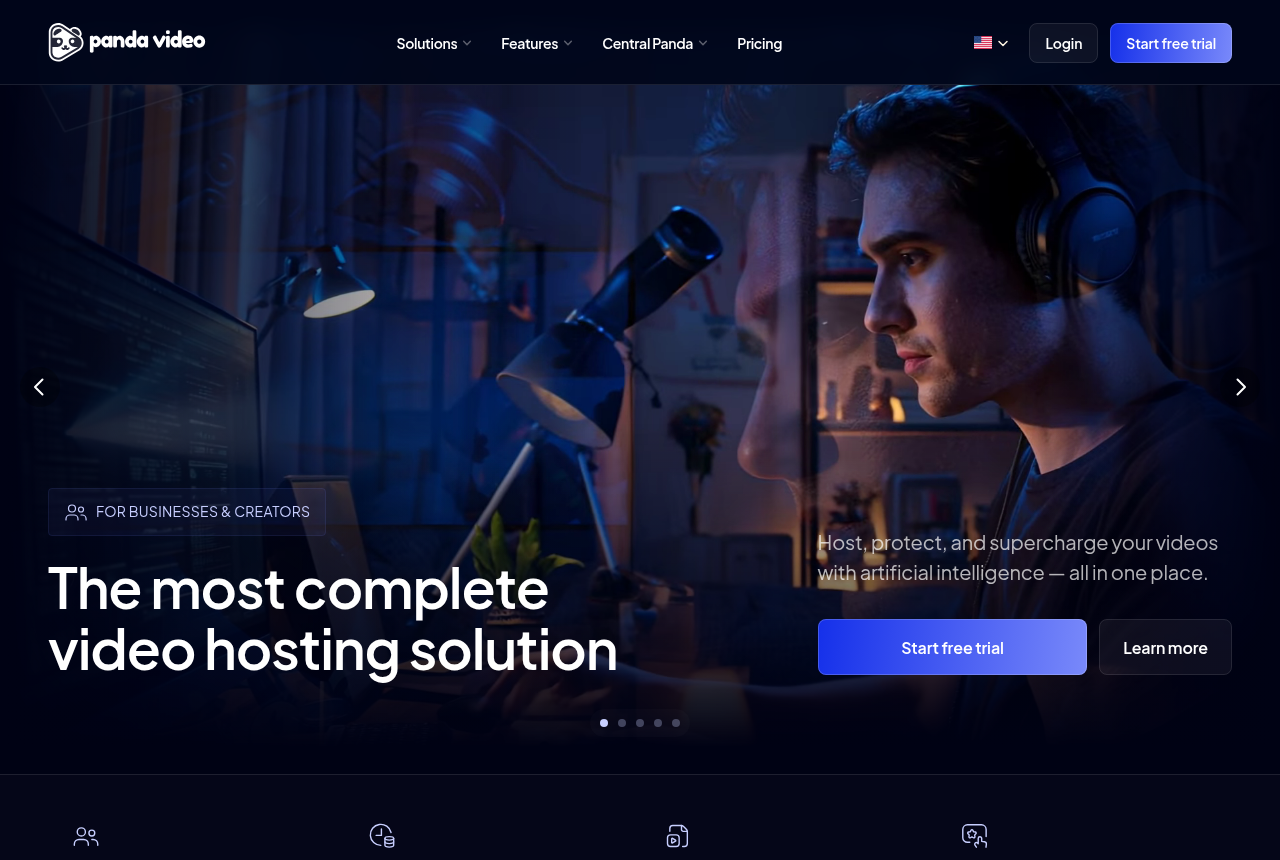
It includes smart autoplay, A/B testing, a dummy progress bar, and more than 20 integrations for a landing page or an LMS.
Watch gates on that same TrackPlay page hold testimonials and the order form until enough of the video has played. Where the browser blocks sound, smart autoplay starts muted and restarts from the top with sound on the first click. Meta, TikTok and Google Ads events can fire at a point in the video you choose, from the browser and from TrackPlay's server.
Vidalytics' claims about speed, on its features page, come down to encoding and a shared script. The help article points to a thumbnail when a clean lab score is the goal.
Panda lists those three sales-video controls on its homepage. The FAQ that lists the integrations also includes an LMS, so this host covers course pages as well as sales pages.
A timer on the offer belongs on a page that has an offer to withhold. A short clip beside a form never uses it.
Video hosting for sales funnels
Most of these pages live in a builder that accepts an HTML snippet. TrackPlay's features page says one snippet works on any page that accepts HTML. It names ClickFunnels, GoHighLevel, Kajabi, Shopify, WordPress, Webflow and custom sites.
Deal with the builder's own scripts before you swap the host. Those scripts are the usual reason a funnel feels slow on first paint, and a lighter player leaves them in place.
If several clients each need this embed, give them separate workspaces. The agency hosting guide covers how the hosts do that.
A short marketing page follows a different set of rules. Wistia's guide recommends an inline embed. It tells you to leave autoplay off, and to use muted autoplay only if you still want motion before a click. In Wistia's own test, videos placed above the fold received up to 50% more engagement.
Wistia
That guide fits a page where the visitor is willing to press play. For a long pitch aimed at a cold visitor, use the players in the section above.
When a CDN player is enough
Use Bunny Stream when the video does not reveal an offer. Its embed documentation shows the iframe with loading="lazy", so the browser can defer it. Preload is enabled by default in the player library, and you can disable it for a single embed.
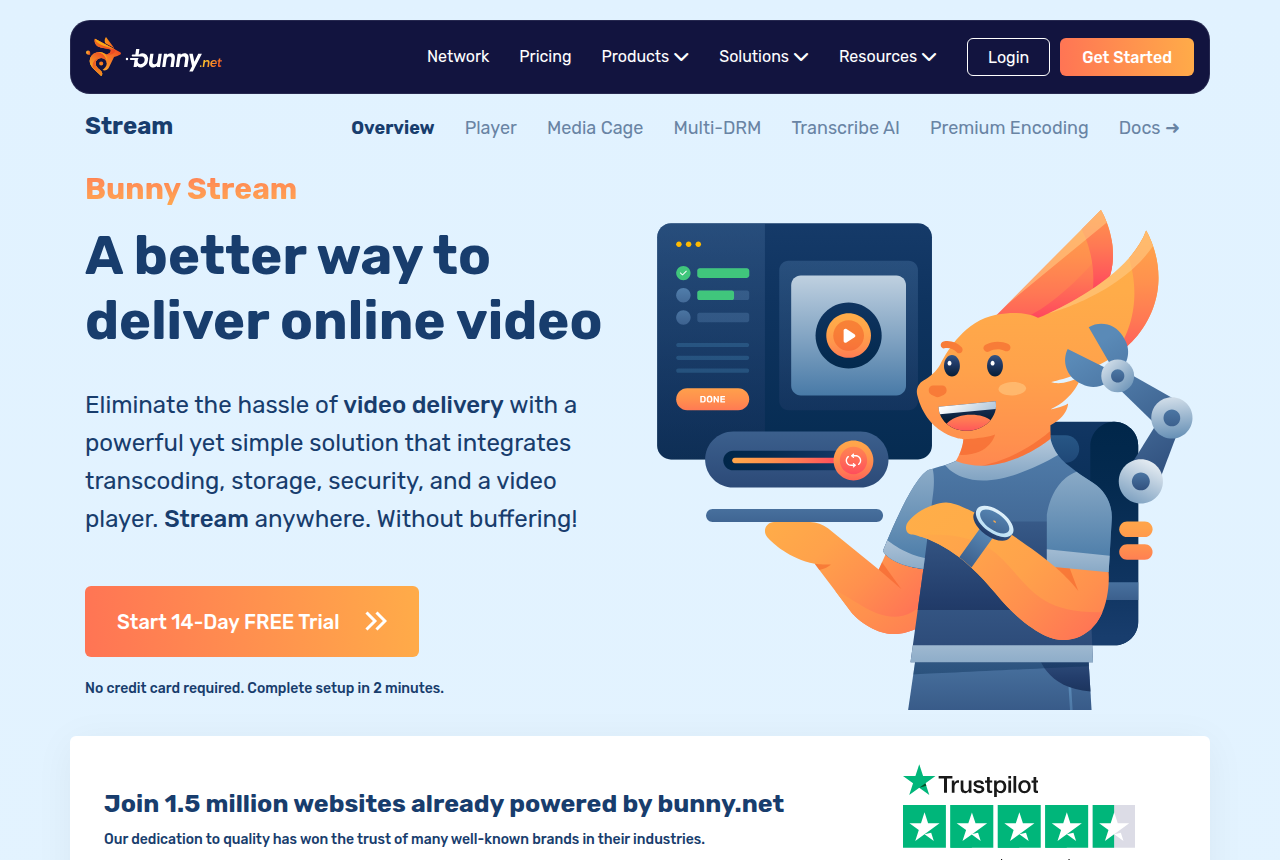
The cheap video hosting guide covers what that delivery costs. The Bunny review linked above covers the player you get before any funnel controls.
Leave the YouTube iframe off the sales page. The score drop in the speed section is one published example of how that embed changed the numbers. The YouTube review covers the other reasons sellers keep that embed off a sales page.
My take
I'd start with the builder's own scripts, because the help article above puts that weight ahead of the embed. Put the pitch on a player that can hide the offer until a timestamp you set. I'd skip that player when the clip only illustrates the page, and use a lazy-loaded CDN embed.
Picking a player still leaves the bill to work out. The calculator turns length, visitors and watch time into a cost for each host.
Related reading
- VSL hosting cost calculator: what one sales video costs on each host
- Video sales letter: what it is, how it sells, where to host it
- Video sales letter script template: six timed blocks
- Cheap video hosting for a VSL: bandwidth, plays or minutes
- Video hosting for agencies and client funnels
- Best video hosting for VSLs
Sources
Changes to this page
- 14 October 2026: first published, from vendor help pages and one public PageSpeed report.

Written by
Mara Vance
Editor
Mara edits the reviews and roundups on VSL Host Report. She checks autoplay, watch time, timed buttons, lead gates and page speed when the visitor is new and the traffic is paid. She also maps what each host really costs, whether it bills per play, per gigabyte or per seat, and rebuilds the monthly bill for a typical VSL funnel. For each piece she reads long-term user reports across forums and review sites, works through the vendor's own docs and pricing, and confirms the numbers before a verdict goes live.
Last checked 2026-10-14
Comments
No comments yet. Questions and your own experience are welcome.
Thank you. Your comment will appear once it has been reviewed.