Video hosting for agencies: keep every client funnel separate
Pick a host that walls off each client's videos, pixels and usage, so one edit never reaches another client's live campaign.
You run funnels for six clients out of one video login. Sooner or later someone pastes Client A's embed on Client B's page, a pixel fires into the wrong ad account, or a client spots the host's logo on a player they pay you to brand.
The short answer
Choose the isolation model before the brand: clients who run paid-traffic VSLs need a separate workspace each, with its own analytics and integrations, as TrackPlay and Vidalytics Enterprise offer. Clients who mostly host courses or gated training are served well by a white-label player with branded client areas, which is where Spotlightr and SproutVideo start.
This guide comes from each vendor's help docs, feature pages and pricing pages, plus what agency operators write in public threads. We do not run client accounts on these hosts. How we evaluate hosts covers the method.
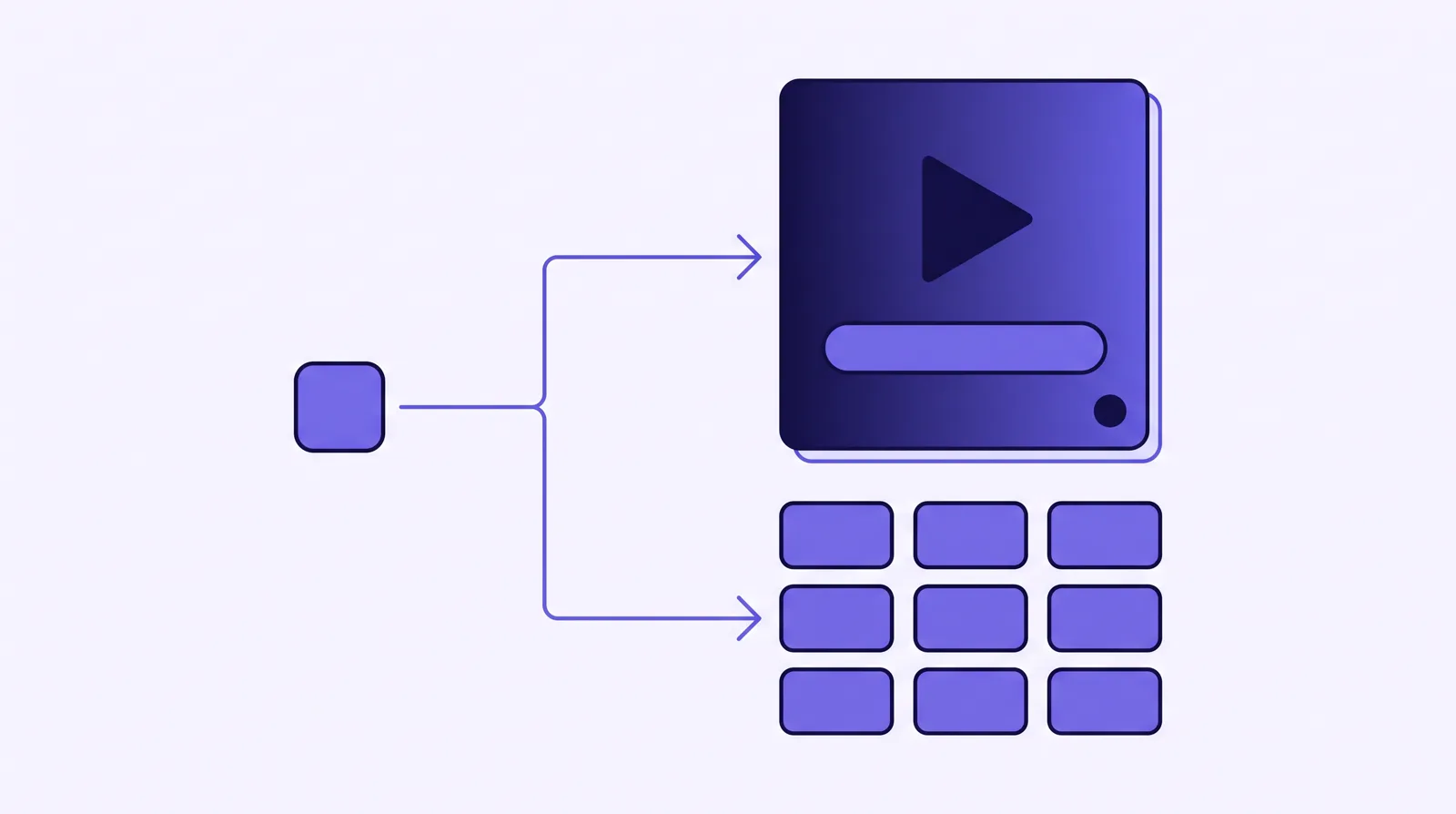
Four things an agency needs from a video host
A freelancer with one brand can live with folders. An agency answers to several paying clients, and each one expects its data, its branding and its bill to stay its own.
- Data isolation per client. Separate videos, analytics, allowed domains and integrations, so an ad pixel or API key set for one client cannot fire for another.
- A player without the host's badge. The client's viewers should see the client's brand on the player and, ideally, on the watch URL.
- Usage you can map to an invoice. Plays or bandwidth broken out by client, so a retainer covers what that client's traffic actually costs.
- Sales-player features for funnel clients. Timed offer reveals, per-second retention and a conversion sent to the ad platform when the sale happens.
Folders inside one account cover the first item only on the surface. The videos are sorted, but the account-wide integrations, the global player settings and the usage meter are still shared. True workspaces split all of it: TrackPlay's workspaces page lists videos, analytics, a domain allowlist, integrations and a reporting timezone per client. If the funnel term is new to a client, send them our explainer of what a VSL is and where to host it.
White label video hosting
White label here means the player and its pages show your client's brand with no badge from the host. These three sell that on their own pages.
SproutVideo
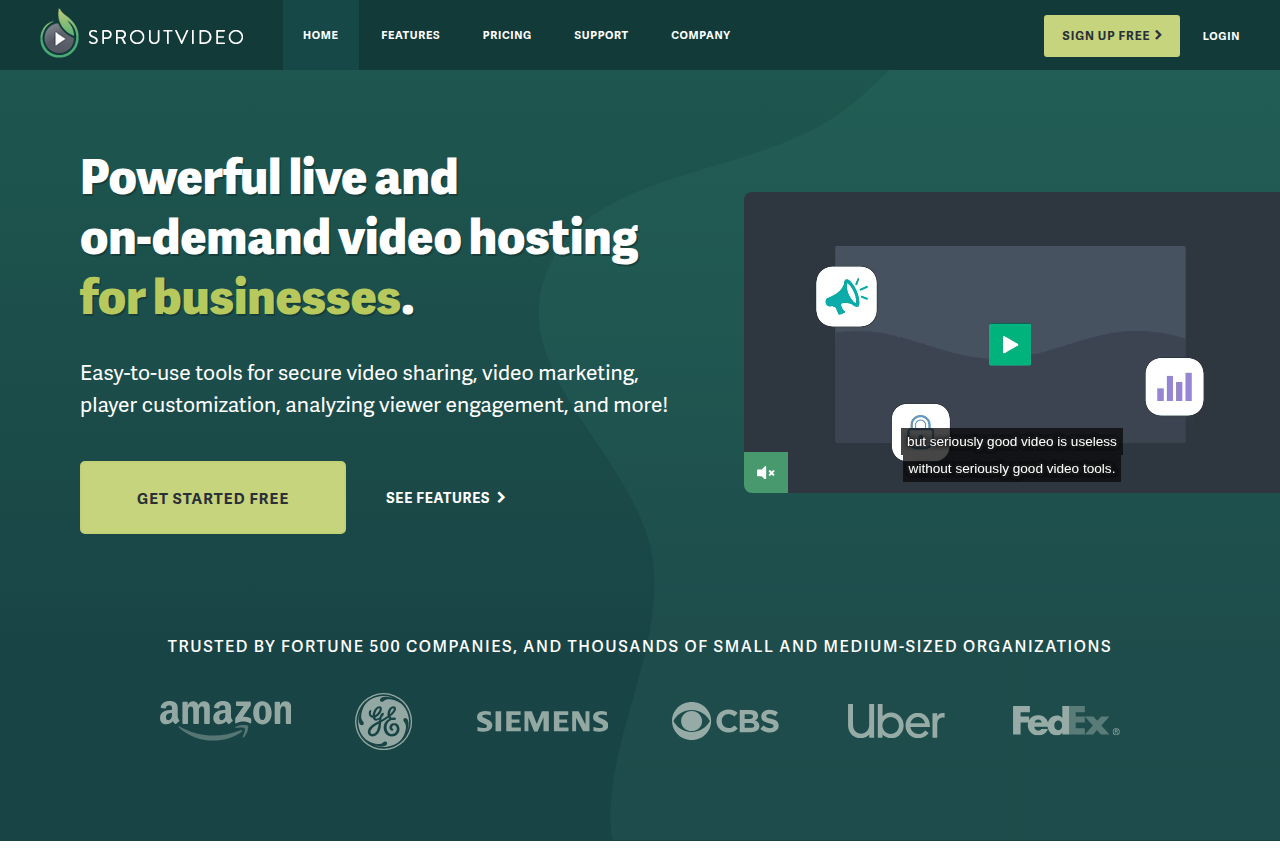
Seed is $12 a month billed annually and is the first plan that lists white label on-demand hosting.
Client portals and gated training, where the player should carry no host logo and viewer access matters more than a sale.
Spotlightr
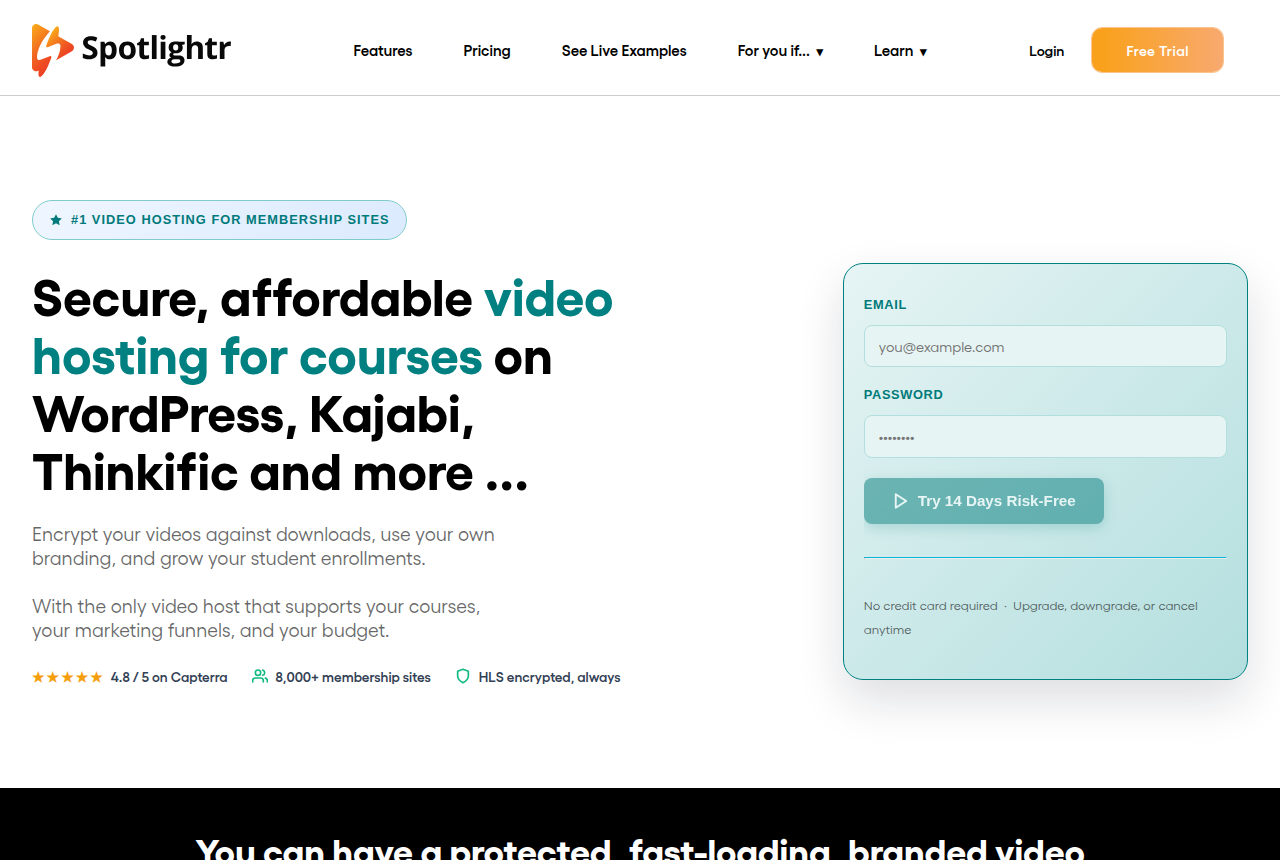
Plans with the white-label player start at $13 a month on annual billing. Premium includes 5 team accounts and Scale includes 20.
Course-heavy clients who each want their own branded environment and custom domain.
Wistia
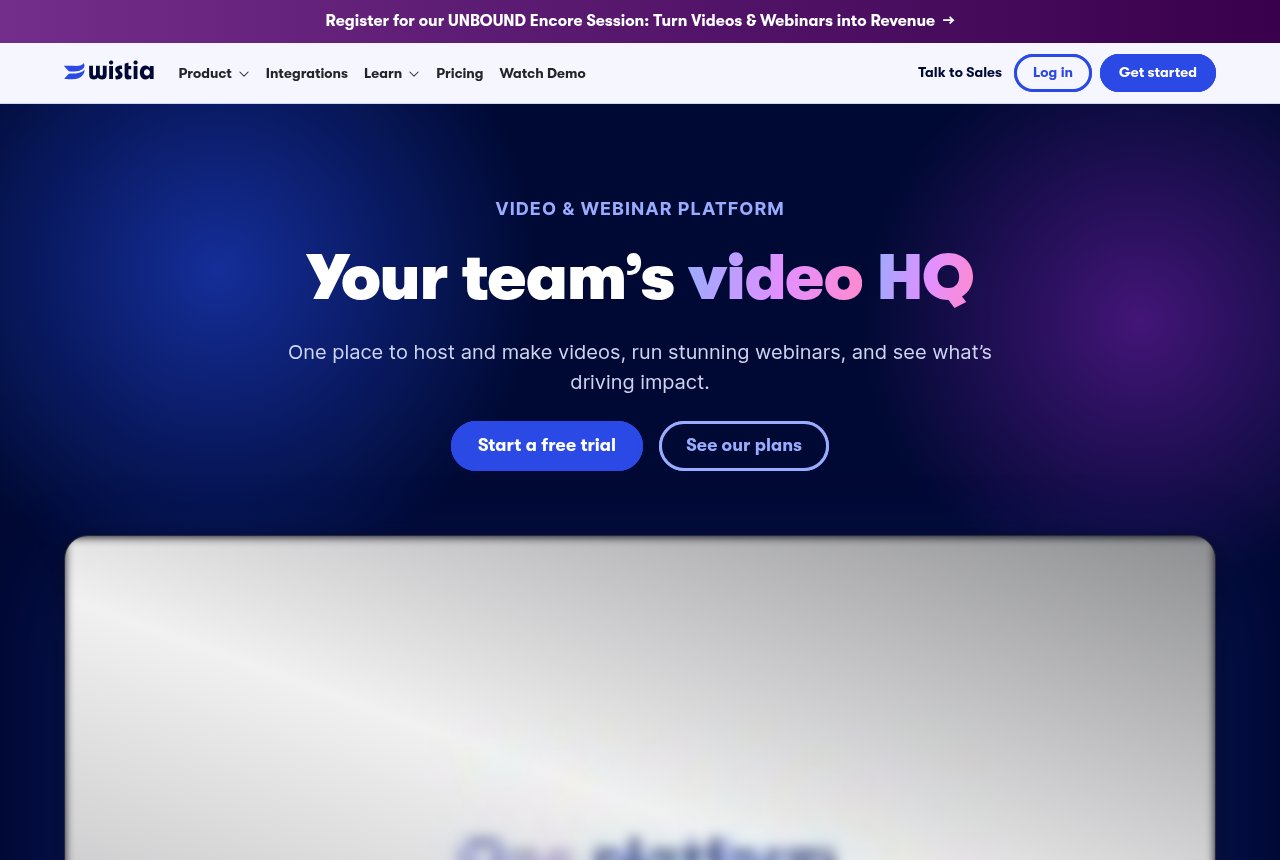
Business is $79 a month billed annually and is where Remove Wistia branding starts. Team Accounts sit on Enterprise and legacy Premium.
B2B clients whose videos feed channels, landing pages and marketing automation.
SproutVideo's features page says you will never see its logo on the player, and anyone added to several SproutVideo accounts can switch between them without logging out. That switch is handy for an agency, though each client then needs its own account. Spotlightr goes further on its white-label page, promising separate brand workspaces with their own branding, videos and settings, and no "Powered by" badge. That page is marketing copy, and the pricing page does not say how many brand workspaces each tier allows, so ask before you sign up client number six.
The honest limit of this whole group: a removed logo says nothing about who can see whose data. Removing a badge is a player setting. Keeping Client A's Meta pixel off Client B's funnel is a question about workspaces, which the next section answers.
Video hosting for multiple clients
Hosts split clients in one of three ways, and each one fails differently on the day something goes wrong.
- Workspaces under one subscription. Each client gets its own library, analytics and integrations, and you hold one bill. TrackPlay, Vidalytics on Enterprise and Spotlightr's brand workspaces work this way.
- Linked client accounts. Each client has a full account and you jump between them from a dashboard. Vidalytics Agency accounts and Wistia Team Accounts follow this pattern.
- One account with roles and folders. The cheapest setup, and the weakest wall, because integrations and settings remain account-wide.
TrackPlay
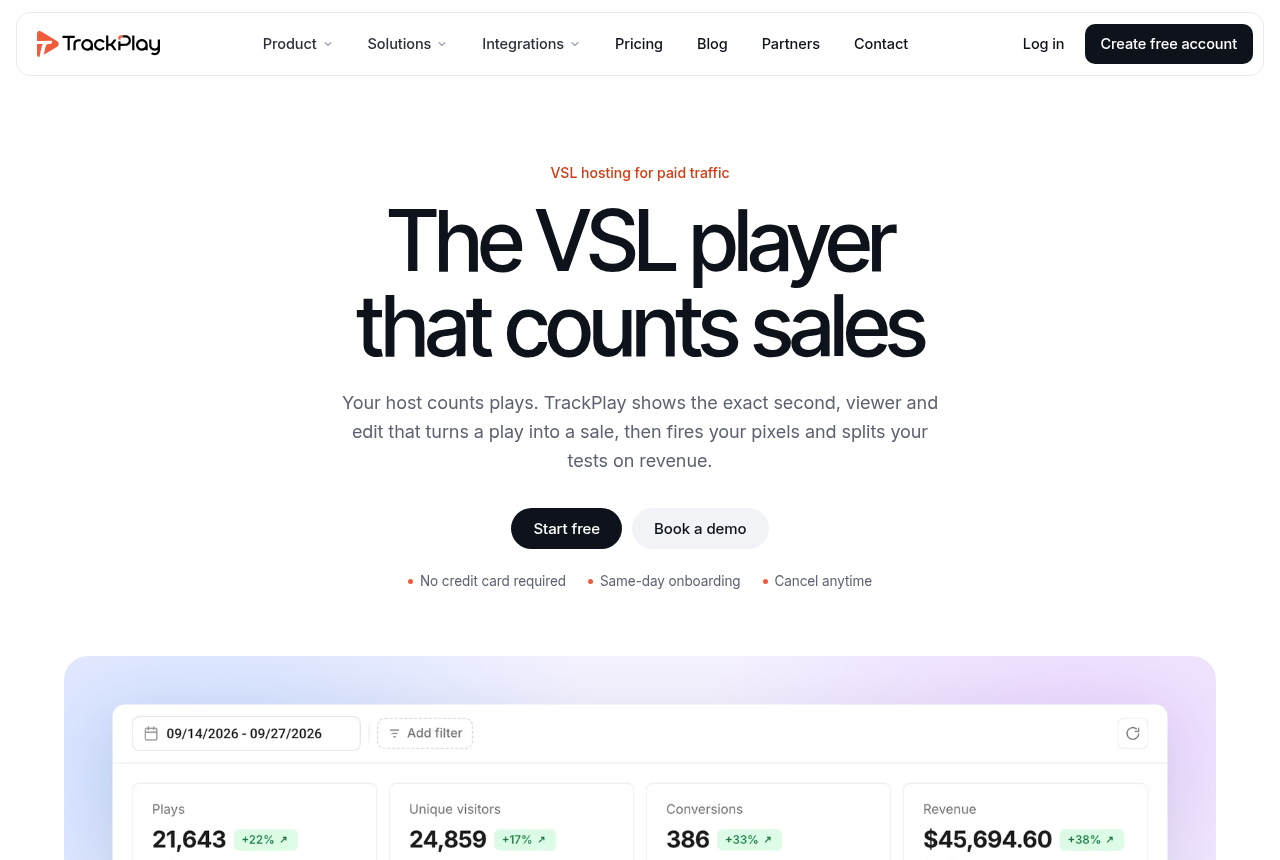
An agency running paid traffic to client VSLs that needs each sale tied back to the right client and the right play.
Vidalytics
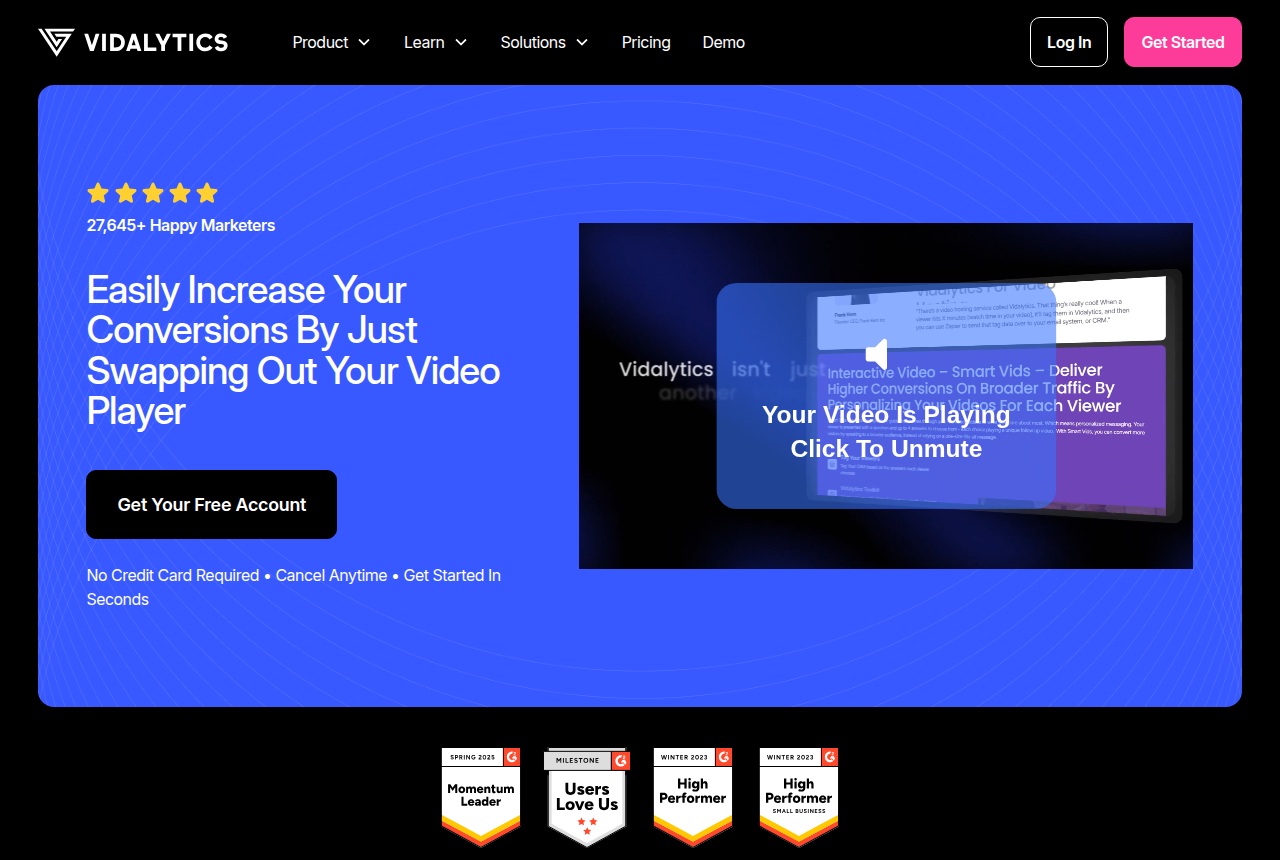
Enterprise Workspaces are an add-on at $250 a month, or $2,400 a year, with 3 Workspaces included and $75 a month for each one after that. Removing the Vidalytics logo starts on Starter.
A direct-response shop that wants a client switcher today and full isolation once it reaches Enterprise.
TrackPlay is a VSL player and analytics platform for paid-traffic funnels, and it gives each client a workspace whose usage bars show which client used the plays. It is narrow by design: there are no channel pages, SEO pages or webinar tools of the kind Wistia sells, which matters for a client whose video is content marketing. For a client's sales video, the workspace, the player and the attribution still apply. It is also a very new product with little third-party review so far, as you would expect of a platform without a public track record yet. Its workspaces page does not say how many workspaces each plan includes, so confirm that before you move a roster over.
Vidalytics gives you two levels. An Agency account lets staff open a client's account from the Agency dashboard with one click and no separate login, according to its help article on jumping in, with a banner showing whose account you are in. Enterprise Workspaces go further and separate videos, Smart Vids, experiments, conversions, integrations and API keys per brand. One warning from the Workspaces documentation: deleting a Workspace stops every embed from it on live pages at once, with no grace period or redirect. Treat that delete button as a production change.
Wistia's Team Accounts run each client as a fully separate Wistia instance from one primary account. That suits a B2B client whose videos feed channels and marketing automation. Cart postbacks for a funnel are not part of what that article describes.
When your clients run paid traffic to a VSL
An agency that builds funnels on ClickFunnels or GoHighLevel for clients has one job beyond branding: ship pages fast without cross-wiring the tracking. A single wrong embed on a live ad campaign sends the client's ad spend to a page that reports someone else's numbers.
General hosts solve the logo first. Hosts built for direct response tie the watch to the sale. On a client VSL, look for four mechanisms and read the reviews for how each host handles them: autoplay that starts with sound or turns it on at the first tap, an offer that appears on a timer, retention charted second by second, and a conversion sent server-side to the ad platform when the cart confirms the sale.
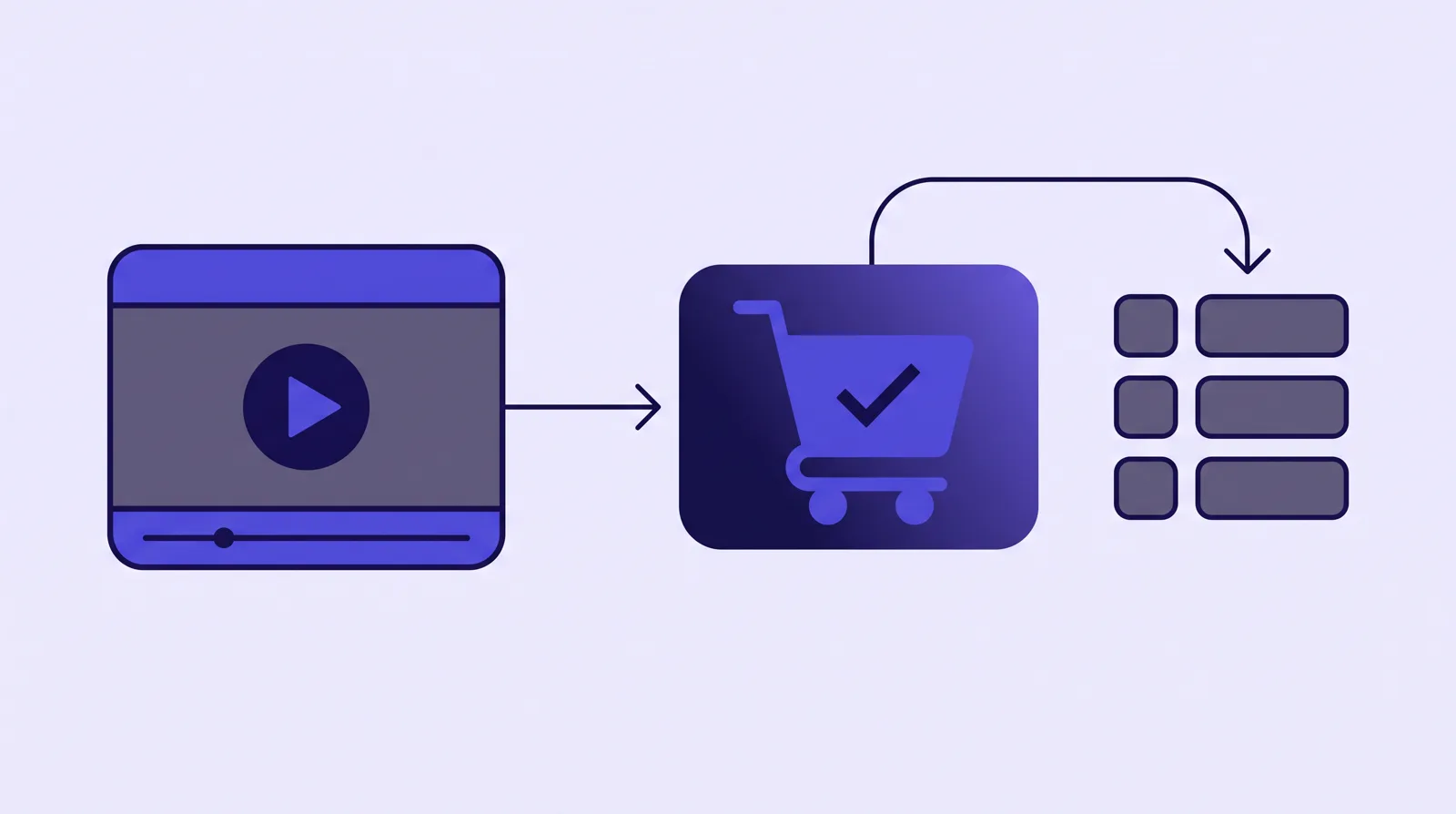
The TrackPlay review and the Vidalytics review go through those players in detail, and TrackPlay vs Vidalytics puts the two side by side.
The usual objection is the day a client leaves. With workspaces, the client's videos and data already sit apart, so the handover is that workspace and nothing else. On Vidalytics, remember the deletion rule above: move the client's embeds before you remove anything. On Wistia, team accounts bill to your primary account, so plan who pays once the client goes.
Billing clients for the plays they use
Plenty of clients would rather you handle the hosting. One agency operator on r/VIDEOENGINEERING put it this way: "some clients have limited technical knowledge and want the company to host/arrange livestreams". Once you host for them, the invoice has to follow each client's traffic.
- TrackPlay breaks plays down by workspace, so the quota report doubles as the billing report.
- Wistia bills every team account to the primary account in one invoice, and its usage graph per account is what you bill back from.
- Vidalytics Enterprise keeps each Workspace's analytics separate, which gives you per-client numbers once you are on that plan.
Before you quote a retainer, put each client's video length, visitors and expected watch share into the calculator. A client with a 40-minute pitch and heavy traffic costs a different amount to host than one with a three-minute explainer, whichever host you choose.
My take
For a five-client funnel shop, I would standardise on workspaces from day one, on a conversion player such as TrackPlay or Vidalytics, because a pixel firing into the wrong ad account costs more than any plan difference. I would hold off on Vidalytics Workspaces until the client count justifies the add-on, and use its Agency switcher until then.
For an agency whose clients mostly sell courses or training, I would start with Spotlightr or SproutVideo and their unbranded players, and add separate accounts per client as the roster grows.
Related reading
Changes to this page
- 14 October 2026: first published, from vendor help docs and pricing pages read in October 2026.

Written by
Mara Vance
Editor
Mara edits the reviews and roundups on VSL Host Report. She looks at how a video player behaves on cold paid traffic: autoplay and unmute behaviour, per-second retention, timed CTAs, lead gates and load speed. She also maps what each host really costs, whether it bills per play, per gigabyte or per seat, and rebuilds the monthly bill for a typical VSL funnel. For each piece she reads long-term user reports across forums and review sites, works through the vendor's own docs and pricing, and confirms the numbers before a verdict goes live.
Last checked 2026-10-14