Video hosting for a WordPress sales page
The offer page is built. The video still has to play there, and the file should not live on that server.
The offer page is already in WordPress. The sales video has to start on that page, keep the viewer there, and report how far they watched or whether they bought. Dropping the file into the media library is where that plan stalls.
The short answer
Keep the file off the server. Then pick a conversion-host embed when the cart has to report the sale, Presto Player in front of Bunny Stream when the page should stay native WordPress, or Panda Video when the page is built in Elementor.
We read vendor help pages and reports from people running WordPress. We do not run these players on live funnels. The methodology page explains how the research is done.

Self-hosted WordPress or WordPress.com
Most of these embeds need a place that accepts HTML you paste in. Vidalytics' WordPress guide says the self-hosted install, the one from WordPress.org, is fully compatible. You paste the embed into an HTML block, or you add one snippet to functions.php and then use the Quickshare link as an oEmbed.
The same vendor's WordPress.com note marks the free plan incompatible, because that plan does not allow custom embed code. A paid WordPress.com plan may accept the embed only after unfiltered HTML is turned on.
Settle that before you compare software. If the plan blocks the paste, the trial never starts. People putting a long sales video on WordPress also hit the upload cap, and a thread on large embeds points them at a CDN or a video host instead of storing the file under wp-content.
Three stacks for the same page
Which stack you use depends on who stores the file, who renders the player, and whether the cart has to tie the sale to the play. What the video has to do on the page is separate from which box holds the file.
A conversion embed
When paid traffic has to show how long people watched, or the cart has to tie the sale to that play, paste the host's embed. TrackPlay's WordPress page offers a plugin or a paste that works in the classic editor, the block editor, and any theme that accepts HTML. Vidalytics uses the HTML block, or the oEmbed route in the section above. The TrackPlay review and the Vidalytics review cover each player beyond the install.
Presto in front of a CDN
When the player should be managed inside WordPress, and analytics on the page are enough, put Presto Player in front of a CDN. Presto's homepage says the file still comes from Bunny Stream, YouTube, Vimeo, a file you host yourself, or another public URL. The cheap video hosting guide compares how each host bills for that file.
Panda Video inside Elementor
When the page is built in Elementor, use Panda Video's plugin. Panda's install article points at the listing on WordPress.org and walks through Elementor. Panda's homepage says the host also connects to more than 20 platforms for a landing page, a membership area or an LMS. If Elementor is not on the site, paste the embed from the Panda dashboard into a code module. The Panda Video review covers the host itself.
WordPress video player plugin
Presto Player is the plugin that usually comes up for a WordPress video player. The WordPress.org directory lists 100,000+ active installations. The same homepage that names the hosts also lists Gutenberg blocks, Elementor widgets, Beaver Builder and Divi modules, and a shortcode for other builders.
Presto Player
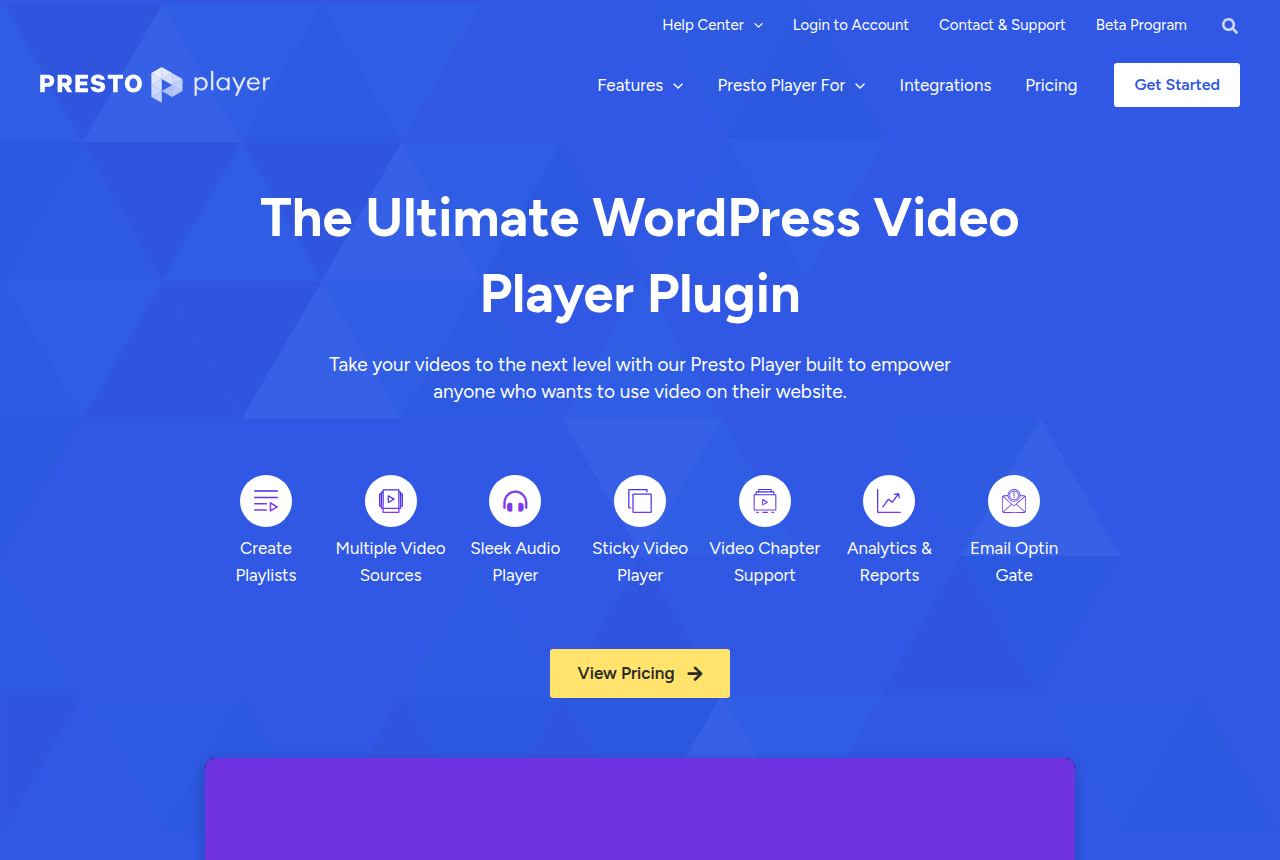
Muted autoplay and calls to action come with the paid plans. Presto's pricing page lists Starter at an introductory price of $79 a year for one site, compared with a regular price of $99. Pro is $119 a year for 25 sites. A lifetime license is $399. Renewals are billed at the full price. The refund window is 14 days.
Pay for the plugin if you want those controls inside WordPress and you can track watch time with the tools already on the site. Go straight to a host embed when the cart has to attach the sale to the play. Presto's pages describe the player. They describe Bunny Stream, YouTube, Vimeo or your own file as the place the video lives.
Some people on the Presto Player 3 support thread reported large PageSpeed drops until they deactivated the plugin. Check the version you install against your cache plugins on a copy of the site before that page faces paid traffic.
Best video hosting for a WordPress site
The plugin plays a file that lives somewhere else. These hosts are the ones with a documented path onto WordPress. Each note covers the setup, then the limit that decides whether it belongs on your page.
Vidalytics
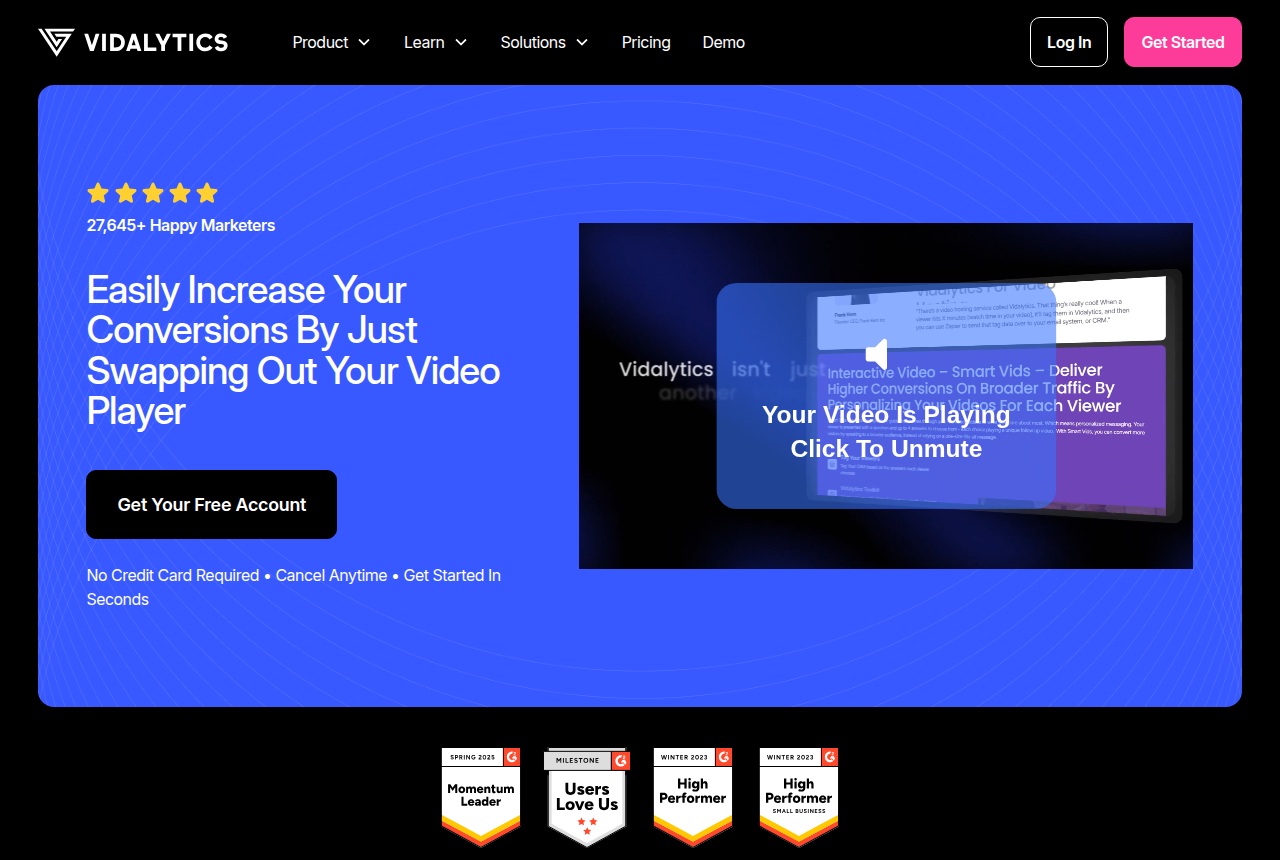
Self-hosted WordPress takes the embed in an HTML block, or as an oEmbed after one functions.php snippet. That snippet is the extra step if you want the Quickshare link to resolve.
TrackPlay
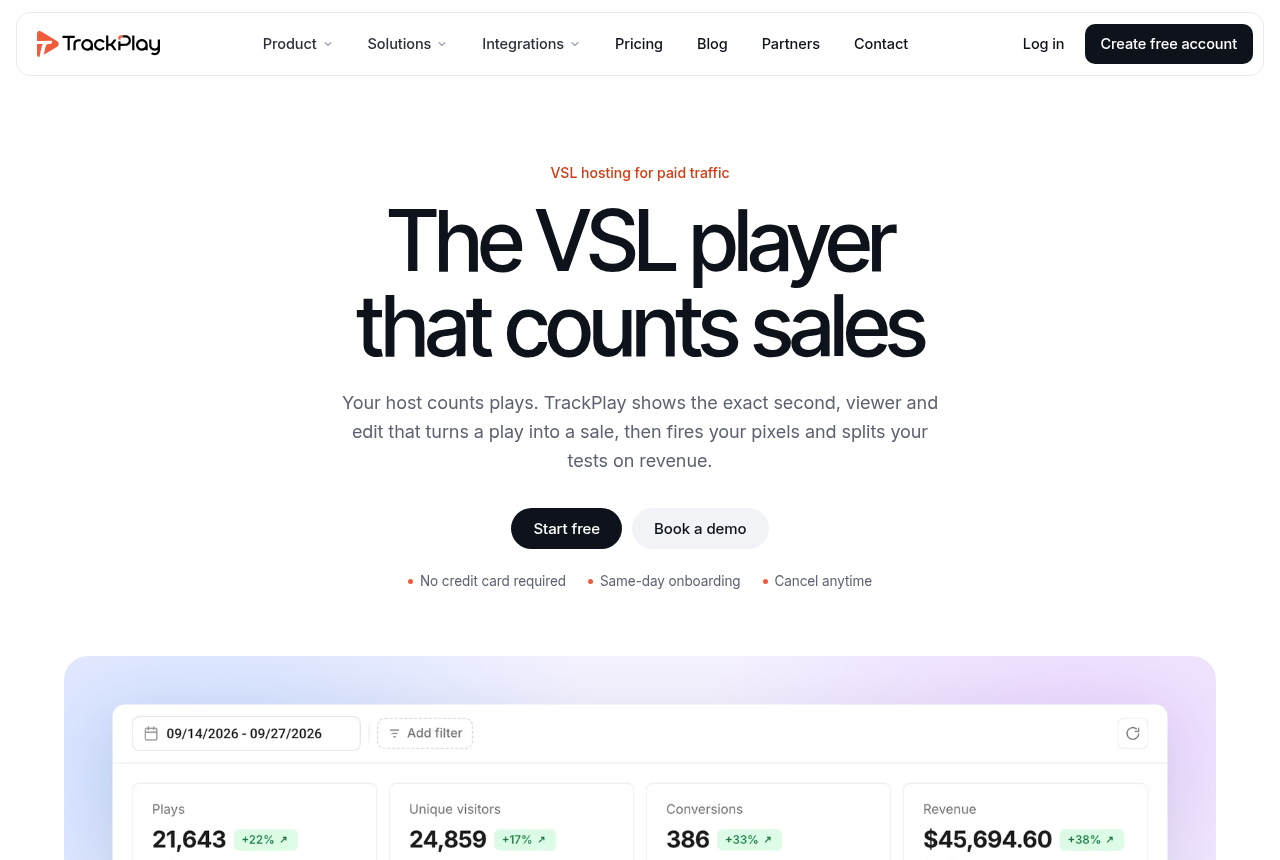
Use the plugin or paste the embed. Both work in the classic editor, the block editor, and any theme that accepts HTML, including an Elementor HTML widget. TrackPlay is built for a paid-traffic sales video, so it has none of the channels, SEO pages or webinar tools a library host such as Wistia includes. A content library is a poor fit. On a WordPress sales page, those library features are not what the embed is there for. The player, the async load and the cart connection still apply. Outside reviews are still thin. That is usual for a platform this new.
Panda Video

The official plugin is aimed at Elementor and is listed on WordPress.org. If the page uses the block editor and Elementor is absent, paste the embed from the Panda dashboard into a code module.
Bunny Stream

Presto includes Bunny Stream as one place the file can live, along with YouTube, Vimeo, or a file you store yourself. The plugin and the CDN are two products.
Wistia fits a WordPress site that is a content library, where the visitor is willing to press play. Wistia's embed article tells you to skip the Video and Embed blocks and paste the full embed into an HTML block or a builder code module. The Wistia review covers that host. A cold-traffic sales page needs the conversion embeds in the stacks section.
The Bunny Stream review covers the CDN behind the Presto path, before any funnel controls get added.
Cache plugins on a sales page
On a thread about video-heavy WordPress sites, people warn that a default embed hurts PageSpeed, and they look for a dedicated player or lazy loading. YouTube or Vimeo at the top of the page is the case they keep describing.
Wistia's embed article names the optimizers that can stop its player if they defer, combine or lazy-load the script: WP Rocket, LiteSpeed Cache, Perfmatters, Autoptimize and W3 Total Cache. It tells you to exclude fast.wistia.com from that treatment. The same exclusion belongs on any third-party player script. If the optimizer delays the script, the player never starts.
TrackPlay's WordPress page says the embed loads asynchronously, and that a lazy click-to-load format exists for a page with many videos. A single sales video rarely needs the click-to-load version. A page that shows several videos does.
Pixels, the offer and checkout
A timed button and a hidden price block are set in the player or in the page builder. The logo in the corner does not decide where they appear. The six-block script is where you set the moment the offer appears. The VSL guide linked from the stacks section covers where hosting sits in the funnel.
On a WordPress sales page, TrackPlay's integration page says that once the cart posts the sale back, revenue lands on the video and on the variant. That connection is what the conversion-embed path is for. Vidalytics is the other embed on the same kind of page, with its own analytics.
Changing hosts later means replacing embed codes across your templates. Plan that replacement before you copy the first snippet onto a dozen pages.
My take
I'd start with the cost calculator, using the video's length, your traffic and how much of it people actually watch. I'd skip a conversion host if you need the player to stay a WordPress block and the analytics you need are already on the page. I'd skip Presto when the cart has to post the sale back to the play. I'd judge the trial by whether the player still loads once the cache plugin is enabled. On the Presto path, Bunny Stream hosts the file. Run the PageSpeed check before you send traffic there.
The calculator is the next step. It turns those inputs into a cost for each host.
Frequently asked questions
Can I upload the VSL directly to WordPress?
Does WordPress.com work with Vidalytics or TrackPlay?
Do I need Presto if I already use Vidalytics?
What breaks embeds on optimized WordPress sites?
Related reading
Sources
- Presto Player
- Presto Player pricing
- Presto Player on WordPress.org
- Presto Player 3 and PageSpeed
- Vidalytics: embed videos on WordPress
- Vidalytics: WordPress.com compatibility
- TrackPlay: WordPress
- Wistia: embed videos on WordPress
- Panda Video: Elementor plugin
- Panda Video
- Reddit: embedding a large video on WordPress
- Reddit: a plugin for a video-based site
Changes to this page
- 15 October 2026: first published, from vendor help pages and reports by people running WordPress.

Written by
Mara Vance
Editor
Mara edits the reviews and roundups on VSL Host Report. She checks autoplay, watch time, timed buttons, lead gates and page speed when the visitor is new and the traffic is paid. She also maps what each host really costs, whether it bills per play, per gigabyte or per seat, and rebuilds the monthly bill for a typical VSL funnel. For each piece she reads long-term user reports across forums and review sites, works through the vendor's own docs and pricing, and confirms the numbers before a verdict goes live.
Last checked 2026-10-15
Comments
No comments yet. Questions and your own experience are welcome.
Thank you. Your comment will appear once it has been reviewed.