Skip to content
Menu

Alternatives

YouTube alternatives

Keep YouTube for reach. For the video that closes the sale, here are nine hosts with no YouTube logo and no suggested videos, ranked on what cold traffic needs.

By Mara Vance, reviewed by the VSL Host Report desk. Updated October 2026.

You put the sales video on YouTube because it was free and you already knew how to upload. Then a prospect reached the end of your pitch and got offered somebody else's video instead of your order button.

Two video players: one whose end screen is a grid of suggested-video tiles spilling off its edge, and a clean player linked by a retention curve to a button and a cart.

That is the trade a YouTube embed makes. YouTube is a video sharing and discovery platform, and its embed is designed to keep viewers inside YouTube. Its terms let you show videos on your own site "through the embeddable YouTube player", so there is no white-label version: the logo, the title bar and the links back to youtube.com come with every embed. The same terms give YouTube the right to monetize what you upload, which can include ads on or within your video. Paid-search buyers in one Reddit thread about landing-page embeds make the obvious point, that a player able to serve another advertiser has no place on a page you paid to send traffic to, and their advice was to swap in a different player.

Why a sales video leaks on YouTube

Three things work against you once the video sits on a landing page.

  • Suggested videos you cannot switch off. Google's own player documentation says "you will not be able to disable related videos". Setting rel=0 now only limits the end screen to videos "from the same channel as the video that was just played". Tutorials that promise a clean end screen describe the player as it worked before Google's 2018 change.
  • Exits to youtube.com. The logo, the title and the suggestions all link out. Wistia, which sells a competing host, calls embedded YouTube a hole in your conversion funnel. It has a commercial reason to say so, and the mechanism holds anyway: every click on the player chrome leads away from your offer.
  • Analytics that end at the view. Nothing in a YouTube embed knows who bought. There is no buyers-versus-non-buyers split and no way to send a cart-verified sale back to Meta or TikTok against the play that earned it.

YouTube remains the right home for clips meant to grow a channel and be found in search. The trouble starts when the same player has to close a sale on a page you are paying to fill. There you want a host you control: your player, no YouTube logo, no suggestions, and data that runs all the way to the sale.

How to host video without YouTube branding

Upload the video to a third-party host and embed that host's player instead. Every tool below does this. A few keep their own logo on the cheapest tier: Vidalytics, for example, lists removing its branding as a paid-plan feature, so its free plan still shows a Vidalytics mark. Before you move a live funnel, confirm the player is unbranded on the plan you will actually pay for.

Quick answer

TrackPlay is the pick if you sell with a VSL on paid traffic: it hosts the video with no YouTube branding or suggested videos and ties every play to the cart-verified sale. Vidalytics is the alternative with the longer track record. Keep YouTube for clips whose job is to grow a channel rather than close a sale on your page.

The shortlist

  1. 1. TrackPlay: best for paid-traffic VSLs
  2. 2. Vidalytics: best for a proven sales player
  3. 3. Panda Video: best for course sellers
  4. 4. Voomly: best for cheap make-and-host
  5. 5. Wistia: best for B2B content
  6. 6. Adilo: best for unlimited streaming
  7. 7. Vimeo: best for general hosting
  8. 8. Bunny Stream: best for self-built players
  9. 9. Cloudflare Stream: best for Cloudflare users
  10. 10. Mux: best for developer teams
  11. 11. Presto Player: best for WordPress sites
  12. 12. VdoCipher: best for DRM-protected video

At a glance

How the YouTube alternatives compare

Billing model and sale attribution decide your real cost and whether your ad platform learns from a sale.

Host Best for From Billing Sale attribution
TrackPlay Paid-traffic VSLs $29/mo Per play Server-side postbacks
Vidalytics Direct response $19/mo Bandwidth + videos Conversion tracking
Panda Video Courses + VSL $17.90/mo Flat + bandwidth Tracking pixels
Voomly Creation + hosting $9/mo Flat tiers None
Wistia B2B content $79/mo Storage + seats Signals add-on
Adilo Unlimited streaming See adilo.com Storage-based Ad pixels only
Vimeo General hosting See vimeo.com Subscription None
Bunny Stream Developers who self-build $1/mo minimum Usage-based None built in
Cloudflare Stream Teams already on Cloudflare $5/mo minimum Usage-based None built in
Mux Developers shipping video in-product Free; Launch is $20/month Usage-based None built in
Presto Player WordPress sales pages $79/year Annual plugin license plus separate video hosting Viewer analytics and Google Analytics, without cart-level sale attribution
VdoCipher DRM for premium video $149/year Annual bandwidth credits None built in

Ranked

YouTube alternatives, ranked

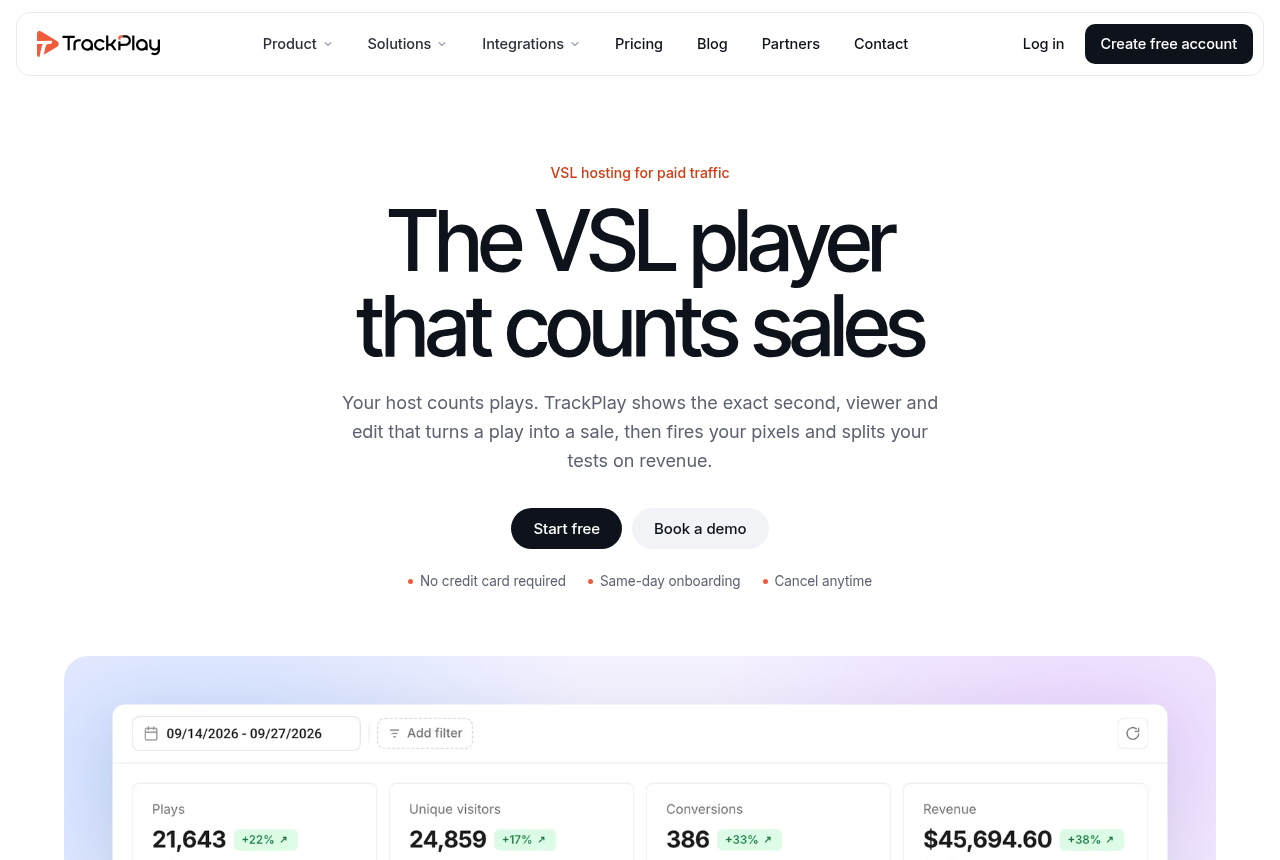
TrackPlay home page: the headline 'The VSL player that counts sales' over a dark indigo hero.

1. TrackPlay — best YouTube alternative for paid-traffic VSLs

TrackPlay is the pick if you run paid traffic to a VSL and need every play tied to the actual sale.

TrackPlay is a VSL player and analytics platform for paid-traffic funnels. It replaces YouTube's player with one built to hold a cold viewer: sound-first autoplay that turns the sound on at the first touch without restarting the video, timed CTA cards and watch gates. There is no YouTube logo, no end screen of suggestions and no link out to another site.

The bigger change comes after the play. Your cart (ClickBank, ClickFunnels, Digistore24 and four other direct-response carts) posts the verified sale back onto the play that earned it, and TrackPlay fires that conversion server-side to Meta, TikTok and GA4. Retention is drawn per second and split into buyers and non-buyers, so you can see which seconds of the pitch the buyers sat through. Split tests run under one embed and are settled on sales with a p-value, which means your ad links never change mid-test. Billing is on plays, every feature ships on every plan, there is a no-card free plan, and paid plans start at $29 a month.

It has two costs. It is narrow by design: built for paid-traffic VSL conversion, it has none of the channels, SEO pages or webinar tooling of a Wistia, and it is a poor fit when the video's job is content marketing rather than a direct-response sale. On a sales page that limit leaves the player, the retention data and the attribution untouched. It is also very new, with on-site testimonials only, little third-party review footprint and invite-only signup, which is what you would expect of a platform this recent, and the no-card tier lets you judge it on your own numbers before you put ad spend behind it. See TrackPlay vs Vidalytics for its closest rival and TrackPlay pricing for the plans.
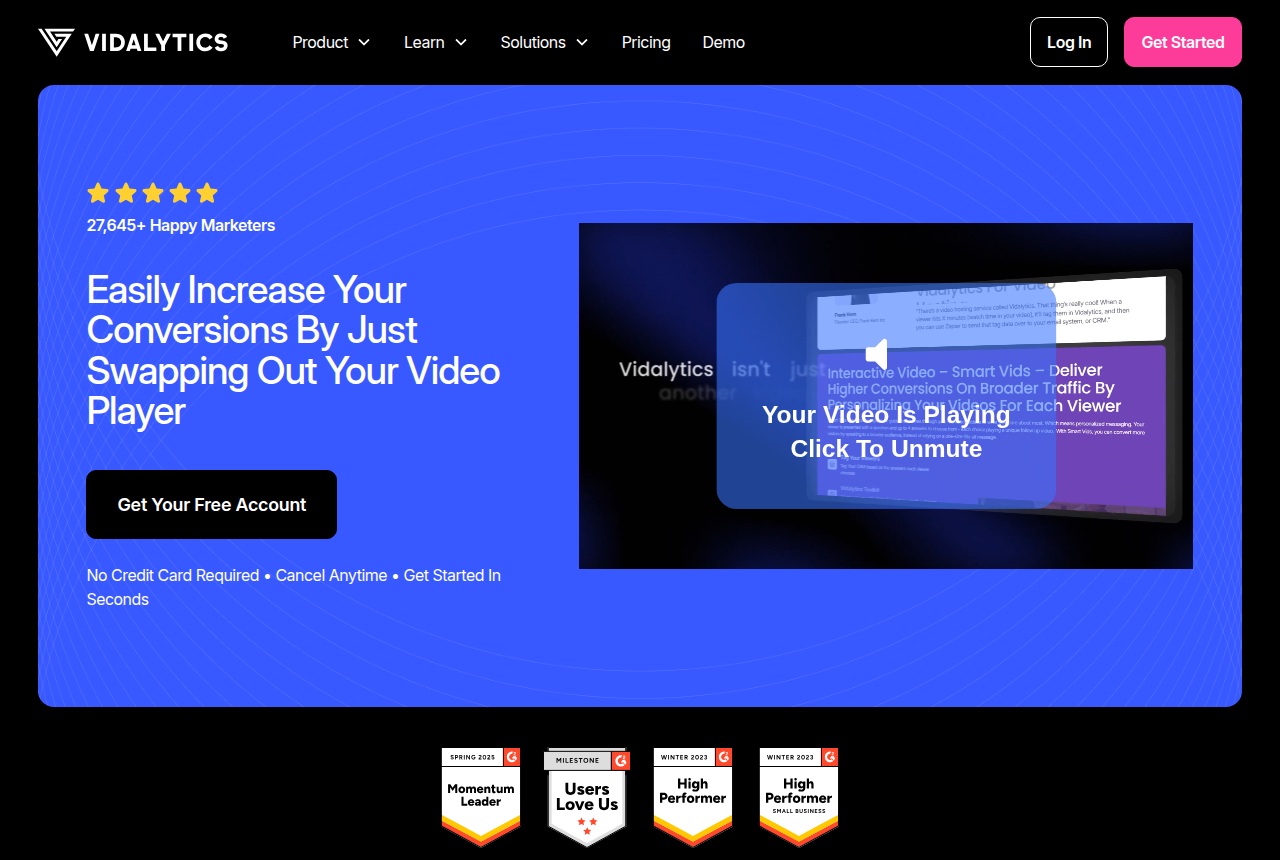
Vidalytics home page, headlined 'Easily increase your conversions by just swapping out your video player'.

2. Vidalytics — best YouTube alternative for a proven sales player

Vidalytics is the pick if you want a proven direct-response player with deep conversion analytics and can live with bandwidth-based pricing.

For the longest track record among direct-response players, Vidalytics is the established choice. It brings the conversion player YouTube lacks: Smart Autoplay that restarts with sound on unmute, per-second conversion tracking and heatmaps, and split testing with a Winner Recommender. On branding, its pricing page lists removing the Vidalytics logo as a paid-plan feature, so at the free level you trade YouTube's mark for a Vidalytics one.

The catch is where the analytics sit. Conversion tracking and heatmaps start on the Pro plan at $79 a month ($63 a month billed yearly), and usage is metered on bandwidth, which a long VSL on heavy cold traffic eats quickly. Paid plans come with a 14-day trial. Conversions are reported in its own dashboard, without a server-side postback of the cart-verified sale to your ad platforms. The Vidalytics review has the detail.

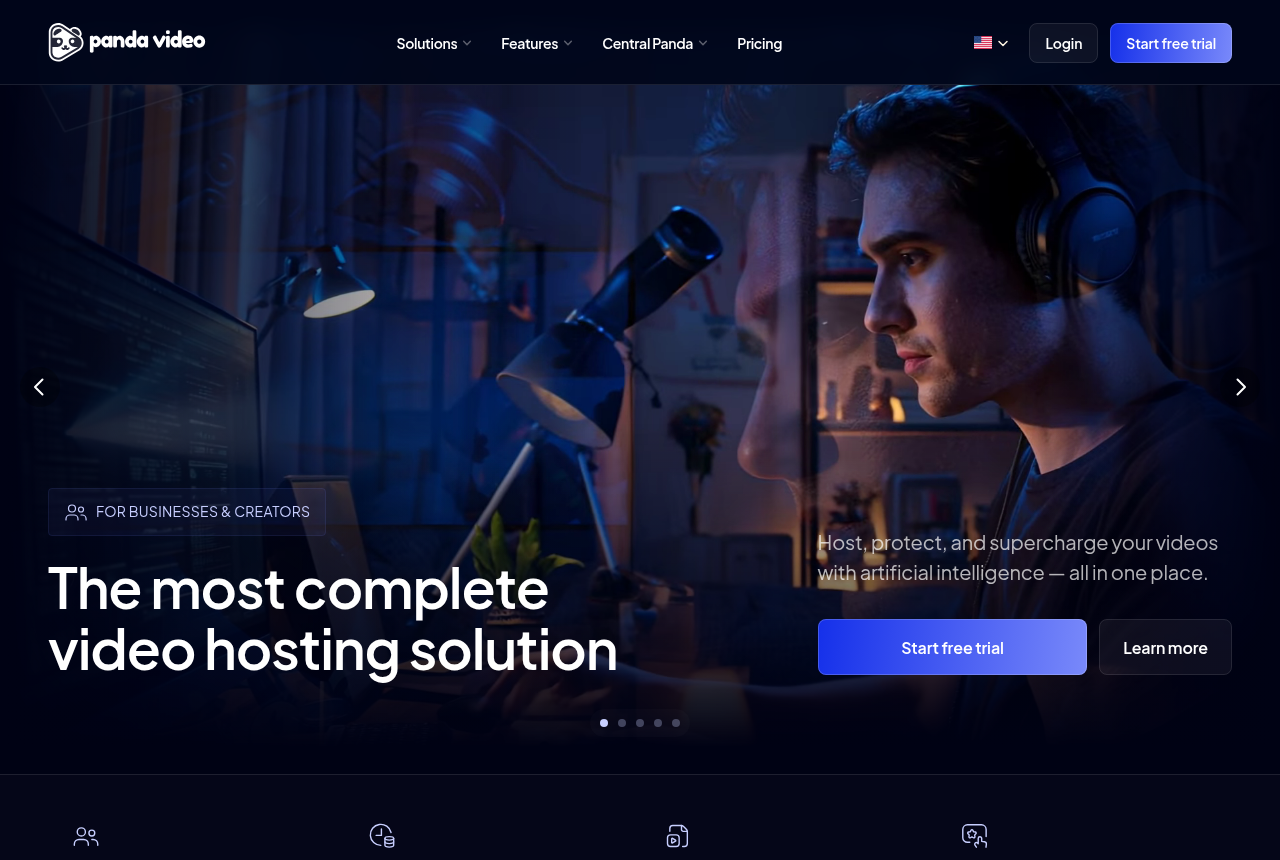
Panda Video home page, headlined 'The most complete video hosting solution'.

3. Panda Video — best YouTube alternative for course sellers

Panda Video is the pick if you sell courses or run affiliate offers and want VSL features with serious anti-piracy.

Course sellers and affiliate marketers who need a real VSL player get the most for the least from Panda Video. Prices begin at $17.90 a month with a 14-day trial, and it adds something YouTube cannot give a course seller: serious anti-piracy, so a paid lesson is hard to lift and repost. The player restarts with sound on unmute and shows where attention drops, and it fires tracking pixels.

Its attribution stops at those pixels, and bandwidth is billed on top of the plan. If your sales video and your course library will live in one place, it is the tidiest move off YouTube on this list. Panda Video vs Vimeo covers the other host people usually weigh it against.

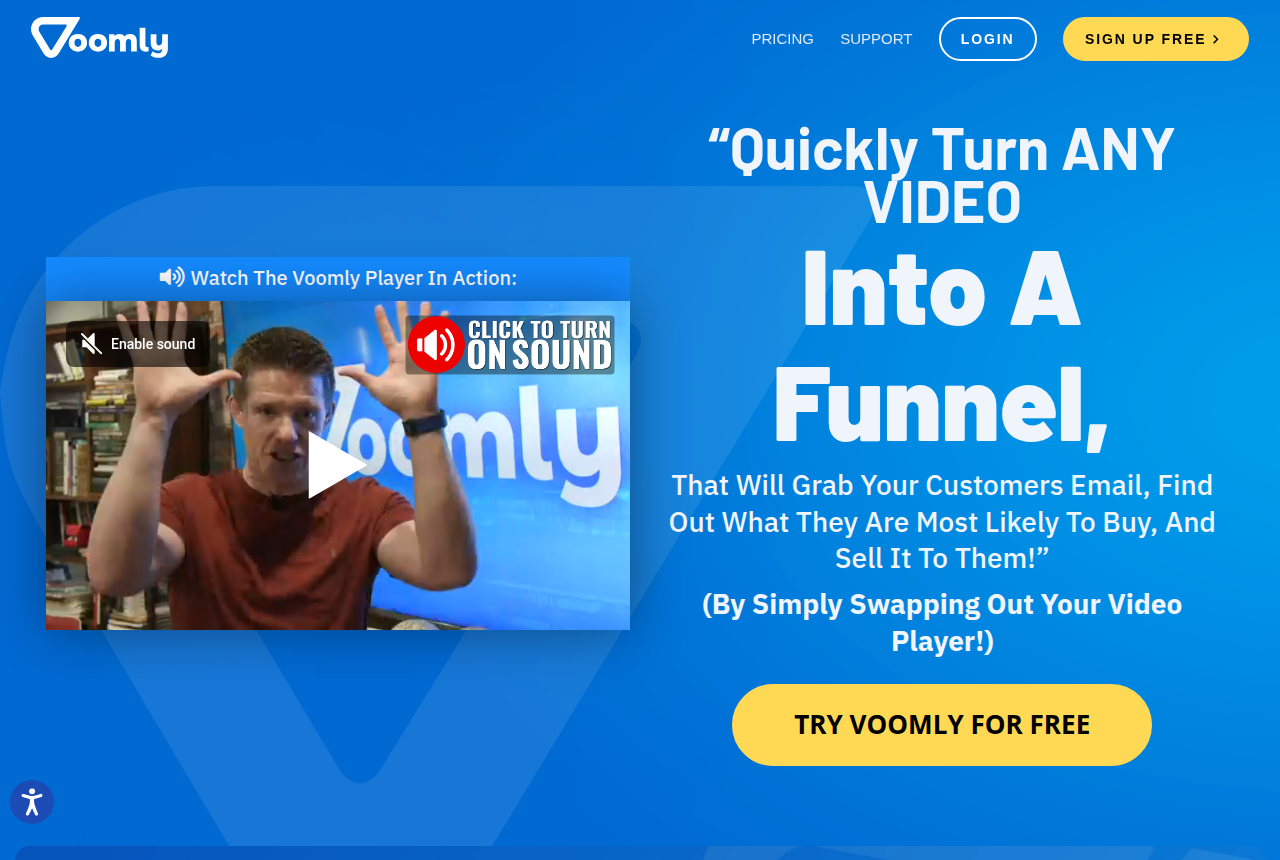
Voomly home page showing its drag-and-drop video creation and hosting studio.

4. Voomly — best YouTube alternative for cheap make-and-host

Voomly is the pick if you want to make videos and host them cheaply, with unlimited bandwidth, in one suite.

Voomly suits the seller who also has to make the video. It bundles creation tools with hosting from $9 a month on flat tiers, with unlimited bandwidth, so a sales video that suddenly takes off does not become an overage bill. A small free Light plan holds five videos, and your page gets Voomly's player in place of YouTube's.

It reports no sale attribution, and its player does less for conversion than the three ranked above it. Choose it when price and having one tool for recording, editing and hosting matter more to you than per-second data on your buyers.

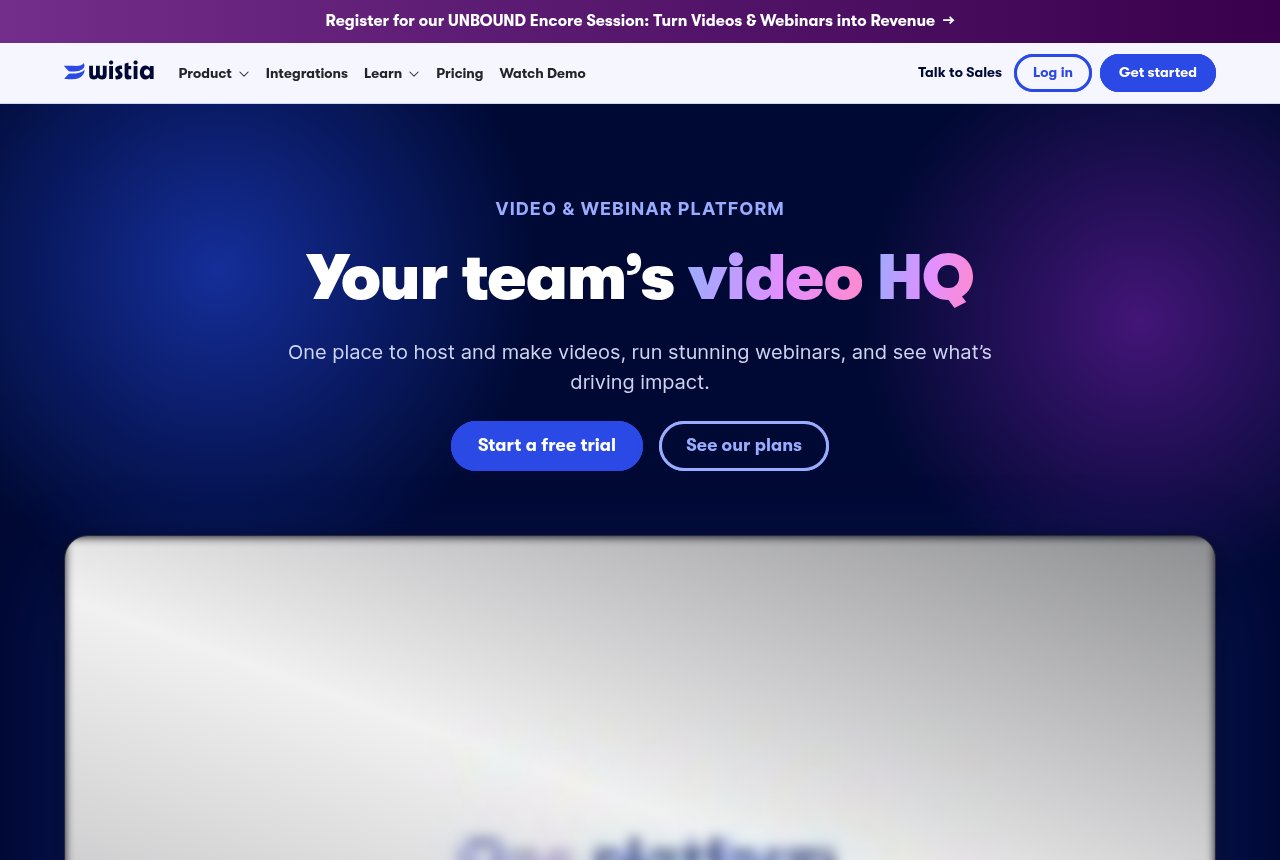
Wistia home page for its business video hosting and marketing platform.

5. Wistia — best YouTube alternative for B2B content

Wistia is the pick if your video's job is B2B content marketing and lead capture.

Pick Wistia when the video markets to an audience instead of closing a cold click. It runs a B2B content library on your own site with lead capture, channels and marketing-automation links, and its player carries none of YouTube's branding or suggestions. Wistia also published the clearest write-up of the YouTube funnel leak quoted above, while selling a competing host, so read its framing with that in mind.

For a VSL it is expensive and mismatched. Wistia's paid tiers begin at $79 a month on storage and seats, there is no sound-first unmute-restart autoplay, and sale attribution needs its Signals add-on. Its free tier covers 25GB and one user.

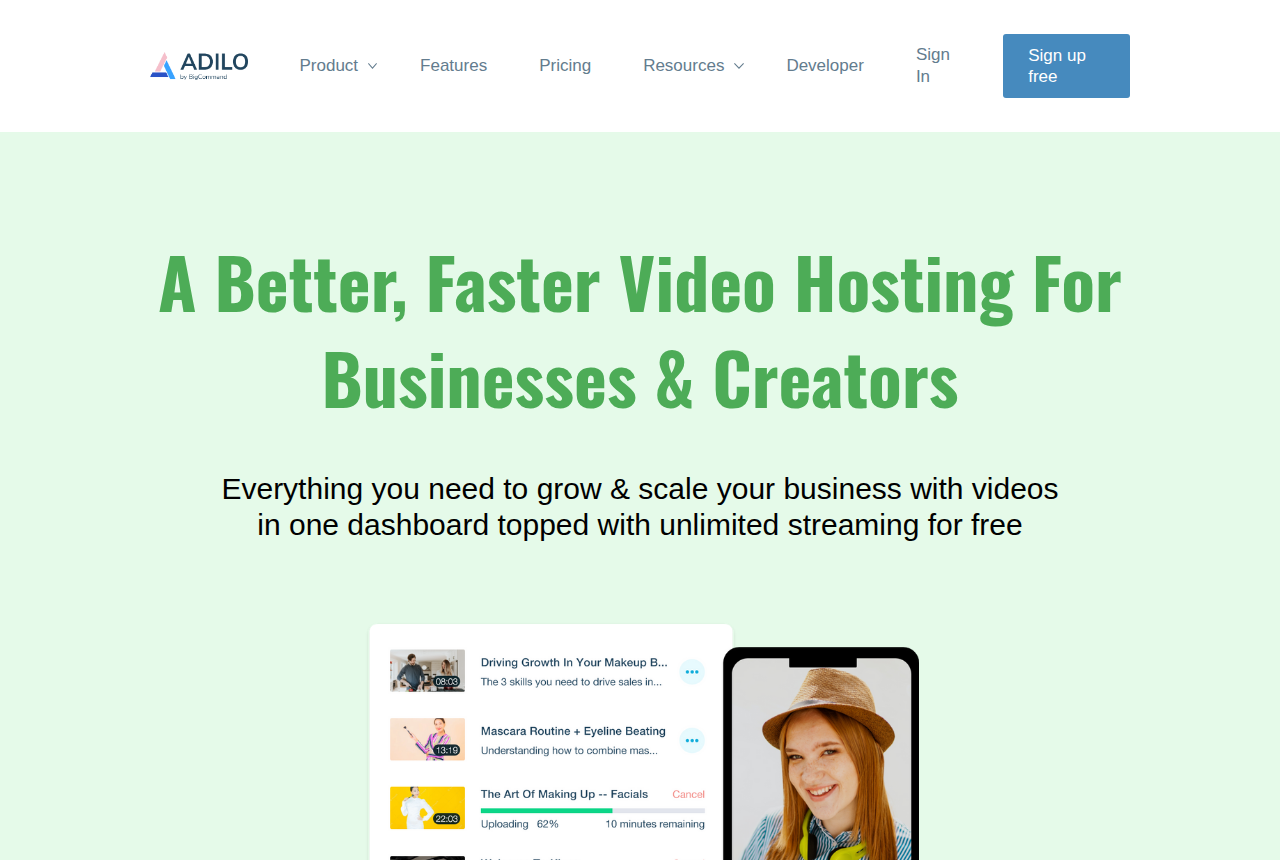
Adilo home page, headlined 'A Better, Faster Video Hosting For Businesses & Creators', with unlimited streaming on the free plan.

6. Adilo — best YouTube alternative for unlimited streaming

Adilo is the pick if you want unlimited-streaming hosting, a built-in recorder and in-video marketing tools in one place, and you can live with a platform that still has rough edges.

Adilo offers unlimited streaming on a free-forever plan with no card, plus a built-in recorder and an in-video marketing layer: CTAs, lead capture, ad pixels, A/B tests and heatmaps. For a seller leaving YouTube over the logo and the exits, that is a lot of control for very little money.

The recurring complaint in user reviews is reliability, meaning a buggy, slow interface and slow support, and some lifetime-deal buyers say their unlimited storage was later capped. Attribution stops at ad pixels, and DRM is a paid add-on.

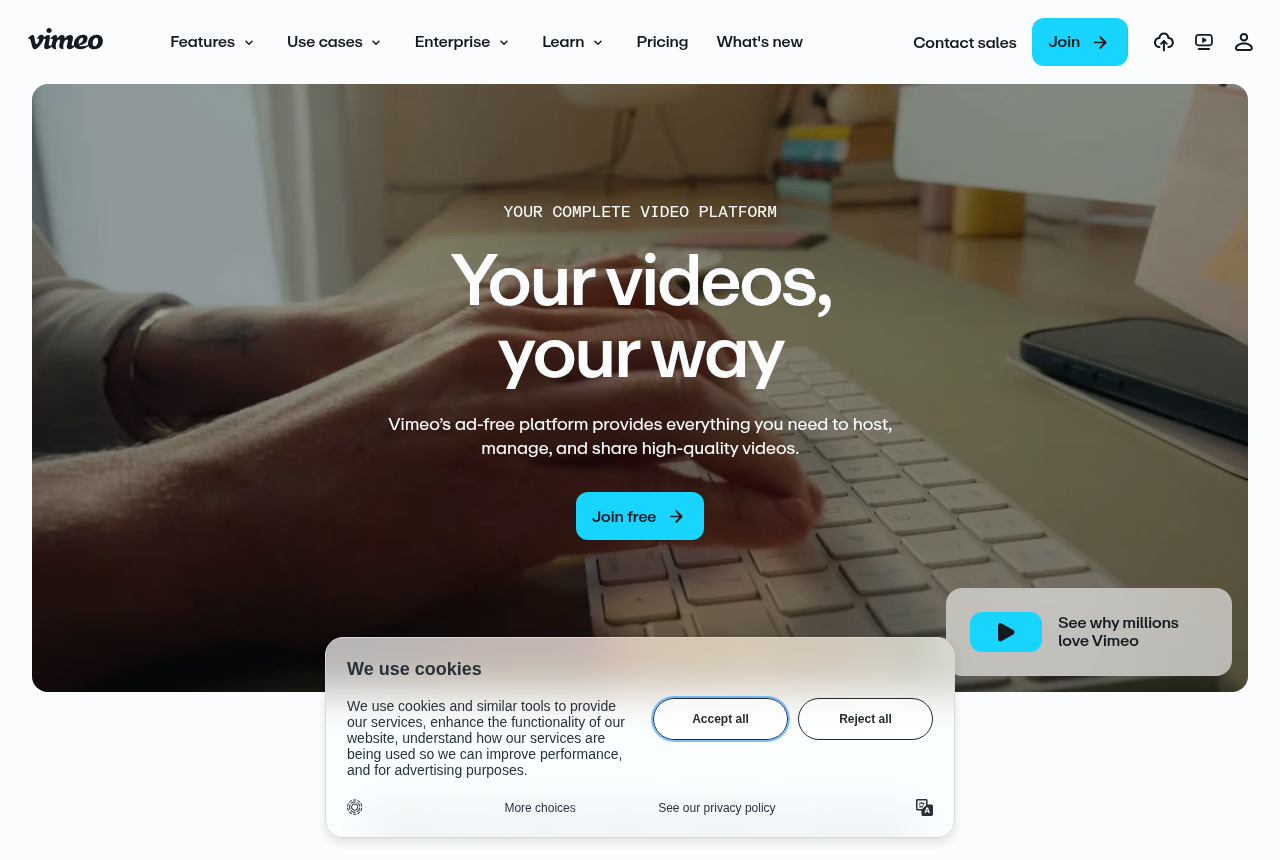
Vimeo home page for its general-purpose video hosting and creation tools.

7. Vimeo — best YouTube alternative for general hosting

Vimeo is the pick if you need dependable general-purpose hosting and creation, but not paid-traffic conversion features.

Most people leaving YouTube try Vimeo first, and paid-search buyers recommend it for landing pages on exactly those grounds. Admins who fought YouTube's related videos report that Vimeo does not force a related-video end screen. As a general host it gives you a clean player and dependable hosting for brand video and content libraries.

For a sales video it stops there: no sound-first conversion autoplay, no buyers-versus-non-buyers retention and no sale attribution, and direct-response users cite bandwidth costs among their reasons for moving on. If you are already on it, our Vimeo alternatives pick up from there.

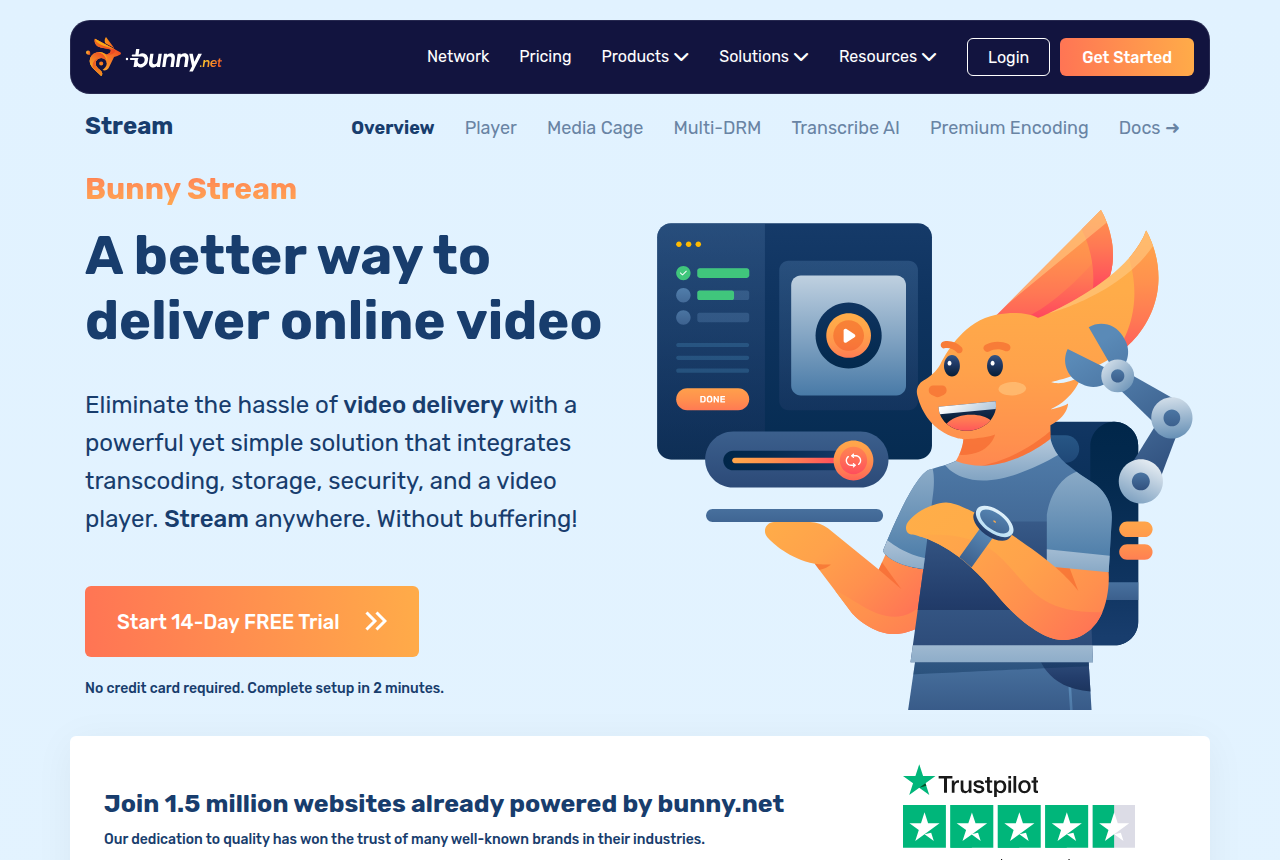
Bunny Stream home page, headlined 'A better way to deliver online video', the video delivery product from bunny.net.

8. Bunny Stream — best YouTube alternative for self-built players

Bunny Stream is the pick if you have a developer and want cheap, fast, protected video delivery, and you are willing to build the VSL conversion layer yourself. It is not a sales-video player out of the box.

Bunny Stream is delivery infrastructure for teams with a developer. It encodes, stores and serves video over bunny.net's network from a $1 monthly minimum, with storage from $0.01 per GB and delivery from $0.005 per GB. Its player takes your own CSS, so no third-party logo appears unless you add one, and Media Cage DRM with token authentication protects what you upload.

Nothing built for selling ships with it: no sound-first autoplay, no timed CTAs, no split tests on sales and no attribution. You build that layer over the API, and without a developer on the team it is the wrong move off YouTube.

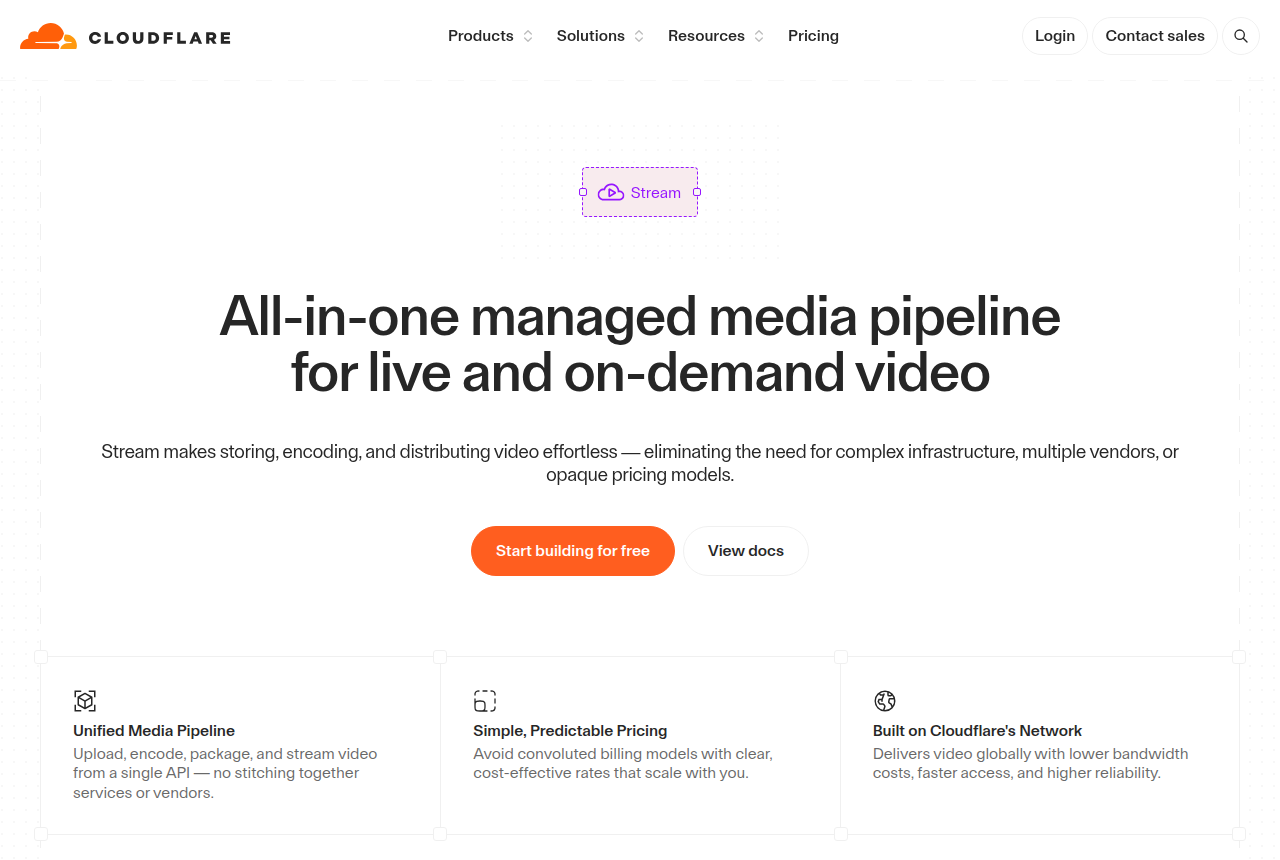
Cloudflare Stream product page describing a managed media pipeline for live and on-demand video.

9. Cloudflare Stream — best YouTube alternative for Cloudflare users

Cloudflare Stream is the pick if you have a developer and want cheap, predictable, global video delivery on a network that will not buckle under load, and you are ready to build the VSL conversion layer yourself. It is not a sales-video player out of the box.

Teams already running on Cloudflare can add Stream for video. Pricing has two parts, $5 per 1,000 minutes stored and $1 per 1,000 minutes delivered, with encoding and bandwidth included, and the built-in player shows none of YouTube's branding or suggestions. Minimum spend is one $5 storage block.

For a seller it is barer still than Bunny. Analytics are delivery metrics, there is no studio DRM, and there is no hard spending cap, so a traffic spike or a leaked URL can run up the bill. The conversion layer is yours to build.

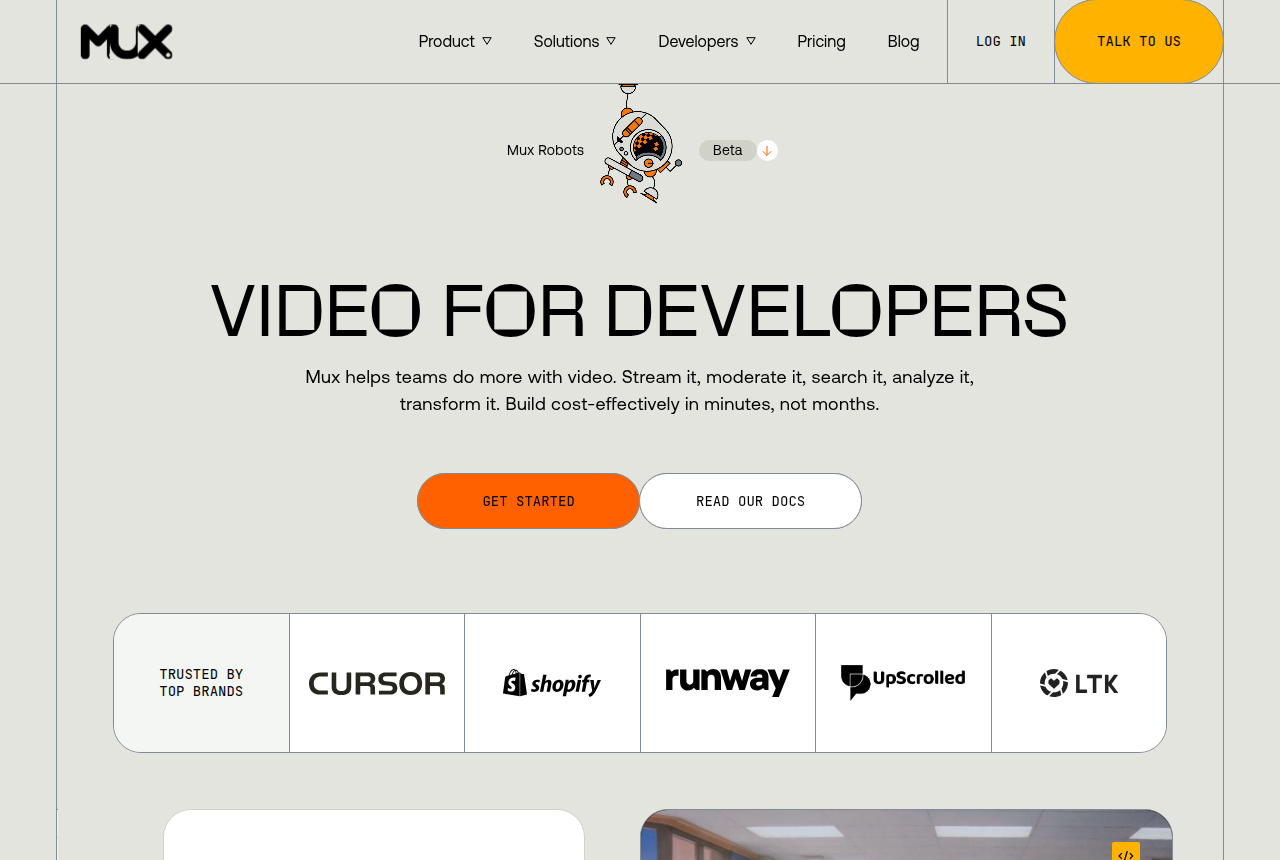
Mux homepage headed “Video for developers,” with navigation to its product, solutions, developer docs and pricing.

10. Mux — best YouTube alternative for developer teams

Mux is the pick if you have a developer and want included quality-of-experience analytics, optional DRM and fast just-in-time publishing, and you will build autoplay, calls to action and attribution yourself.

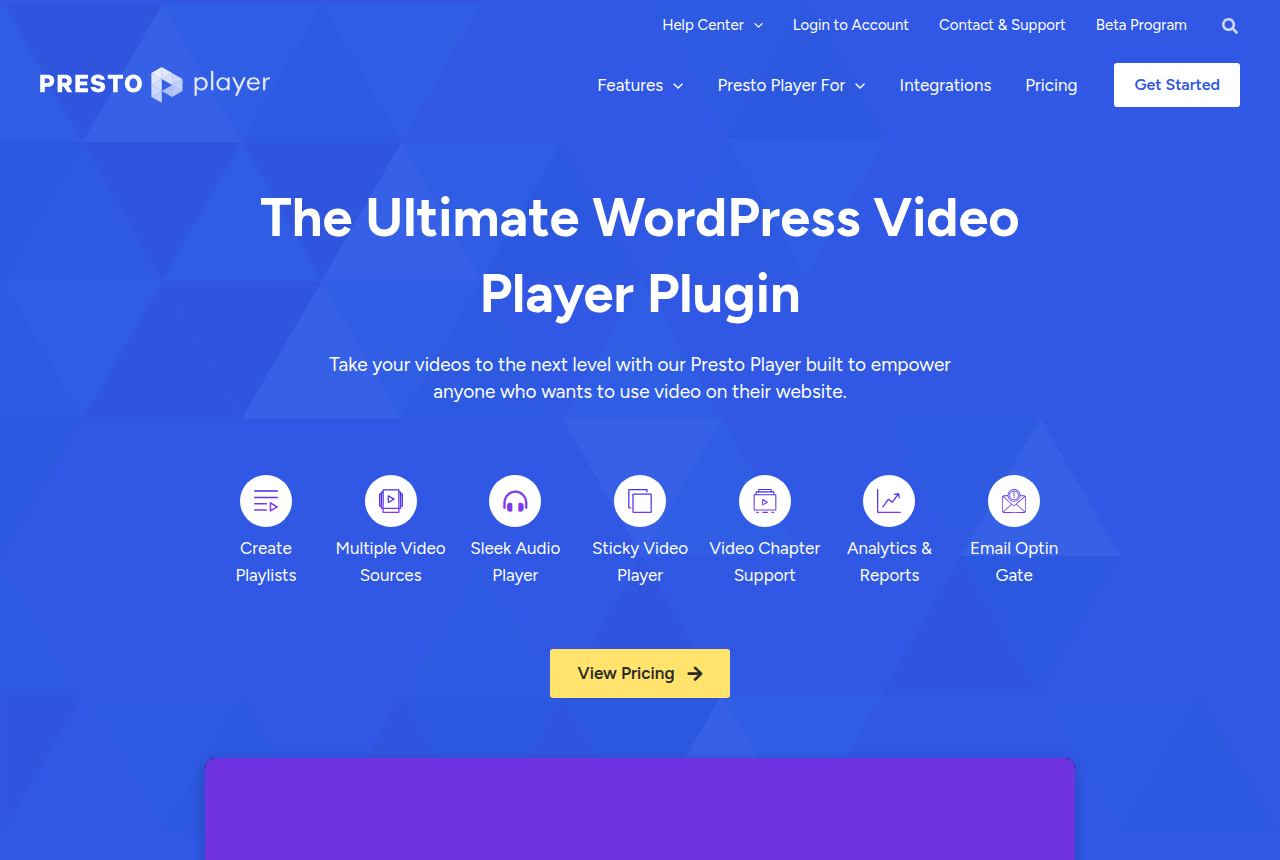
Presto Player homepage headed “The Ultimate WordPress Video Player Plugin,” with links to features, integrations and pricing.

11. Presto Player — best YouTube alternative for WordPress sites

Presto Player is a credible WordPress video layer for branded sales pages, timed calls to action and lead capture. Budget for a separate video host, and choose a dedicated VSL platform if sale attribution or sales-scored experiments decide the buy.

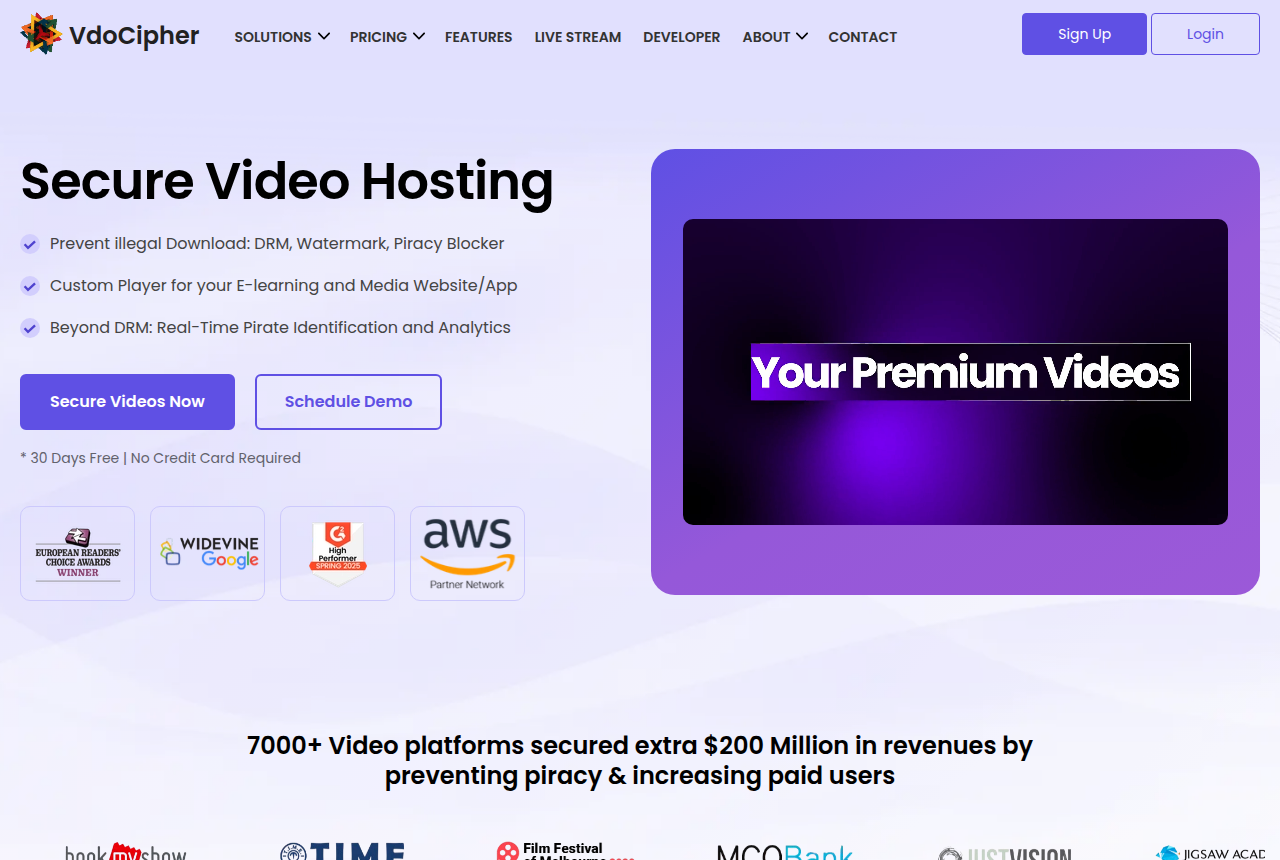
VdoCipher homepage headed “Secure Video Hosting,” listing DRM, watermark and piracy blocker, with a note of 30 days free and no credit card required.

12. VdoCipher — best YouTube alternative for DRM-protected video

VdoCipher is the pick if you sell lessons or premium video behind a login, a leaked download would cost you real sales, and the video does not have to sell to cold traffic by itself.

Which YouTube alternative fits your funnel

You buy traffic and judge it on sales: TrackPlay, with Vidalytics as the runner-up. TrackPlay sends the cart-verified sale to your ad platforms server-side, while Vidalytics keeps its conversion data in its own dashboard.

You want the safest, longest-running player: Vidalytics, and budget for Pro if you want its conversion tracking.

You sell a course alongside the VSL: Panda Video for its anti-piracy, or Voomly if you also need to make the videos and want unlimited bandwidth.

The video nurtures B2B leads: Wistia, with Vimeo as the cheaper general host.

You have a developer and want the cheapest delivery: Bunny Stream, or Cloudflare Stream if your stack already runs on Cloudflare.

Keep YouTube for reach, move the close

Leaving YouTube does not mean deleting the channel. The common setup among direct-response sellers is a split: short clips, tutorials and testimonials stay on YouTube, where search and suggestions bring new viewers, and the video that does the selling plays on a host you control, on a page with no route out except the order button. Your channel keeps the free reach, and your landing page keeps the attention you paid for.

How we picked these alternatives

We ranked these alternatives on the five things we judge every host on: how the player behaves on cold paid traffic (autoplay, unmute, timed CTAs, branding), how deep the retention analytics go, how it attributes the sale, its pricing model, and what long-term users report. YouTube itself was judged as the incumbent on control, branding and attribution. Upload cost was left out, since no paid host can beat free.

We read Google's own embed documentation and YouTube's terms, each vendor's docs and pricing pages, and user reports from places such as Reddit and review sites. We do not run these tools on live campaigns. Full method: how we research hosts.

Frequently asked questions

What is the best YouTube alternative for a sales video?
For a video on paid traffic where each play should be tied to the sale, TrackPlay. Vidalytics has been around longer, and Panda Video costs less and protects course content.
Can I turn off related videos on a YouTube embed?
Not completely. The rel parameter now restricts suggestions to your own channel instead of hiding them, according to Google's player documentation.
How do I host a video without YouTube branding?
Use a third-party host and embed its player. Watch the cheapest tiers: Vidalytics, for one, removes its own logo only on paid plans.
Does YouTube put ads on embedded videos?
It can. Under its terms YouTube may monetize uploaded content, and that includes showing ads on or within the video.
Is YouTube good enough for a VSL?
It is fine for discovery clips. On a paid landing page you give up control of the player and any link between a view and a purchase, which is why sellers move the closing video elsewhere.

Sources

From YouTube

Other sources

5 discussions and reviews read for this page. Quotes are excerpts; open a link to read the original in context.

  1. [r1] How do you feel about Youtube embed videos on landing pages? Reddit,
  2. [r2] How do you feel about Youtube embed videos on landing pages? Reddit,
  3. [r3] Related videos on embedded YouTube in Knowledge articles Reddit,
  4. [g1] YouTube Embedded Players and Player Parameters Blog,
  5. [g2] YouTube Embedded Players and Player Parameters Blog,

Related reading

Mara Vance

Written by

Mara Vance

Editor

Mara edits the reviews and roundups on VSL Host Report. She looks at how a video player behaves on cold paid traffic: autoplay and unmute behaviour, per-second retention, timed CTAs, lead gates and load speed. She also maps what each host really costs, whether it bills per play, per gigabyte or per seat, and rebuilds the monthly bill for a typical VSL funnel. For each piece she reads long-term user reports across forums and review sites, works through the vendor's own docs and pricing, and confirms the numbers before a verdict goes live.

marav@vslhostreport.com

Last checked 2026-10-12