What each VSL play is worth
Enter your spend and your funnel rates to see what one play returns and the most you can pay per click.
A useful bid still has to pay for itself after the clicks that never start the video and the viewers who leave before the offer.
TrackPlay's explainer on what a VSL is defines revenue per play as revenue divided by plays, what one play of the video is worth in money. Cost per play is the ad spend on that video divided by the same plays. When the cost is the higher number, the ads are losing money even if the retention chart looks healthy.
A click price on its own is a weak guide for scaling. VSLStats states the limit directly: "CPC tells you what you paid for a click. It says nothing about what happened after."
Delivery is a different bill. The VSL hosting cost calculator estimates the hosting fee from length and how long people watch. This form leaves that fee out.
The short answer
Multiply the share of clicks that play, the share of plays still watching at the pitch, the share of those viewers who order, and what each buyer pays. That product is the most you can pay for one link click before the sale stops covering the ads.
Calculate revenue per play and the CPC you can pay
The numbers already in the fields match the sample week in the next section. Change any of them and press the button. The math stays in your browser.
Press the button. The result uses the fields above, and the week those fields come from is written out in the next section.
Break-even CPC, written out
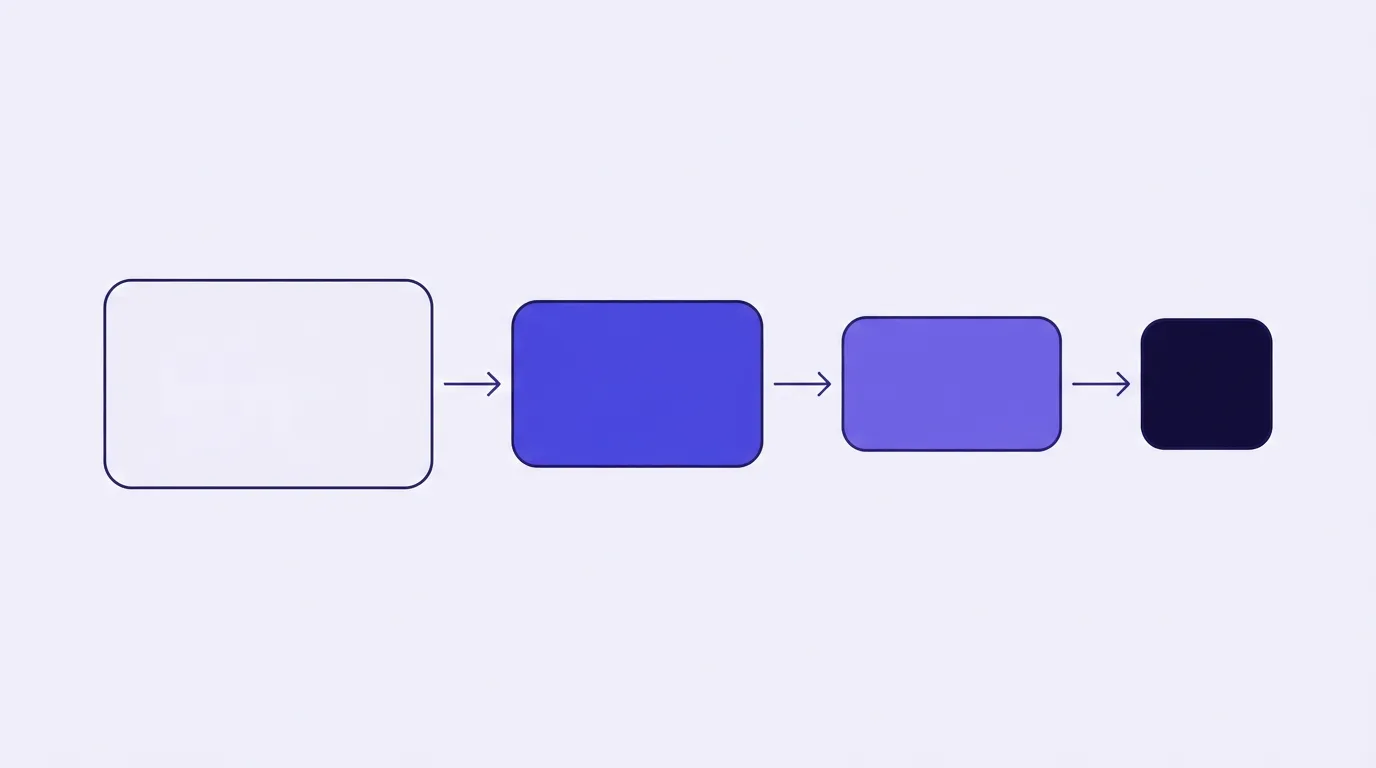
Plays equal link clicks multiplied by how often a click starts the video. Orders equal those plays, multiplied by how many are still going at the pitch, multiplied by how many of those people buy. Revenue equals orders times what a buyer pays.
Revenue per play is that revenue spread across the plays. Cost per play is the ad spend spread the same way.
Break-even CPC is the play share, multiplied by the share still at the pitch, multiplied by the share of those viewers who buy, multiplied by the dollars each buyer pays. Write each share as a decimal, so 14% is 0.14. It is the revenue one link click returns when every click becomes a visitor.
The click price implied by the same fields is ad spend divided by link clicks. RevvyScales defines CPC (link) the same way, as ad spend divided by link clicks.
RevvyScales also writes the full path from visitor to buyer as play rate times pitch retention times a CTA click rate times checkout conversion. This form folds the last two into one field: orders divided by viewers who reached the pitch. That page calls the rate pitch conversion. A rate per visitor, or per play, uses a wider base and comes out lower on the same orders.
An illustrated week at $1.36 a play
The same TrackPlay explainer uses a sample funnel and says the numbers are illustrative. It shows 10,000 plays, 140 orders on a $97 offer, $13,580 back, and $1.36 for each play. Those 140 orders are 1.4% of the plays and 10% of the people who reached the pitch.
A companion note on conversion rate uses the same 140 orders to show how the denominator moves the rate: the week can also be read as 0.7% of visitors. Ten percent of the pitch audience is those 140 orders, so 1,400 people were still watching, which is 14% of the plays. Seven tenths of a percent of visitors is the same order count, so the week had 20,000 visitors, and half of them played.
Spend $8,000 on ads for those plays and each play costs $0.80. That is less than the play earned. TrackPlay's point on that gap: once a play costs more than it brings back, the ads lose money even if viewers stay a long way through the video.
Treat those visitors as link clicks, which is the assumption in the form. Half of them play, 14% of plays are still there for the pitch, and the pitch conversion from the example times the offer comes to a ceiling of $0.68 a click. That $8,000 spread across those visitors is $0.40 a click, under the ceiling. The form above is filled with this week so you can change one rate and see the ceiling move.
Set the bid from the ceiling
Use the break-even CPC when you set bids, including a holiday auction where you have to bid tighter. Add spend only while your cost per click stays below that number. Once your CPC crosses it, gross orders no longer cover the ads at the rates you entered.
RevvyScales' break-even visitor conversion divides cost per visitor by revenue per buyer times contribution margin. The form has no margin field, so a bid that matches the break-even CPC returns the full sale and still has goods, fees and refunds to pay. If the campaign needs to make money after those costs, bid below the figure the form prints.
A thin play share can choke the economics while the click still looks cheap. One course seller on Meta, writing in a public ads thread, reported an 18% VSL play rate on live ads, with click-through still above 3%. When plays are the leak, load time is one place to look: how video load speed changes ad cost. Those two rates have to come from the player, which is what video hosting with analytics is for.
My take
I would start from last week's clicks, spend, play share, pitch reach and orders, and I would judge a holiday bid by whether it sits under the ceiling. I would skip a bid that only clears if you pretend product cost is zero, because this form cannot see margin.
What the ceiling leaves out
This is a gross estimate. It leaves out product cost, payment fees, refunds, taxes, hosting and the wait for a late buyer. An order that posts after you read the rates is missing from the conversion field, so an early ceiling sits lower than the one you would compute once those orders land.
Hosting for one video is on the delivery calculator. The cheap hosting guide compares a bandwidth bill with a per-play bill. Neither expense belongs in the break-even CPC.
Hosts do not count a play the same way, and that moves both per-play figures. TrackPlay's site says a play is one viewer session in which the viewer genuinely played, and a muted autoplay nobody watched stays out of the count. Move the same traffic onto a host that counts a silent start, and the denominator changes.
The form treats every link click as one visitor. When some clicks never load the page, each visitor costs more than the CPC, and break-even CPC is too generous. Cost per visitor is that CPC divided by the share of clicks that land.
Bumps and later offers belong in that dollar amount, as revenue per buyer. The form cannot split the first sale from that later revenue, and it cannot count a bump as a second order.
The formulas follow TrackPlay's revenue-per-play definition and RevvyScales' stage rates. The 18% play-rate report is the Meta thread linked above. For host claims, read the methodology.
Frequently asked questions
What is revenue per play on a VSL?
How is break-even CPC different from break-even ROAS?
Should the conversion rate be per visitor or per play?
Why does my play rate change cost per play?
Where do I price video delivery?
Sources
Related reading
Changes to this page
- 28 October 2026: first published, with the browser form and the illustrated week from TrackPlay's revenue-per-play example.

Written by
Mara Vance
Editor
Mara edits the reviews and roundups on VSL Host Report. She checks autoplay, watch time, timed buttons, lead gates and page speed when the visitor is new and the traffic is paid. She also maps what each host really costs, whether it bills per play, per gigabyte or per seat, and rebuilds the monthly bill for a typical VSL funnel. For each piece she reads long-term user reports across forums and review sites, works through the vendor's own docs and pricing, and confirms the numbers before a verdict goes live.
Last checked 2026-10-28
Comments
No comments yet. Questions and your own experience are welcome.
Thank you. Your comment will appear once it has been reviewed.