See where buyers drop off, then cut there
Plays and average watch time never pinpoint that moment.
You are buying traffic to a sales video. The report comes back as a play count and an average watch time. You still have to guess what to cut.
The short answer
Pick a host that shows who is still watching at each moment, maps skips and rewinds, and can separate buyers from everyone else. Add a conversion or a CRM tag on that same timeline.
We read each host's analytics pages and help docs. We do not run these players on live campaigns. The methodology page explains how the research is done.
What to measure on a sales video
Four numbers tell you what to change in the edit.
- Play rate: how many visits actually start the video.
- Retention along the timeline, so you can see the moment a lot of people leave.
- A skip and rewind map, so you can see the moments people skipped or watched again.
- Conversions or revenue tied to a timestamp, so you can see whether buyers were still watching during the pitch.
TrackPlay's retention page uses a 41% average as its example. That one number looks the same if half the audience watched most of the video, or if everyone left at a single moment. The curve is what tells those two videos apart.
On TrackPlay's metrics page, Hook Rate means still watching after 5 seconds, and Hold Rate means reaching the middle. Both definitions are printed on the card. They are a quick check on the opening and the middle of the video.
The timed script template lays out the sections of a long sales video, and the places those sections usually lose people. Vidalytics Video Stats tracks how many people are watching at each timestamp, so the drop just before the offer is a count you can see.
Video retention analytics: the cliff and the buyers
One line for the whole audience shows where people thinned out. A split between buyers and non-buyers shows whether the people who paid stayed through the pitch.
TrackPlay's revenue page graphs that split on one chart, and it marks the pitch on the timeline. The cliff, and the second it happens, are both visible on the chart.
Vidalytics lets you filter by location, first-time view, repeat view, percent watched, buyers, non-buyers, device, traffic source, or browser.
Heatmaps, segmentation, and conversion tracking are listed on the 2026 pricing page as Pro features, added on top of Starter. The audience count in the help article is described on its own, separate from that Pro list.
Video heatmaps: skips, rewinds, and one session
Color on a timeline shows something more specific than the retention curve. It shows where people jumped ahead, and where they went back.
Vidalytics shows skips and rewinds as color on the Video Stats page linked above. Brighter color means more skipping or more rewinding.
Wistia's heatmaps article says each public view of a Wistia-hosted video generates a map of how that viewer moved through the content, color-coded for skips and rewatches. Those maps cover plays in the Wistia player. The same article notes that listens in a podcast app are left out of the map.
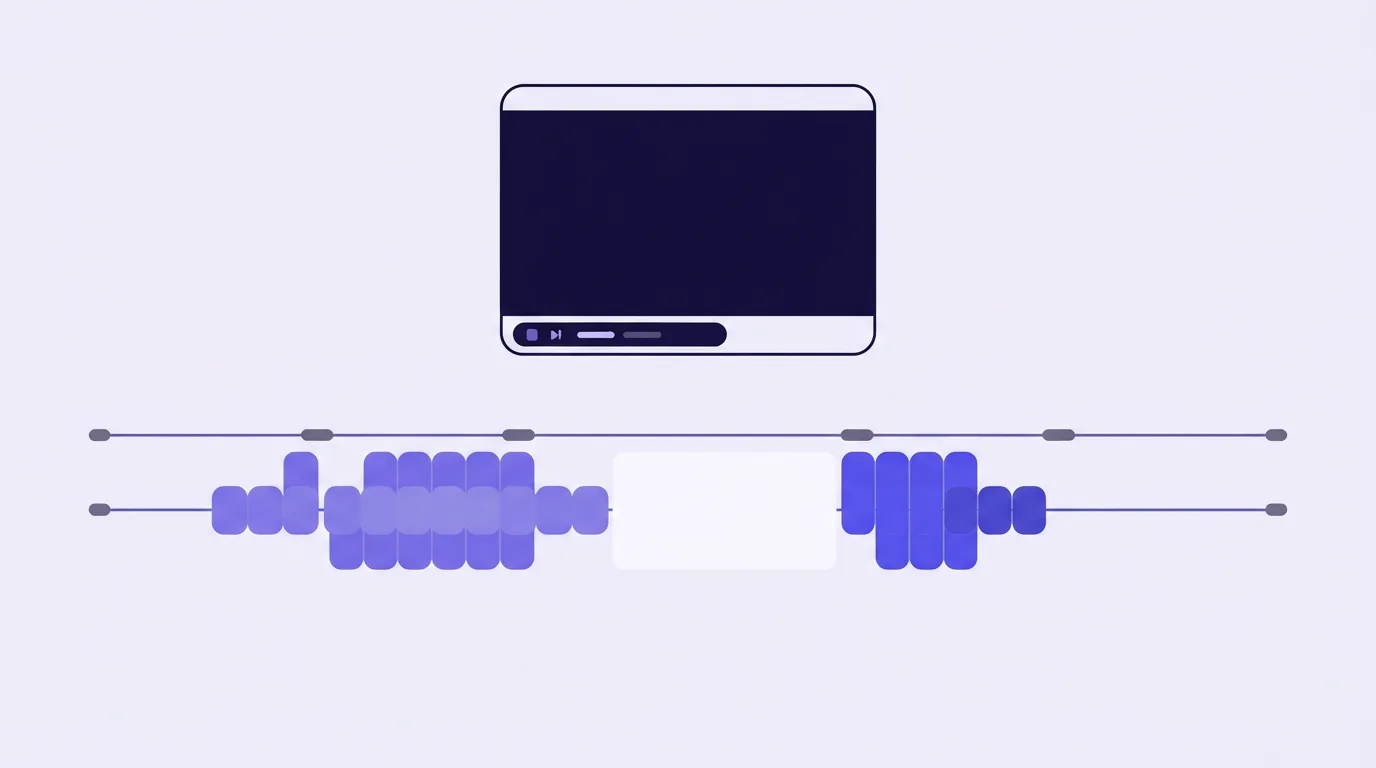
SproutVideo's features page shows where viewers drop off and what they rewatch, with an engagement heatmap. Viewer records and a CSV export are included on Tree plans and above.
Three analytics dashboards
A video analytics platform for marketers usually comes as one of three dashboards.
Conversion players tie the funnel to the video itself. TrackPlay's chart shows the pitch events along the timeline. Vidalytics adds conversion timing on Pro, beside the heatmaps and segmentation named above.
A library host is for pipeline and lead questions. Wistia's analytics page shows plays and replays second by second, plus overall engagement. Vimeo's engagement page includes retention curves and heatmaps for the moments viewers rewatch or skip, and it can filter by embed source and geography. CRM sync is available on the higher tiers. The same page treats a raw view count as proof only that the video started. Whether someone stays for the pricing slide, skips the intro, or leaves during the demo is a separate question.
Mux Data is built for engineers. It tracks startup time, rebuffering, and quality scores, and it also tracks engagement on the stream. A conversion button has to be built in your own app. The moment you would remove from a pitch shows up on a conversion player or a library host, depending on what the video is for.
After you pick the dashboard, price is a separate choice. The cheap hosting guide covers plays, bandwidth, and minutes. Agency hosting covers keeping each client's funnel separate. The sales-video guide is where those two choices meet.
Hosts worth opening
Each card is one analytics layer and the job it fits. Watch-to-the-end charts stay inside that host's player. The YouTube review covers what happens when the sales page uses a YouTube embed.
TrackPlay
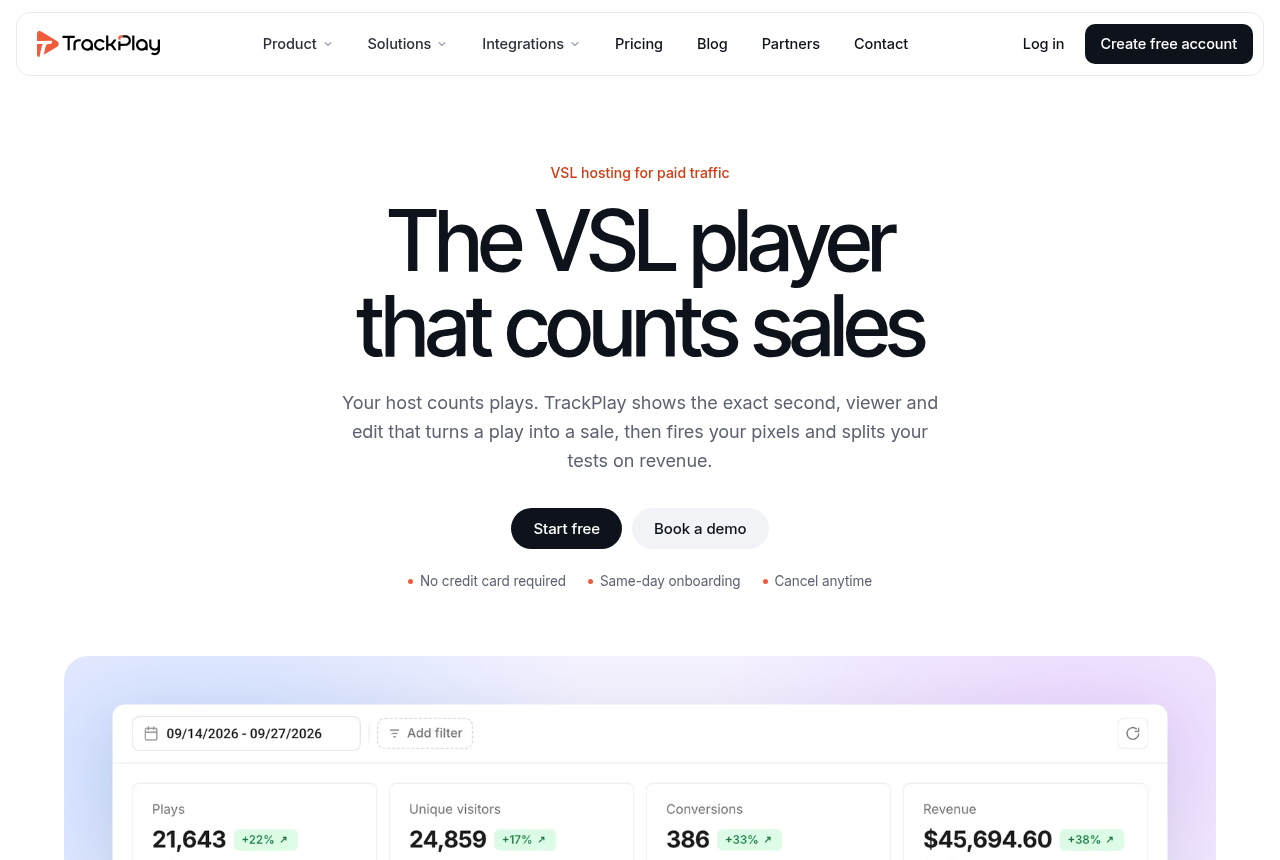
Buyers and non-buyers share one chart, with the pitch marked on it. The player is built for a paid-traffic sales video. Channels, SEO pages, and webinar tools belong to a general host, and the buyer split still applies here. It is also very new. What you can read about it is on its own site, and outside reviews are still scarce. That is what you would expect from a platform this new.
Vidalytics
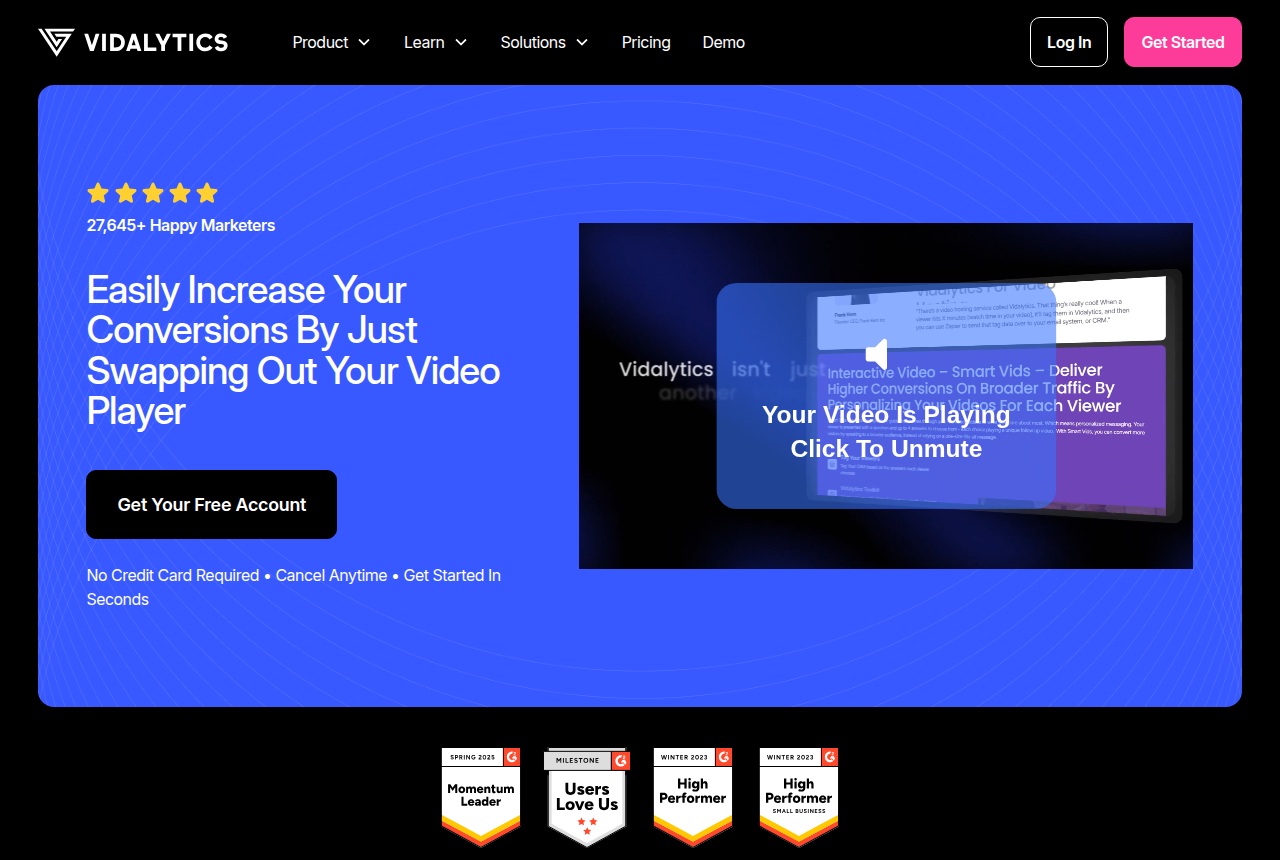
Color-coded skips and rewinds, plus the buyer filter from the analytics page. Heatmaps, segmentation, and conversion tracking become available on the Pro plan named above.
Wistia
One map for each public view in its player, plus plays and replays by the second. That combination fits a B2B video library. A cold-traffic sales video is a different job.
Vimeo
Retention curves and heatmaps for rewatch and skip moments, with CRM sync on the higher tiers. The limit of a raw view count is the point already made on its engagement page.
SproutVideo
Drop-off and rewatch maps on the features page, with a viewer record and a CSV export on Tree plans and above.
Mux
Startup time, rebuffering, and quality scores, for the team running the stream. Finding where to cut the pitch still requires one of the other dashboards.
My take
I'd judge a host by whether the chart shows the moment people leave, and whether buyers can be pulled out from the rest of the audience. I'd trust that chart before a testimonial published on the vendor's own site. This research does not show that any one dashboard caused more sales.
I'd also split the chart by traffic source. Two ad angles driving the same video can produce different engagement, so one blended line can hide which ad is holding.
The analytics features and the way you are billed go together. Run your video length and your traffic through the calculator before you choose a plan.
Related reading
- VSL hosting cost calculator: what one sales video costs on each host
- Video sales letter script template: six timed blocks
- Video sales letter: what it is, how it sells, where to host it
- What a long sales video costs under each billing model
- Separate workspaces for client funnels
- Wistia review
- The VSL host ranking
Sources
Changes to this page
- 15 October 2026: first published, from each host's analytics pages and help docs.

Written by
Mara Vance
Editor
Mara edits the reviews and roundups on VSL Host Report. She checks autoplay, watch time, timed buttons, lead gates and page speed when the visitor is new and the traffic is paid. She also maps what each host really costs, whether it bills per play, per gigabyte or per seat, and rebuilds the monthly bill for a typical VSL funnel. For each piece she reads long-term user reports across forums and review sites, works through the vendor's own docs and pricing, and confirms the numbers before a verdict goes live.
Last checked 2026-10-15
Comments
No comments yet. Questions and your own experience are welcome.
Thank you. Your comment will appear once it has been reviewed.