Head-to-head
TrackPlay vs Cloudflare Stream
Choosing between a sales-video player and Cloudflare video delivery? One includes the buttons and records the purchase. The other delivers the video, and you build the rest.
Quick answer
Pick TrackPlay if you run paid traffic to a VSL and need sound-first autoplay, per-second retention split by buyers, cart-verified attribution and split tests decided on sales; pick Cloudflare Stream if you already live on Cloudflare, have a developer to wire the page, and want the lowest predictable delivery bill while you build timed CTAs, pixels and tests yourself.
Both of these can sit on a landing page. Only one arrives with the sales behavior already in the player. TrackPlay is a VSL player and analytics platform. One embed goes on the sales page, sound starts where the browser allows it, and the purchase is tied to the viewer who watched. A video sales letter is the video that does the selling on that page. Cloudflare Stream is a managed media pipeline for live and on-demand video, reached through one API on Cloudflare's network.
If the next campaign needs a button at the pitch and the order in the ad account, use the player that already includes them. If the account is already on Cloudflare and someone on your side will write the page, Stream is the delivery cost you can forecast. The buttons, the pixels and the tests are code you own.
| TrackPlay | Cloudflare Stream | |
|---|---|---|
| Best for | Paid-traffic VSLs | Teams already on Cloudflare |
| From | $29/mo | $5/mo minimum |
| Billing | Per play | Usage-based |
| Free plan | Free, no card | No free minute allowance |
| Sale attribution | Server-side postbacks | None built in |
| Autoplay | Sound first, unmute keeps the place | Your setting. Preload is billed |
| Timed offers | Cards and watch gates | Built on your page |
| Retention | Per second, buyers and others | Minutes, place, popularity |
| Split test | One embed, scored on sales | You run it yourself |
| Who wires it | Set in the dashboard | Your code and their API |
What the player does when the ad is clicked
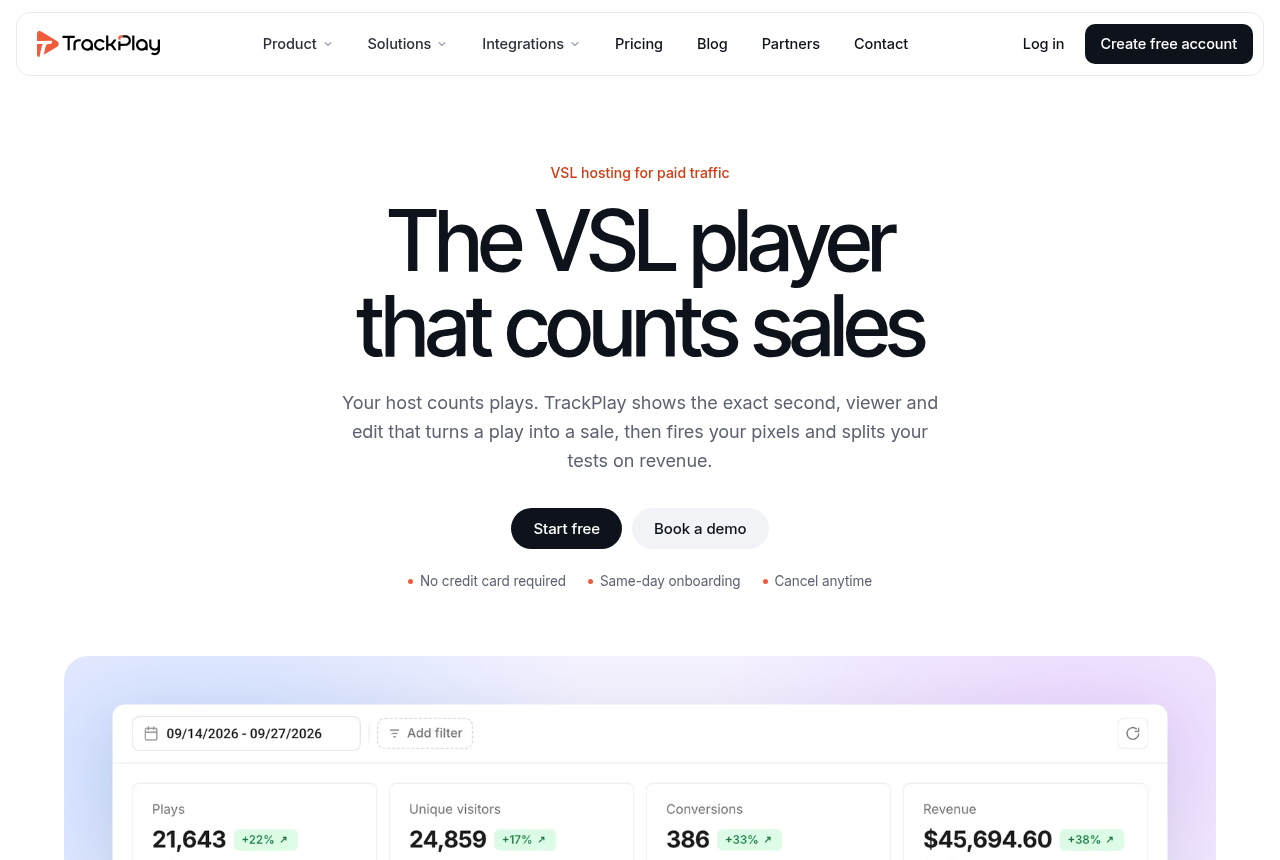
TrackPlay's pricing page counts one play per genuine viewer session. A muted autoplay nobody unmutes is not a play, so a silent open that never earns a tap adds nothing to the meter. Smart Autoplay asks for sound on the first frame. Where the browser blocks sound, playback starts muted, and the first touch anywhere on the page turns the sound on without restarting the video. A click can restart it with sound.
The features page puts the offer on a timeline. A smart progress bar, timed cards, watch gates and an exit-intent prompt are controls on that player. The card appears at the timestamp you set. The gate holds the next step until that moment is on screen, and you set both in the dashboard before the embed goes into the funnel.
The full TrackPlay review goes further into those controls.
Stream delivers the file. You build the page.
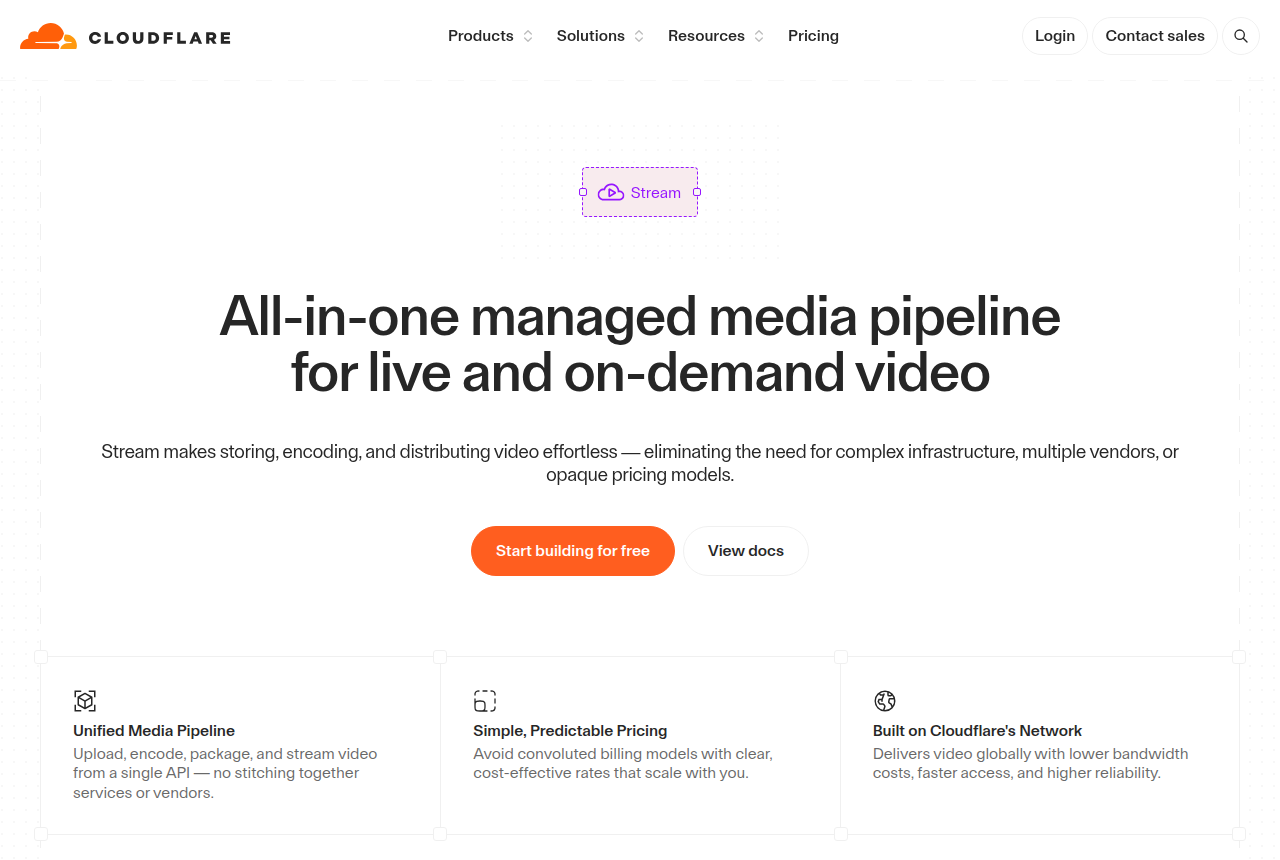
Cloudflare Stream handles upload, encoding, storage and delivery for live and on-demand video, from one API. You can use the built-in player in an iframe, or take HLS or DASH and supply your own. Autoplay and preload are settings on that player, and they change what you pay. Stream's pricing docs count preloading and buffering as minutes you pay for. Uploaded on-demand video is billed in four-second segments.
Signed URLs are how Stream limits playback to the domains you approve. You build the timed cards, the watch gate, a test scored on orders, and the link from a viewing session to a purchase. A webdev thread describes Stream as cheaper, available worldwide, and thin on the tools a marketing host includes. Neither product is a public video site. Each one needs its snippet on the funnel page.
Buyer split or minutes only
TrackPlay draws retention per second. Buyers sit on one curve and people who did not buy sit on another, with the pitch marked. The path runs from the page view to the play, the pitch and the order, and revenue per play sits beside it. A watch-time event can fire to Meta, TikTok and GA4.
Split-test variants run under one embed. Winners are decided on real sales, and the test reports a p-value and a confidence interval. The URL in the ad stays put, so the ad account keeps the history it has already built on that link. A second URL for the other variant would look like a new page.
Cart postbacks cover ClickBank, BuyGoods, Digistore24, WarriorPlus, JVZoo and Kiwify. The features page describes a setup where you paste one URL, and the cart sends the purchase back to the session from server to server.
Stream analytics, in the dashboard or over GraphQL, cover popularity, geography, time and creator trends. You can see which videos drew minutes and from where. That is a delivery report. An older Hacker News thread has people saying Stream had no video stats, and a reply that the GraphQL API shows usage. Set beside the analytics docs, that thread is about minutes served, not a retention chart. Tying a purchase to the viewing session is code you write.
Read the Mux review if you want an API host with deeper analytics than Stream's usage report. If you are also weighing another sales player, see TrackPlay vs Vidalytics.
A 20-minute video with a quarter watched
Paid plans are Basic at $29 a month for 5,000 plays, PRO at $79 for 15,000 and SCALE at $199 for 50,000. Every conversion feature is on every one of those plans. The free plan needs no card. The pricing page calls it free forever, with no trial clock, and playback pauses at the cap with no overage. AI Optimize is the exception on that plan, and it needs your own OpenAI key.
Stream charges for two things. Storage is $5 per 1,000 minutes a month, paid ahead in blocks. Delivery is $1 per 1,000 minutes, charged at the end of the month. Ingress and encoding are included. The product page shows no free allowance of minutes.
Say the video is 20 minutes, 5,000 people arrive, and they watch about a quarter of it. If each arrival counts as one play, the month fits Basic. On Stream, that viewing time is 25,000 delivered minutes. Delivery is $25, plus one storage block, about $30 in total. Multiply the length by how many people start the video and by the share they watch, then divide by 1,000. That figure is the delivered minutes. The VSL hosting cost calculator uses this example. The cheap video hosting guide compares this minute price with other hosts.
A long video that viewers finish costs more to deliver on Stream, because the bill follows minutes watched. TrackPlay still counts one play for that same session. Muted autoplay that nobody unmutes does not count as a TrackPlay play. Segments the browser preloaded can still show up on the Stream bill. Bunny Stream vs Cloudflare Stream is the comparison if you are choosing between two delivery networks. The Bunny Stream review covers the gigabyte price.
Where the bill or the product can surprise you
Stream charges for delivery at the end of the month, and there is no hard spending cap. Budget alerts email you once usage passes a threshold you set. They do not pause playback. A Cloudflare Community report describes 60,000 minutes delivered from one five-minute video, blamed on a download manager. A feature request asks for a monthly spending limit, because a leaked embed can produce a bill of that size. Preloading is the ordinary version of that risk. The player fetches segments whether the visitor stays for the pitch or leaves.
TrackPlay is narrow by design. It is built for a sales video on cold traffic. Channels, SEO pages and webinar tools, the kind Wistia includes for a content library, are not part of TrackPlay. When the video's job is content marketing, a library host is the right fit. A cold-traffic pitch still gets sound on the open, timed cards, a retention curve split by buyers, and the order tied to that play. Stream's job is delivery, so a content library is not part of either product.
Independent reviews are still scarce. Testimonials sit on the vendor site, which is what you would expect from a platform this new. The pricing and features pages document the player, the play meter and the purchase sent back to the session.
Hosts that add sales tools on top of their own delivery are listed in Cloudflare Stream alternatives. The Cloudflare Stream review stays on the delivery product itself.
Our pick
TrackPlay
TrackPlay is the pick if you run paid traffic to a VSL and need every play tied to the actual sale.
Frequently asked questions
Can I use Cloudflare Stream for a VSL?
Is Cloudflare Stream free?
Does TrackPlay charge when autoplay stays muted?
Which host costs less for a sales video?
Does Stream show which viewers bought?
Sources
The vendors' own pages
- TrackPlay pricing
- TrackPlay features
- TrackPlay home
- Cloudflare Stream
- Cloudflare Stream pricing
- Cloudflare Stream analytics
- Securing a Stream video
Other sources
Related reading
- TrackPlay review
- Cloudflare Stream review
- Cloudflare Stream alternatives
- TrackPlay vs Vidalytics
- Bunny Stream vs Cloudflare Stream
- Panda Video vs Cloudflare Stream
- Bunny Stream review
- Mux review
- What a video sales letter is
- Cheap video hosting, by the meter
- VSL hosting cost calculator
- All head-to-head comparisons
- How we evaluate hosts

Written by
Mara Vance
Editor
Mara edits the reviews and roundups on VSL Host Report. She checks autoplay, watch time, timed buttons, lead gates and page speed when the visitor is new and the traffic is paid. She also maps what each host really costs, whether it bills per play, per gigabyte or per seat, and rebuilds the monthly bill for a typical VSL funnel. For each piece she reads long-term user reports across forums and review sites, works through the vendor's own docs and pricing, and confirms the numbers before a verdict goes live.
Last checked 2026-10-15
Comments
No comments yet. Questions and your own experience are welcome.
Thank you. Your comment will appear once it has been reviewed.