Head-to-head
Panda Video vs Cloudflare Stream
Pick Panda Video if you want a finished VSL player with smart autoplay, timed CTAs, pixels, A/B tests and course-grade protection on flat published plans without hiring a developer; pick Cloudflare Stream if you already run on Cloudflare, have a developer, and want minute-based storage and delivery with encoding included while you build autoplay, CTAs and conversion reporting yourself. If cold traffic has to tie the sale to the play on the server, TrackPlay is built for that job.
Quick answer
Pick Panda Video if you want a finished VSL player with smart autoplay, timed CTAs, pixels, A/B tests and course-grade protection on flat published plans without hiring a developer; pick Cloudflare Stream if you already run on Cloudflare, have a developer, and want minute-based storage and delivery with encoding included while you build autoplay, CTAs and conversion reporting yourself. If cold traffic has to tie the sale to the play on the server, TrackPlay is built for that job.
| Panda Video | Cloudflare Stream | |
|---|---|---|
| Best for | Courses + VSL | Teams already on Cloudflare |
| From | $17.90/mo | $5/mo minimum |
| Billing | Flat + bandwidth | Usage-based |
| Free plan | 14-day trial | No free tier; billing starts at one $5 storage block |
| Sale attribution | Tracking pixels | None built in |
Where Panda Video pulls ahead
What works
- Real VSL features (Smart Autoplay, A/B tests, a dummy progress bar, tracking pixels, a video funnel) sit alongside the strongest anti-piracy in this set: DRM, watermarking and anti-download.
- It runs on an AWS content network for fast global delivery, and imports from Vimeo in minutes with a Chrome extension.
- AI tooling is deep for course sellers, with an in-video tutor and dubbing into more than 30 languages.
What to watch
- Its pixels fire from the browser and it reports inside its own dashboard, so it stops at conversion tracking. A dedicated attribution player sends the cart-verified sale to the ad platforms from its server, and Panda does not.
- It serves courses and affiliates as much as VSLs, so its conversion analytics are lighter than a dedicated direct-response player's, and its metered bandwidth can run up overages on a long VSL served to heavy cold traffic.
Sales player or delivery minutes
You have narrowed it down to two options. Either a price hunt narrowed the list to Panda Video and Cloudflare Stream, or the site already runs on Cloudflare and Stream is the video option in that account. Panda is a sales-video host with the player assembled. Stream is storage and delivery, metered in minutes, with encoding included and a player you extend yourself.
Panda's VSL page sells Smart Autoplay, a dummy progress bar, timed CTA buttons, an A/B test, tracking pixels and a video funnel inside the player, on published monthly plans. Cloudflare's product page puts Stream on the same global network as its CDN, for uploads and playback handled through an API. Panda Video vs Bunny Stream is the same kind of choice, a finished player against developer delivery. Stream relies on an API, inside a Cloudflare account you may already be paying for.
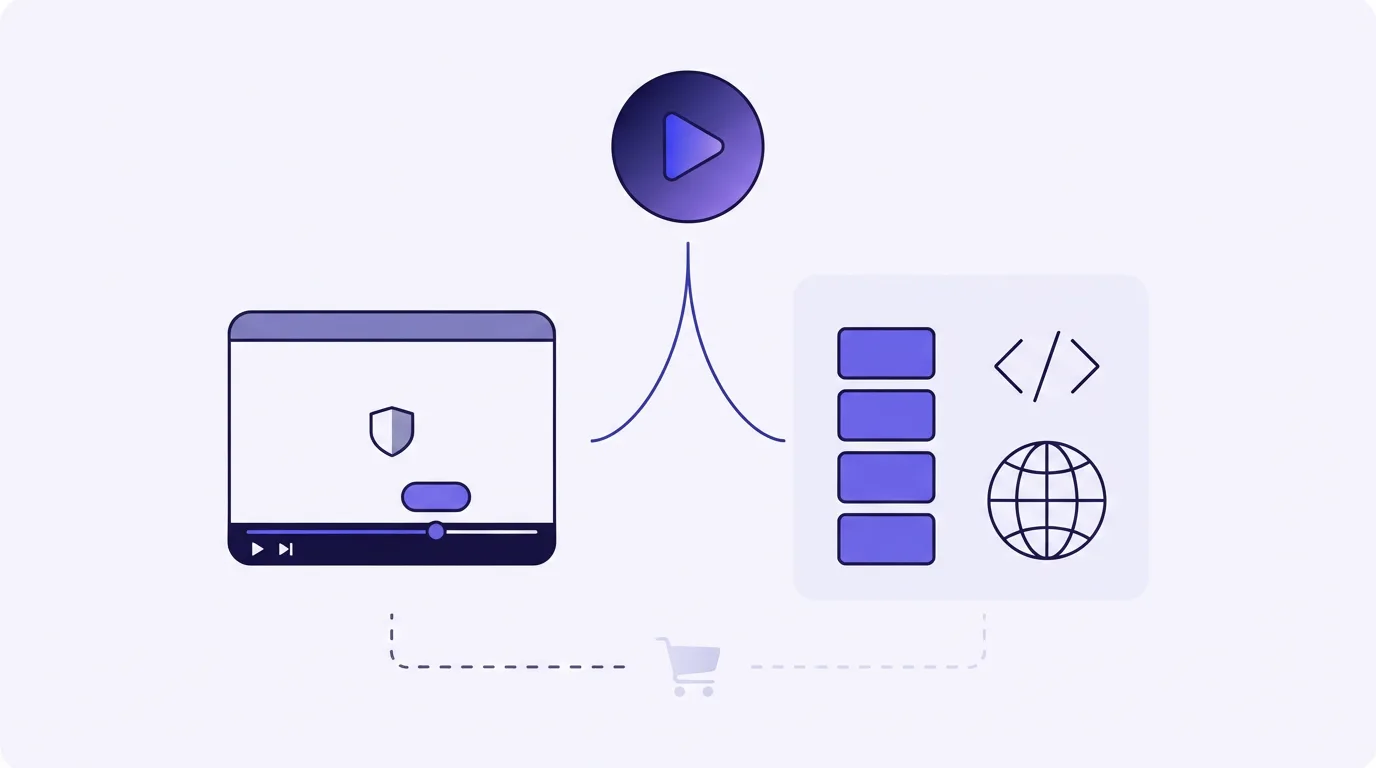
What you get the day you paste the embed
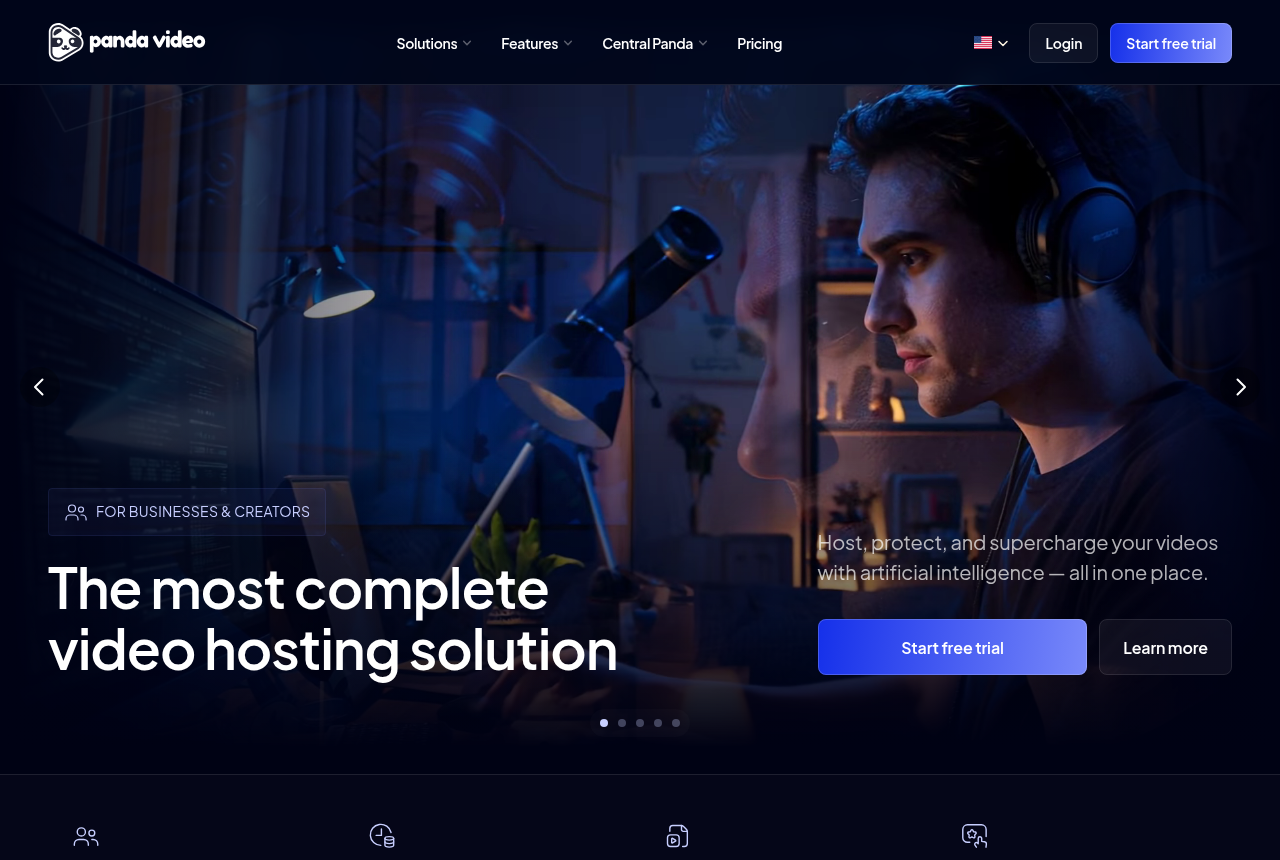
Panda's player is the reason it shows up on sales pages and course checkouts. Smart Autoplay, the dummy progress bar that fills fast early, CTA buttons on a timer, a funnel that chains clips, an A/B test and pixels for the ad platforms are switches in the dashboard. A marketer can turn them on without writing a player.
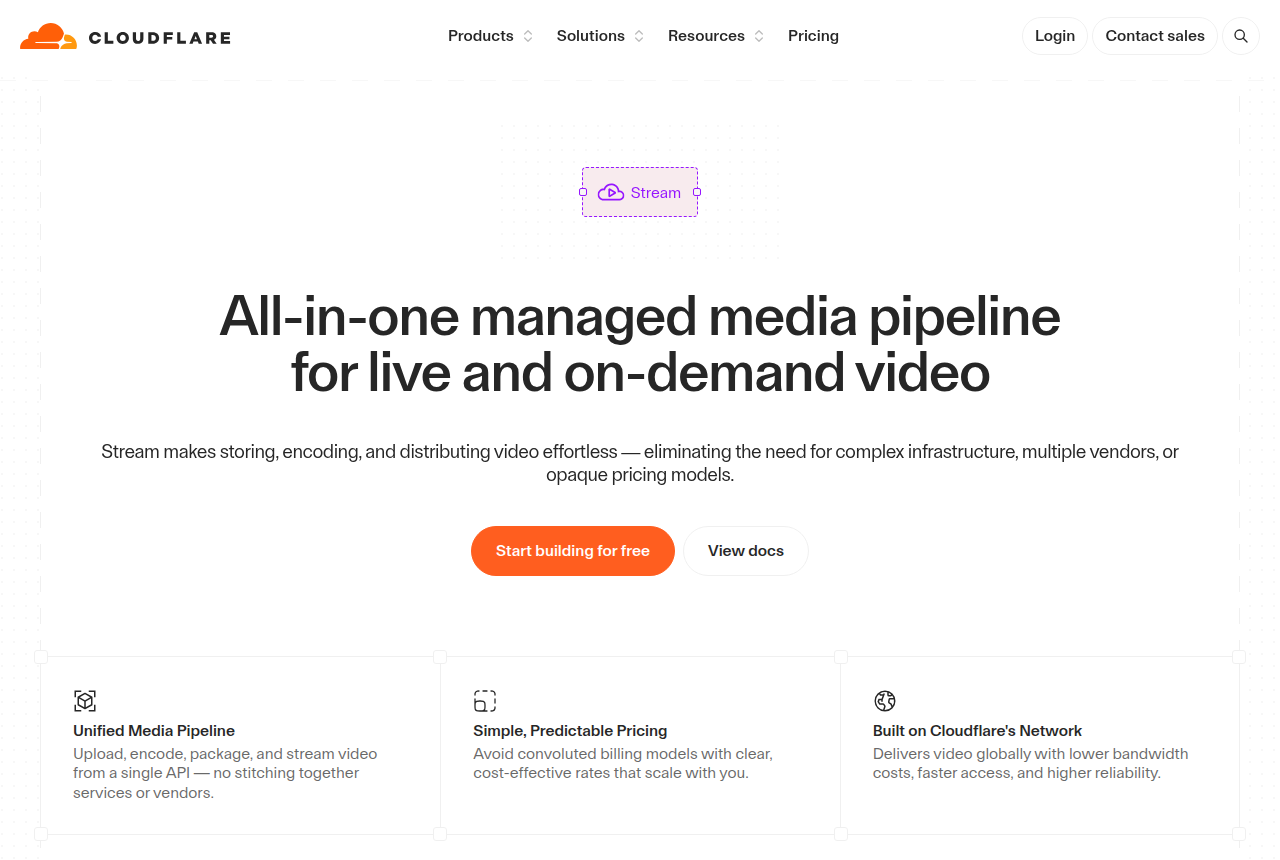
Stream's player docs describe an iframe, plus optional React and Angular components. Autoplay is a query string. The same page says mobile browsers usually will not autoplay, so the viewer has to tap the screen. It recommends muted=true when the browser blocks autoplay with sound. Those docs do not describe an unmute that leaves the playhead in place, timed sales buttons, a test scored on orders, or a purchase tied to the view.
People who have shipped Stream describe the trade-off in plain language. On r/webdev, developers describe it as cheaper, with global coverage and predictable usage pricing, and they call the player bare-bones next to higher-level hosts. On r/brdev, developers who host course video describe Panda as a ready-made Brazilian option for that market, compared with building delivery in-house. That note is about who Panda was built for. If you need those dashboard controls, compare the two hosts on the features in this section.
Panda's homepage advertises DRM watermarking, encryption and download blocking for video courses. Stream's published player page covers the embed and the autoplay query. For a paid course that needs watermarking and download blocking, choose Panda.
What one 20-minute sales video costs
The VSL hosting cost calculator and the bandwidth guide use the same example. A 20-minute video, 5,000 visitors, a quarter of it watched, is 25,000 minutes. At 3.33 Mbps, one minute is about 0.025 GB, so the month comes to about 624 GB.
Panda's VSL page says billing is based on the bandwidth a lead consumes while the video plays. The pricing page is still a monthly plan: Bronze includes 200 GB of storage and 500 GB of bandwidth, then $0.03 for each extra gigabyte. That 124 GB of overage is included in the calculator's Bronze total of $21.63. A quiet month still pays the plan fee shown in the table.
Stream's pricing documentation lists two charges. Stored minutes are $5 per 1,000, billed up front, and delivered minutes are $1 per 1,000, billed after the month. Ingress and encoding are included. A 20-minute file fits in one storage block, the minimum in the table. 25,000 delivered minutes cost $25. With the storage block, the calculator total is $30. Our Cloudflare Stream pricing page breaks down those same two charges. Web playback rounds to four-second segments, and client-side preloading counts as delivery, so a player that buffers ahead can clear the $25 line before anyone finishes the pitch. The product pricing table shows no free allowance of stored or delivered minutes.
Panda's homepage FAQ offers a 14-day trial capped at 100 GB of bandwidth. Stream bills for a storage block from day one. A short test of the conversion features fits inside that cap. With Stream, the first invoice is that storage block plus the minutes delivered.
When the ad account has to learn from the sale
Panda's tracking pixels fire in the browser, and the reports stay in Panda's dashboard. Panda does not include a cart-verified server postback. Stream's player documentation does not describe a purchase sent to an ad account. If you run cold traffic and need the checkout to tie a confirmed order to the play that produced it, neither host does that.
TrackPlay is a VSL player and analytics platform for paid-traffic funnels. One embed drops into the page. When a sale happens, the cart sends the verified purchase to the play that earned it, server to server, with no browser involved. The carts are ClickBank, ClickFunnels, Kiwify, BuyGoods, Digistore24, WarriorPlus and JVZoo. TrackPlay then sends that conversion to Meta, TikTok and GA4 at the watch-time milestone you choose. It drops the duplicate when the browser and the server both report the sale.
The player is built around that same sale. It starts with sound where the browser allows it. Where sound is blocked, it starts muted and turns sound on at the first touch without restarting the video, and it reports the unmute rate. Retention is shown second by second, split between buyers and non-buyers, with the median pitch moment marked. Hook rate, hold rate and revenue per play sit beside that chart. Split tests stay under one embed, so the ad link stays put when a variant wins. The winning variant is the one backed by cart-verified sales, reported with a z-test, a p-value and a confidence interval. Every feature is included on every paid plan, and billing is based on plays. Paid plans start at $29 a month, with a no-card free plan and a 14-day trial of the paid features.
It is narrow by design. It is built for paid-traffic VSL conversion, so it is a poor fit when the video's job is content marketing. It lacks the channels, SEO pages and webinar tools you get with Wistia. A seller whose video is the pitch still gets the player, the buyer split and the cart postbacks. Those library tools matter when the videos themselves are the product. It is also very new. Testimonials are only on the vendor's site. Third-party reviews are still sparse, and signup requires an invitation. That is typical for a platform this new.
TrackPlay vs Panda Video is the page to read when the choice is between those two. Vidalytics vs Panda Video covers another finished conversion player.
My take
I would put Panda on a sales page that has to go live this week, when the buttons, the pixels and the test need to exist before anyone writes code. Bandwidth overage becomes the issue once a long video gets a lot of views. The Bronze total above is the cost for this example.
Stream is the right call for a team already on Cloudflare that will write the funnel code itself. Encoding is included, and you can recompute the bill from minutes stored and minutes delivered. You also own autoplay, the buttons and the reporting. Preloading and four-second rounding add delivery minutes that a simple count of watch time leaves out.
If you run cold traffic and judge the spend by confirmed sales, TrackPlay is the host for that job. If you are moving off Stream, the Cloudflare Stream alternatives guide lists hosts that already include a sales player. The other pairs are on the comparison index.
Our pick
Panda Video
Panda Video is the pick if you sell courses or run affiliate offers and want VSL features with serious anti-piracy.
Frequently asked questions
Can Cloudflare Stream replace Panda Video for a VSL?
Which is cheaper for a long sales video?
Does Panda Video work on Cloudflare Pages?
Does either post Meta purchases from the player?
Can Cloudflare Stream do DRM the way Panda does?
Sources
The vendors' own pages
- Panda Video VSL player
- Panda Video pricing
- Panda Video trial and course protection
- Panda Video tracking pixels
- Cloudflare Stream pricing
- Cloudflare Stream player
- Cloudflare Stream product page
Other sources

Written by
Mara Vance
Editor
Mara edits the reviews and roundups on VSL Host Report. She checks autoplay, watch time, timed buttons, lead gates and page speed when the visitor is new and the traffic is paid. She also maps what each host really costs, whether it bills per play, per gigabyte or per seat, and rebuilds the monthly bill for a typical VSL funnel. For each piece she reads long-term user reports across forums and review sites, works through the vendor's own docs and pricing, and confirms the numbers before a verdict goes live.
Last checked 2026-10-15
Comments
No comments yet. Questions and your own experience are welcome.
Thank you. Your comment will appear once it has been reviewed.