What a lesson library costs each student
Price the class, the hours, and the rewatches. Storage was never the line that moves.
A course invoice rarely matches the hard-drive budget. You stored the lessons. The bill follows the people who watch them, how much of each lesson they finish, and how many times they come back.
Gumlet's note on course hosting cost puts student count and watch time ahead of the raw length of the library. The arithmetic on this page is built on that. It prices eight dedicated hosts from published list rates. Tax, extra seats, a DRM add-on, and video bundled inside a course platform stay out. Teachable, Thinkific and Kajabi sit in that last group.
The public enrolment video is a different file. The locked library is this one. The secure hosting guide covers how the two files are split at a January launch.
The short answer
The form opens on 80 students and a six-hour library, watched once, all the way through. The method turns that class into about 720 GB. Each monthly estimate, divided by the enrolment, is the figure for one student. The table is that class. The last row is a yearly credit: it covers one pass of the library and not a second pass.
Price your own class
Set the enrolment, the hours in the library, how many full passes each student makes, the share of each pass they finish, and the stream bitrate. Storage is optional and only changes the Bunny line. The button sorts the eight hosts by the monthly estimate.
Press the button to price your own class. With JavaScript off, the worked table below shows the starting class.
Worked class: one full watch
The table prices the delivery from the method, smallest monthly estimate first. The credit row is last because it is not a monthly fee.
Plus has already left its block, so the extra gigabytes are on the bill and the lessons keep playing. Bunny is the bytes with no plan wrapped around them. The credit covers this single pass. Ask the class to watch the library again and that credit is short, while an allowance plan adds the new gigabytes at its published rate and a flat fee stays put.
Price the public pitch on the sales-video hosting cost calculator. That tool starts from visitors, not from people who have enrolled.
| Host | Meter | This month | Each student |
|---|---|---|---|
| Gumlet | Monthly streaming allowance | $6.00 | $0.08 |
| Creator includes 3,000 GB of streaming at $6, billed annually. Those gigabytes sit inside that pool. Overage past it is $0.15 per GB. | |||
| Bunny Stream | Per gigabyte delivered | $7.20 | $0.09 |
| Standard delivery in Europe and North America is $0.01 per GB, which is $7.20 on this delivery. The $1 monthly minimum does not apply. Storage at $0.01 per GB is left out. The volume rate starts at $0.005 and is not used. | |||
| Voomly | Flat bandwidth | $19.00 | $0.24 |
| Plus is $19 a month and does not add a bandwidth charge. Light and Basic stop at a few gigabytes with no overage, so this cohort lands on Plus. | |||
| Panda Video | Monthly bandwidth plan | $24.50 | $0.31 |
| Bronze lists at $17.90 for 500 GB, then $0.03 per GB, which comes to $24.50 on this class. The calculator steps up to Silver or Gold when that list fee is lower. A promo banner is ignored. | |||
| Spotlightr | Monthly allowance, then per gigabyte | $27.00 | $0.34 |
| Plus is $21 a month billed annually, with 600 GB, then $0.05 per GB. The 120 GB past the block add $6, and playback continues. | |||
| SproutVideo | Yearly pool, shown per month | $72.00 | $0.90 |
| Tree is $72 a month billed annually. The grid includes 12 TB a year, about 1,000 GB a month, then $0.08 per extra GB. Delivery of this size is inside that share. A summary line also says 1 TB. | |||
| Wistia | Monthly allowance plus prepaid steps | $79.00 | $0.99 |
| Business is $79 a month billed annually and includes 1 TB. It fits the included terabyte. Past that, prepaid bandwidth is $150, $280 or $390 for one, two or three extra terabytes. The per-GB rate is not printed. | |||
| VdoCipher | Yearly bandwidth credit | Fits once | Yearly credit |
| Starter is $149 a year for 1,000 GB. This pass fits once. A second full pass is 1,440 GB and does not. Twelve months at this rate do not fit either, and no overage dollar is published. | |||
How each host meters a lesson library
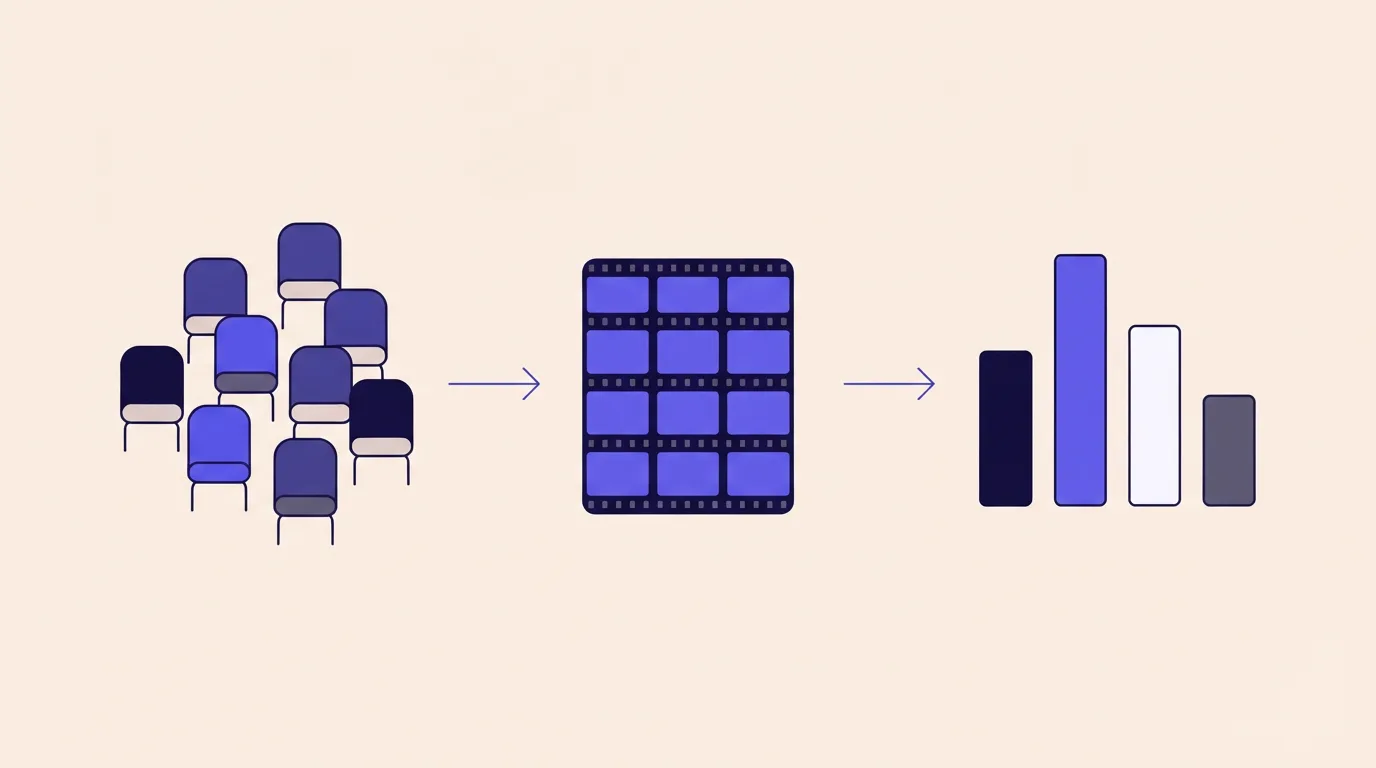
Five of these sell a block of gigabytes. One sells the gigabytes themselves. One sells a credit for the year. One sells a fee that does not grow with watching. Nothing here is a ranking.
A monthly block, then a rate
Spotlightr Plus is a block of gigabytes with a meter after it. Delivery past the block is billed while playback continues. The FAQ says a yearly subscription still pays that flex bandwidth every month, so paying annually does not freeze the extra. The old name, Vooplayer, has its own account page. Wistia vs Spotlightr is the head-to-head when the other choice is a marketing host. Rates are on the Spotlightr price list.
Gumlet Creator pairs a wide streaming pool with a small fee. A single cohort the size of the worked class never reaches the overage, which is why the column shows the fee alone. The rate past the pool starts to matter when several courses share the account, or when students rewatch enough to use the pool up. Both numbers are on the Gumlet price list.
Panda Video keeps the gigabytes inside a plan and lets the bill step up. The form tries Bronze, Silver and Gold at list fees and keeps the cheapest the arithmetic supports, then adds gigabytes past that plan's block. A promotional price printed beside the list is not used. The three list fees are on the Panda Video price list.
SproutVideo Tree is a yearly pool, spread here into a monthly share so it can sit in the same column as the monthly plans. The grid's yearly total is the figure used. A summary line on the same page names a smaller amount. Follow the grid. One caution: a single heavy month can still fit inside the year even when it exceeds the share, so the extra on that share can sit above a spike the pool would have covered. The grid is on the SproutVideo price list.
Wistia Business includes a terabyte a month on the annual plan. Past that terabyte there is no printed price per gigabyte. You buy prepaid bandwidth in whole terabyte steps, at the three pack prices in the row. If the estimate falls between steps, the form buys the next full step and says the per-gigabyte rate is unpublished. If the month is larger than the biggest pack, it stops there and labels the rest unpublished rather than inventing a cent rate. The packs are in Wistia's bandwidth article. The included terabyte is on the Wistia price list.
Gigabytes, with no block to burn
Bunny Stream bills what is delivered, at the standard Europe and North America rate, with a monthly minimum if the month is tiny. Encoding and the player are included in that usage price. Storage is separate: type the library size in the form and the storage rate on the row is added. Leave the storage field at zero and the line is delivery only. The volume rate is lower, and this tool does not apply it. The rate card is on the Bunny Stream pricing page, and the Bunny Stream review uses the same card.
A credit that lasts the year
VdoCipher's plans run for a year, and the bandwidth number is a yearly credit. The FAQ says so, and it defines the meter as data actually streamed. Its example is a 200 MB video played 10 times in a day, which is 2 GB. The form takes your month, multiplies by twelve, and asks whether the published credit covers that year. When it does, the monthly column splits the annual fee across twelve months. When the month itself fits and the year does not, the row says one pass fits and does not invent a dollar for the shortfall. When a single month is larger than the credit, the row says the credit is exhausted. The Starter fee and the credit size are printed in VdoCipher's alternatives article. The VdoCipher review is the longer account of the license.
A fee that ignores watching
Voomly Plus takes the bandwidth meter off the plan. The column does not rise when the class doubles, so the figure for each enrolment is the one that falls. Light and Basic end at a short block and do not sell extra gigabytes, which is why a real lesson library does not land on them. That split is on the Voomly price list.
The enrolment video is a different bill
A January launch is two videos with two meters. The enrolment video sits on a public page and is watched by people who have not paid. Price that file on the sales-video calculator, which starts from visitors and from plays. The lessons sit behind the people who paid, and they are the gigabytes in the table above.
TrackPlay is a VSL player and analytics platform for paid-traffic funnels. It ties a play to the sale and can post that sale back to the ad platforms. The enrolment video is the file that belongs on it, when the cart has to record the order and the embed should play only on domains you list. Paid plans start at $29 a month.
It is narrow by design. It is built for a direct-response sales video, so it has none of the channels, SEO pages or webinar tooling of a Wistia, and it is a poor fit when the video's job is content marketing. The lesson library still wants a host from the table. Independent write-ups are still thin, the testimonials sit on the vendor's own site, and signup asks for an invitation code, which is what you would expect while a player is this new. Buyers who want a sales player usually set it next to Vidalytics and Panda Video. Panda is already in the table as a bandwidth host. TrackPlay is not, because a library bill is not what it meters.
The cheap hosting guide is where a sales video is compared on plays, minutes and gigabytes. It does not price a student login.
My take
I'd judge a host by the second full watch, not the first. I'd start with whichever line I can still explain from its own price list after that second watch, and I'd skip any line that needs a rate the vendor never printed. The public pitch belongs on the sales-video calculator. A small figure for each student here is only the library.
The lock on the lessons is a separate decision from the gigabytes. The secure hosting guide walks through that lock.
How the estimate is worked out
Minutes equal the enrolled students, times the library length in hours, times 60, times the full passes each student makes, times the share of each pass they watch. Gigabytes equal those minutes times 0.025, times the bitrate you entered divided by 3.33. At 3.33 Mbps a minute is 0.025 GB, about 1.5 GB an hour. The starting class is 28,800 minutes, which is 720 GB.
Another full pass multiplies that delivery in a straight line. Nothing in the formula tapers the second watch.
Bunny storage, when you type it, uses the storage rate on that row and is added to delivery. The combined usage still respects the monthly minimum on that row.
Left out on purpose: tax, extra seats, a license add-on, and any video the course platform includes in its own fee. The comparison is a dedicated host, on the same gigabytes, so a bundle that hides the meter cannot look cheaper by omission.
Every rate in the table was read on the vendor page linked from that row. How those pages are checked is the methodology.
Sources
- Gumlet: what moves a course hosting bill
- Gumlet pricing
- Spotlightr pricing
- Spotlightr FAQ
- Panda Video pricing
- SproutVideo pricing
- Wistia pricing
- Wistia: account usage and bandwidth
- Bunny Stream pricing
- VdoCipher FAQ
- VdoCipher: Starter plan figures
- Voomly pricing
- A course operator on a Vimeo bandwidth cap
Frequently asked questions
Why do repeat views change a course hosting bill?
Why not price a course with the sales-video calculator?
Will the hosting company bill this exact amount?
When does a course outgrow video included with the platform?
Related reading
Changes to this page
- 28 November 2026: first published. Eight dedicated hosts, judged on class size, library hours, repeat watches and bitrate.

Written by
Mara Vance
Editor
Mara edits the reviews and roundups on VSL Host Report. She checks autoplay, watch time, timed buttons, lead gates and page speed when the visitor is new and the traffic is paid. She also maps what each host really costs, whether it bills per play, per gigabyte or per seat, and rebuilds the monthly bill for a typical VSL funnel. For each piece she reads long-term user reports across forums and review sites, works through the vendor's own docs and pricing, and confirms the numbers before a verdict goes live.
Last checked 2026-11-28
Comments
No comments yet. Questions and your own experience are welcome.
Thank you. Your comment will appear once it has been reviewed.