Head-to-head
SproutVideo vs Wistia
If you are choosing between SproutVideo and Wistia, you are choosing a private video host or a B2B marketing library.
Quick answer
Pick SproutVideo if you need business or training video locked to named viewers, your own domains, and optional dynamic watermarks, and you can watch an annual bandwidth meter; pick Wistia if your video feeds a B2B content library with heatmaps, A/B tests, and optionally HubSpot or Marketo sync on the Signals tier. Seed is $12 a month on annual billing. Business is $79 a month on annual billing.
You are choosing between SproutVideo and Wistia. One job is a training video or a client demo that only certain people should open. The other is a B2B library that shows where viewers leave, and on a higher plan sends that data to a marketing platform.
A sales video bought with ads, and judged on the purchase, is a different job. Neither host sends the sale back to an ad account. If that is the video you are hosting, read Vidalytics vs Wistia.

| SproutVideo | Wistia | |
|---|---|---|
| Best for | Secure business video | B2B content |
| From | $12/mo annual | $79/mo annual |
| Billing | Plan with bandwidth allowance, then per GB | Storage + seats |
| Free plan | 30-day trial | 25GB, 1 user |
| Sale attribution | Leads and CRM | Watch-percent tags |
| Bandwidth | 1,800 GB/year on Seed | 1 TB/month on Business |
| Extra use | $0.25/GB on Seed | Per GB on paid plans |
| Lead forms | On Seed | On Business |
| Heatmaps | Per named viewer | Per view on Business |
| Who can watch | Login and watermark | Password, SSO on Enterprise |
| Player logo | Off on every plan | Off on Business |
SproutVideo when the video should stay private
What works
- The 30-day trial includes every feature and does not ask for a card, so you can restrict a real video before the first bill.
- Password protection and a list of allowed domains are included on Seed. Viewer login starts on Sprout. Dynamic watermarks that show the viewer's email, IP address and session ID start on Tree.
- Lead forms, in-player buttons and CRM links ship on Seed.
- The player carries no SproutVideo logo on any plan.
- Heatmaps and a record for each named viewer can be exported as a CSV.
What to watch
- Bandwidth is a yearly pool, and extra gigabytes are billed while the video keeps playing.
- There is no cart-level sale report, and no sound-first autoplay that restarts on unmute.
- Delivery encryption is AES-128. Widevine and FairPlay are separate DRM systems, so logins and watermarks are how a course video is kept from spreading.
- An optional bandwidth cap can miss a very fast spike, and the bandwidth FAQ says a charge can still land.
Wistia for a B2B library
What works
- Business adds calls to action, heatmaps and A/B tests, and it takes the logo off the player.
- Signals scores leads and can sync watch data to HubSpot, Marketo, Pardot, ActiveCampaign, Eloqua or Klaviyo.
- A free account can hold a small library, with the logo left on the player.
What to watch
- Calls to action, heatmaps and A/B tests wait for Business. A sync into a marketing platform waits for Signals.
- The free plan cannot buy extra bandwidth, and the embed stops once the limit is passed.
- The bandwidth article says to avoid autoplay, because a video that starts on its own spends the allowance before a click.
- People running a growing library say the price climbs with it.
Wistia vs SproutVideo pricing
SproutVideo and Wistia charge in different ways, so the lower monthly price can still be the larger bill. SproutVideo includes a yearly amount of bandwidth. Extra gigabytes are billed, and the video keeps playing. Wistia includes a monthly amount. On a paid plan, bandwidth past that amount is billed per gigabyte on the monthly billing date.
SproutVideo's pricing page lists the plans. Seed is the lowest annual price. Paying month to month costs more than paying annually. The next plan, Sprout, adds viewer login. The plan after that, Tree, adds dynamic watermarks and signed embeds. Tree's yearly bandwidth is in the detail table on that page. The number on the large pricing cards is storage.
On an annual plan the included bandwidth resets once a year, and extra use is charged every month. The bandwidth FAQ explains that split. It also says the optional bandwidth cap cannot fully stop a charge. A sudden spike in viewing can still add an overage.
| Plan | Annual | Allowance |
|---|---|---|
| Seed | $12/mo | 150 GB stored, 1,800 GB a year. Month to month is $15. Extra bandwidth $0.25/GB. |
| Sprout | $35/mo | Viewer login starts here. |
| Tree | $72/mo | 12 TB of bandwidth a year, plus dynamic watermarks and signed embeds. |
| Wistia Free | $0 | 25 GB stored, 200 GB bandwidth, 1 user, logo on the player. |
| Wistia Business | $79/mo | 250 GB or more stored, 1 TB a month, 3 users. Another user is $25/mo. |
| +1 TB | $150/mo | Prepaid bandwidth on Business. Monthly bandwidth rises from 1 TB to 2 TB. |
| Business + Signals | $329/mo | Lead scoring, plus HubSpot, Marketo, Pardot, ActiveCampaign, Eloqua or Klaviyo. |
A 20-minute video that 5,000 visitors watch for a quarter of its length uses about 625 GB in that month. Seed includes 1,800 GB for the year, which is about 150 GB in an average month, and this video uses more than that monthly share. At the Seed rate in the table, the extra gigabytes come to about $119 on top of the plan fee. Tree includes 12 TB for the year, which covers that month.
Extra use on an annual SproutVideo plan is charged in the month it happens, even though the allowance resets only once a year. A quiet year can still produce one large bill. If a Wistia Business account stays inside its monthly bandwidth, you pay the plan fee. Once you pass it, you can buy the prepaid terabyte in the table, or pay per gigabyte. The free account cannot buy more bandwidth. After the allowance, and a grace period, the embed stops.
A form inside the player, used to gate a demo, is included on SproutVideo's lowest paid plan. On Wistia, that form, the heatmap and the A/B test are on Business. Viewing data reaches a marketing platform on Signals. The SproutVideo pricing breakdown covers SproutVideo's plans. The Wistia pricing and bandwidth tiers cover Wistia's. The VSL hosting cost calculator prices one sales video from its length and how much of it people watch.
Who is allowed to watch
SproutVideo's features page says the player never shows a SproutVideo logo. Password protection and a list of allowed domains are on Seed. Viewer login, which ties the file to a person, starts on Sprout. Dynamic watermarks that show the viewer's email, IP address and session ID, and signed embeds, start on Tree. Country and IP rules are on Forest.
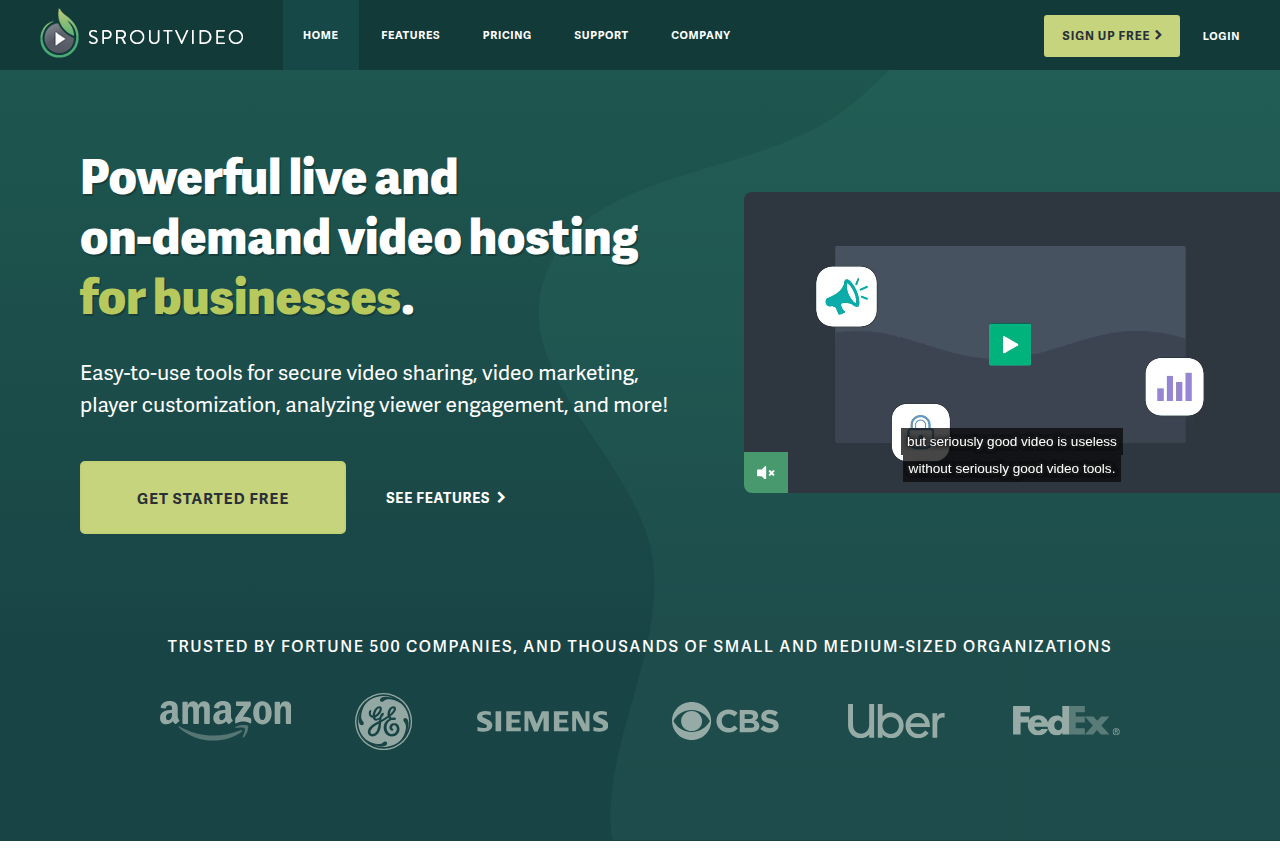
A login shows who opened the file. A watermark shows whose session was recorded. A domain rule controls which sites may embed it. Those three controls fit staff training and a demo sent to one account. The watermark is a Tree feature, so Seed and Sprout leave the picture clean.
Wistia includes private sharing and a password on every plan. Single sign-on and playback protection are Enterprise features. Free, Business and Signals are the plans in the table. Wistia's pricing page lists branding, heatmaps, tests and CRM sync on those public plans. If you are choosing a host because the file must stay private, the secure video hosting roundup compares hosts that publish access controls.
Heatmaps, buttons, and a sales video
Both players can collect a lead and show where people stop watching. SproutVideo includes the form and the button on Seed, and it keeps a record for each person that you can export. Wistia's heatmap counts each view, and it arrives with the test and the button on Business. A lead score inside the marketing platform is on Signals.
Neither platform records the purchase. There is no postback from the cart, and there is no autoplay that starts with sound and keeps the opening when the viewer unmutes. Forms and a CRM sync still collect a lead. An ad account still does not learn which play produced the sale.
Wistia's bandwidth article says to leave autoplay off. A video that starts on its own uses bandwidth before anyone clicks. SproutVideo can autoplay. The browser still decides whether that start includes sound. If a sales page has to play the opening aloud after a click, and keep that opening, see smart autoplay for sales pages.
What subscribers report
A reviewer on Capterra, writing about the Sprout plan, said the included bandwidth was not enough, and that paying about $40 more for bandwidth was a reason to consider another host. Other reviews on that page describe the support team as responsive and the setup as straightforward.
A comment on a public marketing thread said Wistia's price rises quickly as the video library grows. That is one comment. It fits a bill that grows with storage, monthly bandwidth and a separate automation plan.
Which video I would host on each
I would host training and a demo for one account on SproutVideo. I would add up a year of bandwidth before I treated the Seed fee as the full cost. I would host an explainer, a case study and a resource center on Wistia. Business is the plan when the logo has to come off and you need the heatmap. Signals is the plan when viewing data has to reach the marketing platform.
The Wistia review covers that library. If neither host fits, SproutVideo alternatives and Wistia alternatives list other options. Panda Video vs Wistia compares Wistia with a sales player that also restricts course video. Wistia vs Vimeo compares Wistia with a general video library.
Our pick
SproutVideo
SproutVideo is the pick if you need private business or training video locked to your own sites and named viewers, with CTAs and lead capture built in, and you do not need the host to tie a play to a sale.
Frequently asked questions
SproutVideo or Wistia for a sales video on paid traffic?
Which one is cheaper to start?
Can I move a library from SproutVideo to Wistia?
Which plan removes the host logo?
Sources
The vendors' own pages
- SproutVideo pricing
- SproutVideo features
- SproutVideo bandwidth FAQ
- Wistia pricing
- Wistia account usage and bandwidth
Other sources
Related reading
- SproutVideo review
- Wistia review
- SproutVideo pricing breakdown
- Wistia pricing and bandwidth tiers
- SproutVideo alternatives
- Wistia alternatives
- Panda Video vs Wistia
- Vidalytics vs Wistia
- TrackPlay vs Wistia
- Wistia vs Vimeo
- Secure video hosting roundup
- VSL hosting cost calculator
- Smart autoplay for sales pages
- All head-to-head comparisons

Written by
Mara Vance
Editor
Mara edits the reviews and roundups on VSL Host Report. She checks autoplay, watch time, timed buttons, lead gates and page speed when the visitor is new and the traffic is paid. She also maps what each host really costs, whether it bills per play, per gigabyte or per seat, and rebuilds the monthly bill for a typical VSL funnel. For each piece she reads long-term user reports across forums and review sites, works through the vendor's own docs and pricing, and confirms the numbers before a verdict goes live.
Last checked 2026-10-24
Comments
No comments yet. Questions and your own experience are welcome.
Thank you. Your comment will appear once it has been reviewed.