Head-to-head
TrackPlay vs Bunny Stream
One sales video, two meters: gigabytes on a CDN, or plays on a player that posts the sale.
Quick answer
Pick TrackPlay if you run paid traffic to a VSL and need cart-verified attribution, timed CTAs and split tests without building a player; pick Bunny Stream if you have a developer who will own delivery, DRM and page logic and you want the lowest usage-based CDN bill.
You have one sales video and two ways to put it on the page. Bunny Stream is a developer pipeline: it uploads, transcodes, replicates and delivers, through a hosted player or as raw HLS. TrackPlay is a video host and analytics platform for video sales letters on cold traffic. One embed goes in the funnel, and the purchase comes back onto the play that earned it.
The question is who builds the conversion layer. If you need the buttons and the sale event before the next campaign goes live, use the host that already includes them. If a developer will handle delivery, protection and the page, work out the bandwidth cost.
| TrackPlay | Bunny Stream | |
|---|---|---|
| Best for | Paid-traffic VSLs | Developers who self-build |
| From | $29/mo | $1/mo minimum |
| Billing | Per play | Usage-based |
| Free plan | Free, no card | 14-day trial, no card |
| Sale attribution | Server-side postbacks | None built in |
| Autoplay | Sound first, then unmute without a restart | Docs recommend muted autoplay |
| Timed offers | Cards and watch gates | You build them on the page |
| Split test | One embed, scored on sales | None |
| Retention | Per second, buyers and others | Heatmap on the progress bar |
| Who builds it | Configured in the dashboard | Your developer |
TrackPlay holds the opening and posts the sale
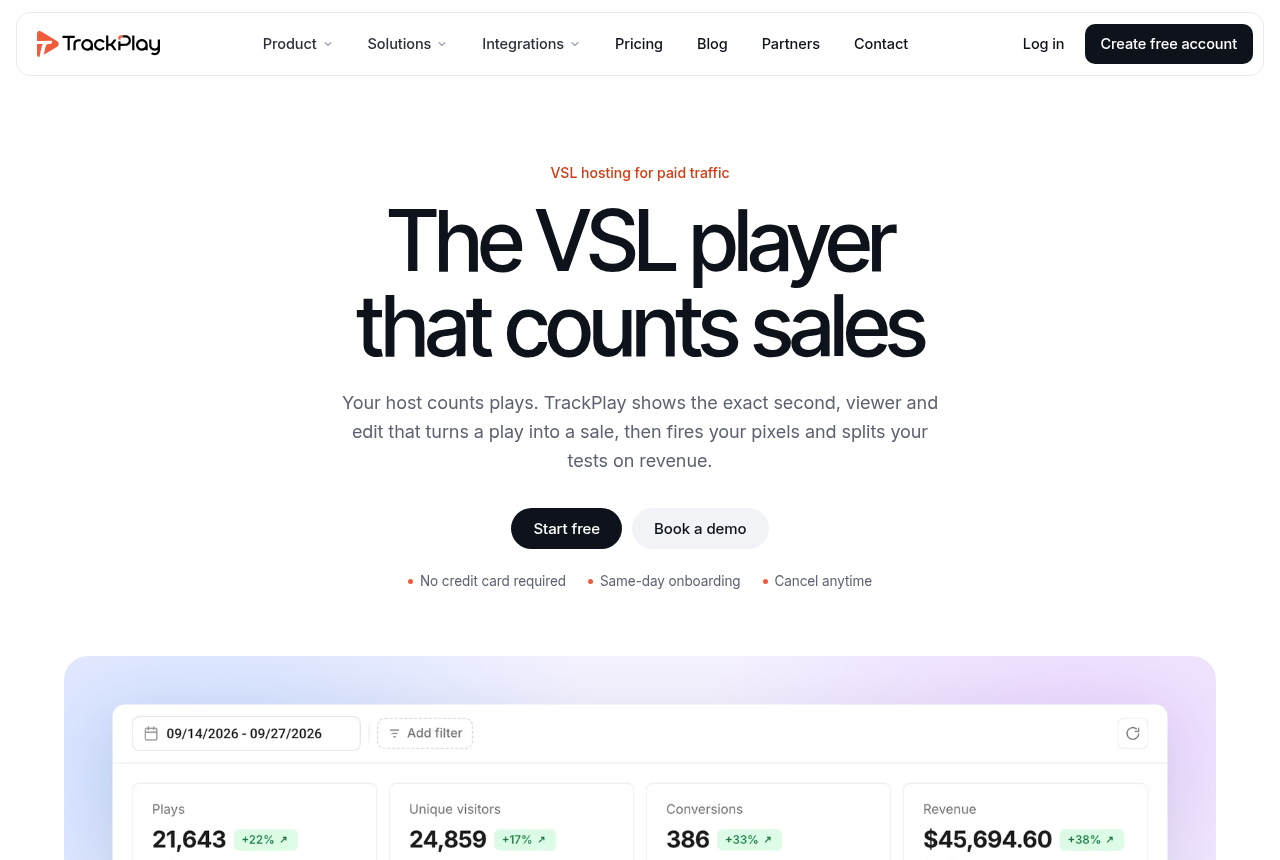
TrackPlay is a VSL player and analytics platform. It hosts the video from one embed snippet and ties each viewing session to the sale that follows. Its pricing page says every plan, the free one included, ships the full player and every conversion tool. Tiers differ only on included plays.
Smart Autoplay asks for sound on the first frame. Where the browser blocks sound, playback starts muted, and the first touch anywhere on the page turns the sound on without restarting the video. Unmute rate is reported, so you can see how many people actually heard the hook.
Timed CTA cards wait until a second you choose. A watch gate sits on that same timeline, so the next step appears when the pitch is on screen. Those controls are player features on the features page, which is also where the retention chart and the sales test are described.
Retention is drawn per second. Buyers and people who did not buy are separate curves, with the median pitch moment marked. Hook rate, hold rate and revenue per play sit beside that chart. Keep the seconds where buyers are still watching. Re-edit the seconds where everyone else leaves, especially if they leave before the pitch.
Split-test variants run under one embed. The winning variant is the one that produces more sales, and the test reports a p-value and a confidence interval. The URL in the ad stays put, so the ad platform keeps the history it has already built on that link. A second URL for variant B would look like a new page to the ad account.
Cart postbacks and webhooks send the purchase back onto the play, server to server, with no browser in that hop. A watch-time event can fire to Meta, TikTok and GA4 at the milestone you set. A page-load pixel only knows that someone arrived. The postback is the payment, attached to the session that watched. The watch-time event is how far they got, from the server and from the browser.
The TrackPlay review goes further into the player controls.
A content library is a different job
It is narrow by design. TrackPlay is built for a paid-traffic sales video whose job is a direct-response sale. Channels, SEO pages and webinar tooling are what a host like Wistia ships for a content library, and they sit outside this product. A cold-traffic pitch still has the sound-first open, the timed cards, the buyer curve and the sale attached to the play. Bunny delivers the file. A content-marketing library is a separate job, and neither of these two is built for it.
Outside proof is thin. Testimonials sit on the vendor site, and there is no meaningful third-party review footprint yet. That is what you would expect of a platform this new. The registration form includes an optional referral or coupon field.
Bunny Stream is the delivery stack you build on
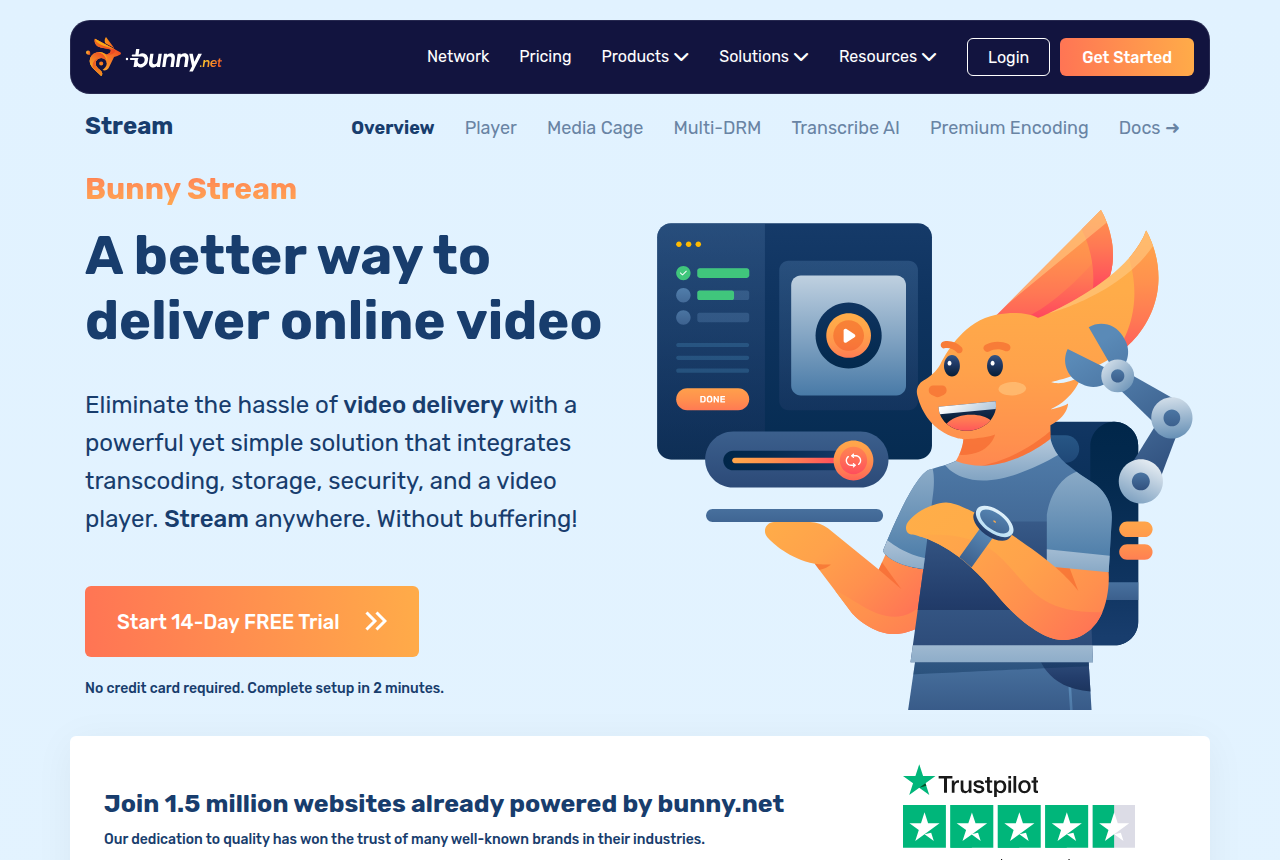
Bunny Stream integrates transcoding, storage, security and a video player. You upload, it transcodes, it replicates, and it delivers through the hosted player or as raw HLS. If the hosted player is too plain for the offer, you can take the stream and supply your own. Transcoding, replication and the security features remain Bunny's job in that setup.
The CDN player can take your own CSS. It offers chapters, captions, more than 30 languages, speed from half to four times, highlight moments, and a watch-time heatmap on the progress bar so a viewer can jump to a popular part. That heatmap helps a viewer skip ahead. A chart that separates buyers from everyone else is a different report. This bar shows viewers which parts other people watched.
The embedding docs are plain about sound. Browsers block unmuted autoplay until the viewer has interacted with the page, so the docs tell you to combine autoplay with muted for reliable playback. Sound that comes on at the first touch, with the playhead left where it is, is work on your side. So are timed offer cards, a gate on the video, and a purchase sent back to Meta.
Protection ships with the same product. Media Cage DRM, token authentication, watermarking, hotlink protection and domain allowlists are on the Stream page. Bunny's pricing page says the player, transcoding and all security features are included, and you pay for the traffic you use.
On Hacker News, a long-term user reported a flawless multi-year experience running Bunny in place of Cloudflare. A separate report describes visitors who could not reach the CDN and could not load any assets, with customer service too slow and unhelpful. The failure mode in that report is the video not loading. The Bunny Stream review covers the longer reliability record.
This fits a developer who will handle delivery, DRM and the page logic. The hours spent adding a timed offer, a sales test and a purchase event never show up on the CDN invoice.
How the two bills treat the same video
TrackPlay counts a play as a genuine viewer session. A muted autoplay nobody unmutes is not a play, so a silent open that never earns a tap adds no charge.
Basic is $29 a month for 5,000 plays. PRO is $79 a month for 15,000 plays. SCALE is $199 a month for 50,000 plays. Extra plays are opt-in, at $0.02 on Basic and one cent on PRO and SCALE. The free plan does not require a credit card. Playback pauses at the cap, and that plan has no overage.
Bunny's standard delivery in Europe and North America is $0.010 per GB, on the delivery rate card. The volume rate starts at half a cent per gigabyte. Storage starts at one cent per gigabyte. Encoding and the player are included. The account minimum is the figure in the table, and the trial there is 14 days with no card.
On this site's reference sales video, 20 minutes long, with 5,000 visitors and a quarter of the video watched, in that region, delivery is about 624 GB. At the standard rate that comes to $6.24. The VSL hosting cost calculator walks through that case. That figure is the delivery line. It does not include the player logic you still have to build.
Watching more of a long video, or serving a heavier file, uses more gigabytes. Run that heavier month in the calculator. TrackPlay's play count does not rise because the same session watched more seconds. Another genuine session is another play.
Our pick
TrackPlay
TrackPlay is the pick if you run paid traffic to a VSL and need every play tied to the actual sale.
Frequently asked questions
Can I use Bunny Stream for a VSL?
Does TrackPlay charge when autoplay stays muted?
Which costs less at low traffic?
Can Bunny Stream send a conversion to Meta?
Do I need a developer for a timed button on TrackPlay?
Sources
The vendors' own pages
- TrackPlay pricing
- TrackPlay features
- Bunny Stream
- Bunny Stream pricing
- Bunny Stream delivery rates
- Bunny Stream embedding
- Bunny Stream player
Other sources
Related reading
- TrackPlay review
- Bunny Stream review
- Bunny Stream pricing by region
- TrackPlay vs Vidalytics
- Vidalytics vs Bunny Stream
- Panda Video vs Bunny Stream
- Bunny Stream alternatives
- Presto Player review
- Low-cost hosting, priced by usage
- VSL hosting cost calculator
- All head-to-head comparisons
- How we evaluate hosts

Written by
Mara Vance
Editor
Mara edits the reviews and roundups on VSL Host Report. She checks autoplay, watch time, timed buttons, lead gates and page speed when the visitor is new and the traffic is paid. She also maps what each host really costs, whether it bills per play, per gigabyte or per seat, and rebuilds the monthly bill for a typical VSL funnel. For each piece she reads long-term user reports across forums and review sites, works through the vendor's own docs and pricing, and confirms the numbers before a verdict goes live.
Last checked 2026-10-16
Comments
No comments yet. Questions and your own experience are welcome.
Thank you. Your comment will appear once it has been reviewed.