Skip to content
Menu

Alternatives

Report the sale after Soapbox

Record and send the clip, or host it where the cart can prove the sale.

By Mara Vance, reviewed by the VSL Host Report desk. Updated October 2026.

Your Soapbox link is dead. You recorded the screen with the camera on, sent it for a pitch or a follow-up, and the URL no longer opens.

Wistia retired Soapbox on September 1, 2024. The sunset article says the product is inaccessible and plans do not renew. The same article says those recordings can no longer be viewed, downloaded, or recovered, even by Support. A file that was never copied out has to be recorded again.

TrackPlay is the pick if a finished sales video has to close on a page you buy traffic for, and the cart has to show which play earned the order. Vidyard is the pick if you still record and send a personal clip from a sales inbox. Record, inside the main Wistia product, is the replacement Wistia names when the file should land in a marketing library: webcam, screen, or both.

People kept the old tool because it was a Chrome plug-in. A sales user on a sales thread credited that extension with call-to-action links, tracking and screen sharing, and with a real change in how replies came back from email. Those three jobs did not travel together into one free recorder. A button on the video, a hosted file, and a report of the sale now sit on different plans, and sometimes on different products.

Nothing here is a measured lift over that extension. No public test scores these hosts on the same pitch Soapbox used to send. Judge the move by the job you still have this week.
Quick answer

I'd start with TrackPlay if the finished clip has to sell on a page and the cart has to prove the sale. Vidyard is what I'd open if you still record the screen and the camera and send from the inbox. Record, inside Wistia, is where I'd file the capture if it has to live in a marketing library.

The shortlist

  1. 1. TrackPlay: best Wistia Soapbox alternative for the cart
  2. 2. Vidyard: best Wistia Soapbox alternative for inbox clips
  3. 3. Wistia: best Wistia Soapbox alternative for the library
  4. 4. Vidalytics: best Wistia Soapbox alternative for page tests
  5. 5. Voomly: best Wistia Soapbox alternative for in-video funnel steps
  6. 6. Panda Video: best Wistia Soapbox alternative for affiliate offer hosting

At a glance

How the Wistia Soapbox alternatives compare

Free hosting, the meter, and whether a sale can be tied to the play. Soapbox itself is retired and is not a row in this table.

Host Best for From Billing Sale attribution Free allowance
TrackPlay Paid-traffic VSLs $29/mo Per play Server-side postbacks No-card free plan
Vidyard B2B sales outreach video $59/seat/month billed annually Per seat, monthly or annual None built in. CRM sync starts on Teams. 5 videos/mo, no hosting
Wistia B2B content $79/mo Storage + seats CRM tagging by percent watched, no sale tracking Saves into the library
Vidalytics Direct response $19/mo Plays per month Conversion tracking Free tier, then Pro
Voomly Creation + hosting $9/mo Flat tiers None Cloud bundles creation
Panda Video Courses + VSL $17.90/mo Flat + bandwidth Tracking pixels 14-day trial

Ranked

Wistia Soapbox alternatives, ranked

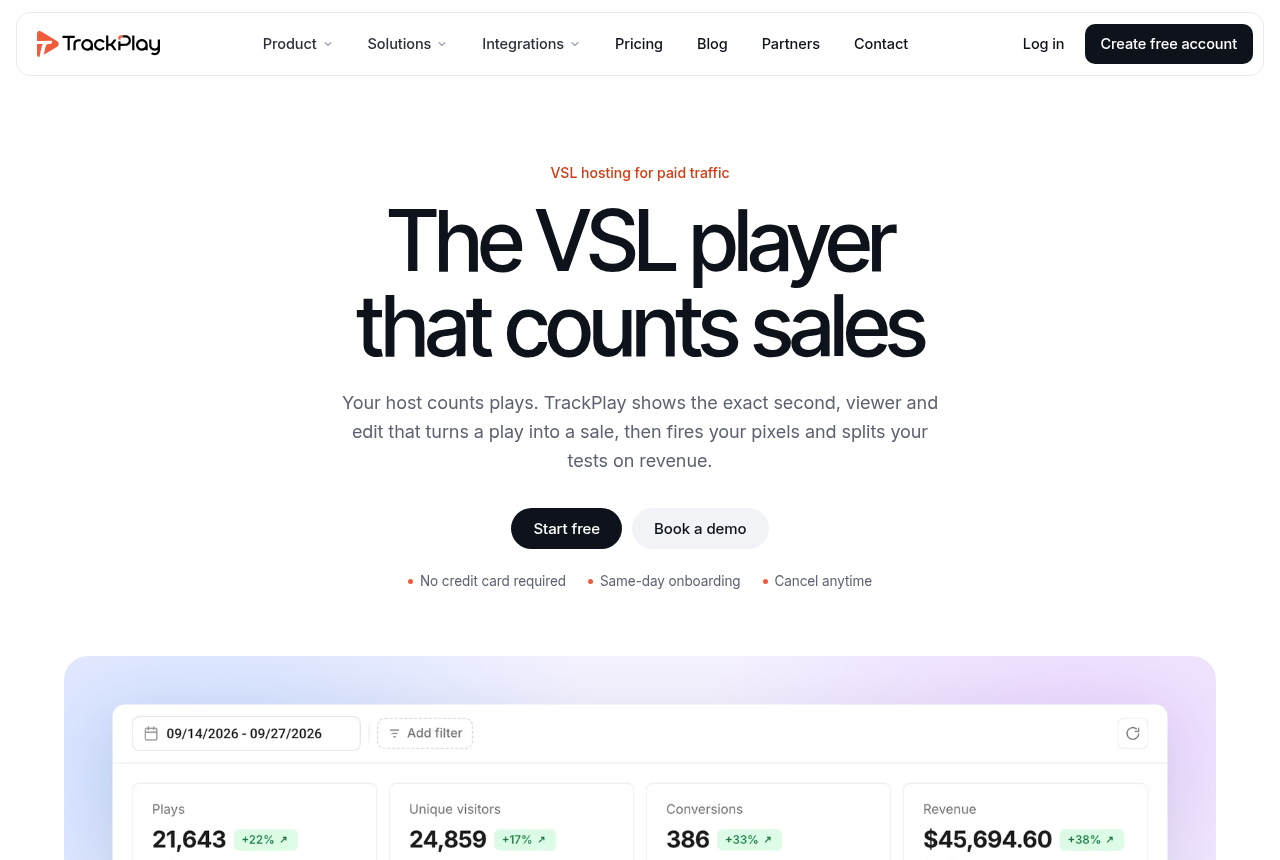
TrackPlay home page: the headline 'The VSL player that counts sales' over a dark indigo hero.

1. TrackPlay: best Wistia Soapbox alternative for the cart

TrackPlay is the pick if you run paid traffic to a VSL and need every play tied to the actual sale.

Start here when the recording is already finished and the page has to sell. TrackPlay is a video host and an analytics layer for a sales video on ad traffic. One embed drops into the funnel. The player tries sound on the first frame where the browser allows it, and where it does not, sound comes on at the first touch without a restart of the opening. A call to action can sit on a timer, and a watch gate can hold the next step until someone has actually watched.

Retention is drawn per second and split into buyers and non-buyers, with hook rate, hold rate and revenue per play on the same screen. That is the cut list: the seconds to protect and the seconds to remove. Viewer profiles stitch visits across devices, so the person who watched on a phone and bought on a laptop is one record. The profile work is part of the same account. It is not a separate product you add later.

The piece that replaces an email open, for a page rather than a message, is the cart. ClickBank, BuyGoods, Digistore24, WarriorPlus, JVZoo and Kiwify can post the sale back onto the play, server to server, with no browser in that hop. TrackPlay then sends the conversion to Meta, TikTok and GA4 on a watch-time milestone you choose, and it deduplicates the browser event against the server event. Split tests run under that same embed, so the ad link stays put and the campaign does not start over. The winner is the cut that sells, with a p-value and a confidence interval, not the cut that collected more clicks. The features page is where those carts and the server events are listed. TrackPlay vs Vidalytics is the closest matchup, and smart autoplay on cold traffic is the note on opening sound.

It is narrow by design. Built for a direct-response sale, it is not a general video host or a B2B content library, so it has none of the channels, SEO pages or webinar tooling of a Wistia. If the video's job is content marketing, a library host fits that job. The sales page still gets the player, the retention split and the cart report.

Independent reviews are still scarce, and the testimonials sit on TrackPlay's own site. That is what you would expect of a platform this new. Billing is on plays, every feature ships on every paid plan, and a no-card free plan plus a 14-day trial of the paid features are how you read the model on your own page before a large media buy. TrackPlay alternatives is the page if this focus is the limit you care about. The VSL host picker asks the cart question before it names a host.

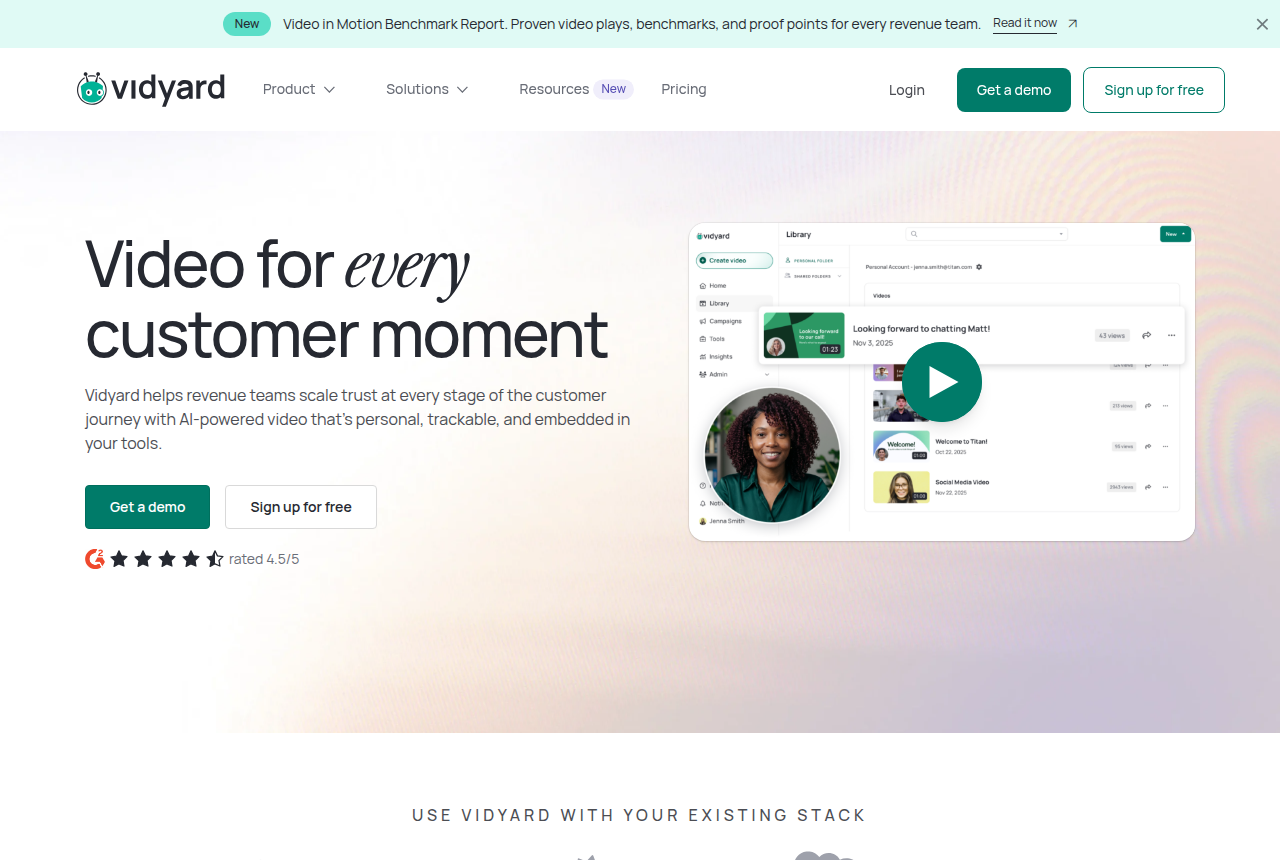
Vidyard homepage headed “Video for every customer moment,” with a library of recorded sales videos, a rep's video bubble and Get a demo and Sign up for free buttons.

2. Vidyard: best Wistia Soapbox alternative for inbox clips

Vidyard is the pick if you run a B2B sales or customer success team that sends short personal videos to prospects and wants to see who watched, inside the tools your reps already use.

Vidyard still does the motion the extension owned: record the screen and the camera, then send the clip to one person. The free recorder runs in Chrome, Edge or the desktop apps. That recorder page allows up to 25 videos in the library at once, and 30 minutes on a single take. The pricing grid is stricter about a free account: hosting is marked as not included. Unlimited recording and hosting begin on Starter, and that seat includes a 14-day trial.

Starter is also where an ad-free player, chapters, an in-video button and viewing analytics show up. A free recording with nowhere to host it will not carry the button a Soapbox user used to drop on the clip. Vidyard bills each person who records, so the invoice grows with headcount, which is a different shape from a library priced on storage.

A marketer who had been on Wistia said, on a marketing thread, that Go Video was easier to place in Outlook than Soapbox. On a sales thread, a separate comment warned that dropping the video file straight into the message can send it to spam. Treat a hosted page, linked from the email, as the send. Do not assume the file will play inside the message body.

Viewing analytics on Starter tell you the clip was opened. Writing that watch into HubSpot or Salesforce is a later plan: the Vidyard account puts CRM and marketing-automation sync on Teams, and Teams has no public price. A Starter seat records and hosts. It does not file the view on the contact. The Vidyard review and Vidyard alternatives cover the seat model. Wistia vs Vidyard is the pair when the other option is a library on the site.

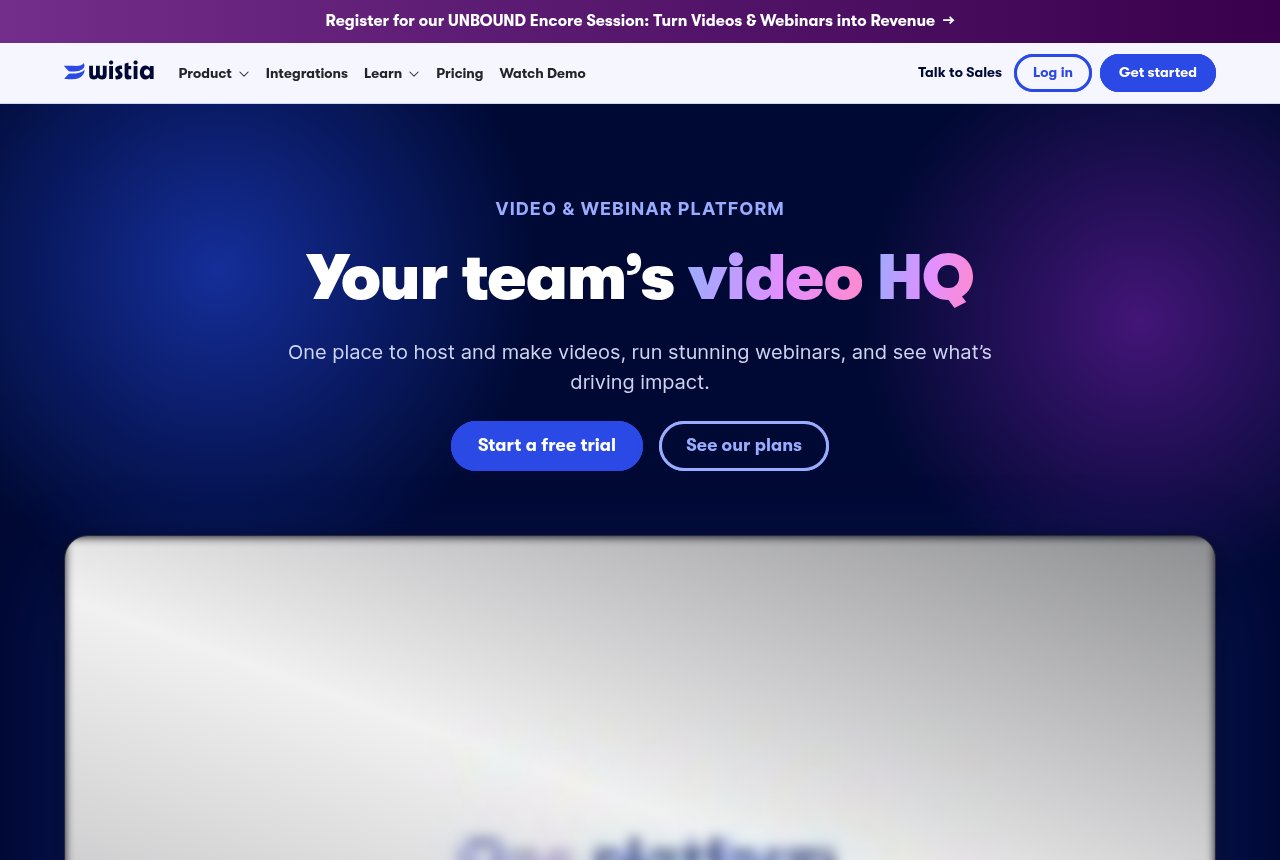
Wistia home page for its business video hosting and marketing platform.

3. Wistia: best Wistia Soapbox alternative for the library

Wistia is the pick if your video's job is B2B content marketing and lead capture.

Wistia points former Soapbox users at Record, which sits inside the main product rather than in a separate extension. You capture the webcam, the screen, or both. The Record page says the video lands in the library the moment you stop. Trim, captions, a share link and an embed are the next moves, in the same account that already holds the marketing films.

That is a library, with channels and a team around it, which is a different object from a one-off pitch in a prospect's inbox. The Wistia review is that host. Wistia alternatives is the page if the library itself is what you want to leave.

A button, a form, a heatmap and an A/B test are Business features. Pressing record does not turn them on. The sunset chart marks HubSpot meetings and Calendly as present on Soapbox's paid tiers and absent on Record. A booking link that used to close the video needs a new place, in the email or on a page you control, because those two rows on the chart do not come across.

Webinars are sold separately from the hosting plan. If the job is a live session plus a content library, this is the account that has both. If the job is a cold page that has to report an order, TrackPlay is the closer tool, and Record is only the way you capture the raw take before you upload it somewhere else.

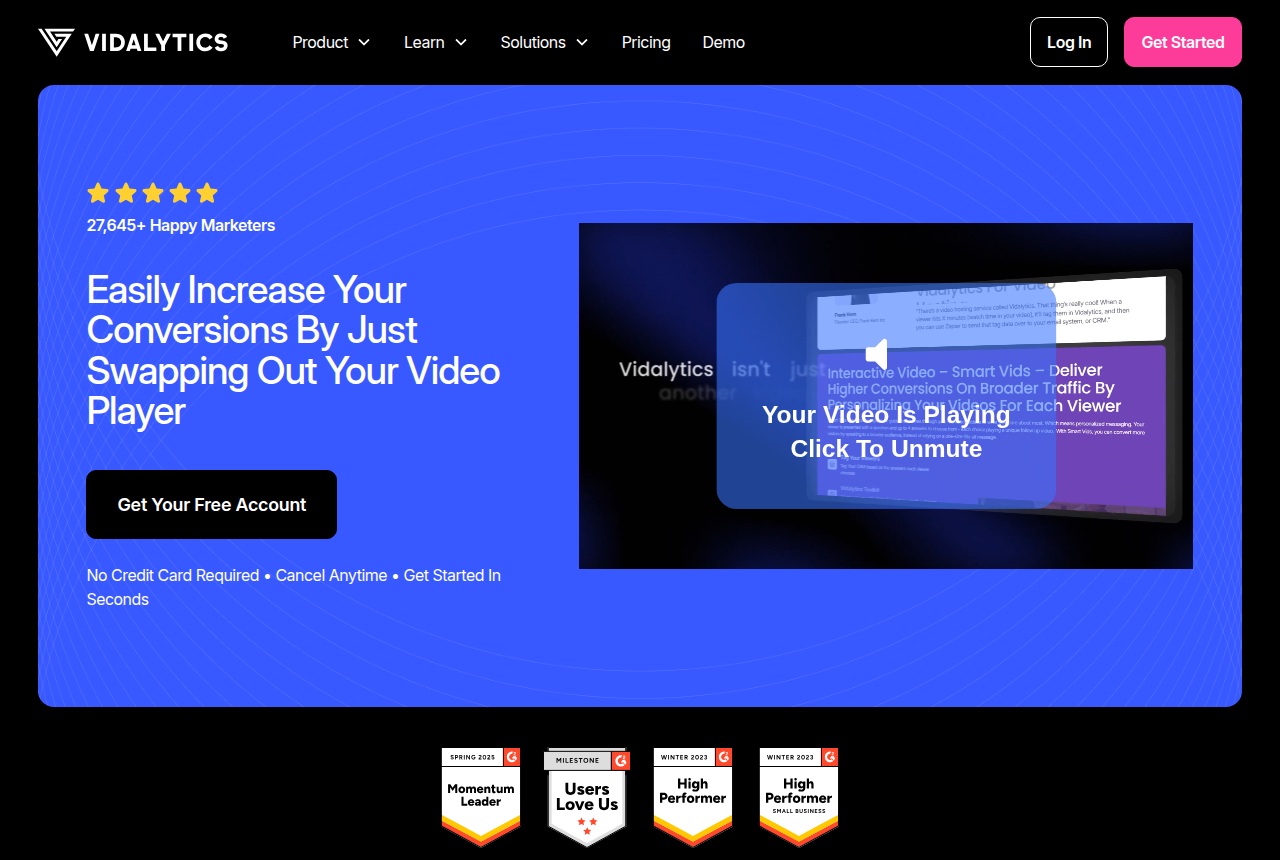
Vidalytics home page, headlined 'Easily increase your conversions by just swapping out your video player'.

4. Vidalytics: best Wistia Soapbox alternative for page tests

Vidalytics is the pick if you want a proven direct-response player with deep conversion analytics and can live with play-based pricing.

Vidalytics is the sales player with years of public use behind it, and it is the one to open when the file already exists and you want conversion data on the landing page. Pro adds conversion tracking, heatmaps, segmentation and Experiments, at $63 a month billed annually. The pricing page lists that Pro rate. Experiments can be pointed at conversion rate, which answers a different question from an email view count on the old extension.

The account meters plays. Conversion tracking here pins the moment inside the video. It stays inside Vidalytics. The order, sent from the checkout onto the play and then on to Meta, TikTok or GA4, is the piece TrackPlay adds, and it is why a media buyer who needs the purchase on the play starts with TrackPlay. A team that wants the heatmaps and the longer public record stays on this row.

The Vidalytics review walks the plans. The head-to-head with the first row is the comparison linked above. Use this host when the test you care about is on the page, and the ad account can live with a conversion event that you wire, rather than a cart postback the host sends itself.

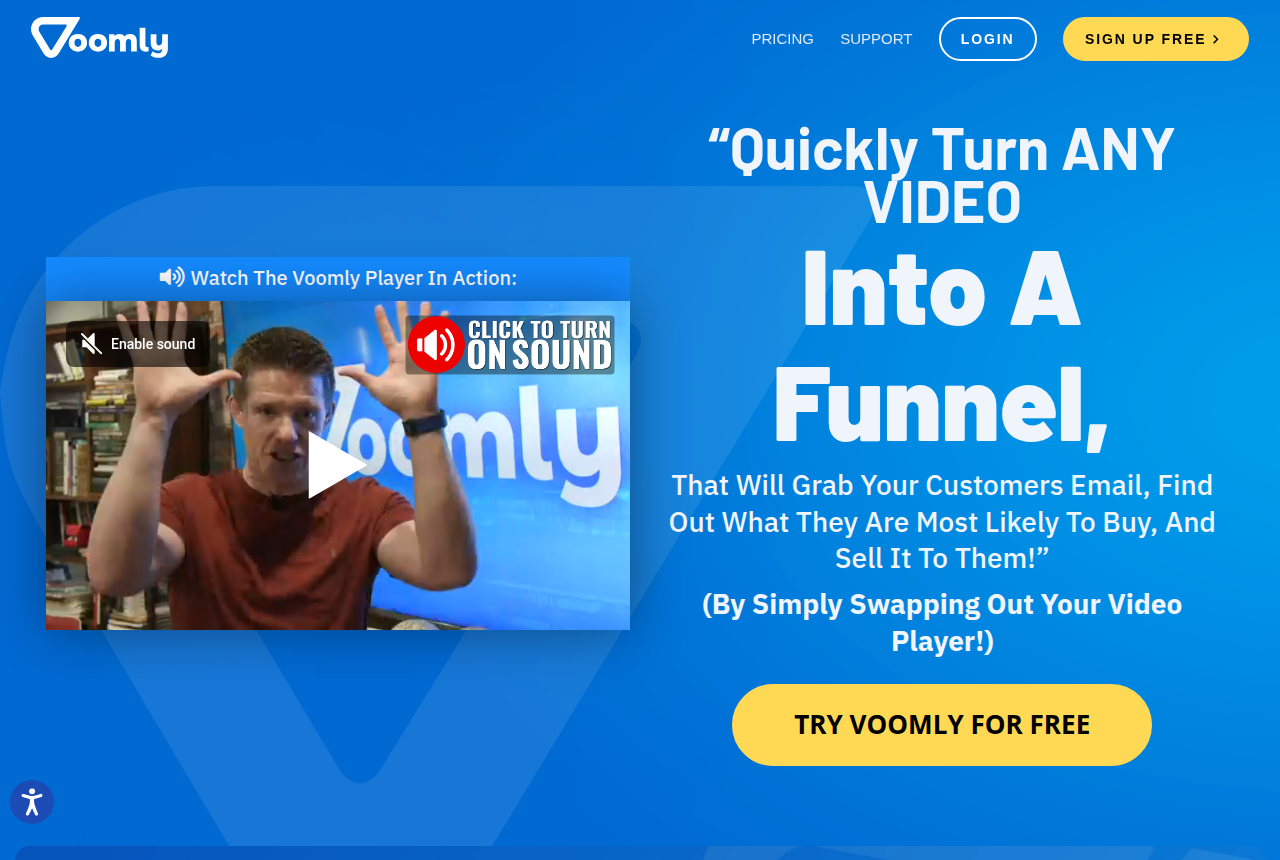
Voomly home page showing its drag-and-drop video creation and hosting studio.

5. Voomly: best Wistia Soapbox alternative for in-video funnel steps

Voomly is the pick if you want interactive funnels in the player and the creation apps on the Cloud plan, with the bandwidth cap removed on Plus.

Voomly is the account to open when the video itself has to contain the funnel. The product page describes in-video funnels and a squeeze player, and Cloud plans bundle creation tools with the hosting. You can build the clip in the same place that plays it, which is closer to the old one-tool habit than a host that only receives an upload from somewhere else.

The steps inside the player are the point: a squeeze, a button, a path through the film. Engagement graphs and heatmaps are the reporting that comes with that. An order that the checkout sends back to an ad platform sits outside this design. Someone who needs that postback is looking at TrackPlay. Someone who wants the funnel drawn on top of the picture, and the creation apps in the same subscription, is looking here.

The Voomly review covers how the tiers step up. Keep the creation bundle in mind before you compare it with a pure recorder. Vidyard and Record will capture the take. They will not hand you a squeeze player and a drawing app in the hosting bill.

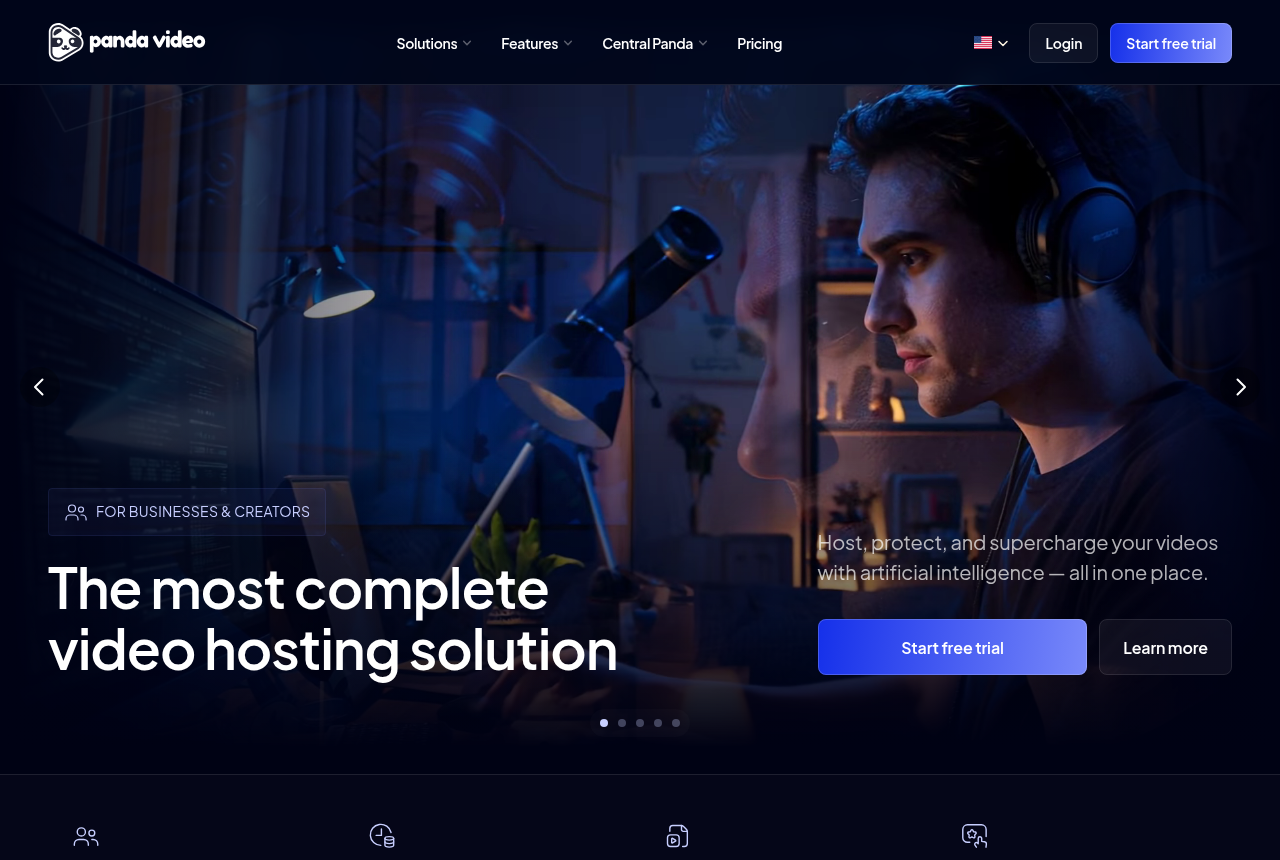
Panda Video home page, headlined 'The most complete video hosting solution'.

6. Panda Video: best Wistia Soapbox alternative for affiliate offer hosting

Panda Video is the pick if you sell courses or run affiliate offers and want VSL features with serious anti-piracy.

Panda Video is the host for an offer or a course where the sales video and the lessons share an account, and where someone ripping the file is part of the worry. The player carries the page tools, including smart autoplay, tests, a funnel and pixels. The account adds DRM, watermarking and anti-download on the files you need to keep.

The bill is a flat plan plus bandwidth. A long film on heavy traffic can add overage on top of the plan, which is the number to model before a launch weekend. Pixels fire in the browser, and the report stays in Panda's own dashboard. A server-side post of the confirmed sale, from the cart to the ad platform, is the TrackPlay side of this pair. The player, the lock on the file and the bandwidth line still apply when you do not need that post.

The Panda Video review has the tier detail. Choose it when the affiliate file or the lesson has to be hard to download, and you can place the ad pixel yourself. Choose TrackPlay when the purchase has to arrive straight from the checkout, with no browser in the middle.

What breaks when you leave Soapbox

The extension mixed two jobs. You could capture both feeds, drop a link on the video, and see that someone opened the email clip. The replacement depends on which of those you still need.

If the work is prospecting, stay with a recorder. Vidyard keeps the capture and the send, and hosting starts once you leave the free grid. Record keeps the capture and files it in Wistia. Business is where a button, a form, a heatmap and a test show up on that hosted file. The meeting rows on the sunset chart do not come with Record, so a HubSpot or Calendly booking that used to live on the video has to be written into the message or onto a page you run.

Email itself needs a second look. The sales thread warned that a video file placed straight in the message can land in spam. A link out to a hosted watch page is the send that avoids that warning. Vidyard's Go Video was the tool one marketer found easier to drop into Outlook than the old extension. That is a placement comment, from 2019, about the workflow. It is not a promise that Outlook will play the picture inside the message.

If the work is a page on traffic you pay for, stop shopping for a Chrome extension. Upload the finished file to a host that can show a timed button and can say whether that play earned the order. TrackPlay is that host in this list: the cart posts back, the tests stay on one embed, and the retention line splits buyers from everyone else. Vidalytics is the player with the longer public record of page tests, and Experiments sit on Pro. Voomly draws the funnel on the video and bundles creation tools on Cloud. Panda Video fits when the same account has to protect a lesson or an offer file, with browser pixels and a bandwidth line you can forecast.

There is no published head-to-head that puts any of these on the same sales video as Soapbox, so no percentage belongs on this page. The research method is vendor pages plus public threads. The host picker is the short form of the same fork: cart, course lock, or a clip that never has to report a sale.

How we picked these alternatives

The sunset article, the Record page, Vidyard's recorder page and pricing grid, TrackPlay's pricing and features pages, and Vidalytics's pricing page were read for this ranking. Public threads supplied the workflow pain: a Chrome extension people credited with replies, an Outlook placement comment, and a warning about video files inside an email. Voomly's own homepage supplied the funnel and the Cloud creation bundle. Panda's place in the list follows this site's existing account of that host: page tools, a lock on the file, browser pixels, and bandwidth on top of a flat plan. We do not run these tools on live campaigns.

The order follows five checks: whether you can still record the screen and the camera, whether a free account hosts the file, whether a timed button exists, whether a sale can be tied to the play, and what breaks in the move, including the meeting links on the sunset chart. TrackPlay leads because a reader who lost a sales clip needs a place the clip can sell from, with the cart attached. Vidyard is second because inbox recording is a real job, and it is a different job from a page on ad traffic. Record is third because it is the replacement Wistia actually shipped.

How I'd decide

I'd judge any Wistia Soapbox alternative on two numbers before I read its feature list: what one sales video costs a month for the traffic you run, and what the player gives back for that money. The VSL hosting cost calculator works out the first from your video length, visitors and watch rate, using each vendor's published rates. For the second, I would read this discussion and this one before trusting a vendor's own account of the same workflow.

Frequently asked questions

What replaced Wistia Soapbox?
Record, inside the main Wistia account. It captures the webcam, the screen, or both, then files the result in the library. That path is separate from an inbox recorder and from a host built to report a sale.
Can I recover old Soapbox videos?
No. The sunset note in the introduction is the last word Wistia published on files left in the product. Support is included in that no.
Do I still need Soapbox if I use Wistia Record?
The old product is already closed, so there is nothing to keep running beside Record. Buttons, forms, heatmaps and tests sit on the Business plan, and the meeting rows on the sunset chart are not listed for Record.
Which alternative fits email prospecting, and which fits a sales page?
For a personal clip you send, use Vidyard, or Record if the file should live in a Wistia library. For a page that has to close and report the order, use TrackPlay. Vidalytics, Voomly and Panda Video are the other hosts once the file is finished and the page is the product.

Sources

From Wistia Soapbox

Other sources

We read 5 discussions and reviews for this page. Quotes are excerpts. Open a link to read the original.

  1. [w-sunset] Sunsetting Soapbox Blog
  2. [w-recover] Sunsetting Soapbox Blog
  3. [r-chrome-cta] Best video messaging tool inquiry Reddit,
  4. [r-outlook] Wistia vs Vidyard Reddit,
  5. [r-spam-embed] Best video messaging tool inquiry Reddit,
See TrackPlay pricing (opens in a new tab)

Related reading

Mara Vance

Written by

Mara Vance

Editor

Mara edits the reviews and roundups on VSL Host Report. She checks autoplay, watch time, timed buttons, lead gates and page speed when the visitor is new and the traffic is paid. She also maps what each host really costs, whether it bills per play, per gigabyte or per seat, and rebuilds the monthly bill for a typical VSL funnel. For each piece she reads long-term user reports across forums and review sites, works through the vendor's own docs and pricing, and confirms the numbers before a verdict goes live.

marav@vslhostreport.com

Last checked 2026-10-24

Comments

No comments yet. Questions and your own experience are welcome.

Leave a comment

Thank you. Your comment will appear once it has been reviewed.