Head-to-head
Vidalytics vs Cloudflare Stream
Down to a sales-video player or Cloudflare video delivery? One ships the buttons and the chart. The other meters minutes, and you build the sales layer.
Quick answer
Pick Vidalytics if you need a finished VSL player with Smart Autoplay, per-second retention and conversion tracking without hiring a developer; pick Cloudflare Stream if you already live on Cloudflare, have engineering help, and only need minute-priced storage and delivery while you build CTAs and analytics yourself.
A sales player, or minutes on Cloudflare
You have two tabs open, and both can hold a sales video. One is a player you paste onto the landing page, with the conversion tools in the same account. The other is Cloudflare's pipeline for storing and delivering the file, and the buttons, the gates and the retention chart are still work for whoever builds the page.
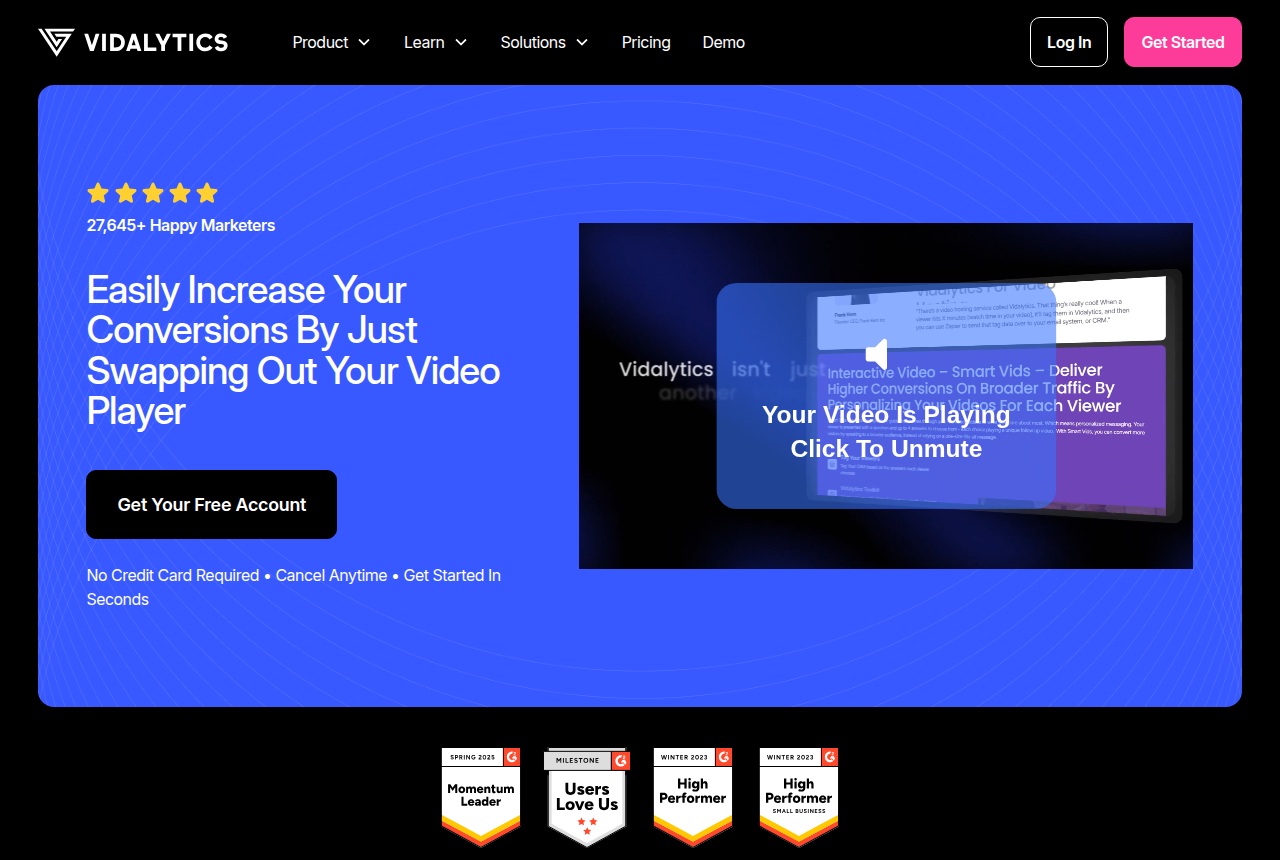
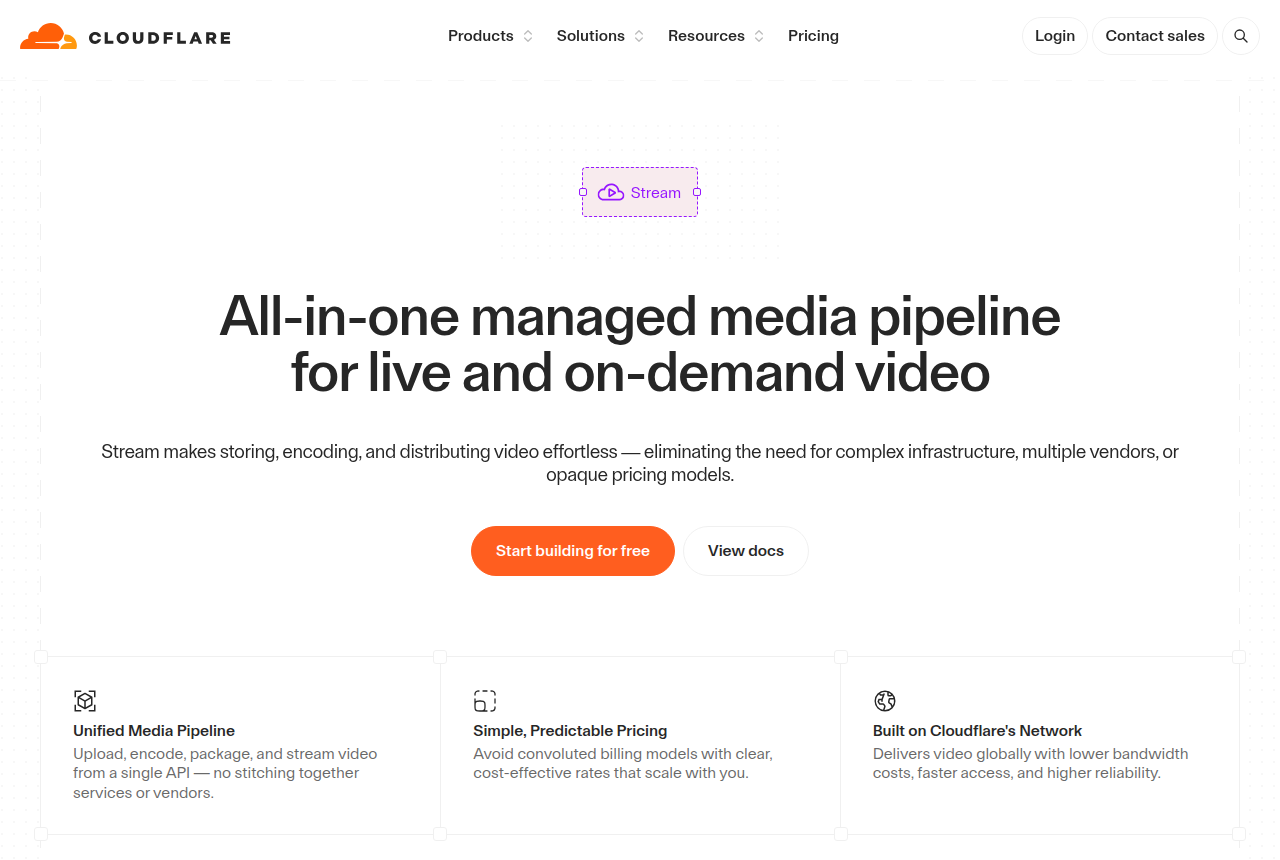
Vidalytics says it is a fit for video sales letters, course creators, funnel builders, direct-response marketers and ecommerce brands. The job it is selling is the swap: take the player you have and put this one on the page. Stream's player docs describe a web player for on-demand and live video that needs no extra engineering for ordinary playback. Developers on r/webdev describe that trade in plain language. Stream is cheaper, it has global coverage, and it is barebones next to hosts built for marketers.
A Cloudflare community review that set Stream beside Wistia and YouTube ranked Cloudflare last on statistics. The numbers in that review are delivery totals. A chart of which second lost the pitch is a different report, and it is the one a VSL editor opens on Monday.
| Vidalytics | Cloudflare Stream | |
|---|---|---|
| Best for | Direct response | Teams already on Cloudflare |
| From | $19/mo | $5/mo minimum |
| Billing | Plays per month | Usage-based |
| Free plan | 1,000 plays, 3 videos | No free minute allowance |
| Sale attribution | Conversion tracking | None built in |
| Smart Autoplay | Muted fallback, restarts on unmute | Ordinary playback in the embed |
| Conversion chart | Heatmaps on Pro and above | Delivery statistics |
| Spend limit | Playback continues past the allowance | Budget email only |
Where Vidalytics pulls ahead
What works
- Video conversion tracking pins the exact second a viewer converted, and heatmaps plus buyers-versus-non-buyers segments show where attention drops.
- Smart Autoplay falls back to muted autoplay and restarts with sound on the first click, the feature its users credit for the biggest conversion lifts.
- A large, named direct-response user base and years on the market give it a track record newer players do not have yet.
What to watch
- Plans meter plays per month. On the paid annual plans, each play past the allowance is an extra charge, and going past the allowance does not turn the player off.
- Attribution stops at conversion tracking and CRM tags. The cart-verified sale is never sent from its server to the ad platforms.
What you get when you paste the embed
Smart Autoplay is described on the Vidalytics pricing page. If the browser allows sound, playback starts with it. If sound is blocked, playback falls back to muted and restarts when the viewer unmutes. That restart is the mechanism. The viewer who taps for sound hears the opening again, rather than joining the pitch halfway through.
Heatmaps, segmentation and conversion tracking are on Pro and above. Free and Starter store the video and count plays. The conversion chart starts on Pro. A seller who only needs the file to play can stay on the lower plans. A seller who cuts dead seconds needs the Pro features, and choosing that plan is separate from choosing the player.
Stream's built-in player is the embed in those player docs. It will play the file, on demand or live, without a custom player build. The same page does not describe a muted fallback that restarts on unmute, a button revealed at a chosen second, or a heatmap of the pitch. People who have shipped it call that barebones for a reason. The pipe is the product. The sales layer is the page you write around the iframe.
What one sales video costs on each meter
Vidalytics bills per play. Free Forever includes 1,000 plays a month and 3 stored videos. Starter is $19 a month billed annually, or $24 month to month, with 2,000 plays a month (24,000 a year on the annual plan). Pro is $63 a month on annual billing, or $79 month to month, with 5,000 plays a month, and it is the lowest plan with conversion tracking, heatmaps and segmentation. Premium is $119 a month on annual billing, or $149 month to month, with 15,000 plays a month. Extra plays on the paid annual plans are $0.02 each. Paid plans include a 14-day trial. The free account does not ask for a card.
Stream's pricing docs list two charges. Stored minutes are prepaid at $5 per 1,000. Delivered minutes are $1 per 1,000, billed at the end of the month. Ingress and encoding are included. There is no free allowance of stored or delivered minutes, so the first upload sits on a storage block. If that block is full, new uploads wait until you buy another block or delete a video.
Take a 20-minute sales video, 5,000 people starting it, and a quarter of it watched. That is 25,000 delivered minutes, which is $25 of delivery. The file itself is 20 minutes, so it sits in one storage block at the rate above. Those 5,000 starts are 5,000 plays on Vidalytics, past Starter's 2,000 and inside Pro's 5,000. Watch time moves the Stream number. A viewer who leaves after the hook and a viewer who sits through the close count as one play each.
Autoplay changes the Stream side. Client-side preloading and buffering count as delivery, so a player that fills the buffer ahead of the viewer can add minutes before the pitch is finished. A quiet test and a page that autoplays into a long buffer are not the same invoice.
A heavier month shows the same split more clearly. Forty-five minutes, 30,000 starts, a fifth of the video watched, is about 270,000 delivered minutes, about $270 of delivery. One file of that length still sits in a single storage block. On Vidalytics those 30,000 starts are 30,000 plays, past Premium's 15,000, so the extra-play rate on the annual plan applies to the plays above that allowance. The VSL hosting cost calculator runs your own length and traffic. The Cloudflare Stream pricing breakdown stays with the minute math.
Budget alerts on Cloudflare send an email. They do not pause playback and they do not cap the spend. A traffic spike, or a player that keeps buffering, keeps adding delivered minutes until someone changes the page. The Vidalytics overage is the per-play charge already listed.
Where a conversion gets recorded
On Pro and above, Vidalytics can mark a conversion against the video and segment the audience. That record lives in the Vidalytics dashboard. It is not a cart-confirmed order posted from Vidalytics to Meta or TikTok. Stream's pricing and player pages describe storage, delivery and playback. They do not describe a purchase attached to the view. If the ad account has to learn from a confirmed order, this pair does not settle it.
Vidalytics vs Bunny Stream is the same kind of fork on a different CDN, gigabytes instead of minutes. The Vidalytics review stays with the player. The Cloudflare Stream review stays with the pipe. The Cloudflare Stream alternatives guide lists hosts that already include a sales layer.
My take
I would put Vidalytics on a sales page that has to convert before anyone is free to build a player. Smart Autoplay and the Pro chart are the reason. I would plan the month in plays, because a better edit that holds people longer leaves that bill flat, and I would turn the chart on with Pro rather than expect it on Starter.
I would put Cloudflare Stream on a site that already lives in a Cloudflare account, with a developer who will own the embed. Encoding is included, and the invoice is minutes stored plus minutes delivered. I would leave room for buffering, and I would treat the budget email as a warning, not a ceiling. The statistics in that community review are enough to run a delivery bill. They are thin if the job is cutting the pitch.
Our pick
Vidalytics
Vidalytics is the pick if you want a proven direct-response player with deep conversion analytics and can live with play-based pricing.
Frequently asked questions
Is Vidalytics or Cloudflare Stream better for a VSL?
How much does each cost for a sales video?
Does Cloudflare Stream have Smart Autoplay or timed buttons?
Does Vidalytics bill for bandwidth?
Can either send a sale to Meta?
Sources
The vendors' own pages
- Vidalytics home
- Vidalytics pricing
- Cloudflare Stream pricing
- Using the Stream player
- Cloudflare budget alerts
Other sources
Related reading

Written by
Mara Vance
Editor
Mara edits the reviews and roundups on VSL Host Report. She checks autoplay, watch time, timed buttons, lead gates and page speed when the visitor is new and the traffic is paid. She also maps what each host really costs, whether it bills per play, per gigabyte or per seat, and rebuilds the monthly bill for a typical VSL funnel. For each piece she reads long-term user reports across forums and review sites, works through the vendor's own docs and pricing, and confirms the numbers before a verdict goes live.
Last checked 2026-10-16
Comments
No comments yet. Questions and your own experience are welcome.
Thank you. Your comment will appear once it has been reviewed.