Which events to send to Meta and TikTok
Pick the platform, the player and the cart. You get each event name, where it fires, and the click id to keep.
Ad accounts count a conversion the moment the page opens. The sales video plays on its own page, and the order is taken in a cart on another. A two-second visit then looks like a buyer, and the account goes looking for more of those visits.
I'd start with the click ids and the pitch, and skip any pixel that fires when the page opens.
The events to send
Store fbclid and ttclid before the embed loads. Send the mechanism and the pitch as ViewContent, from the browser and from the server when the player can do both, under one shared id. Let the cart send Purchase to Meta and CompletePayment to TikTok.
Build the list for your stack
Choose the ad platform, where the video plays, and which cart takes the order. All three are required. The rows appear under the button.
The event rows for your stack appear here.
What each host actually sends
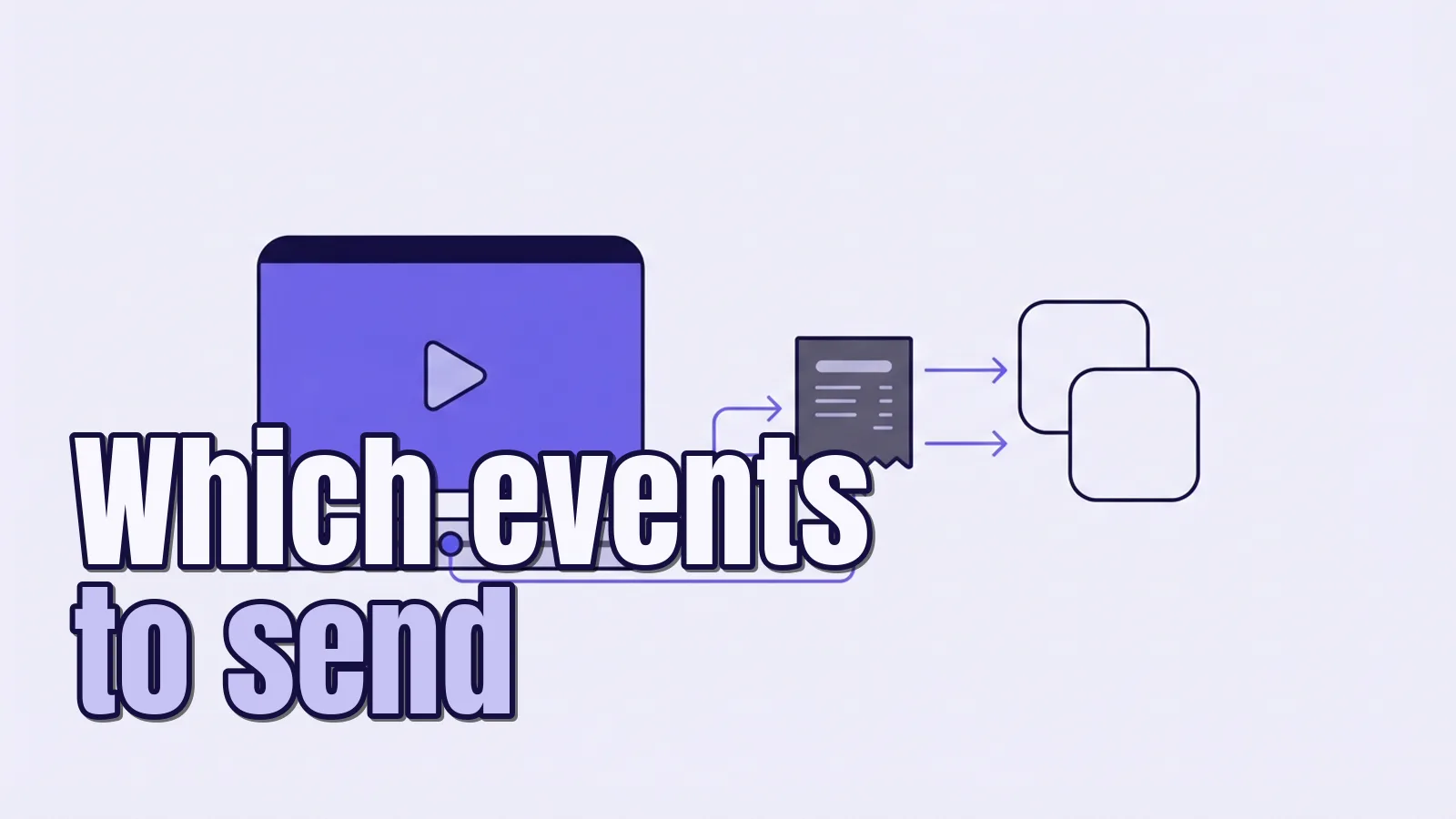
VSL pixel tracking that fires on arrival trains the account on bounces. TrackPlay's watch-time page states the mechanism in one sentence: "A page-load pixel reports every two-second bounce as a signal, and the ad platform finds you more of them."
The click has to be kept before the player loads, or a later server event cannot be tied to the person who clicked. Meta matches on fbc and fbp. TikTok matches on ttclid. TrackPlay's Meta integration attaches the click id captured on the session, along with SHA-256 hashes of email, phone and name. Its TikTok integration puts the landing-page ttclid on the server event with hashed email and phone. On a page you assemble yourself, read fbclid and ttclid off the landing URL and keep them, with the UTMs, in a first-party cookie.
Meta has no standard event for a video watch. TrackPlay's article on watch time and the Conversions API says Meta has 17 standard events and none of them is about video, so the nearest name is ViewContent. The same article recommends two or three named moments from the script: reached the mechanism, reached the pitch, clicked to order. The timed script blocks show where those lines fall. That product can still fire at 25, 50, 75 and 100 percent, or at a time you choose. The server posts a ViewContent to Meta's Conversions API and to TikTok's Events API at each of those marks. On a long sales video, the mechanism and the pitch are the two moments worth naming. The quarter marks can stay as an audience.
When the browser and the server both send that ViewContent, the names have to match and the ids have to match. The article's rule is specific: the pixel's eventID must equal the server's event_id. A sale uses a different id. The watch-time page says purchases carry an event id built from the order, so the browser copy and the server copy of a sale count once.
TikTok's pixel guide recommends running the pixel and the Events API together. On that platform a sale is CompletePayment, a form is SubmitForm, a button is ClickButton, and a watch milestone is ViewContent. TrackPlay can also send a custom HotLead for someone who watched and has not bought. Leave HotLead off until you have a use for that audience. The full sequence is in the tracking section on the best-hosts page. The video sales letter guide explains the format these moments belong to.
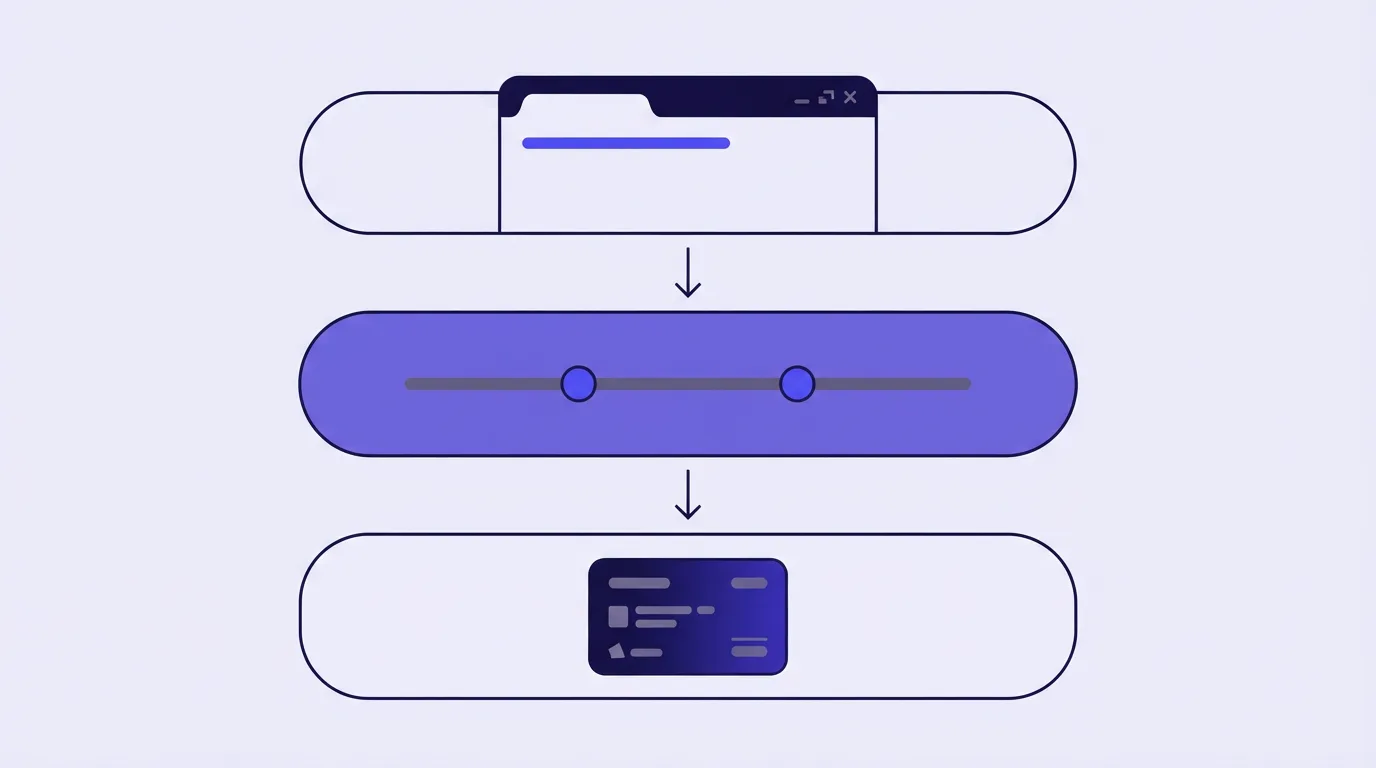
TrackPlay posts the watch and the sale
On Meta, the server events are Purchase when a cart posts the order, Lead on a form, ViewContent on a call-to-action click and on the watch moments, plus the custom HotLead. On TikTok the matching set is CompletePayment, SubmitForm, ClickButton, ViewContent and HotLead. The cart postbacks page names seven carts. The six carts named on this page, which the planner treats as a server sale, are ClickBank, BuyGoods, Digistore24, WarriorPlus, JVZoo and Kiwify. Each posted order is attributed to the session, the video and the split-test variant that produced it. A cart outside those six means you send the sale yourself.
Vidalytics borrows the pixel already on the page
Vidalytics' micro-conversion article says the player uses the Facebook pixel already installed on the page, and that the pixel has to be there or nothing is sent. The player does not install that pixel. A second help article says you should see events such as "1% watched" or "5% watched". Those are browser events, on Starter and above. The help pages read for this planner do not document a TikTok Events API post, so a TikTok cell for this player stays with you. The order is also yours: a pixel on the thank-you URL, or a Conversions API call you send.
Panda Video marks engagement for remarketing
Panda Video's pixel page says the player tracks impression, click and view events so you can segment audiences by how far people engaged, and that Meta and Google tags can sit in the player. There is no cart postback on that page. The order still has to leave from the checkout. Server-side conversion tracking for the sale is your endpoint, or a pixel on the confirmation, when the host stops at those three browser events.
Voomly and a bare page pixel
Voomly documents Facebook and Google tracking IDs for courses. No cart postback is documented, so the planner marks Voomly rows as browser-side and leaves the sale with you. A page that only has your own pixel can use the same names as the TrackPlay set. Every row is yours, from the cookie through ViewContent to the sale.
One checkout detail sits outside the host. If the confirmation page loads inside an iframe, the pixel has to be inside that frame. The surrounding page cannot place it there, and a tag manager that only sees the surrounding page cannot either. Media buyers describe that miss in an r/PPC thread on conversion tracking in an iframe.
A ClickBank order, with Meta and TikTok both on
Take both ad platforms, TrackPlay as the player, and ClickBank as the cart. ClickBank is one of the six postback carts, so the sale can leave from TrackPlay's server once ClickBank posts the order.
The landing URL carries fbclid and ttclid. Keep both, and the UTMs, before the embed. Later server events then carry fbc and fbp to Meta, and ttclid to TikTok, with the hashed contact fields each integration lists.
Mark the mechanism and the pitch in the script. Each goes out as ViewContent on both platforms, from the browser and from the server. Give both copies the same event name, and set the pixel eventID equal to the server event_id, which is the dedup rule above. The click toward the order is ViewContent on Meta and ClickButton on TikTok. HotLead stays optional, for people who reached the pitch and have not bought.
When the order posts, the sale row is Purchase on Meta and CompletePayment on TikTok, from the server, with an id built from the order. Open Test Events in Events Manager and the Test Events tab TikTok provides, and look for the watch pair and the sale pair before you raise spend. The analytics guide is the place for the retention graph that shows where those two moments actually fall.
Landing
Meta stores fbclid. TikTok stores ttclid. Both are kept in the browser before the embed, with the UTMs. You store them, and TrackPlay attaches fbc, fbp and ttclid on the server events that follow.
Mechanism and pitch
Both platforms get ViewContent, from the browser and from the server. The click ids are fbc and fbp, plus ttclid. TrackPlay posts both copies, and the pixel eventID has to equal the server event_id.
Order click
Meta gets another ViewContent. TikTok gets ClickButton. TrackPlay sends that call to action from the browser and from the server, on the same click ids.
Hot lead, optional
HotLead goes to both platforms from the server, on the same click ids. Turn it on only for people who watched and have not bought.
ClickBank sale
Purchase goes to Meta and CompletePayment goes to TikTok, from the server, after ClickBank posts. The click ids ride along with hashed email and phone. The id on that pair is built from the order.
The player that posts a cart-verified sale
TrackPlay is a VSL player and analytics platform for paid-traffic funnels. It hosts the video behind one embed, and it posts the sale the cart confirms back to the ad platforms from its server. That postback is why it leads this planner when the cart is one of the six above. The TrackPlay review covers the player. TrackPlay vs Vidalytics is the comparison when you are choosing between a server postback and percentage events into a pixel you already have. The Vidalytics review has the rest of that player.
It is narrow by design. Built for a direct-response sale, it has none of the channels, SEO pages or webinar tooling of a Wistia, and a video whose job is content marketing is a poor fit. A pitch that has to report a sale still has the player, the watch events and the postback.
Outside proof is thin. Testimonials sit on the vendor's own site, independent reviews are scarce, and signup is invite-only. That is what a platform this new looks like, and it is a real limit if you wanted a stack of third-party write-ups before the traffic starts.
If you have not picked a host yet, the VSL host picker asks five questions and names one. The picker is linked from the best VSL hosts page.
My take
TrackPlay is the player I'd open when the cart already posts the sale, because Purchase and CompletePayment then leave with the click id attached. I'd skip it for a content library. A player that only sends watch percentages still needs the sale fired after checkout, and TikTok stays on a server you operate until Vidalytics documents an Events API post.
Frequently asked questions
How is this different from the tracking guide?
Does Vidalytics send TikTok events from its servers?
What if the thank-you page sits in a frame?
Sources
- TrackPlay: watch-time pixel firing
- TrackPlay: Meta Conversions API
- TrackPlay: TikTok Events API
- TrackPlay: cart postbacks
- TrackPlay: watch time and the Meta Conversions API
- Vidalytics help: micro conversion tracking
- Vidalytics help: micro events in Facebook
- Panda Video: tracking pixels
- TikTok: get started with the pixel
- r/PPC: conversion tracking in an iframe
Related reading
Changes to this page
- 22 November 2026: first published, with the stack picker and the event rows taken from the vendor pages linked above.

Written by
Mara Vance
Editor
Mara edits the reviews and roundups on VSL Host Report. She checks autoplay, watch time, timed buttons, lead gates and page speed when the visitor is new and the traffic is paid. She also maps what each host really costs, whether it bills per play, per gigabyte or per seat, and rebuilds the monthly bill for a typical VSL funnel. For each piece she reads long-term user reports across forums and review sites, works through the vendor's own docs and pricing, and confirms the numbers before a verdict goes live.
Last checked 2026-11-22
Comments
No comments yet. Questions and your own experience are welcome.
Thank you. Your comment will appear once it has been reviewed.